TubeOnAI or NoteGPT: Which Should Handle Your Video Notes?
NoteGPT is built for studying; TubeOnAI is built for following channels and turning content into posts. Here is how they compare.

Updated
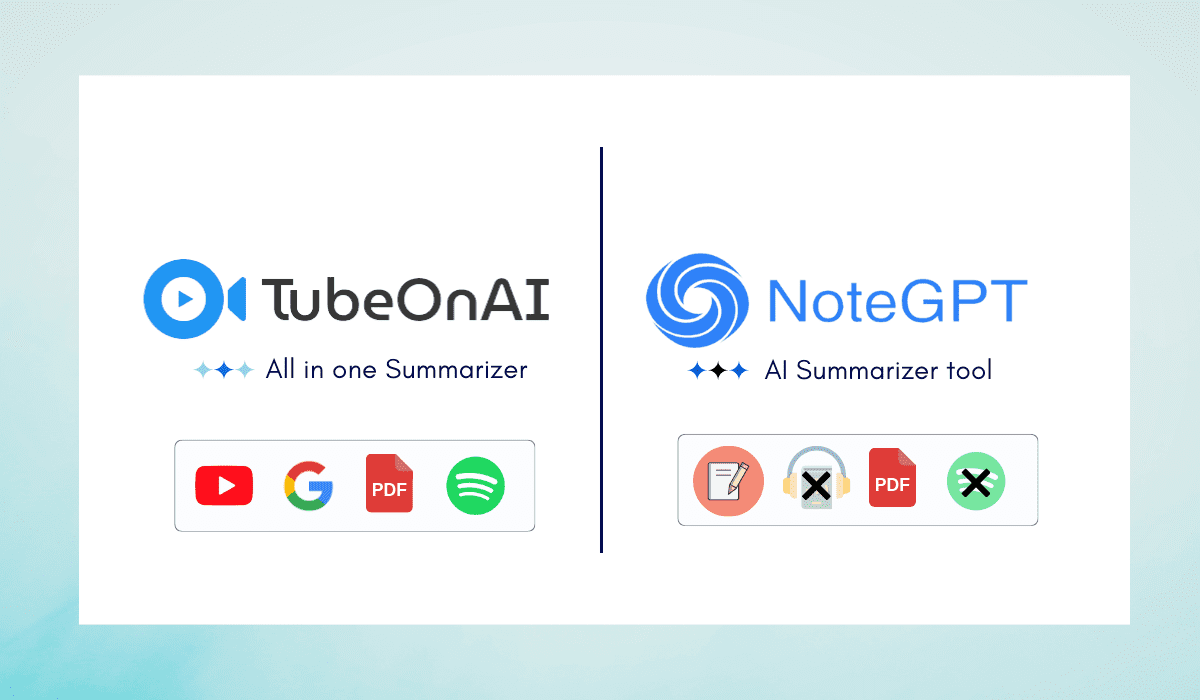
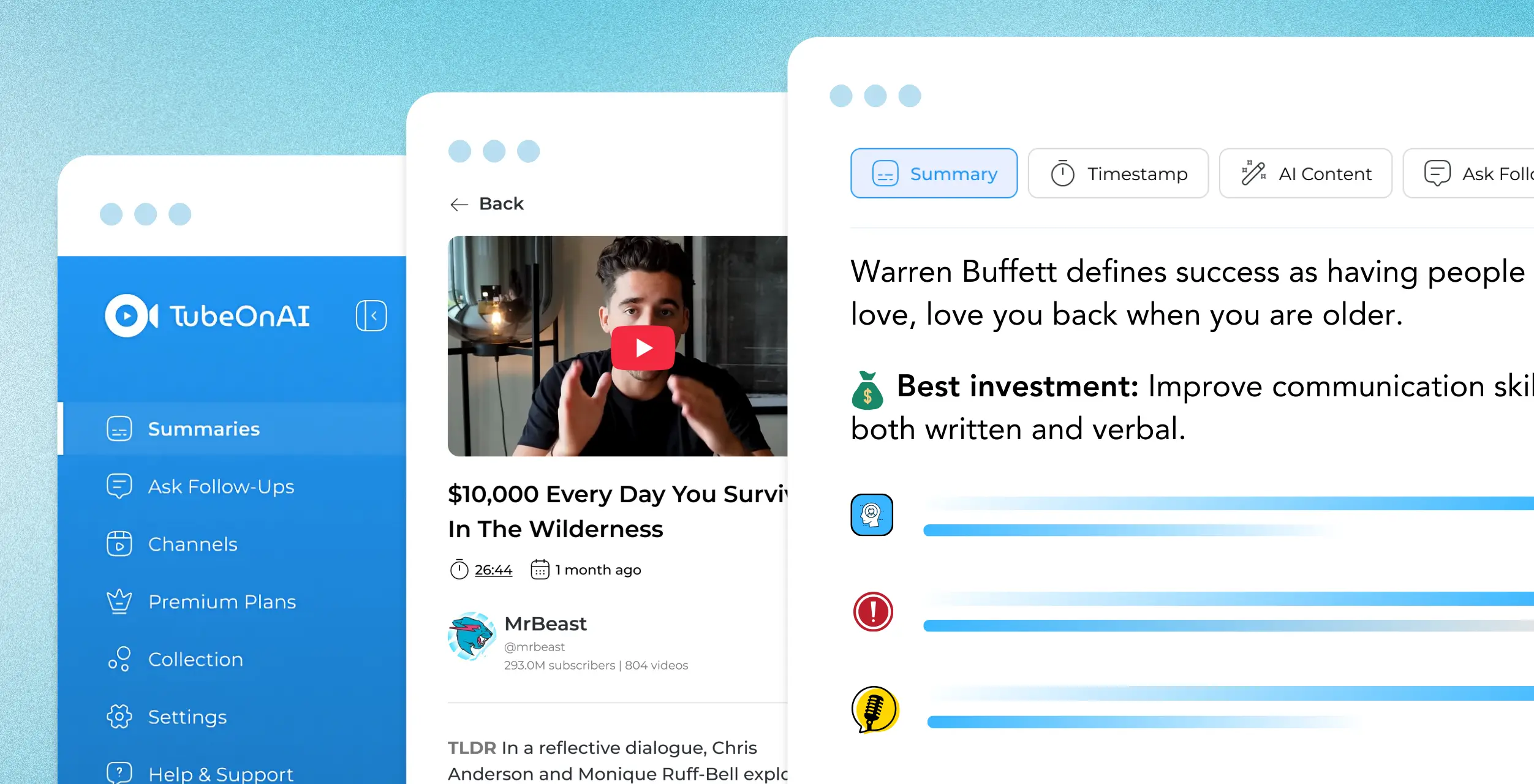
Short answer: both tools summarize YouTube videos (including videos without subtitles), PDFs and audio, and both have a free plan. NoteGPT is the better fit if you are studying: mind maps, flashcards and quizzes are built in, and paid plans can process up to 20 videos at once. TubeOnAI is the better fit if you follow creators and turn what you watch into content: it auto-summarizes new uploads from channels you subscribe to (3 channels on the free plan), has 150+ repurposing templates, and runs on iOS and Android as well as the web and Chrome.
NoteGPT details below were checked on notegpt.io in October 2026. NoteGPT changes quickly, so confirm limits on its pricing page before you pay.
Features and Plans Side by Side
| TubeOnAI | NoteGPT | |
|---|---|---|
| Main job | AI summarizer and content repurposer | AI learning assistant and note taker |
| Sources | YouTube and other public video/audio links (Dailymotion, Bilibili, Twitch, SoundCloud; availability varies by site), podcasts, web articles, PDFs, Google Docs, Slides and Drive files, uploads | YouTube, PDFs, Word files, audio and video files, plus a Udemy summary extension |
| Videos without subtitles | Yes | Yes (up to 120 minutes per video on Pro, 210 minutes on higher plans) |
| Follow YouTube channels | Channel subscriptions auto-summarize new videos: 3 channels free, 25 on Essential, unlimited on Pro | Channel summaries on paid plans: 2 (Pro), 10 (Unlimited), 20 (Max) |
| Study tools | Chat with any summary (Ask Follow-Ups), Collections library | Mind maps, flashcards, quizzes, homework helper, AI chat |
| Content creation | 150+ repurposing templates: blog posts, X threads, newsletters, LinkedIn posts, custom prompts | AI essay writer, slide and presentation maker, AI humanizer and detector |
| Audio | Listen to summaries (text-to-audio on Pro) | Text to speech and an AI podcast generator |
| Languages | Translate into 30+ languages | Subtitle translation in 60+ languages |
| Platforms | Web, Chrome extension, iOS, Android | Web, Chrome and Edge extensions (no official mobile app listed) |
| Free plan | Starter, free forever: 3 channel subscriptions, 400 credits | Yes (limits not listed on the pricing page) |
| Paid plans (as of October 2026) | Essential $9/mo, Pro $19/mo, Enterprise $29/mo; 7-day free trial | Pro (from $9/mo), Unlimited and Max |
Where NoteGPT Is Stronger
Study outputs in one place. NoteGPT can turn a video or PDF into a summary, a mind map, flashcards or a quiz without leaving the app. If your goal is revising for an exam, that saves you a step.
Batch work. Paid plans process 5, 10 or 20 YouTube videos at once, depending on the tier, which helps if you are working through a whole course playlist.
A wider general toolbox. Beyond summaries, NoteGPT offers slide generation, an AI essay writer, an AI detector and humanizer, and voice tools. If you want one subscription for many small AI tasks, that breadth is a plus.
Edge support. NoteGPT has both a Chrome and an Edge extension.
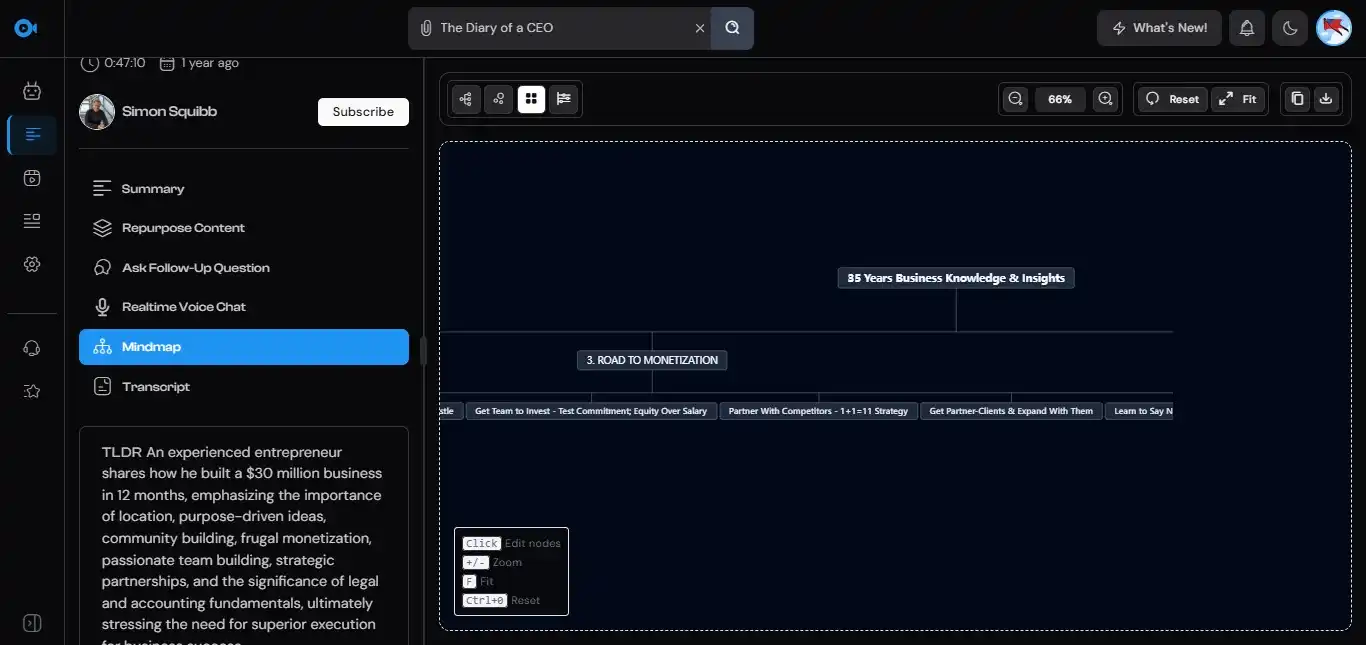
If you mainly want mind maps, TubeOnAI also has a separate free AI mind map generator, but in NoteGPT they sit next to your notes.
Where TubeOnAI Is Stronger
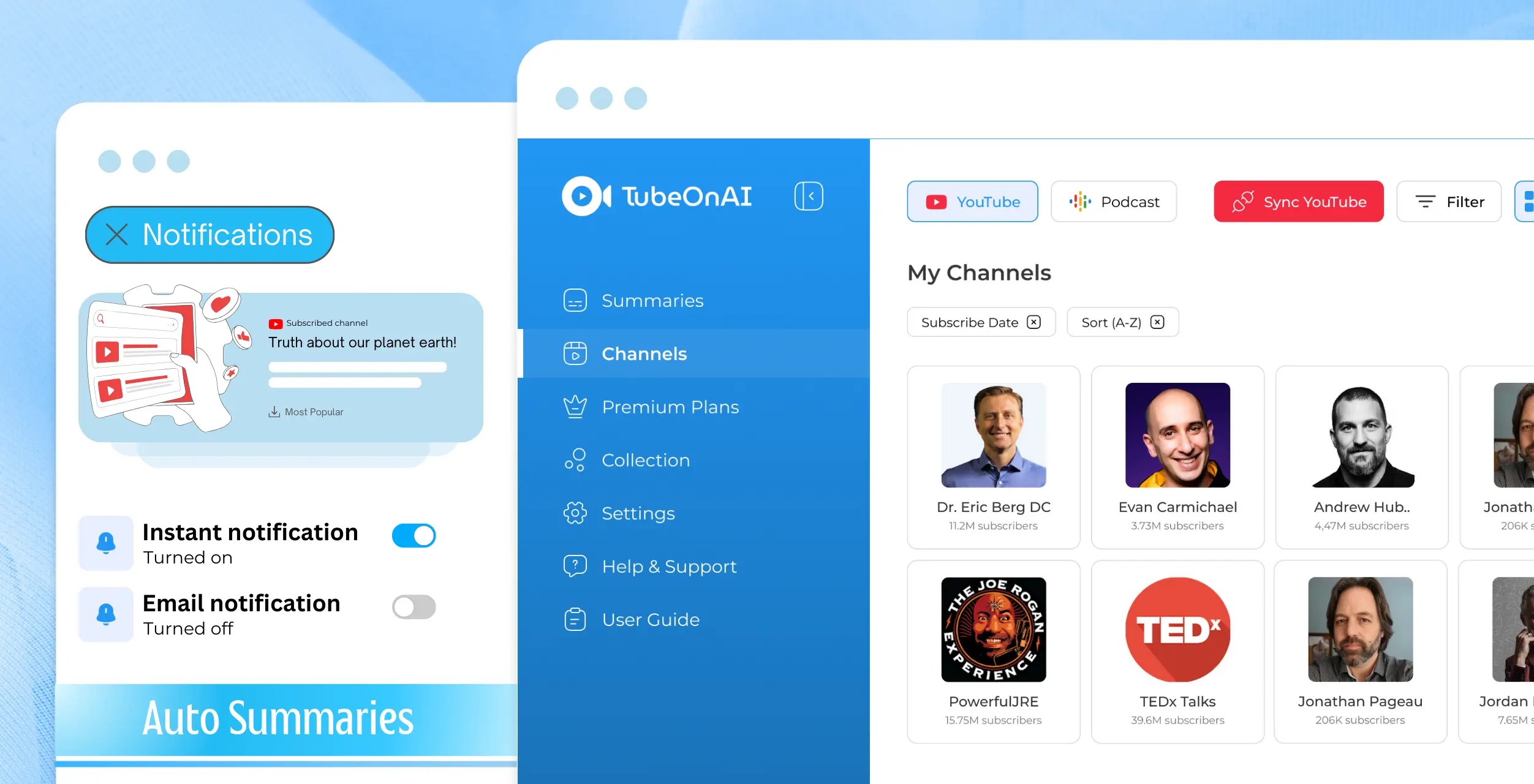
Following Channels Without Checking Them
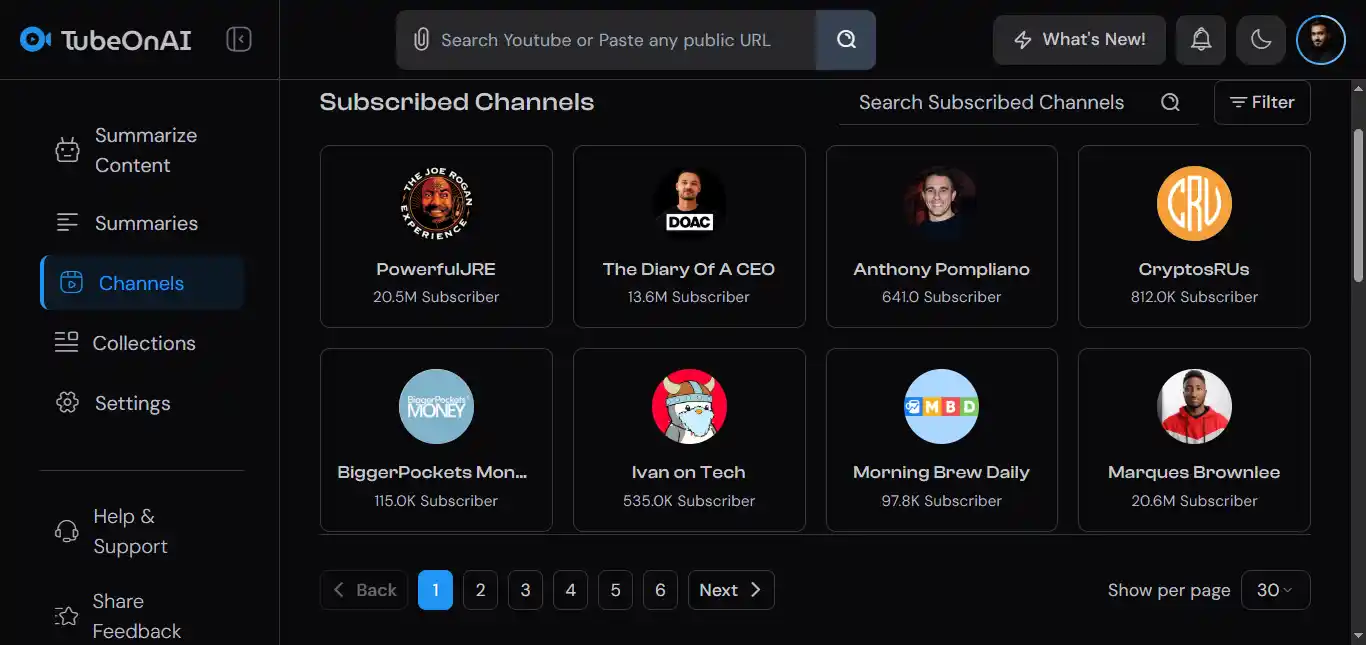
Subscribe to a YouTube channel in TubeOnAI and new videos are imported and summarized automatically, with instant notifications. The free plan already includes 3 channel subscriptions. NoteGPT offers channel summaries only on paid plans.
This turns TubeOnAI into a personal content feed: you read the summary first and only watch the videos that are worth it.
Turning What You Watch Into Posts
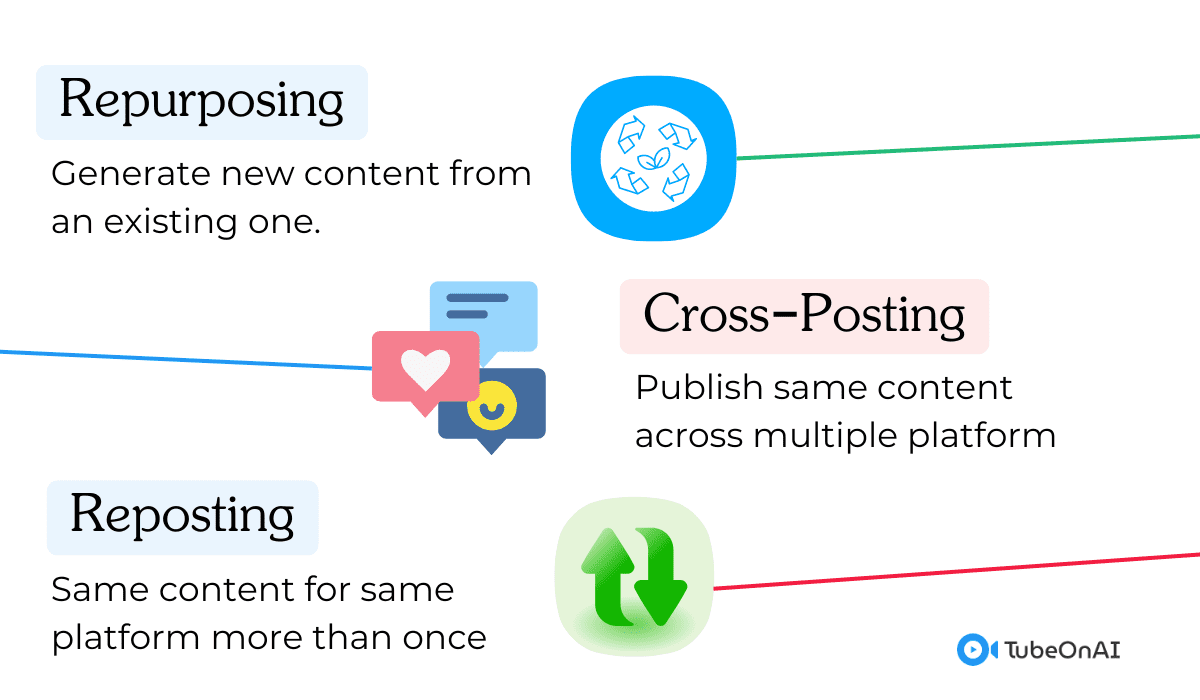
Both tools can repurpose content, but they aim at different people. TubeOnAI’s 150+ templates are built for creators and marketers: blog posts, X threads, email newsletters and LinkedIn posts, plus custom prompts for anything else. You can also save summaries into Collections and bulk-repurpose a whole collection.
NoteGPT’s writing tools lean toward school work (essays, slides, homework help).
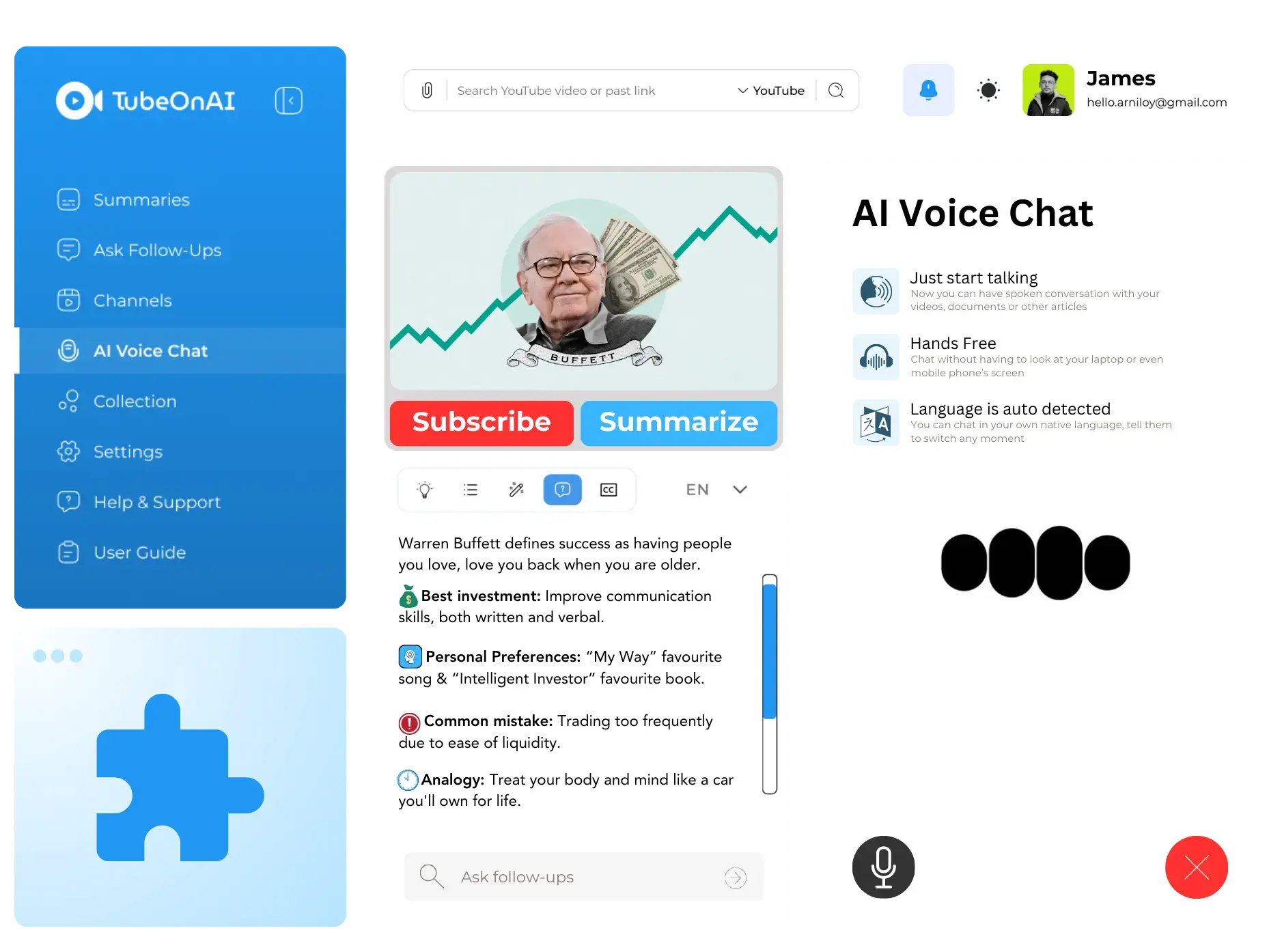
More Sources Than YouTube
TubeOnAI accepts public links from several video and audio sites, not just YouTube, along with podcasts, web articles and Google Docs, Slides and Drive files. Like NoteGPT, it can also summarize videos that have no transcript, including media you upload.
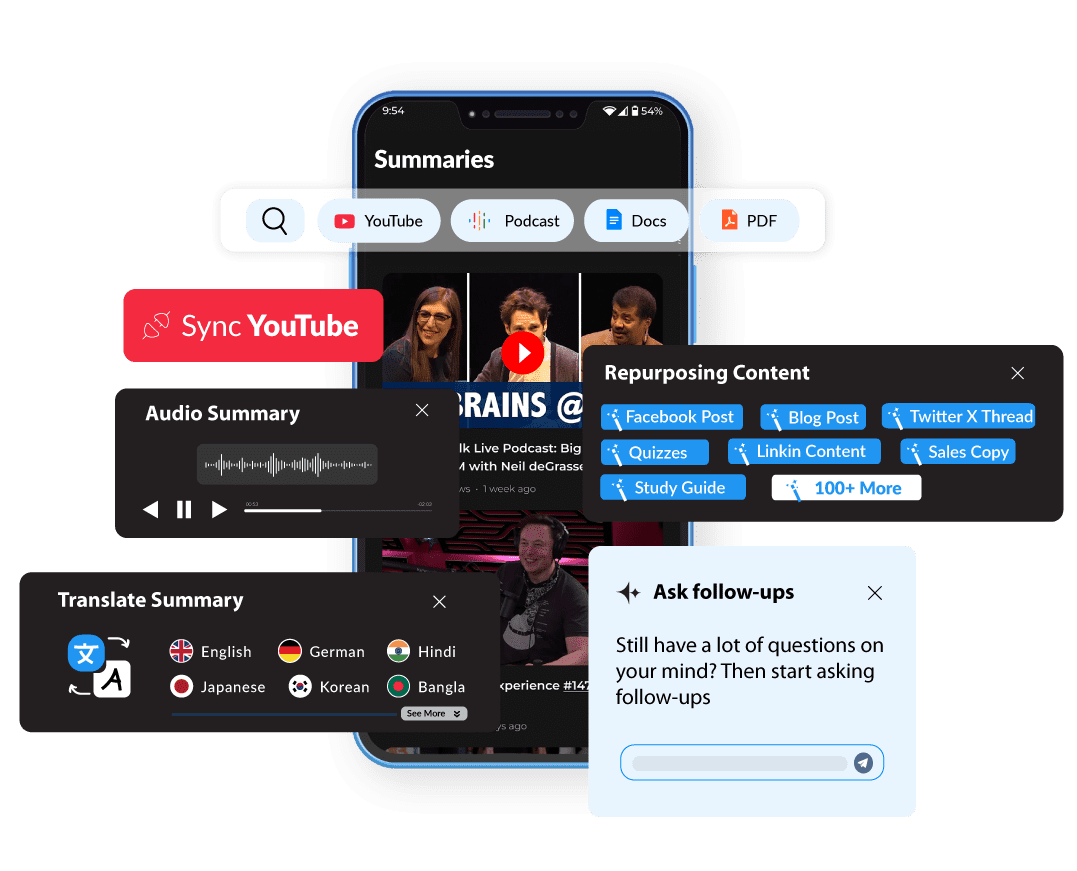
Chat and Translation
Both tools let you ask questions about the content you summarized. In TubeOnAI that is Ask Follow-Ups (Magic Chat), and summaries can be translated into 30+ languages.
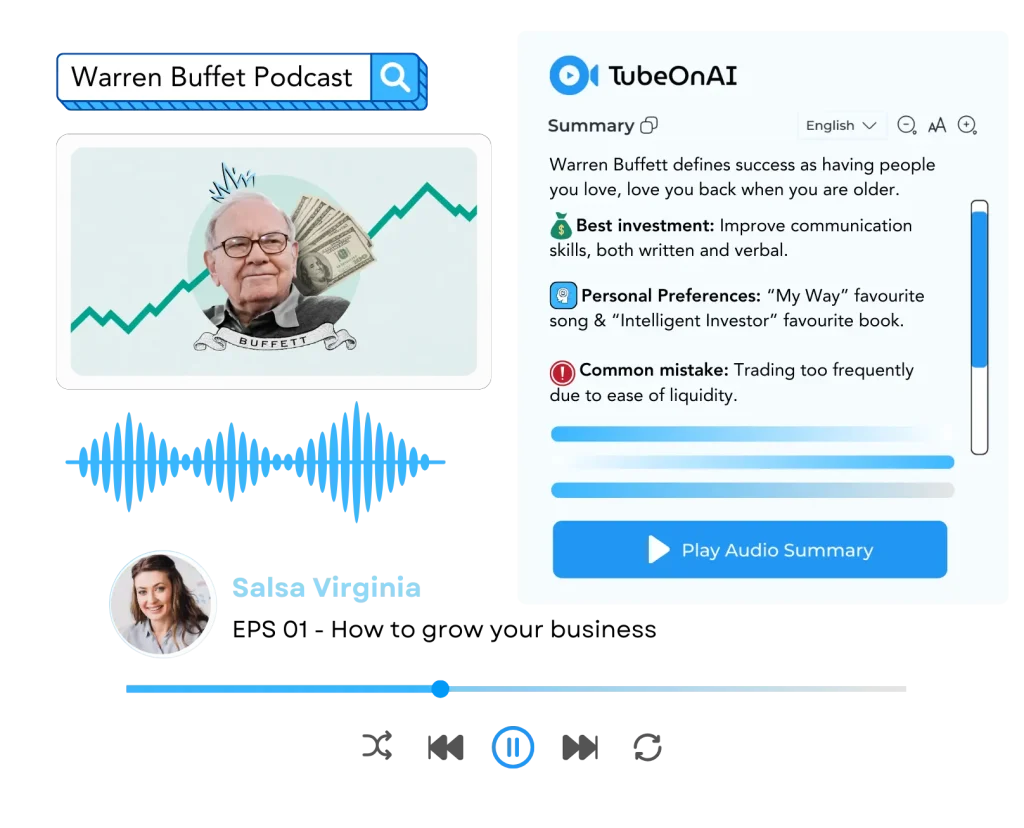
Listening Instead of Reading
On the Pro plan, TubeOnAI can turn a text summary into audio and keep playing it in the background, which is handy on a commute. NoteGPT’s audio tools work differently: it offers text to speech and an AI podcast generator.
Apps for Your Phone
TubeOnAI runs in the browser, as a Chrome extension, and as iOS and Android apps. NoteGPT lists its website and its Chrome and Edge extensions as its official channels and does not list a mobile app.
Verdict: Study Tool or Creator Tool
Choose NoteGPT if you are a student or learner who wants summaries, mind maps, flashcards and quizzes from lectures and PDFs, or you need to batch-process many videos at once.
Choose TubeOnAI if you follow specific YouTube channels or podcasts and want new episodes summarized for you, you turn videos into blog posts, threads or newsletters, or you need the tool on your phone.
Both have free plans, so the quickest test is to run the same video through each and compare the output. If neither fits, our list of NoteGPT alternatives covers other options.
Frequently Asked Questions
Is NoteGPT free?
Yes. NoteGPT has a free plan, and paid Pro, Unlimited and Max plans add more credits, longer videos without subtitles, batch processing and channel summaries.
Is there a free version of TubeOnAI?
Yes. The Starter plan is free forever and includes 3 channel subscriptions and 400 credits. Paid plans start at $9/month (Essential) and come with a 7-day free trial. See pricing.
Can both tools summarize videos without transcripts?
Yes. TubeOnAI summarizes YouTube videos without a transcript and uploaded media. NoteGPT says it can summarize videos without subtitles up to a length limit set by your plan.
Does NoteGPT have an API?
We could not find public API documentation on notegpt.io as of October 2026. NoteGPT is used through its web app and its Chrome and Edge extensions.
Read More Comparisons