TubeOnAI vs HARPA AI: Content Summarizer or Browser Agent?
HARPA AI automates your browser; TubeOnAI follows channels and turns videos, podcasts and documents into content. Here is how to choose.

Updated
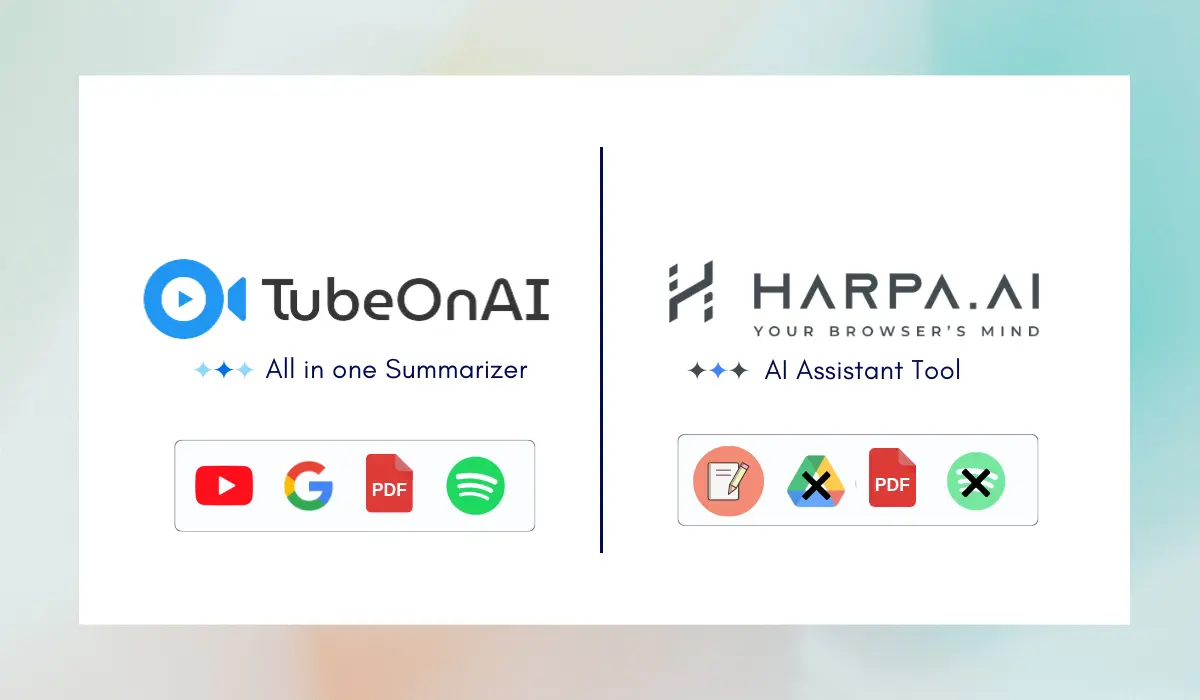
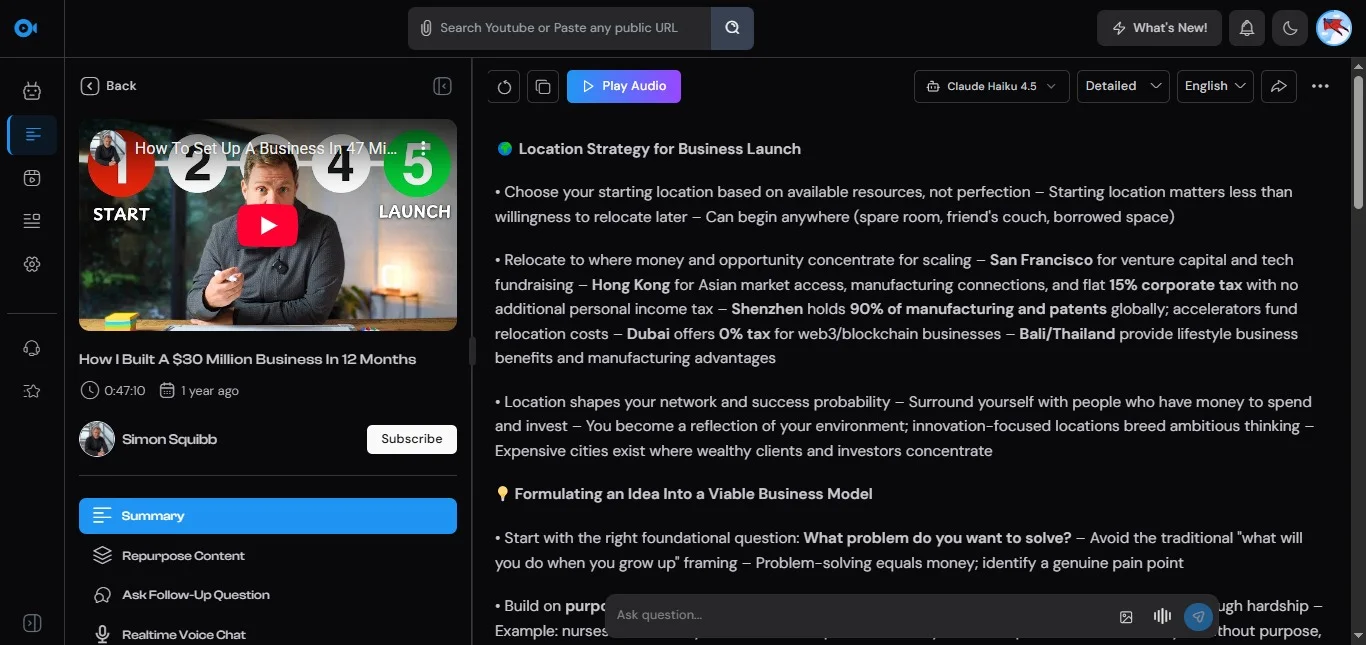
Short answer: HARPA AI is a browser extension that puts AI on every web page and automates browser work: it summarizes YouTube videos, pages, PDFs and email threads, writes in your style, extracts data, fills forms, watches pages for changes and price drops, and connects to Zapier, Make and n8n. TubeOnAI is a summarizer and content repurposer: it follows YouTube channels and summarizes new videos for you, turns videos, podcasts and documents into posts with 150+ templates, and also runs as iOS and Android apps.
Choose HARPA AI if you spend your day in the browser and want an assistant that can act on web pages. Choose TubeOnAI if you want to keep up with creators and repurpose what you watch, on any device.
HARPA AI details were checked on harpa.ai in October 2026.
Feature Comparison
| TubeOnAI | HARPA AI | |
|---|---|---|
| Main job | Summarize content and repurpose it | AI agent and automation for web browsing |
| Summaries | YouTube and other public video/audio links (availability varies by site), podcasts, web articles, PDFs, Google Docs, Slides and Drive files, uploads; YouTube videos without a transcript | YouTube videos (key takeaways, jump to timestamps), web pages and blogs, PDFs and files, email threads |
| Writing | 150+ repurposing templates (blog posts, X threads, newsletters, LinkedIn posts) and custom prompts | Writer that mimics your style, articles in 25 writing frameworks, grammar checking and rephrasing |
| Automation | Auto-summarizes new videos from subscribed channels, with notifications; bulk repurposing of collections | Data extraction, form filling, page-change monitoring, price-drop and back-in-stock alerts, 100+ ready-made automations, Zapier, Make and n8n |
| AI models | Multiple models, including OpenAI GPT-5 family and o3-pro, DeepSeek V3.1, Grok 3 and Grok 4 Fast | GPT-5.4, Claude 4.6, Gemini 3.1, DeepSeek, Llama 4, Perplexity; local models and your own API keys |
| Saved work | Collections (personal library you can share) | Chat history on paid plans |
| Platforms | Web app, Chrome extension, iOS, Android | Extension for Chrome, Brave, Opera, Edge and Firefox; no mobile app listed |
| Free plan | Starter, free forever: 3 channel subscriptions, 400 credits | Basic free tier plus a demo period for premium features |
| Paid plans (as of October 2026) | Essential $9/mo, Pro $19/mo, Enterprise $29/mo; 7-day free trial | From $12/mo billed annually |
What HARPA AI Does Better
Automating Work on Web Pages
This is HARPA’s core. It can extract data from a site, click buttons and fill forms, check pages periodically and notify you when they change, and alert you to price drops or restocks on e-commerce sites. Through Zapier, Make and n8n it can also be triggered from your other tools. TubeOnAI’s only automation is following channels and summarizing new uploads; it does not act on web pages.
Writing Help Anywhere You Type
HARPA works inside the page you are on, so it can draft email replies, write articles from an outline using 25 writing frameworks, mimic your style, and proofread or rephrase text. TubeOnAI’s writing starts from a source: it turns a video, podcast or document into a blog post, thread or newsletter.
Model Choice and Privacy Options
HARPA gives you a long list of models, supports local models and lets you bring your own API keys to control costs. It says it runs locally, does not log your conversations and is GDPR compliant, which matters if you handle sensitive pages.
More Browsers
HARPA runs on Chrome, Brave, Opera, Edge and Firefox. TubeOnAI’s extension is for Chrome, though its web app works in any modern browser.
What TubeOnAI Does Better
Summaries of More Kinds of Content
TubeOnAI is built around summarizing. Besides YouTube and web articles, it handles podcasts, other video and audio sites, Google Docs, Slides and Drive files, uploaded media and YouTube videos that have no transcript. You can ask follow-up questions about any summary and translate it into 30+ languages.
Following Channels for You
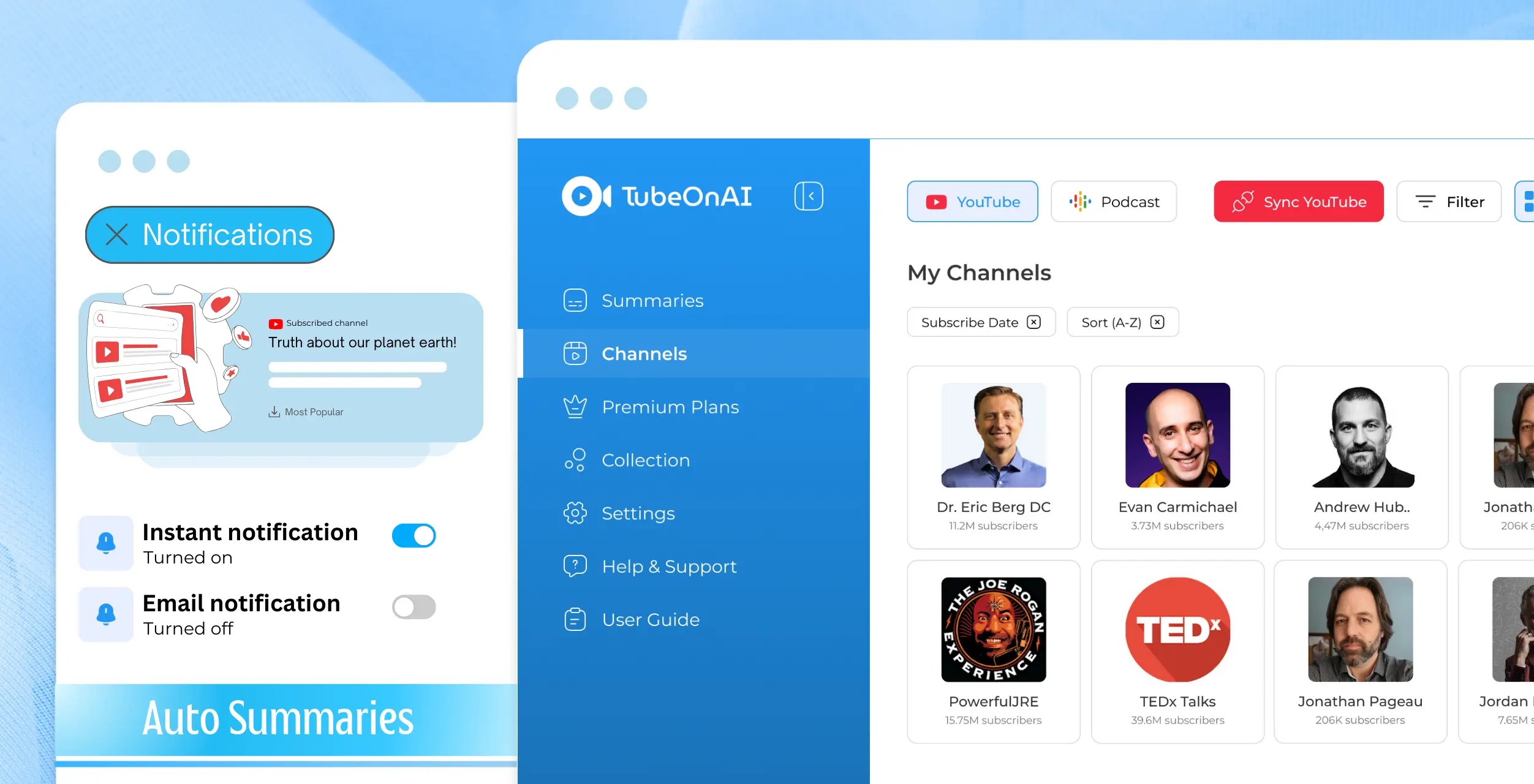
Subscribe to YouTube channels and TubeOnAI imports and summarizes each new video automatically, with an instant notification. The free plan includes 3 channel subscriptions. HARPA’s summaries are built around the page you have open.
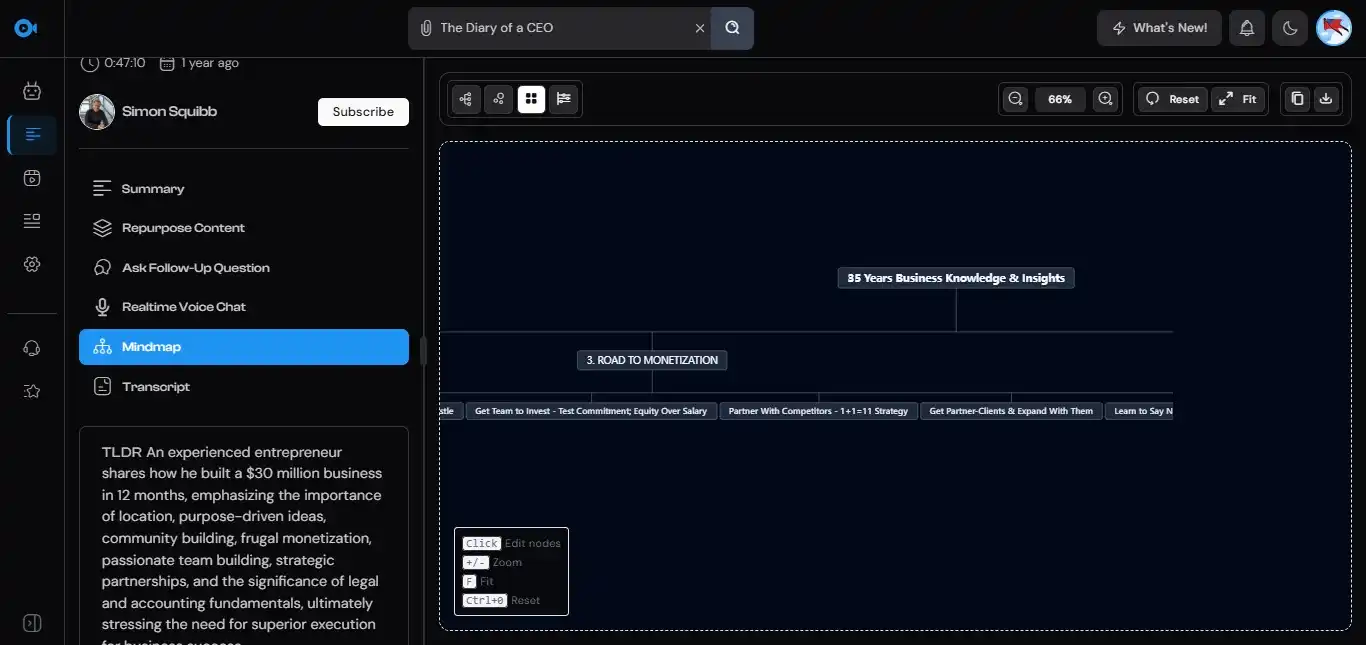
Repurposing Templates
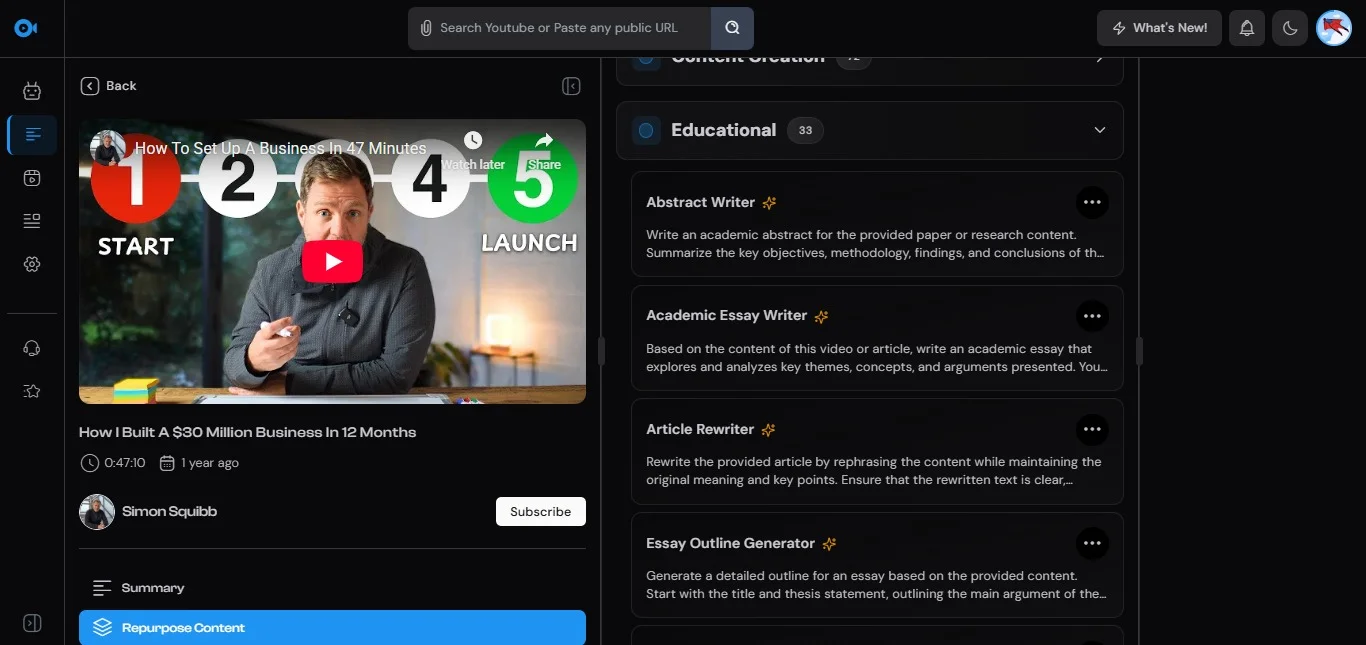
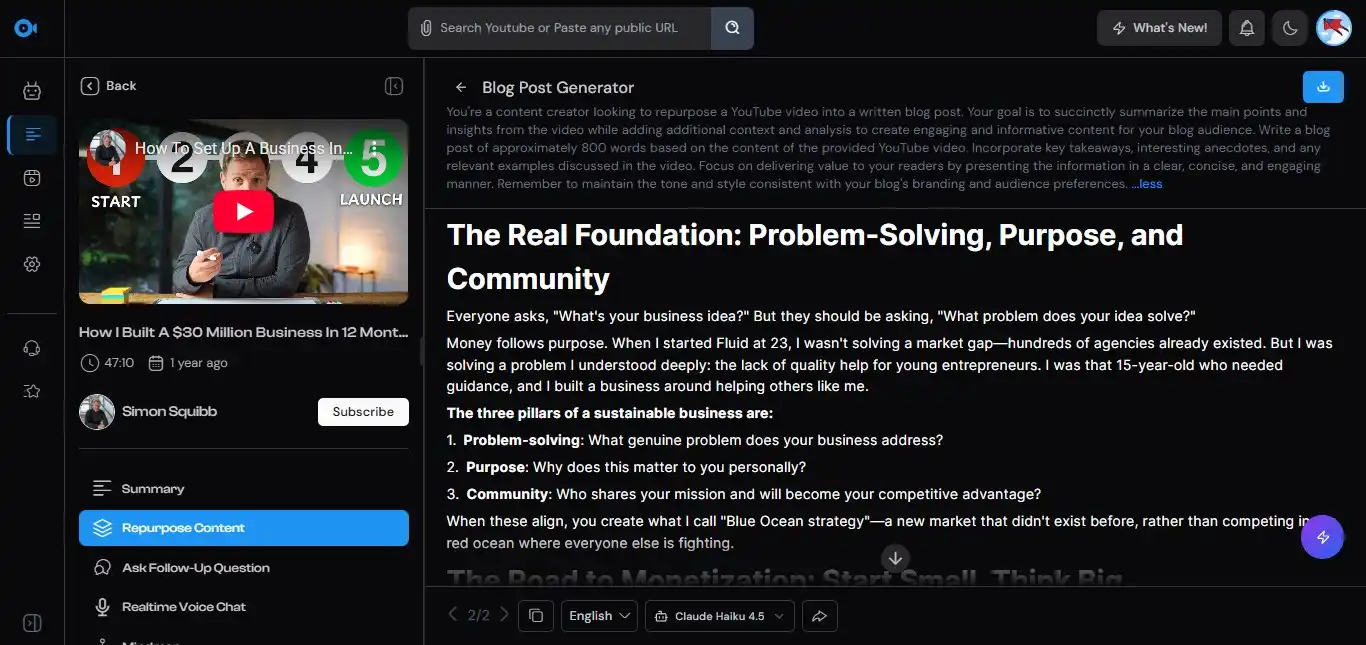
With 150+ repurposing templates, TubeOnAI turns one video or podcast into a blog post, an X thread, an email newsletter or a LinkedIn post, and you can save your own custom prompts. Whole collections can be repurposed in bulk.
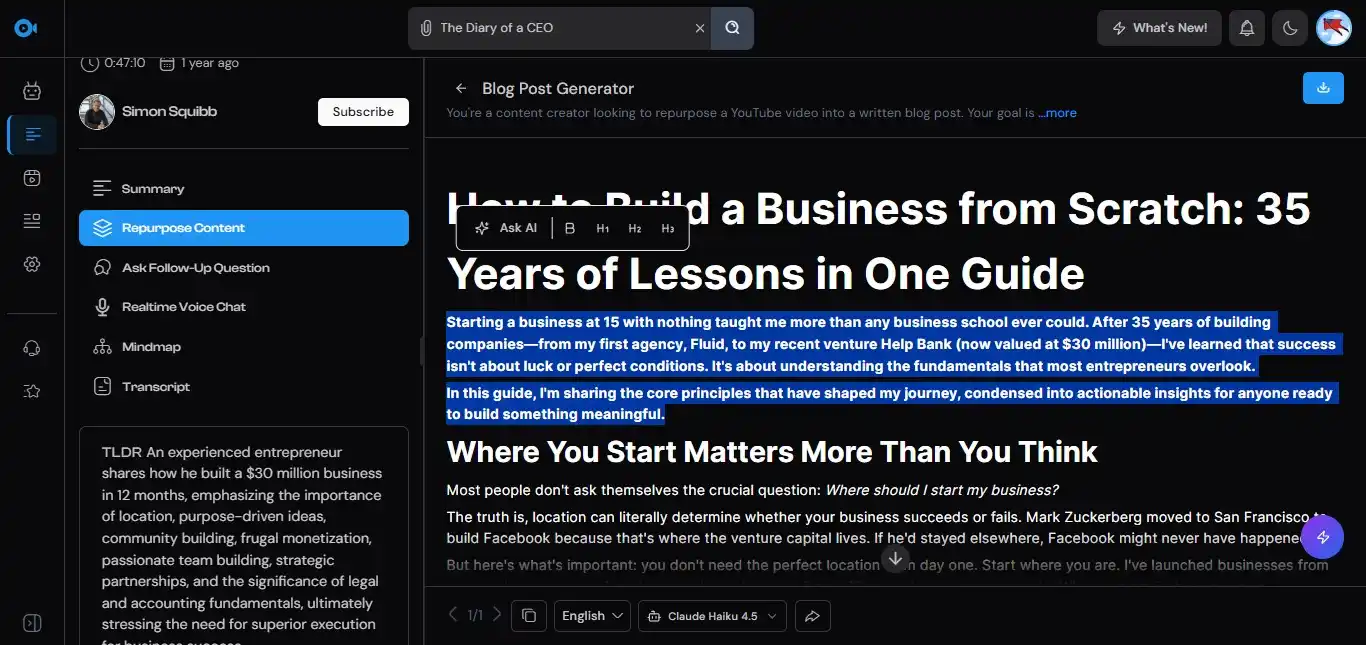

A Library You Can Return To
Collections keep your summaries in a personal content library that you can share with others.
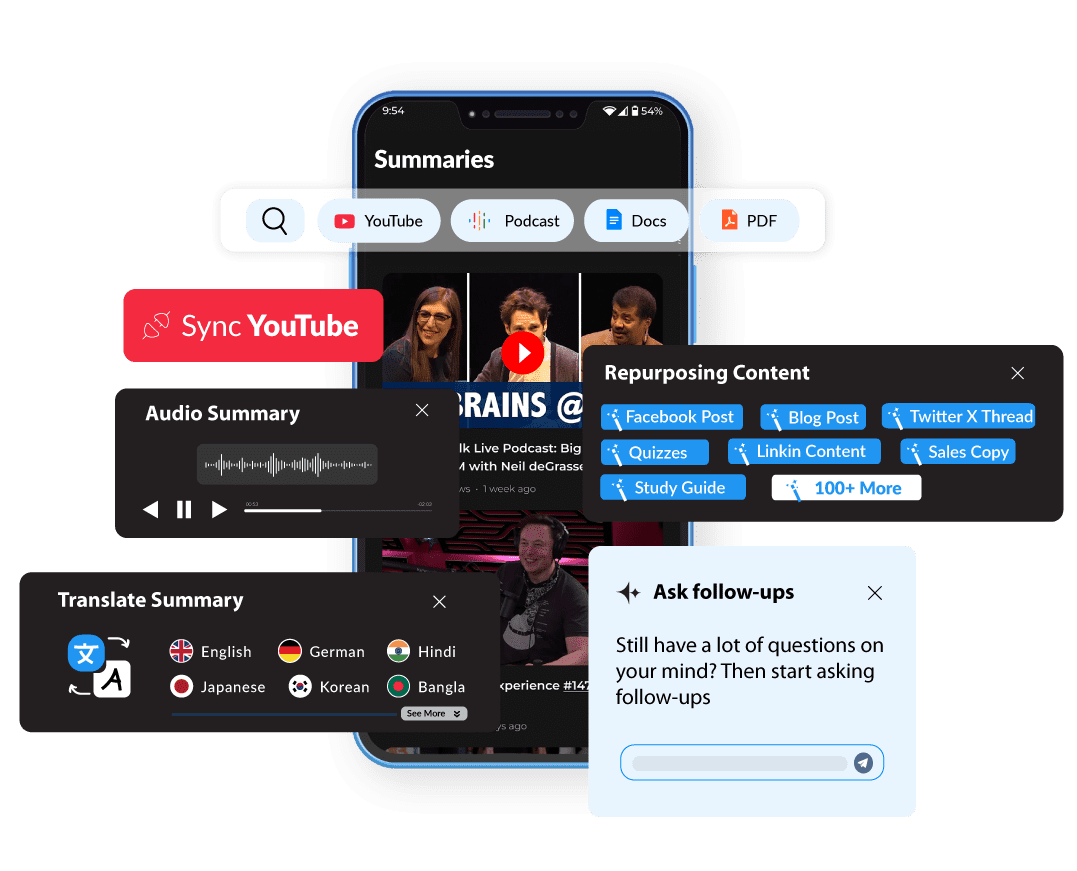
Apps Beyond the Browser
TubeOnAI has iOS and Android apps, so you can read or listen to summaries away from your desk (text-to-audio is on the Pro plan). HARPA is a browser extension only.
Verdict: Browser Automation or Content Workflow
Choose HARPA AI if you are a marketer, researcher, developer or operator who wants AI inside every web page: monitoring sites, extracting data, filling forms, answering emails and writing in your own voice.
Choose TubeOnAI if you are a content creator, student or researcher who needs to keep up with YouTube channels and podcasts, summarize documents, and turn that material into new content on desktop or mobile.
The two overlap only on summarizing a YouTube video or web page, so some people run both. Both have free tiers, so test them on your own workflow first.
Read More Comparisons: