TubeOnAI vs Voila AI: Media Summarizer or Browser Assistant?
Voila AI is an all-round assistant for browsing, writing and email; TubeOnAI focuses on summarizing and repurposing videos, podcasts and documents.

Updated
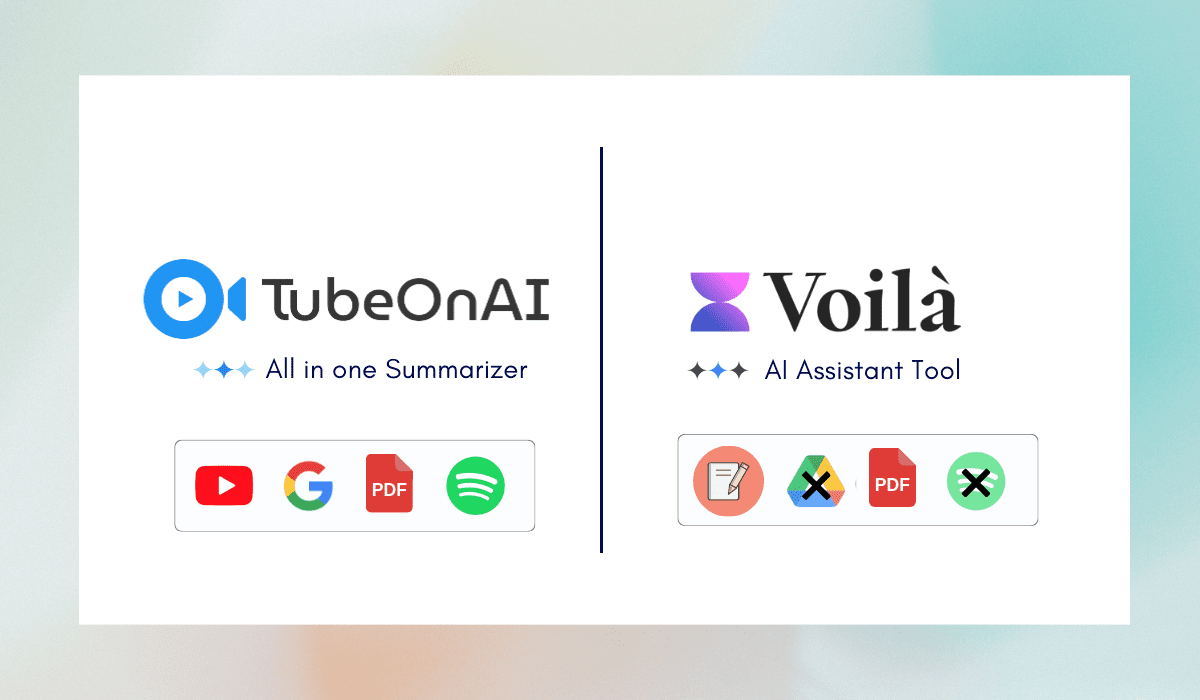
Short answer: Voilà AI is an all-round AI assistant that lives in your browser, on your desktop and on your phone. It summarizes and chats with web pages, YouTube videos, documents and images, drafts and replies to emails, rewrites and corrects text, translates, generates images and researches the web with cited sources. TubeOnAI is narrower but deeper on media: it summarizes YouTube videos (even without a transcript), podcasts, articles, PDFs and Google Drive files, follows YouTube channels for you, and turns summaries into blog posts, threads and newsletters with 150+ templates.
Choose Voilà if you want one assistant for everyday writing, email and browsing. Choose TubeOnAI if most of your day is spent getting through videos and podcasts and reusing what you learn.
Voilà details were checked on getvoila.ai in October 2026.
Read More Comparisons:
- TubeOnAI vs. Wordtune
- TubeOnAI vs. Eightify
- TubeOnAI vs. Castmagic
- TubeOnAI or NoteGPT
- TubeOnAI vs. Recall
- TubeOnAI vs. HARPA AI
Quick Overview
| TubeOnAI | Voilà AI | |
|---|---|---|
| Main job | Summarize content and repurpose it | General AI assistant for browsing, writing and email |
| Summaries | YouTube and other public video/audio links (availability varies by site), podcasts, web articles, PDFs, Google Docs, Slides and Drive files, uploads; YouTube videos without a transcript | Web pages, YouTube videos, documents, PDFs and images; YouTube transcript extraction |
| Podcasts | Yes | Not listed on its site |
| Content creation | 150+ repurposing templates: blog posts, X threads, newsletters, LinkedIn posts, custom prompts | Expert prompt library, rewriting, grammar and spelling corrections, image generation |
| Generates email newsletters | Drafts emails and offers Instant Reply | |
| Follow channels | Subscribe to YouTube channels; new videos are summarized automatically, with notifications | Not listed |
| Chat | Ask follow-up questions about a summary or document | Chat with websites, YouTube videos, documents and pictures; web research with sources |
| Listening | Text summaries read aloud (Pro plan) | Not listed |
| Platforms | Web, Chrome extension, iOS, Android | Chrome, Firefox, Edge, Brave and Safari extensions; Windows and macOS apps; iOS and Android |
| Free plan | Starter, free forever: 3 channel subscriptions, 400 credits | 250 free requests |
| Paid plans (as of October 2026) | Essential $9/mo, Pro $19/mo, Enterprise $29/mo; 7-day free trial | Premium $10/mo ($8/mo billed annually, 3,000 requests a month); Ultimate $20/mo ($16/mo billed annually, unlimited requests under a fair-use policy) |
Where Voilà AI Is Stronger
Email Drafting and Replies
Voilà can draft emails, improve your drafts and suggest instant replies. TubeOnAI does not write email replies; it creates newsletters and other long-form content from a source.
An Assistant on Every Page and Device
Voilà runs as an extension in five browsers, as a desktop app for Windows and macOS, and on iOS and Android. Wherever you are reading or writing, you can ask it to summarize, rewrite, translate or explain.
Broader General Tools
Rewriting and grammar fixes, image generation, image analysis and web research with cited sources make Voilà more of a general-purpose AI helper. Its prompt library covers many everyday writing tasks.
Where TubeOnAI Is Stronger
Podcast and Video Summaries
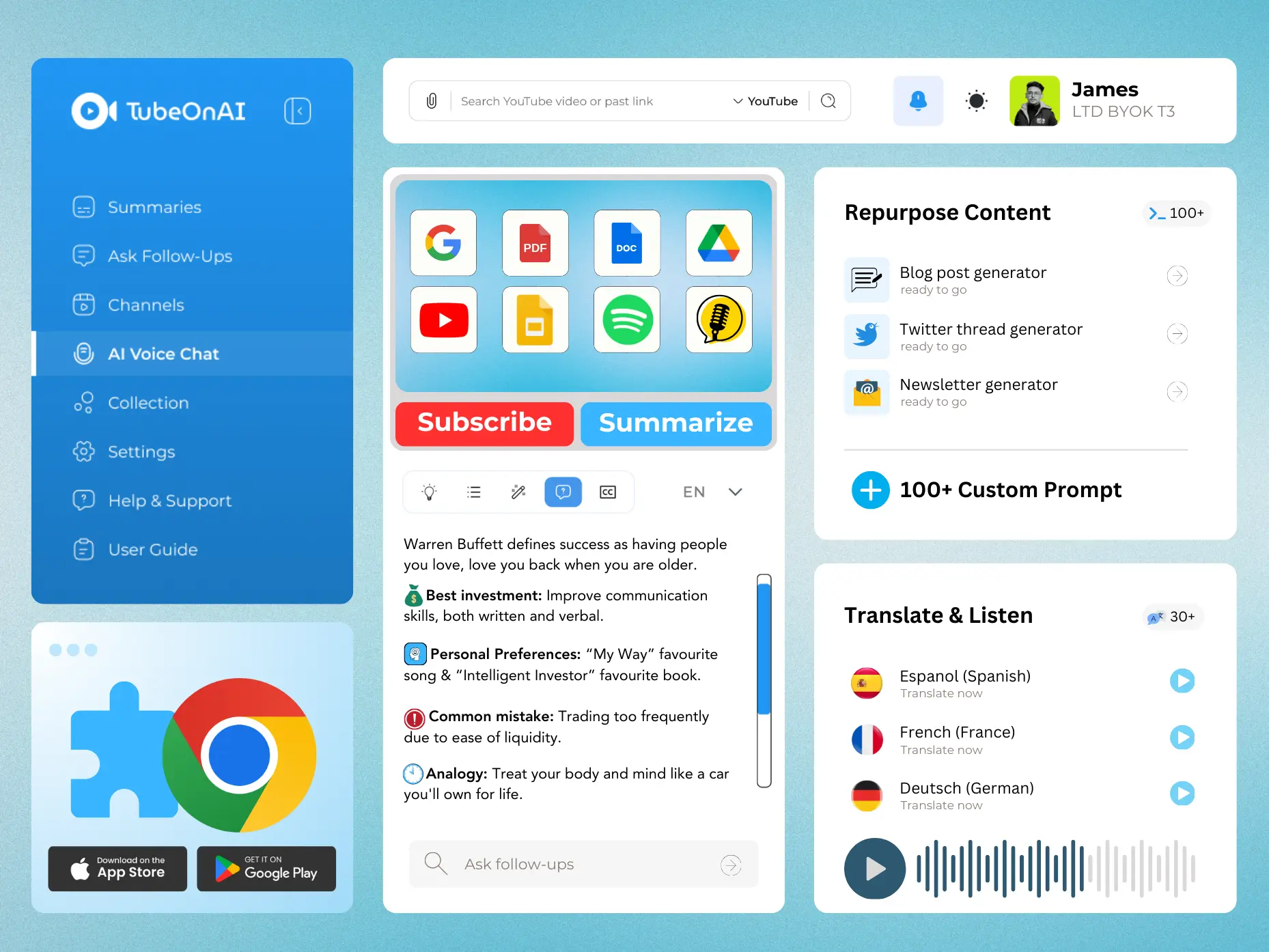
TubeOnAI can summarize podcasts as well as YouTube videos, other video and audio sites, articles, PDFs and Google Drive files. It can also summarize videos without a transcript, including YouTube videos and media you upload. Voilà summarizes YouTube videos and web pages but does not advertise podcast summaries.

Repurposing Into Ready-to-Post Content
Both tools help you generate content, but they start from different places. TubeOnAI’s 150+ templates start from a source (a video, podcast or article) and turn it into a blog post, an X thread, an email newsletter or a LinkedIn post. Collections can be repurposed in bulk. Voilà’s prompts are aimed at writing from scratch or editing what you have.
A Feed of the Channels You Follow
Subscribe to YouTube channels in TubeOnAI and every new video is imported and summarized, with an instant notification. You read the summary first and only watch what is worth your time.

Listening and Translation
On the Pro plan you can listen to summaries as audio, with background playback, and summaries can be translated into 30+ languages.
Verdict: Everyday Assistant or Media Workflow
Choose Voilà AI if you want a single assistant for email, writing, translation and quick questions about whatever page you are on, across browser, desktop and phone.
Choose TubeOnAI if you follow YouTube channels and podcasts, need summaries of long videos and documents, and want to turn them into posts and newsletters.
They overlap on summarizing YouTube videos and web pages. Both have free tiers, so you can try the same video in each before deciding.
Frequently Asked Questions
Can I summarize videos without a transcript?
Yes, TubeOnAI can summarize videos without a transcript, making it easier to get the key points quickly even from your uploaded videos.
Does Voilà AI have a free plan?
Yes. Voilà’s free plan includes 250 requests with summarization and chat with web pages. Premium adds more requests, chat with YouTube videos and image generation; Ultimate adds unlimited requests and chat with documents and images.
Which tool is better for email?
Voilà AI. It drafts emails and suggests instant replies, while TubeOnAI focuses on summarizing and repurposing content.