
AI mindmap generator that turns any YouTube video, PDF, or article into an interactive mindmap, then spins the same source into flashcards, quizzes, or a flowchart.
Available on
Most AI mindmap tools end at “here’s your PNG.” TubeOnAI treats the mindmap as the first output, not the final one. From the same source content, you can generate a mindmap for the big-picture structure, flashcards for memorization, a quiz for testing recall, and a flowchart for any process buried in the material. Each format exports as PNG, SVG, or JSON, and embeds into any page you control.

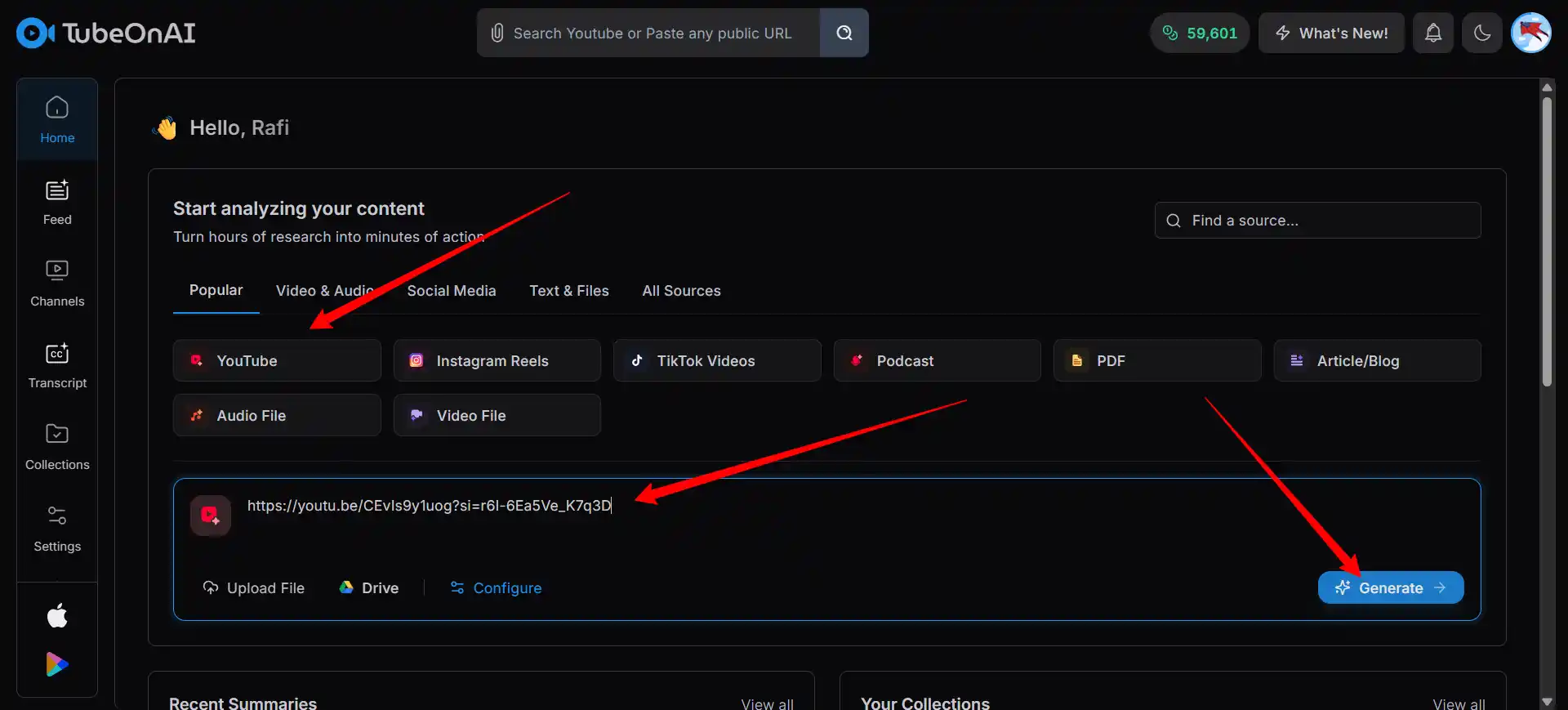
Paste a YouTube link, upload a PDF or .docx, or drop in an article URL. TubeOnAI reads the source end to end before structuring the map.
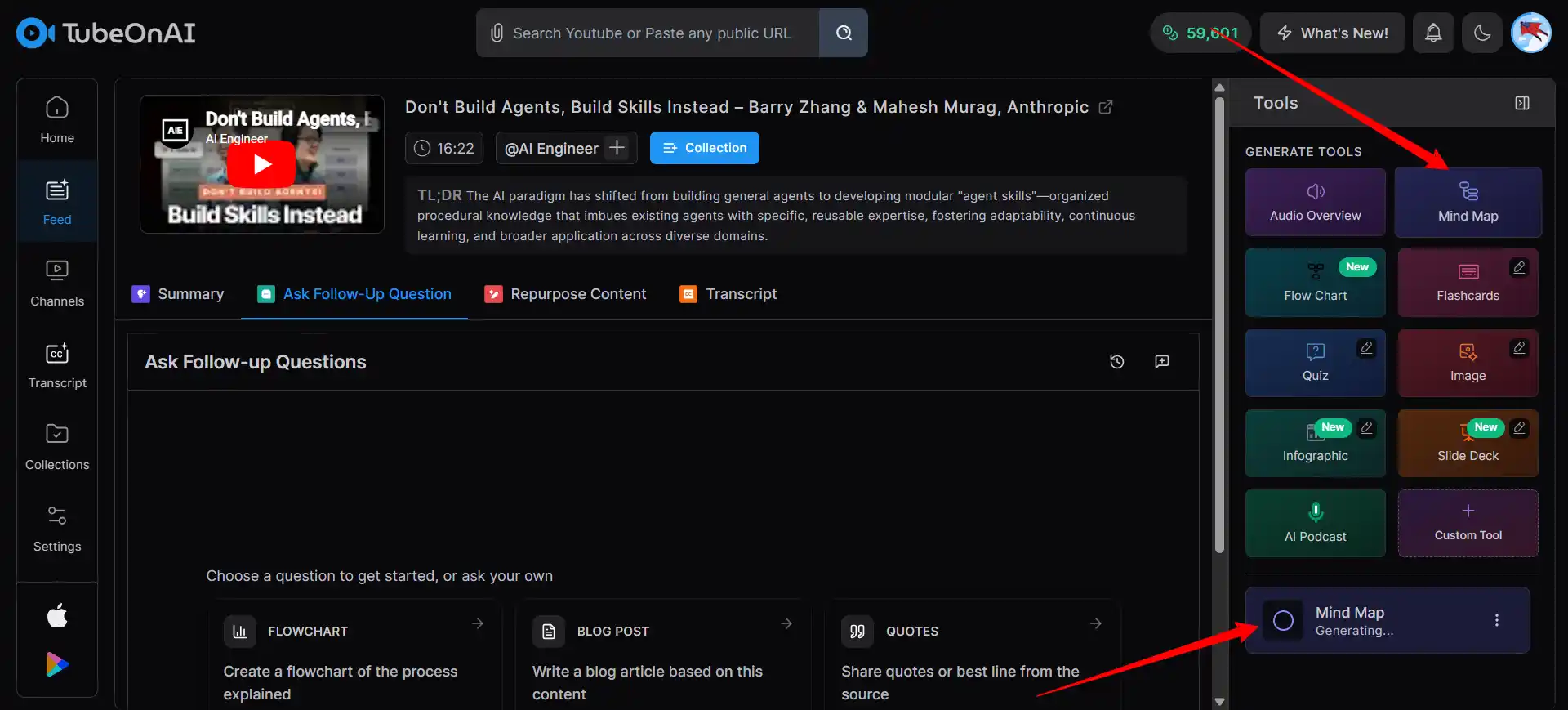
The generator pulls out the central topic, main branches, and sub-nodes, and renders the map with collapse-and-expand on every branch. Regenerate if the structure doesn't fit the way you think about the topic.
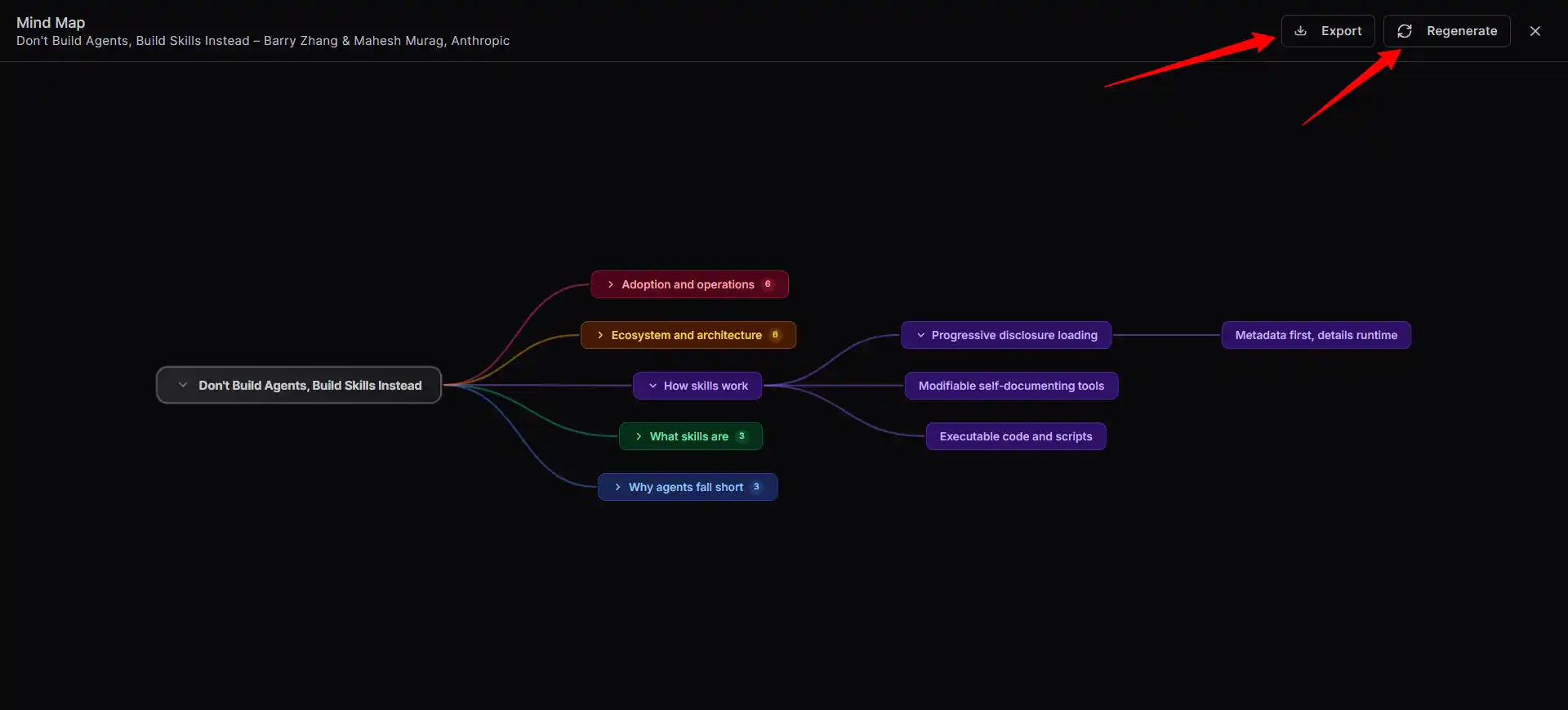
Download the map as PNG, SVG, or JSON. Embed it directly into Notion, your LMS, or a blog post. Or generate flashcards, a quiz, or a flowchart from the same source without re-uploading anything.
Most mindmap tools stop at the mindmap. TubeOnAI uses your same source to generate a mindmap for overview, flashcards for memorization, a quiz for testing recall, and a flowchart for any process inside the content. Generate all four from one upload, or pick the format that actually matches what you need to do with the material.

Copy an embed snippet and drop it into any page you control. The mindmap stays interactive inside Notion, Canvas, Moodle, WordPress, or an internal wiki. Readers collapse branches and zoom without leaving the page. Flashcards, quizzes, and flowcharts generated from the same source embed the same way.
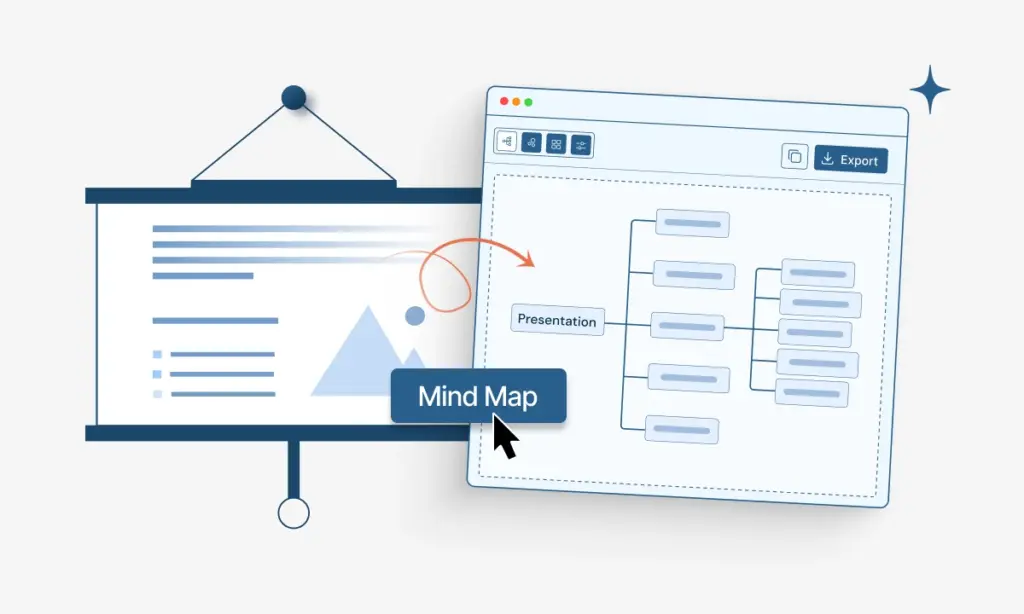
PNG for slide decks and social posts. SVG for print-ready work and retina displays. JSON for anything programmatic, importing the structure into another tool, version-controlling the map alongside code, or piping it into your own automations. Pick one, or export in all three.
Free to try. No card. Flashcards, quizzes, flowcharts, and embeds included from the first map.
Generate a mindmap of the chapter for the big picture, then turn the same chapter into flashcards for memorization and a quiz for self-testing. Three study formats from one upload.
Build a unit mindmap your students can actually click through, then generate matching flashcards and a quiz as homework. Embed directly into your LMS, no screenshots needed.
Turn a research article or YouTube video into an embeddable mindmap for your blog, a flowchart for your SOP wiki, or a JSON structure for your own automation.
Pasted a 2-hour lecture into this AI mindmap generator the week before finals. Got the structure, generated flashcards from the same video, then a quiz. Highest exam grade I’ve had in this class. — Amara K., Biochemistry Undergrad

Therapist and Author
I build course pages in Canvas. This mind map maker embeds the actual interactive map inside the module, not a screenshot. Students click around instead of scrolling. Engagement on the unit overview page tripled. — Marcus R., High School Biology Teacher
Creators
Every time I brief a new engineer, I run our latest internal doc through this AI mind map tool and send the JSON. They import it into their own tooling and have the context in 10 minutes, not after reading a 60-page PRD cover to cover. — Keisha D., Product Manager, Fintech
Student
We convert training videos into modules. This free mindmap AI gives me the map, the flashcards, and a quiz from the same video. What used to take two of us a full afternoon now takes one person 20 minutes. — Oscar L., L&D Specialist
Professor
I embed a mindmap from YouTube tutorial videos at the top of my technical posts. Readers get the whole shape of the topic before they start scrolling. Bounce rate dropped around 30 percent. — Priya N., Technical Writer
Data Analyst
Anatomy is brutal if you only read the textbook. This AI mind map creator builds the hierarchy of systems, organs, and structures. The quiz feature drills the details. First class I actually enjoyed studying for. — Tomás F., Medical Student
Forex Trader
There are tons of things you can do with our tool. Try everything listed below for free.
Web Page Summarizer
AI Text Summarizer
Podcast Summarizer
YouTube to Script Generator
Linkedin Content Generator
Podcast Script Generator
Paste a YouTube link, upload a PDF or .docx, or drop in an article URL. Wait about 90 seconds for the map to render. From the same source, generate flashcards, a quiz, or a flowchart without re-uploading anything.
PNG for slide decks and social posts, SVG for print work and design use, and JSON for programmatic use. You can also embed the interactive mindmap directly into Notion, Canvas, Moodle, WordPress, or any page that accepts iframe embeds.
Yes, and that’s the main reason to use TubeOnAI over a single-purpose mindmap tool. One upload gives you four possible outputs, a mindmap, flashcards, a quiz, and a flowchart. Pick one or generate all four.
JSON export exists because mindmaps are often the first step, not the end product. JSON lets you import the structure into another tool, version-control the map alongside code, or script automations on top. For developers, product managers, or anyone building internal knowledge systems, JSON is the format that actually unlocks the workflow.
Well-structured sources give the best results. Good candidates include lectures with clear sections, tutorial videos with chapters, textbook chapters, long-form articles, and research papers with abstracts and headings. Weaker candidates include free-form writing without structure, casual conversation transcripts, and dense mathematical proofs where most of the meaning sits in notation.
Yes. Hit Regenerate and the AI rebuilds the structure from the same source, usually with different branch logic. No re-uploading required.