Hit NoteGPT's Free Limit? Alternatives for Each Task
NoteGPT's free plan runs out fast. Compare seven NoteGPT alternatives for YouTube summaries, transcripts, meeting notes, study tools and writing.

Updated
NoteGPT is an all-in-one AI toolkit: a YouTube summarizer and transcript tool, PDF summarizer, AI note taker, quiz and flashcard maker, humanizer, essay writer, slides and more. Because it does so many things, most people only use one or two of them, and they start looking elsewhere when the free allowance runs out or when one feature isn’t deep enough for their work.
The best NoteGPT alternative depends on which part of NoteGPT you actually use:
- YouTube, podcast and article summaries you want to turn into content: TubeOnAI
- Saving and revisiting what you summarize: Recall
- Free YouTube transcripts and meeting transcripts: Tactiq
- Meetings, lectures and interviews: Otter.AI
- Studying with an AI tutor: StudyFetch
- Flashcards and exam prep: Knowt
- Academic writing with citations: Jenni AI
Is NoteGPT free? What its plans include
NoteGPT has a free tier, but it is small. Its Chrome extension listing says free users get 15 free quotas per month, and its usage policy charges 5 basic quotas per file for tools such as audio/video and PDF summaries on the free plan. A few tools (the AI detector and humanizer, flashcards and quizzes, the essay writer) are listed as free to use.
Paid plans, as of October 2026, from NoteGPT’s pricing page:
| Plan | Monthly billing | Billed annually | Main allowance |
|---|---|---|---|
| Pro | $9.99/mo | $9/mo ($108/yr) | 1,000 basic quotas + 100 premium credits per month; YouTube videos without subtitles up to 120 minutes |
| Unlimited | $29/mo | $19.92/mo ($239/yr) | Unlimited basic features + 2,800 premium credits; videos up to 210 minutes |
| Max | $99/mo | $69/mo ($829/yr) | Unlimited basic features + 10,000 premium credits |
The common reasons people switch follow from this:
- The free quota runs out quickly if you summarize more than a few videos or files a month.
- Two separate currencies (basic quotas and premium credits) make it hard to predict what a month will cost. Premium AI chats use 3–40 credits each.
- Refunds are limited. NoteGPT’s terms only allow refunds within 24 hours of the first purchase.
- Breadth over depth. If you mainly study, write papers or record meetings, a tool built for that one job usually goes further.
NoteGPT alternatives compared
All prices were checked on each tool’s official site and are as of October 2026.
| Tool | Best for | Free plan | Cheapest paid plan |
|---|---|---|---|
| TubeOnAI | Summarizing videos, podcasts, articles and docs, then repurposing them | Yes (400 credits) | Essential, $9/mo |
| Recall | Building a searchable library of summaries | Yes (10 AI summaries/mo) | Plus, $12/mo ($10/mo billed yearly) |
| Tactiq | YouTube transcripts and meeting transcripts | Yes (10 meeting transcripts/mo; free YouTube transcript tool) | Pro, $8/user/mo billed annually |
| Otter.ai | Live meeting and lecture transcription | Yes (300 min/mo) | Pro, $16.99/mo ($8.33/mo billed annually) |
| StudyFetch | AI tutor, notes, flashcards and quizzes from course material | Yes (limits not published) | Premium, $19.99/mo or $96/yr (App Store) |
| Knowt | Flashcards and exam prep | Yes (unlimited flashcards and learn mode) | Ultra, $24.99/mo ($12.99/mo billed annually) |
| Jenni AI | Academic writing with citations | Yes (10 autocompletes/day) | Plus, $12/mo billed annually |
1. TubeOnAI – Best for video and podcast summaries you want to reuse
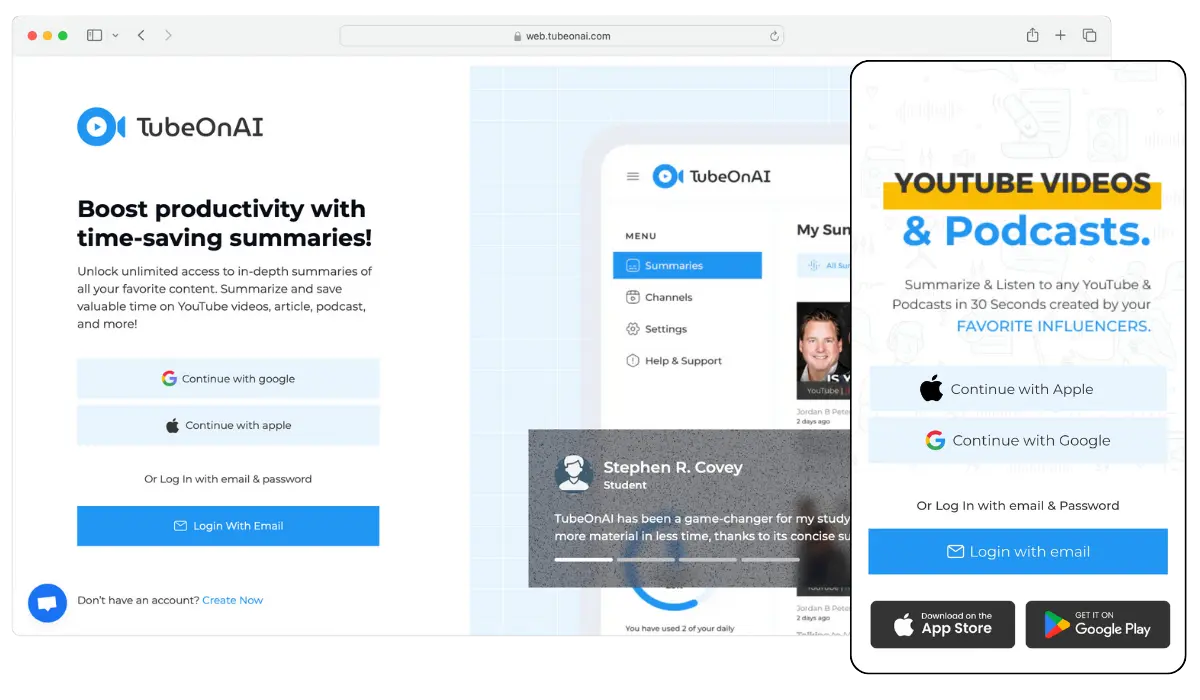
If you mostly use NoteGPT’s YouTube summarizer, TubeOnAI covers the same ground and adds more source types and more ways to use the result. It summarizes YouTube and other public video and audio links, podcasts, web articles, PDFs, Google Docs, Slides and Drive files, and it can summarize videos that have no transcript, including long videos and podcasts.
What you can do after the summary:
- Ask follow-up questions in Magic Chat, the same way you would chat with any document
- Turn it into a blog post, X thread, newsletter or LinkedIn post with 150+ repurposing templates or your own prompt
- Subscribe to YouTube channels so new uploads are summarized automatically, which helps if you follow educational channels or lecture series
- Listen to summaries as audio, translate them into 30+ languages, and save them in Collections
It runs on the web, as a Chrome extension, and on iOS and Android. If you’re deciding between just these two tools, our TubeOnAI vs. NoteGPT comparison goes feature by feature; for other YouTube summarizers, see TubeOnAI vs. Eightify.
Not the best fit if: you need quizzes, flashcards or homework help. NoteGPT, Knowt or StudyFetch suit study-tool needs better.
TubeOnAI pricing (as of October 2026): Starter is free forever (3 channel subscriptions, 400 credits). Essential is $9/month, Pro is $19/month, Enterprise is $29/month, and paid plans have a 7-day free trial. See the pricing page.
2. Recall – Best for keeping a knowledge base of what you summarize
Recall saves YouTube videos, podcasts, PDFs and notes, summarizes them, and links them into a knowledge graph you can chat with. It also has spaced-repetition quizzes and a Listen Mode that reads content aloud. Note that Recall’s old getrecall.ai address now redirects to recall.it.
It suits people who use NoteGPT to learn and then lose track of past summaries. The free plan includes 10 AI summaries a month with unlimited saves and notes; Plus is $12/month or $10/month billed yearly. It works on the web, as Chrome, Firefox, Edge and Safari extensions, and on iOS and Android.
3. Tactiq – Best for free transcripts
If you use NoteGPT mainly to grab YouTube transcripts, Tactiq offers a free YouTube transcript tool that lets you view, copy and download a video’s transcript without entering your email. Its main product is a Chrome extension that transcribes Google Meet, Zoom and Teams meetings without a bot joining the call, with one-click AI summaries.
The free plan includes 10 meeting transcripts and 5 AI credits a month. Pro is $8 per user per month on annual billing.
4. Otter.AI – Best for live meetings and lectures
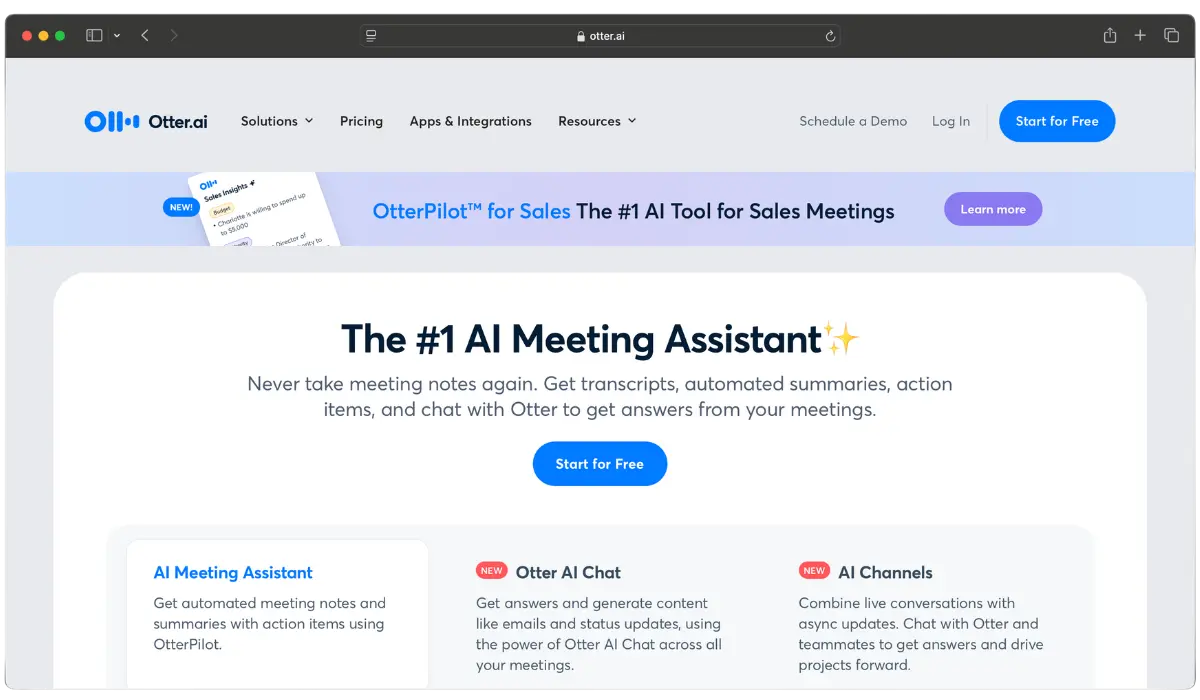
Otter.ai is built for transcription during meetings and live conversations. Its meeting agent joins Zoom, Microsoft Teams and Google Meet, writes a live transcript with speaker identification, and produces a summary. AI Chat lets you ask questions across your meetings.
Choose it over NoteGPT if most of your audio is live rather than recorded videos. The free Basic plan includes 300 transcription minutes a month, up to 30 minutes per conversation, and only 3 file imports in total, so it is less suited to uploading existing recordings.
Otter.ai pricing (as of October 2026): Basic is free; Pro is $16.99/user/month on monthly billing or $8.33/user/month billed annually, with 1,200 minutes a month and up to 90 minutes per meeting.
5. StudyFetch – Best for studying with an AI tutor
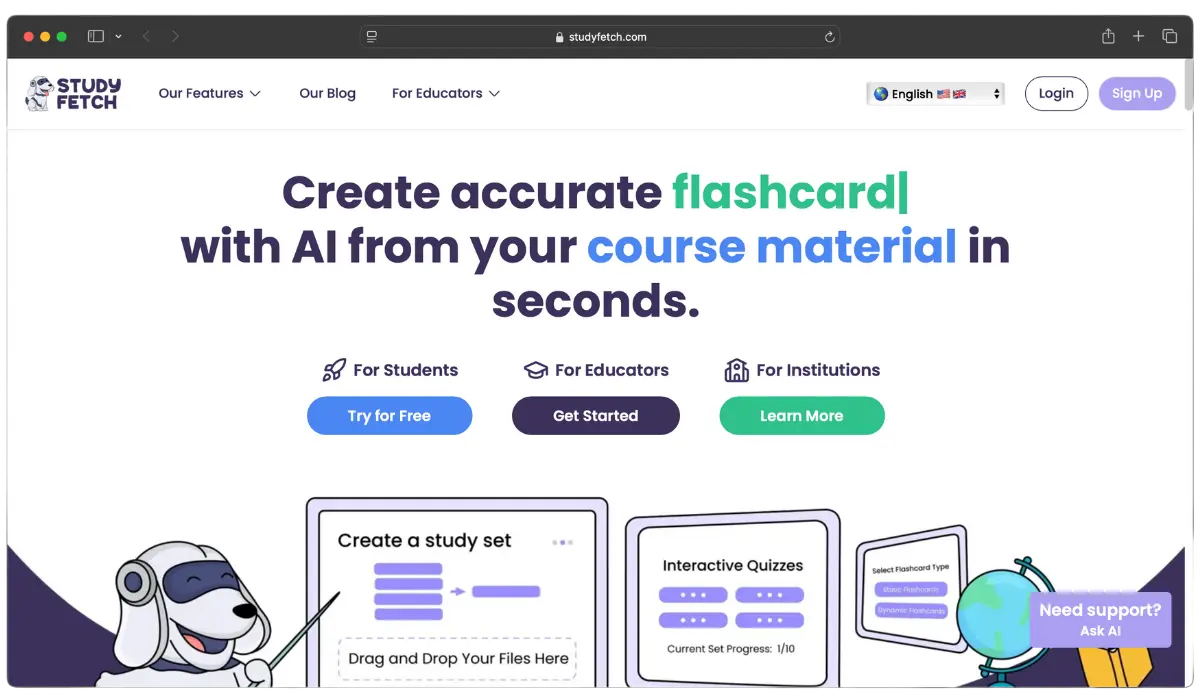
NoteGPT can generate quizzes and flashcards, but StudyFetch is built entirely around studying. It turns course materials into notes, flashcards and quizzes, and includes an AI tutor called Sparky, live lecture recording with notes, study plans and study games.
It suits students who want one place to prepare for a course rather than a general toolkit. You can start for free, but StudyFetch doesn’t publish its free-plan limits.
StudyFetch pricing (as of October 2026): the App Store lists Premium at $19.99/month or $96/year. Available on the web, iOS and Android.
6. Knowt – Best free flashcards and exam prep
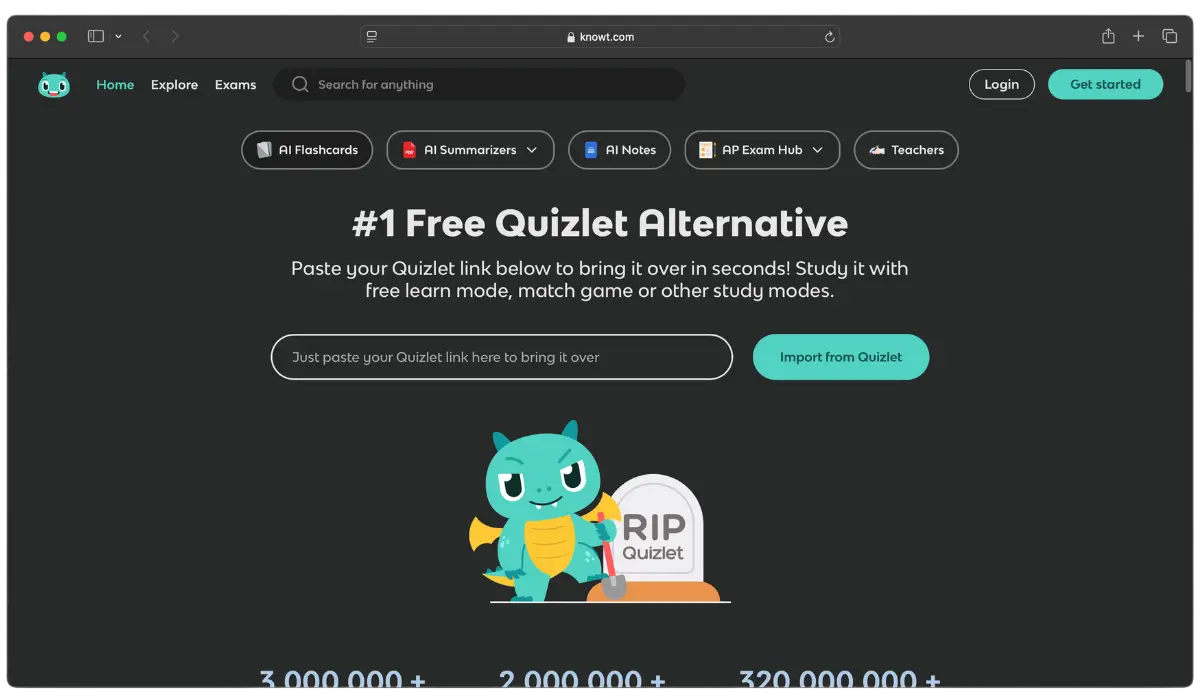
Knowt focuses on flashcards and practice. Its flashcards are free with unlimited learn mode, and the free plan includes unlimited file creation, live collaboration and storage. Paid features include an AI lecture recording summarizer, a voice tutor, and an exam predictor, with AP, SAT and ACT prep.
If you mostly use NoteGPT’s flashcard and quiz tools, Knowt is the most generous free option here.
Knowt pricing (as of October 2026): Ultra is $24.99/month, or $12.99/month billed annually ($149.99 upfront), with a 3-day free trial. Available on the web, iOS, Android and as a Chrome extension.
7. Jenni AI – Best for academic writing
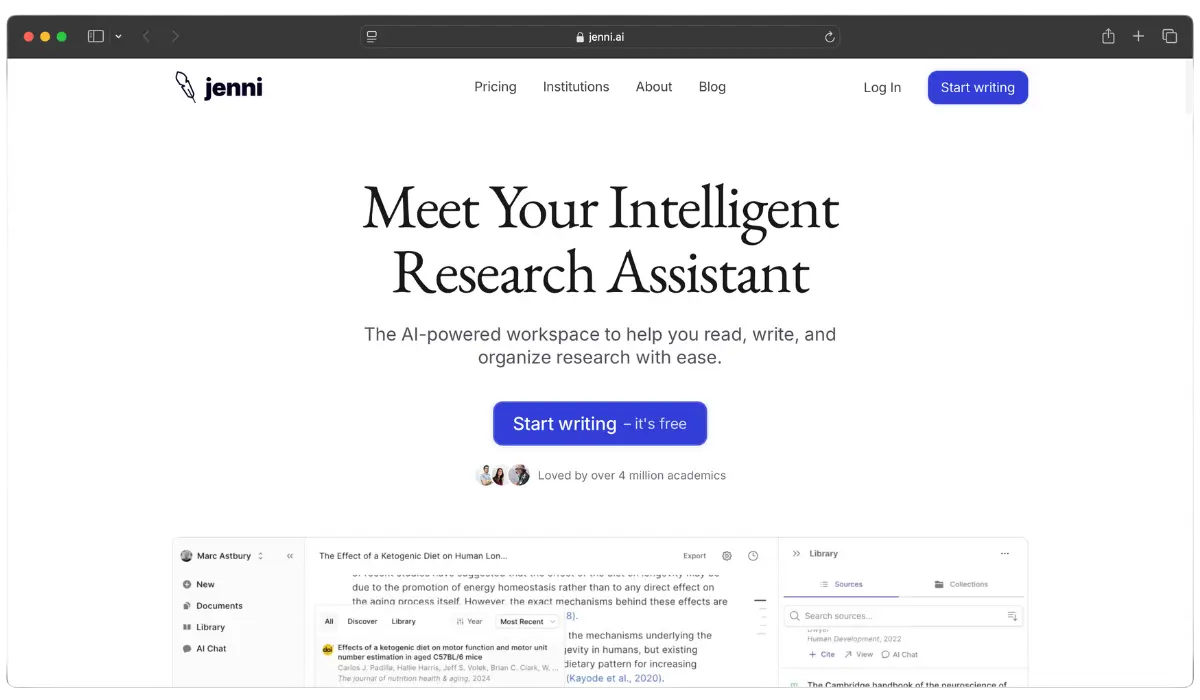
If you use NoteGPT’s essay writer or research paper summarizer to help you write research papers, Jenni AI is built for that job. It autocompletes as you write, suggests and formats citations in 10,000+ citation styles, lets you upload PDFs to your library, and exports references to .ris, .bib and .csv. It also helps with content generation for longer pieces, though it is aimed at academic work.
The free plan includes 10 AI autocompletes a day, 10 PDF uploads and unlimited citations. Jenni works on the web and as a browser extension; the company recommends desktop over mobile.
Jenni AI pricing (as of October 2026): Plus is $12/month billed annually; monthly billing costs more.
Which NoteGPT alternative should you choose?
- You summarize YouTube videos, podcasts or articles and then write about them: TubeOnAI.
- You want to build a library of everything you’ve summarized: Recall.
- You only need transcripts: Tactiq’s free YouTube transcript tool, or Otter.ai for meetings.
- You’re a student: StudyFetch for an AI tutor, Knowt for free flashcards.
- You’re writing an essay or paper: Jenni AI.
- You use many NoteGPT tools a little each: NoteGPT’s own Pro plan ($9.99/month) may still be the cheapest way to keep them all in one place.