10 Best Chrome Extensions for Productivity in 2026
From AI-powered summarization to distraction blockers, these tools will transform your workflow.

Updated
Ever feel like you’re drowning in tabs and tasks? You’re not alone. In 2026, our browsers will be command centers for work and life. But here’s the thing - they can also be productivity powerhouses.
Google Chrome, with over 2 billion users worldwide, offers a vast ecosystem of extensions designed to streamline work and boost efficiency.
We’ve road-tested dozens to bring you the cream of the crop. From AI-powered tools to simple time-savers, these 10 extensions will transform how you work online. Whether you’re a busy professional, a student, or an entrepreneur, these extensions will help you work smarter, not harder.
Ready to supercharge your productivity? Let’s dive into the best Chrome extensions for productivity in 2026.
[Note: This list is regularly updated to ensure you have access to the latest and most effective productivity tools.]
The Best Chrome Extensions For Productivity
- TubeOnAI for summarizing videos, articles & creating content
- Todoist for task management
- RescueTime for time tracking
- Grammarly for grammar and spelling checks
- LastPass for password management
- StayFocusd for website blocking
- Forest for focus timer
- OneTab for tab management
- Loom for screen recording
- Miro for collaborative whiteboarding
- Notion (bonus) for all-in-one note-taking and project management
At a Glance: Comparison Table
| Extension | Best for | Category | Free option |
|---|---|---|---|
| TubeOnAI | Summarizing videos, articles and podcasts | AI summaries | Yes, free plan |
| Todoist | Capturing tasks from any page | Task management | Yes, free plan |
| RescueTime | Seeing where your time actually goes | Time tracking | Yes, free Lite plan |
| Grammarly | Error-free writing everywhere you type | Writing | Yes, free plan |
| LastPass | Fast, secure logins | Passwords | Yes, free plan |
| StayFocusd | Limiting time on distracting sites | Focus | Yes, free |
| Forest | Gamified focus sessions | Focus | Yes, free extension |
| OneTab | Closing tab overload without losing pages | Tab management | Yes, free |
| Loom | Async video messages | Communication | Yes, free plan |
| Miro | Visual collaboration with a team | Collaboration | Yes, free plan |
| Notion (bonus) | Notes, docs and projects in one place | Workspace | Yes, free plan |
Paid tiers and limits change often, so check each tool’s pricing page before you commit.
How We Chose These Extensions
We picked extensions that solve one clear productivity problem each, rather than ten tools that do the same job. Every pick had to:
- Work in today’s Chrome. Chrome now only runs extensions built on Manifest V3, and older Manifest V2 extensions (such as the original uBlock Origin) have been disabled.
- Offer a free way to start, so you can try it before paying.
- Save time every day, not just once.
- Ask for sensible permissions. An extension that can read every site you visit needs to earn that trust.
TubeOnAI: Best AI Summarizer Extension
At the forefront of AI-powered productivity tools, TubeOnAI is revolutionizing how we consume and process information online.
Key Features
- AI-driven summarization of videos, articles, and podcasts
- Customizable summary length to fit your needs
- Intelligent key point extraction for quick insights
- Seamless Chrome integration for effortless use
Productivity Boost
- Cut the time you spend on long videos, articles and reports
- Grasp complex topics in minutes, not hours
- Make informed decisions faster with condensed insights
- Eliminate tab clutter by summarizing content efficiently
How TubeOnAI Works
TubeOnAI uses advanced natural language processing algorithms to analyze content across various formats. For videos, it processes both audio and visual elements to extract key information.
When summarizing articles, it identifies main themes, critical data points, and core arguments. The AI adapts to different content types, ensuring you get the most relevant summary whether you’re watching a tech review, reading a scientific paper, or listening to a business podcast.
Real-World Application
Imagine you’re a marketing professional needing to stay updated on industry trends. Instead of spending hours watching lengthy webinars or reading extensive reports, TubeOnAI can provide you with concise summaries of key points. This allows you to consume more content in less time, keeping you ahead of the curve without sacrificing your productivity.
Try TubeOnAI for free today and experience the future of content consumption!
Top Extensions for Time Management
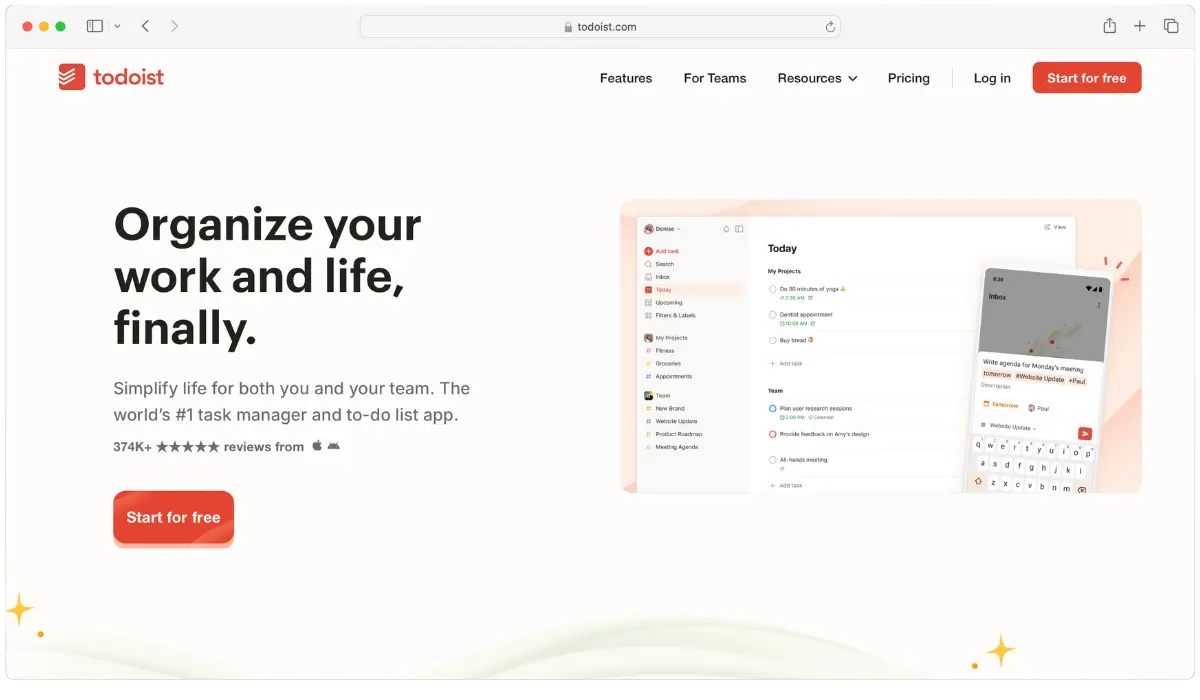
Todoist: Master Your Tasks
Todoist stands out for its clean interface and powerful features, making it a top Chrome extension for productivity and task management.
Key Features
- One-click task addition from any web page
- Intuitive project organization and sub-task creation
- Smart scheduling with recurring task options
- Priority levels and labels for enhanced organization
Productivity Boost:
- Capture ideas and tasks instantly, reducing cognitive load
- Never miss a deadline with clear visual schedules
- Streamline team collaboration with shared projects and tasks
Maximizing Todoist
Use its natural language input feature. Type “Submit report every Friday at 3 pm” and Todoist automatically sets it as a recurring task. Utilize labels to categorize tasks by energy level or context (e.g., @high-energy, @phone-calls) for more efficient task batching.
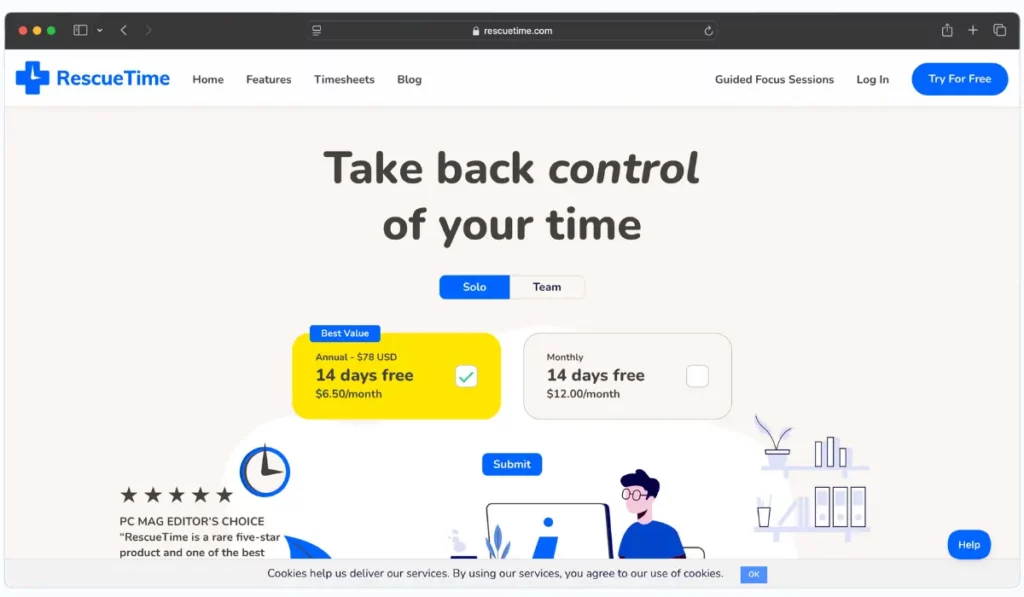
RescueTime: Master Your Time
Understanding how you spend your time is the first step to optimizing it. RescueTime provides these crucial insights.
Key Features
- Automatic activity tracking across devices
- Detailed productivity reports and scores
- Goal setting and alerts for time management
- Focus sessions to block distracting sites
Productivity Boost
- Identify time-wasting habits with data-driven insights
- Set realistic deadlines based on actual time usage
- Optimize your daily schedule for peak productivity
Leveraging RescueTime Data
Review your weekly reports to identify patterns. Are you most productive in the mornings? Schedule your most important tasks then. Notice you’re spending too much time on email? Set up time blocks for checking messages.
Best Extensions for Writers and Content Creators
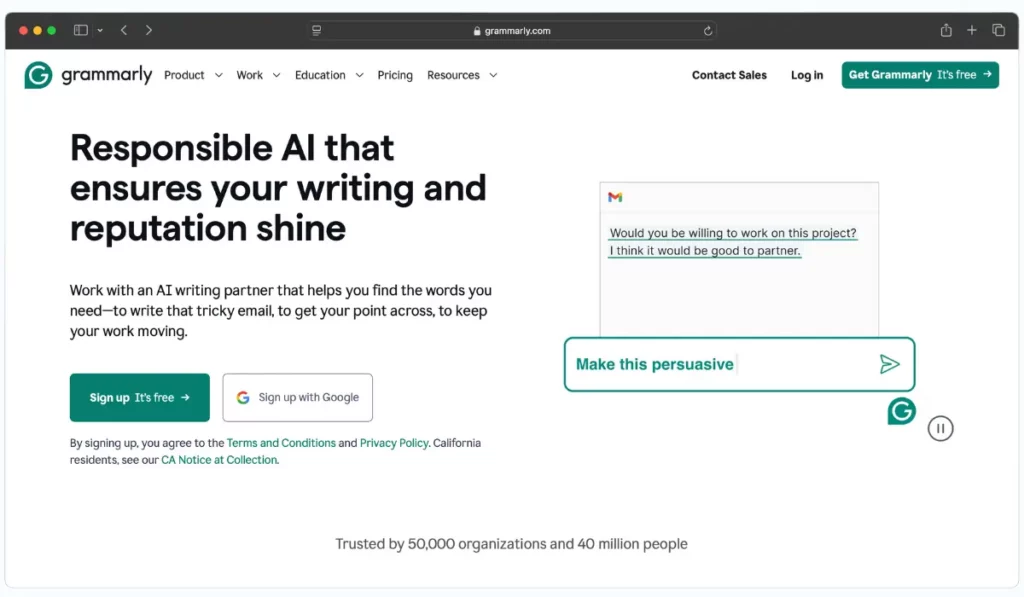
Grammarly: Polish Your Writing
In an era where written communication is paramount, Grammarly ensures your message is always clear and impactful.
Key Features:
- Real-time grammar and spelling checks across the web
- Style suggestions for more engaging writing
- Tone adjustments to match your intended audience
- Plagiarism detection for academic and professional integrity
Productivity Boost:
- Cut editing time in half with instant suggestions
- Enhance communication clarity, reducing misunderstandings
- Boost writing confidence, especially for non-native speakers
Advanced Usage Tips
Customize Grammarly’s settings based on your writing style and industry. For technical writers, adjusting the formality settings can ensure that domain-specific terminology isn’t flagged unnecessarily.
Pair It With Hemingway Editor (Web App)
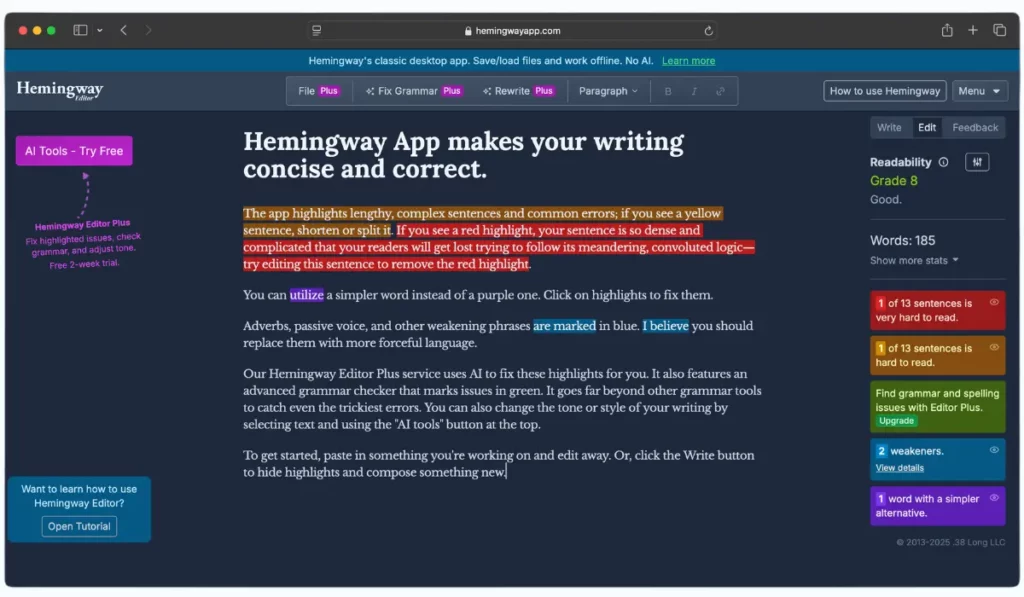
Hemingway Editor isn’t a Chrome extension. It’s a free web editor (with a paid desktop app), but it works well pinned in a Chrome tab next to Grammarly. Paste a draft in to get a readability grade, see overly long or complex sentences highlighted, and spot passive voice and phrases with simpler alternatives. Grammarly fixes mistakes; Hemingway makes correct writing easier to read.
Best For Security and Password Management
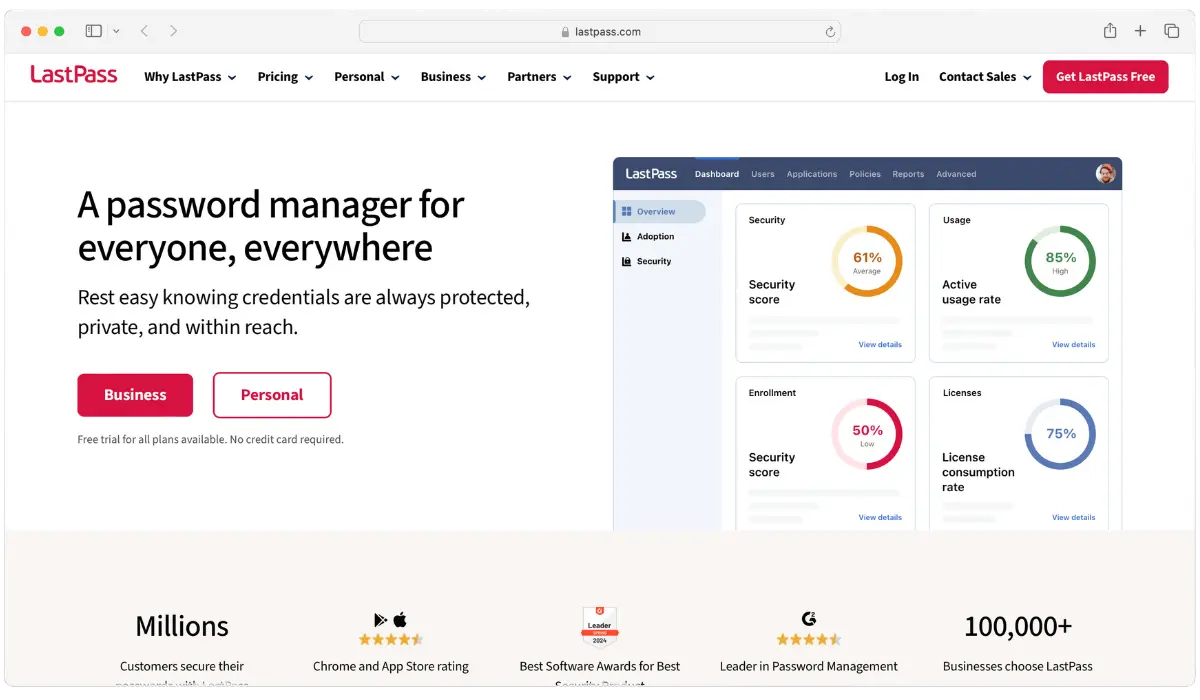
LastPass: Best Password Management Extension
As our online presence expands, managing passwords securely with lastpass becomes crucial for both productivity and security.
Key Features:
- Secure password storage with military-grade encryption
- Auto-fill functionality for faster logins
- Password generator for strong, unique passwords
- Cross-device synchronization for ubiquitous access
Productivity Boost:
- End password reset frustrations, saving time and reducing stress
- Log in faster across all your accounts
- Strengthen online security without sacrificing convenience
Security Best Practices:
Enable two-factor authentication on LastPass itself and regularly audit your stored passwords. Use the security challenge feature to identify and update weak or reused passwords across your accounts.
Distraction Blockers and Focus Enhancers
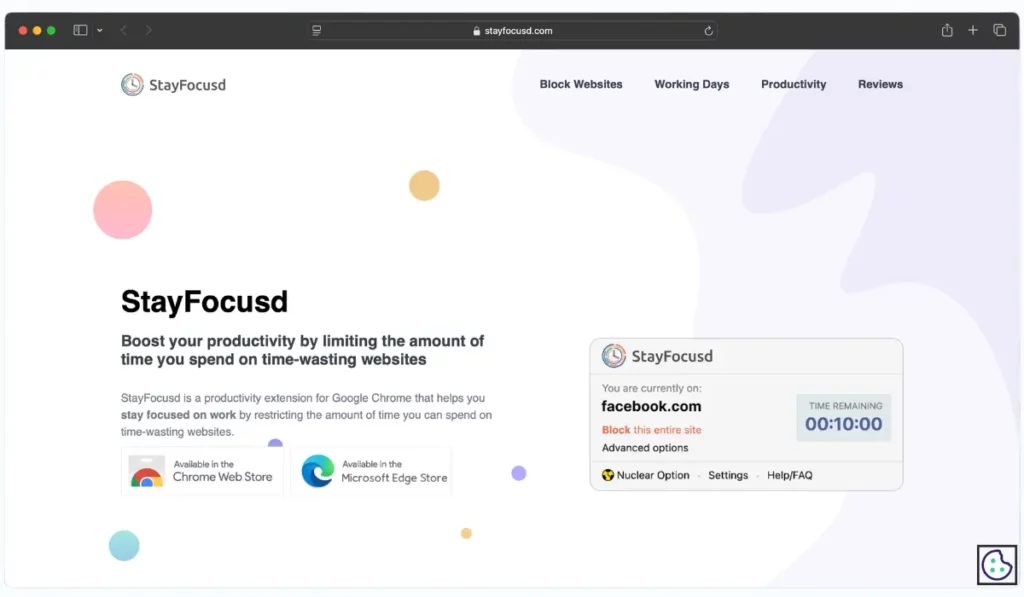
StayFocusd: Crush Distractions
In a world of digital distractions, StayFocusd acts as your personal productivity guardian.
Key Features
- Customizable site blocking with time limits
- Flexible scheduling to align with your work hours
- Nuclear Option for intense focus periods
- Block or allow specific page elements
Productivity Boost
- Drastically reduce time spent on distracting sites
- Create focused work sessions to enhance deep work
- Tailor your online experience to align with your productivity goals
Maximizing StayFocusd
Use the “Require Challenge” feature to make it harder to extend your allowed time on distracting sites. The challenge could be anything from typing a long passage to solving a complex puzzle, adding friction to the decision to indulge.

Forest: Grow Your Focus
Forest turns staying focused into a fun and rewarding game.
Key Features
- Plant virtual trees that grow as you stay focused
- Earn coins for productive sessions, which can be used to plant real trees
- Track your focus time and identify productivity trends
- White noise integration for enhanced focus
Productivity Boost
- Stay motivated to focus with visual rewards
- Improve productivity by turning focus sessions into a game
- Contribute to environmental causes through real-world tree planting
Integrating Forest
Use Forest alongside StayFocusd for a comprehensive focus strategy. While StayFocusd blocks distractions, Forest keeps you motivated to stay on task. Set specific goals for each focus session to align your efforts with your broader productivity objectives.
Best Extension for Tab Management
OneTab: Tame Tab Overload
Dozens of open tabs slow Chrome down and scatter your attention. OneTab collapses them into a single list with one click, so you can close the clutter without losing anything.
Key Features
- Converts all open tabs into a list in one click
- Restore tabs one at a time or all at once
- Import and export your saved URLs, or share a list as a web page
- Free, and your tab list isn’t sent to OneTab’s developers unless you use the share feature
Productivity Boost
- Free up memory: OneTab says moving tabs to its list can save up to 95% of the memory they used
- Start each task with a clean browser instead of yesterday’s tabs
- Park research for later without bookmarking every page
Using OneTab Well
Send everything to OneTab at the end of each day, then restore only the tabs you need for tomorrow’s first task. Name or lock lists you want to keep, such as an ongoing research project.
Visual Communication and Collaboration Extensions

Loom: Effortless Video Communication
Loom is the go-to Chrome extension for creating quick, professional video messages, perfect for remote teams.
Key Features
- Instant video recording with screen capture
- Easy sharing via link, no downloads required
- Integrated viewer analytics for tracking engagement
- Commenting and reactions for interactive feedback
Productivity Boost
- Replace lengthy emails with concise video messages
- Enhance team collaboration with clear visual communication
- Save time with asynchronous communication
Advanced Usage:
Use Loom to create quick tutorial videos for your team, saving time on repetitive explanations. Review analytics to refine your communication approach, ensuring your messages are both effective and engaging.
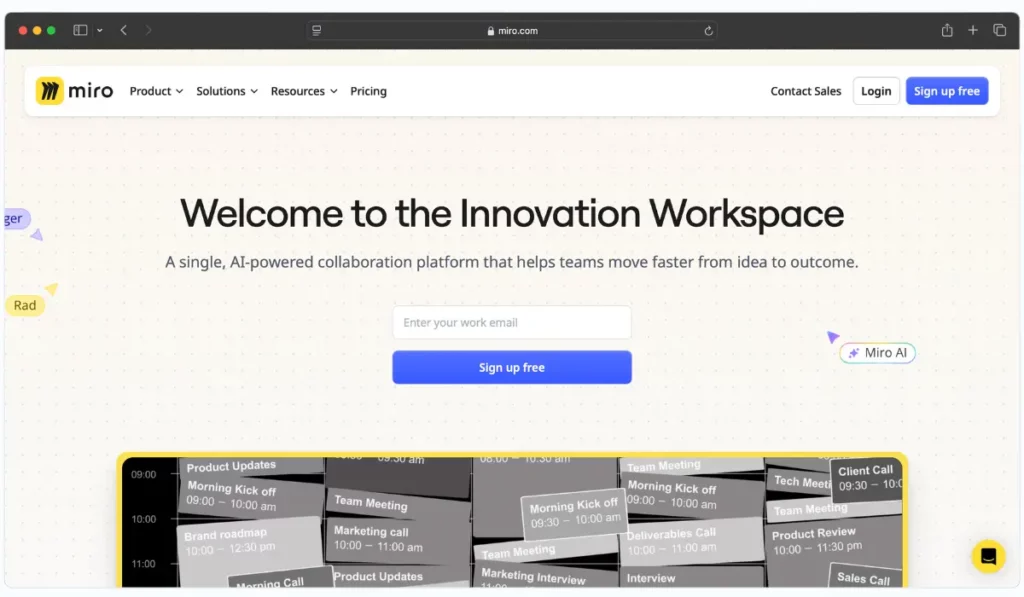
Miro: Visual Collaboration for Remote Teams
Miro is a powerful online whiteboard platform that enhances collaboration and creativity, especially for distributed teams.
Key Features:
- Infinite canvas for brainstorming, planning, and design
- Real-time collaboration with team members across devices
- Templates for quick setup of common workflows
- Integration with popular tools like Slack, Trello, and Asana
Productivity Boost:
- Streamline creative processes with visual collaboration
- Enhance team engagement with interactive brainstorming sessions
- Centralize project planning and tracking
Optimizing Miro:
Create a master template for recurring meetings or brainstorming sessions. Use Miro’s integration with project management tools to keep your workflows seamless and organized. Encourage team members to use sticky notes and color coding to categorize ideas and tasks visually.
Personal Task Management - Bonus Chrome Extension
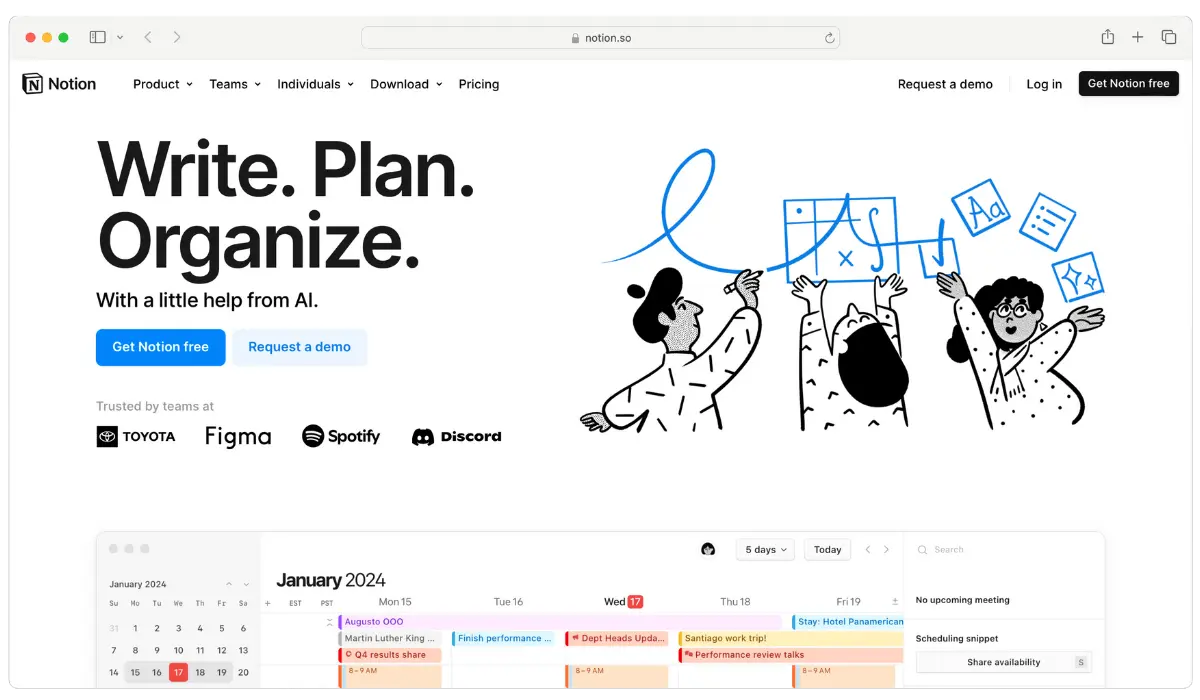
Notion: Your All-in-One Workspace
Notion combines the best features of note-taking apps, task managers, and databases, making it a powerhouse for personal knowledge management.
Key Features:
- Flexible, customizable workspaces for notes, tasks, and databases
- Rich media support including images, videos, and embeds
- Collaborative editing with real-time updates
- Integration with tools like Slack, Google Drive, and GitHub
Productivity Boost:
- Centralize all your notes, tasks, and projects in one place
- Streamline workflows with custom templates and databases
- Enhance collaboration with team members on shared projects
Maximizing Notion:
Build a personal knowledge base with interconnected notes, turning Notion into your second brain. Use the template gallery to get started quickly and customize your workspace to fit your specific needs.
Also Worth Installing: uBlock Origin Lite
Ads and trackers slow pages down and pull your attention away. The original uBlock Origin no longer runs in Chrome because of the Manifest V3 change, but uBlock Origin Lite is its free Manifest V3 version. It blocks most ads and trackers, though its filtering is less powerful than the original’s on sites that fight ad blockers.
Choosing the Right Extensions for Your Workflow
While each of these Chrome extensions offers unique benefits, it’s essential to select the ones that best align with your specific productivity needs and workflow. Here are some tips:
- Start Small: Begin with one or two extensions that address your most significant pain points.
- Integrate Slowly: Gradually incorporate more tools as you become comfortable, ensuring they don’t overwhelm your workflow.
- Evaluate Regularly: Periodically review your extensions to ensure they still meet your needs and haven’t become redundant.
- Seek Synergy: Look for extensions that complement each other, like combining Todoist with RescueTime for comprehensive time management.
The Productivity Challenge in 2026
Each pick above maps to one of the five biggest productivity challenges we face in 2026:
Information Overload: With the exponential growth of online content, separating signal from noise has never been more crucial.
Remote Work Complexity: As remote and hybrid work models become the norm, effective digital communication and collaboration are essential.
Digital Distractions: Social media, news alerts, and endless notifications constantly vie for our attention, making focus a rare commodity.
Time Management: Balancing productivity with well-being requires smart time management strategies in an always-on work culture.
Cybersecurity Concerns: With increasing online threats, securing our digital lives without sacrificing convenience is a growing challenge.
Our curated list of Chrome extensions for productivity addresses these challenges head-on, empowering you to work smarter, not harder.
FAQs
Are all these extensions free?
Most extensions listed offer a free version with basic features. Premium plans unlock additional functionalities.
Will these extensions slow down my browser?
Generally, no. However, it’s wise to monitor your browser’s performance and disable any extensions you no longer use.
Do these extensions still work after Chrome’s Manifest V3 change?
Yes. Every extension in this list is available in the Chrome Web Store today. Chrome has disabled older Manifest V2 extensions, which is why we recommend uBlock Origin Lite instead of the original uBlock Origin. If an extension you rely on suddenly stops working, check whether it has a Manifest V3 version.
Can I use these extensions on other browsers?
Many of these extensions are available on other Chromium-based browsers like Microsoft Edge. Some also have Firefox versions.
How do I keep my data secure while using these extensions?
Only download extensions from trusted sources, check the permissions they request, and regularly update them to the latest versions.
What if an extension doesn’t meet my needs?
Chrome allows you to easily disable or remove extensions without losing any data, so you can experiment with different tools to find the best fit.
Conclusion
Staying productive requires more than just discipline—it demands the right tools. Chrome extensions like TubeOnAI, Todoist, and Grammarly can significantly enhance your efficiency, focus, and overall productivity.
By carefully selecting and integrating these 10 best Chrome extensions for productivity into your daily routine, you’ll be well-equipped to meet the challenges of the modern work environment and achieve your goals with greater ease.
So, which extension will you add to your toolkit today?