10 Apps to Replace Mindless Scrolling With Something Worth Learning
Give the next few minutes on your phone a clear purpose: learn one idea, finish a lesson or review something you want to remember.

Updated
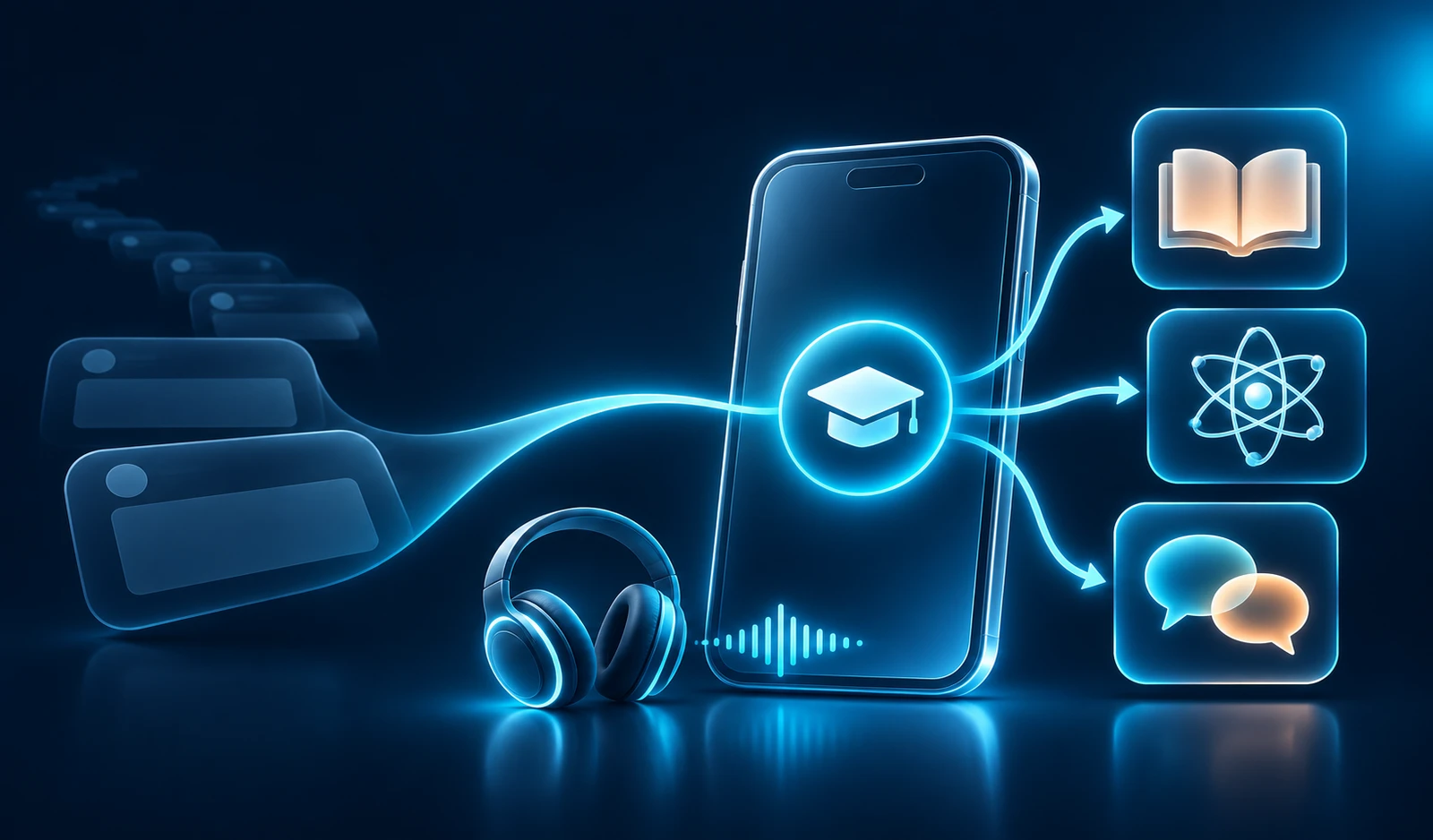
Before opening another feed, give the next few minutes a job: learn one phrase, solve a problem or understand a video you’ve saved. These apps to replace mindless scrolling offer different ways to do that. Some supply short lessons; others help you read, listen or recall. Choose one that fits the moment, then stop when you’ve finished the task. You don’t need to turn every break into homework.
Choose an app by what you want to finish
| App | Replace a scroll with | Access to check |
|---|---|---|
| Kinnu | A short general-knowledge lesson and review | Free download; optional subscription |
| Duolingo | One language lesson | Free courses; ads and optional paid plans |
| Brilliant | One concept or practice set | Free daily limits; Premium removes them |
| TubeOnAI | An explanation of a video or article you saved | Account-based processing with credits |
| Wikipedia | An answer to one question | Free and ad-free |
| Imprint | A visual chapter | Subscription for the full catalog |
| Blinkist | A book’s main ideas in text or audio | One selected title daily on free Basic |
| Khan Academy | An explanation followed by practice | Free learning resources |
| Anki | A small set of flashcard reviews | Paid AnkiMobile on iPhone; free AnkiDroid on Android |
| TED | One talk chosen before you start | Free talks in the app |
For broad curiosity, start with Kinnu or Wikipedia. For something you already meant to watch or read, try TubeOnAI. For an activity that makes you answer rather than simply keep reading, look at Brilliant, Duolingo, Khan Academy or Anki.
How we chose these learning apps
We checked official app-store listings and developer documentation on November 27, 2026. Each selection has a specific learning job and an activity you can choose to finish. The stopping points below are our suggestions, not measured lesson times or promises that an app will change your habits.
TubeOnAI is our own product, included for learning from your saved sources. The other apps offer different approaches, from prepared lessons to reference reading. Prices and allowances can vary by platform and country. Free to download does not mean the full catalog is free.
The image galleries use the developers’ real iPhone App Store screenshots. Android layouts can differ, and screenshots may show paid features. Select a gallery to open the larger image.
1. Kinnu: for curiosity when you do not know what to study
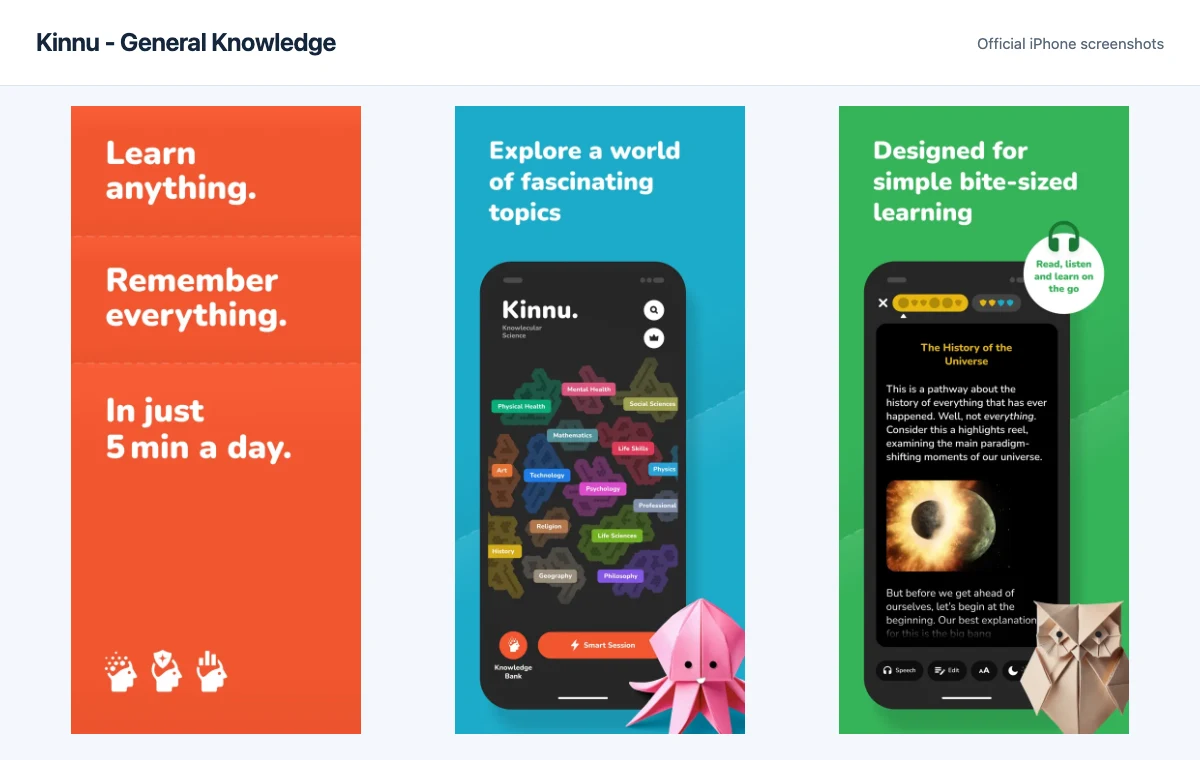
Kinnu is a useful first choice when the urge to scroll comes from wanting something interesting, rather than wanting to study a particular subject. Its topic map covers areas such as science, history and psychology, with short content and review questions.
Choose one path and stay with it for the session. Moving between a dozen topics can feel busy without leaving you with a clear idea to remember. After a lesson, close the app and try explaining one point in your own words.
A useful stopping point: one lesson and its review questions.
Access: free to download, with an optional in-app subscription. Check which paid features your current offer unlocks.
Get it: Kinnu for iPhone · Kinnu for Android.
2. Duolingo: for a small language-learning routine
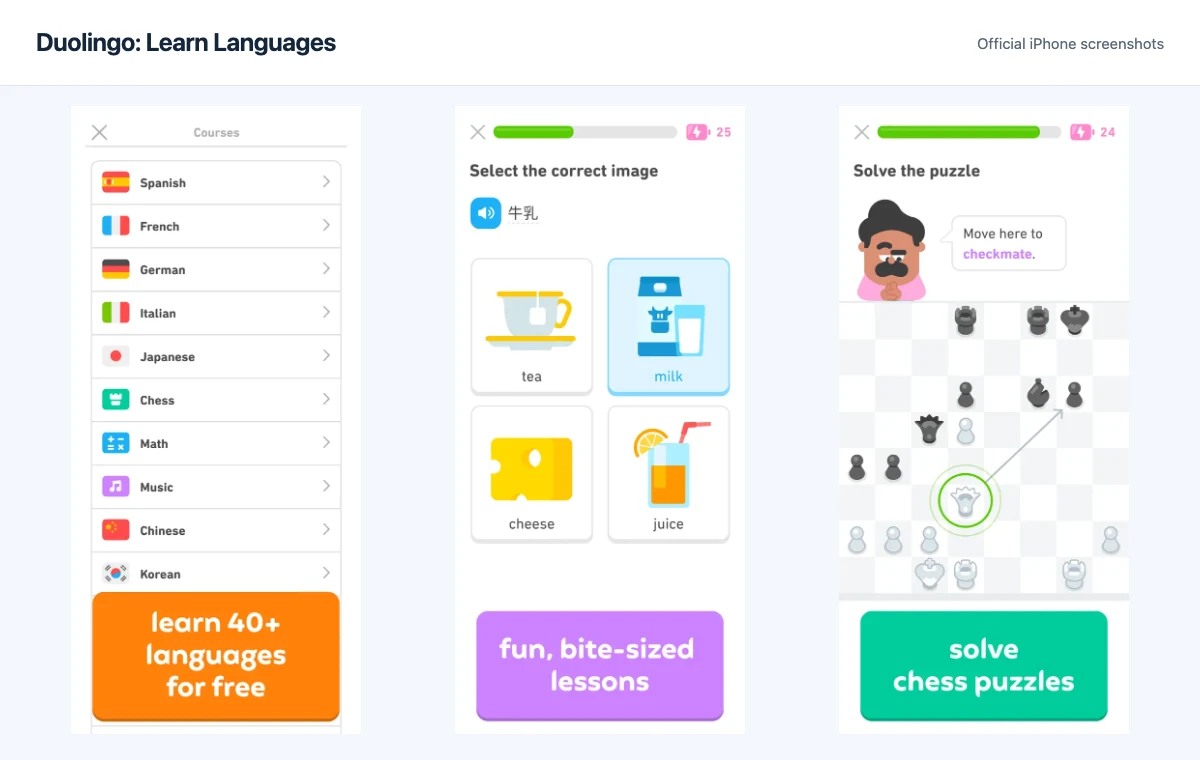
Duolingo gives a spare moment a defined activity: work through a language lesson. Its exercises include reading, listening, speaking and writing, so there is more to do than move to the next card in a feed.
For this purpose, make the lesson your goal. A streak can remind you to return, but a leaderboard does not need to decide how long you stay. End by using a new word or phrase without looking at the answer. If you cannot recall it yet, keep that as the next thing to practice.
A useful stopping point: one lesson, followed by saying or writing one phrase from memory.
Access: Duolingo’s free-course explanation distinguishes its ad-supported learning from optional Super and Max subscriptions. Paid features are not required to begin a language course.
Get it: Duolingo for iPhone · Duolingo for Android.
3. Brilliant: for working through a problem
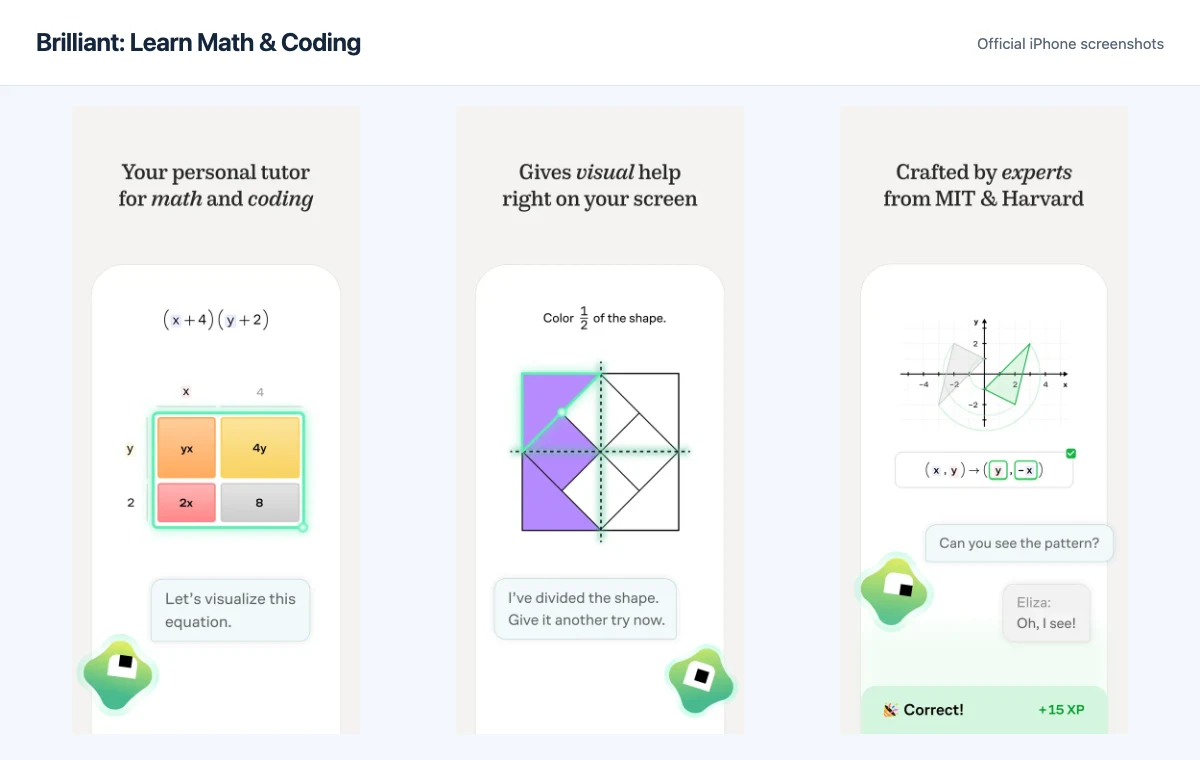
Brilliant fits the moment when you want something to work out. Its visual, interactive lessons cover math and coding, with problems that give you a reason to pause and think before continuing.
Pick a subject near your current level. A manageable problem is easier to return to tomorrow than an advanced topic chosen only because its title sounds impressive. When an answer surprises you, spend the rest of the session understanding why it works instead of rushing into the next concept.
A useful stopping point: one concept or practice set you can explain afterward.
Access: Brilliant’s current Free and Premium comparison gives free users two daily keys for concepts or practice sets, sequential topic access and a limited tutor preview. Premium removes those daily limits and adds full tutor access.
Get it: Brilliant for iPhone · Brilliant for Android.
4. TubeOnAI: for learning from something you already saved
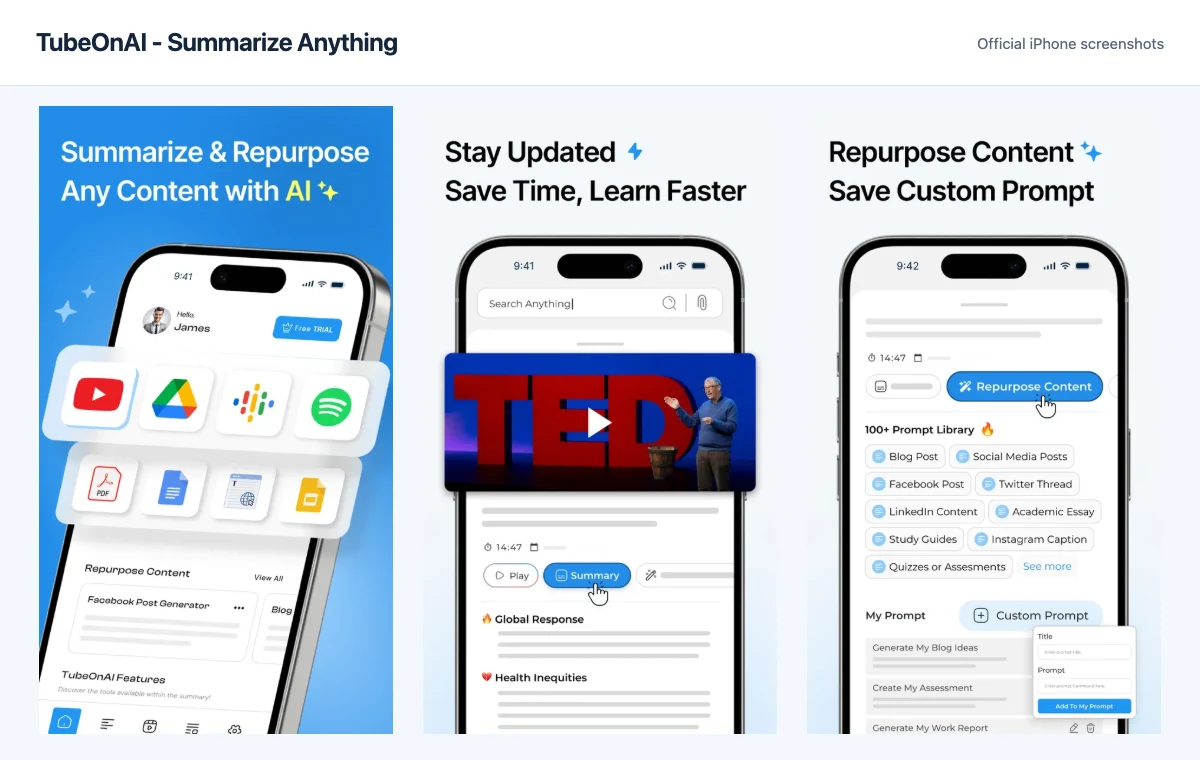
A saved video can sit in a queue for weeks because you never find an uninterrupted hour. TubeOnAI gives you another starting point: review the main ideas from a supported video, podcast, article or document, then decide what deserves more attention.
The mobile app also offers audio playback of summaries and follow-up questions. That makes it useful when your learning material is something you chose yourself, rather than a lesson from an app’s catalog.
Try one source you already care about:
- Add the link or open a saved result in the app.
- Read or listen to the summary with one question in mind.
- Ask for clarification on the point you did not understand.
- Keep one takeaway, then return to the original if a quote, number or important detail needs checking.
Our YouTube summarizer guide and podcast tool explain those source workflows. If you are unsure what to watch, the educational YouTube channel guide offers starting points. Keep related sources in a collection so the session ends with something you can find again.
A useful stopping point: one source, one question answered and one note worth keeping.
Access: processing requires a TubeOnAI account and available credits. Check the current plan allowance before starting a long source. A summary helps you choose and understand material; check the original before quoting or relying on a consequential detail.
Get it: TubeOnAI for iPhone · TubeOnAI for Android.
5. Wikipedia: for answering a question instead of opening a feed
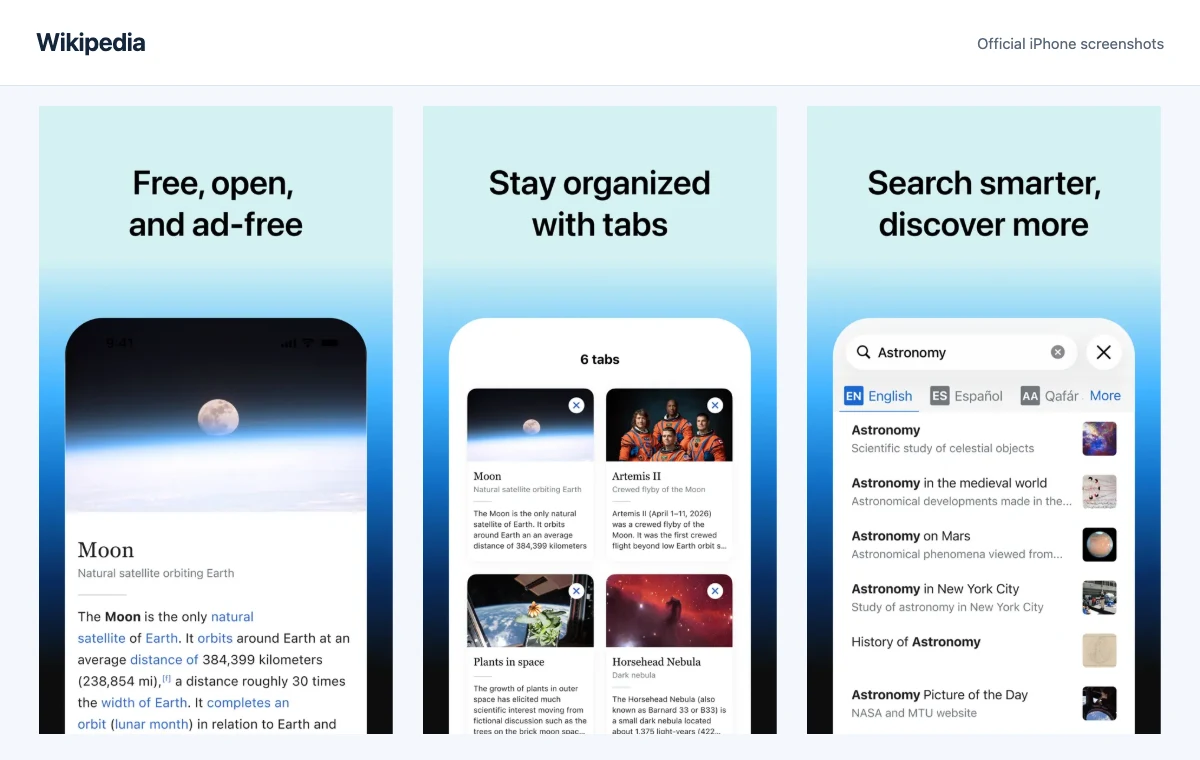
Wikipedia works well when you arrive with a question: what a term means, why an event happened or how two ideas relate. The official app gives you article search and reading lists in a free, ad-free experience.
Start with the question rather than the discovery feed. Read the relevant section, inspect a reference that supports an important claim and decide whether you have enough information for now. The links are useful, but opening every related article can become another version of an unfinished feed.
A useful stopping point: answer your original question and save one reference to explore later.
Access: the Wikimedia Foundation’s official app is free. Use the article’s references when you need to verify a particular claim.
Get it: Wikipedia for iPhone · Wikipedia for Android.
6. Imprint: for ideas explained visually
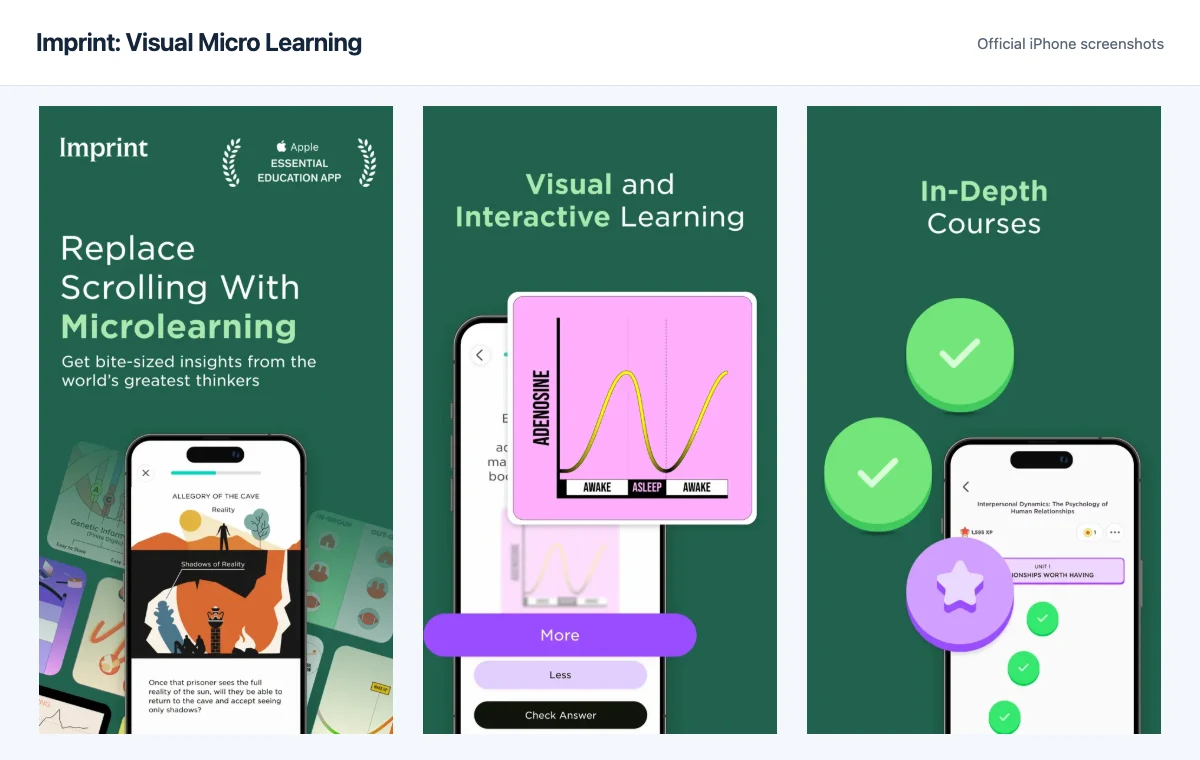
Imprint offers visual explanations across subjects such as psychology, history and philosophy. It includes courses, short reads and guides to books, with quizzes and ways to review saved ideas.
It is a good option to consider if a long page of text makes you lose your place. Work through one chapter and describe the relationship shown in a diagram without reopening it. That gives the session a small outcome beyond seeing more screens.
A useful stopping point: one chapter and a brief explanation of its central idea.
Access: the app is free to download, while full catalog access requires a subscription. Check the preview or trial offered to your account before subscribing; do not assume a free download includes every course.
Get it: Imprint for iPhone · Imprint for Android.
7. Blinkist: for exploring a book’s main ideas
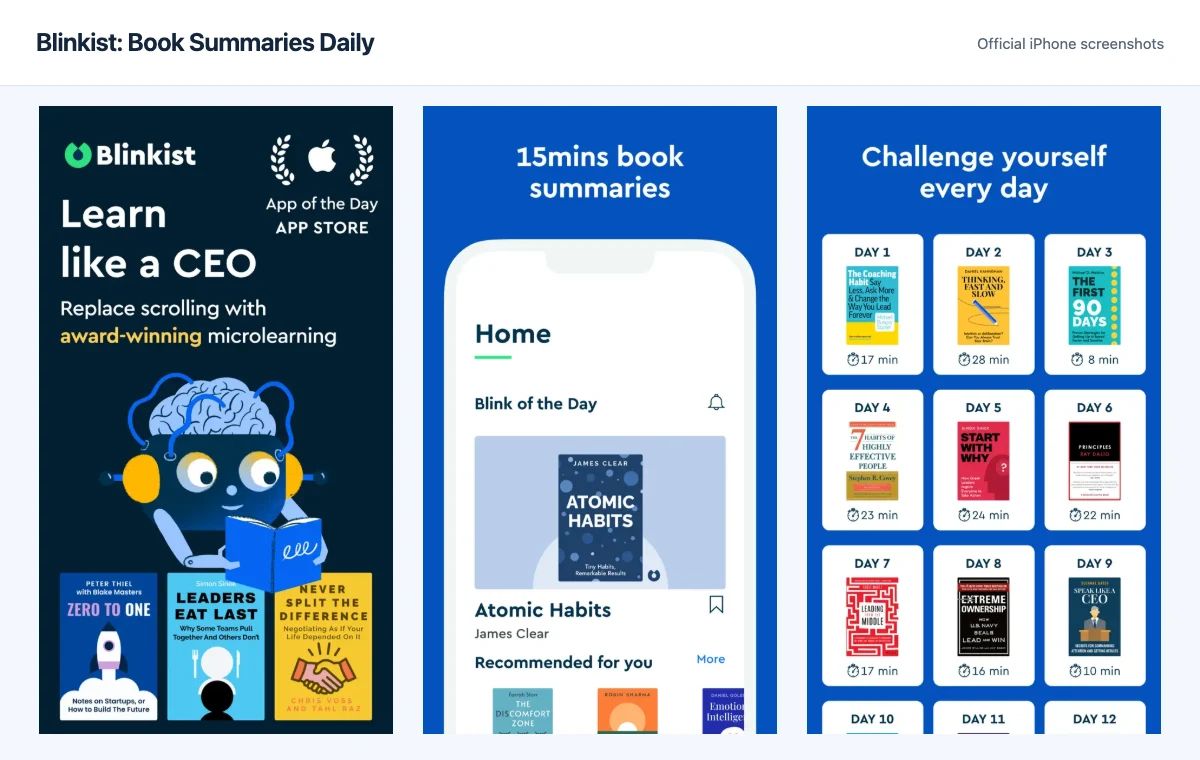
Blinkist provides prepared book summaries in text and audio. It suits a walk or a short reading break when you want an introduction to an idea without first choosing a full book.
Use the summary to decide what you want to investigate. When an argument interests you, make a note of the question it raises or consider reading the original. A compact overview cannot carry every example and qualification from a book, and finishing more summaries is not automatically the goal.
A useful stopping point: one summary and one idea you want to examine or use.
Access: Blinkist’s current plan guide lists one hand-picked title each day on free Basic. Choosing freely from the wider catalog requires a paid plan. Trial availability varies.
Get it: Blinkist for iPhone · Blinkist for Android.
8. Khan Academy: for understanding something you missed
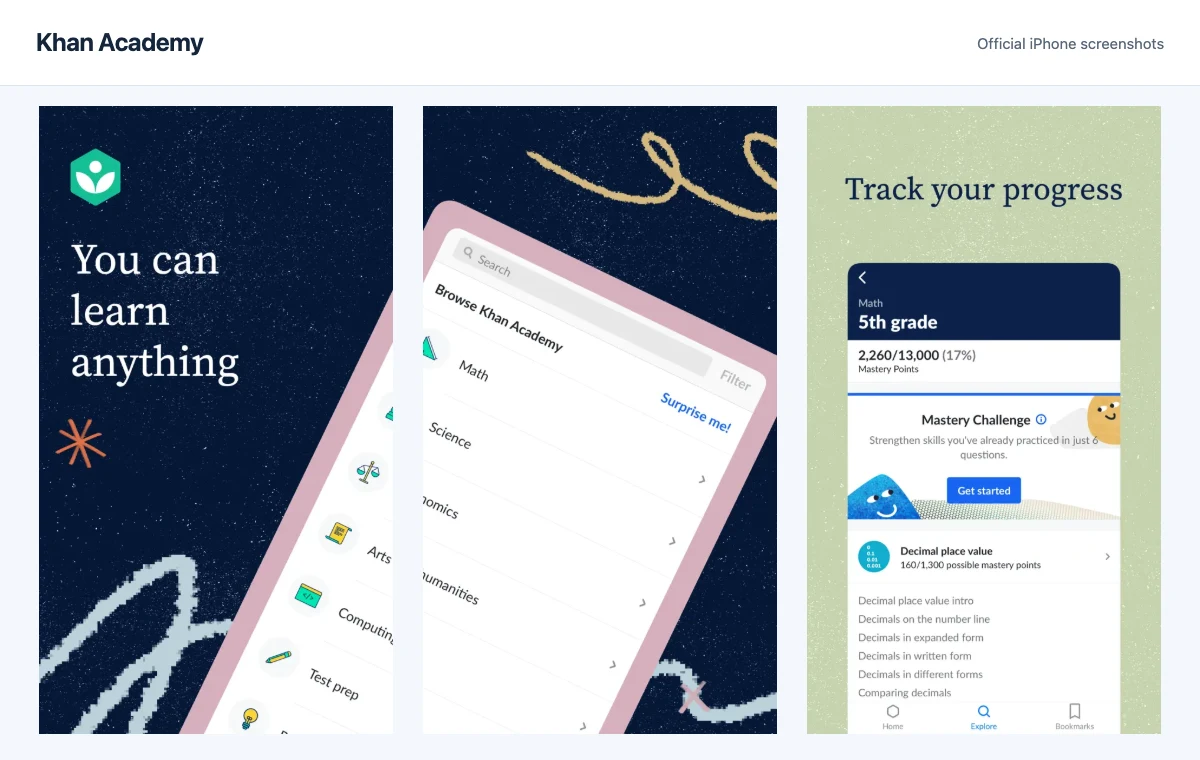
Khan Academy is useful when you have a gap you can name: a math method that never made sense, a science concept you want explained or a topic you need to revisit. The app combines explanations with practice, hints and feedback.
Choose a specific skill instead of browsing the entire subject library. Watch or read the explanation, attempt a small set of questions and look carefully at one mistake. You can return to that skill next time instead of repeatedly searching for a new lesson.
A useful stopping point: one explanation followed by practice on the same idea.
Access: Khan Academy’s official app page describes its learning resources as free and ad-free. That makes it an option when you want to try a learning routine without starting a subscription.
Get it: Khan Academy for iPhone · Khan Academy for Android.
9. Anki: for remembering what you have already learned
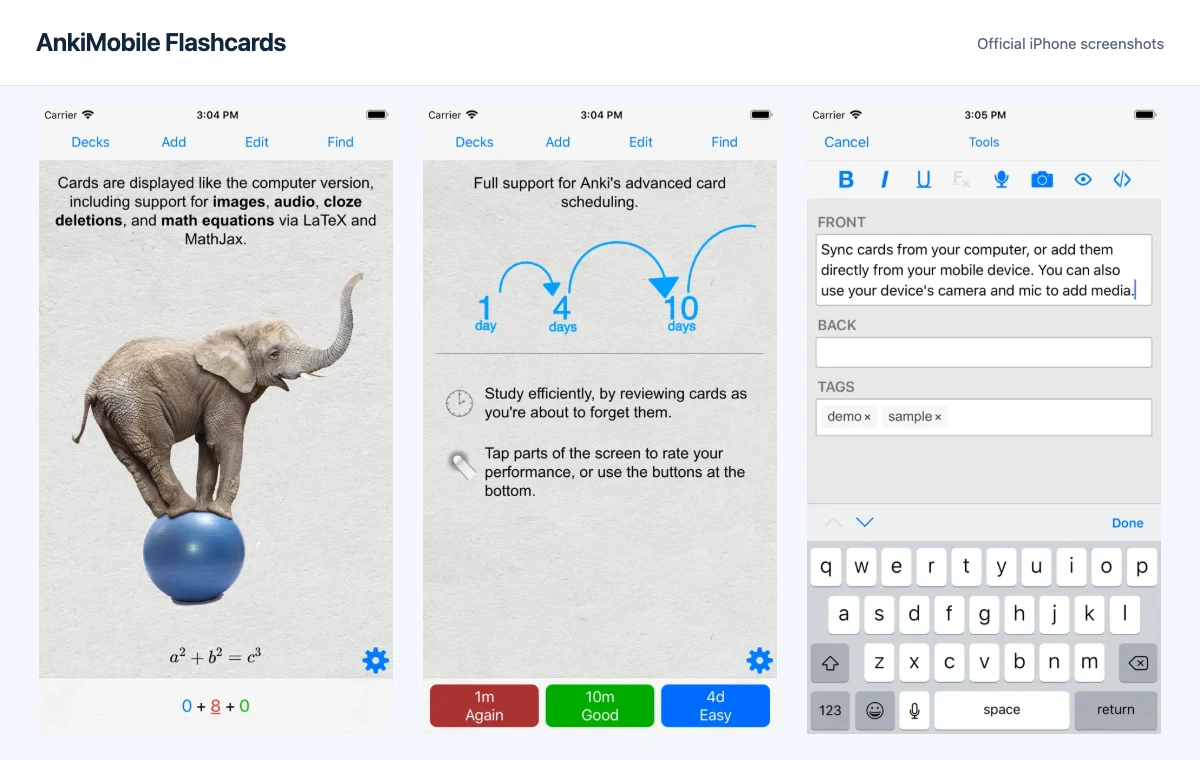
Anki fills a different role from a discovery app. You bring the material, then review flashcards using its scheduling system. It is useful for vocabulary, definitions or facts you have decided are worth retaining.
Start with a small deck or a few cards you wrote yourself. A clear question with one answer is easier to review than a whole paragraph on the back of a card. Set a manageable review session; adding more cards every day can create more work than you want to maintain.
A useful stopping point: the small review set you planned before opening the app.
Access: the Anki project download page links the official platform options. AnkiMobile for iPhone was $24.99 as a one-time US purchase when checked; AnkiDroid for Android is free. AnkiWeb synchronization is free. Check the developer so you do not confuse similarly named apps.
Get it: AnkiMobile for iPhone · AnkiDroid for Android.
10. TED: for one talk chosen with a purpose
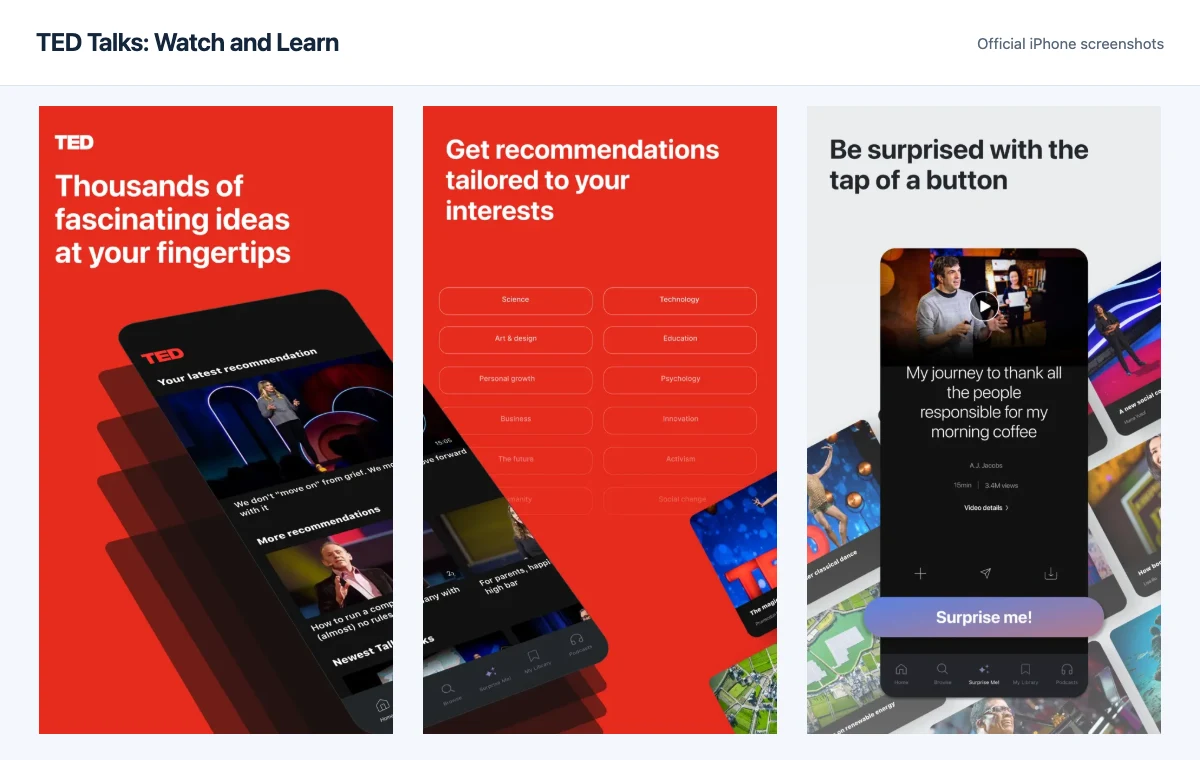
TED is useful when you want to hear someone explain an idea rather than work through an exercise. You can browse talks by topic, use subtitles and keep a list of talks to watch later.
Choose the talk before you begin. When it ends, write one sentence about the argument and one question you still have. Then leave the next recommendation for another session. A polished talk can introduce a subject, but you may need the original research or another explanation to evaluate its claims.
A useful stopping point: one talk and a note about what it helped you understand.
Access: the official TED app provides talks for free. Choose a short talk if you only have a small break; there is no need to watch at a faster speed just to finish more videos.
Get it: TED for iPhone · TED for Android.
Make the replacement easier to choose
Installing ten apps gives you another selection problem. Start with one and decide when you will use it. A simple plan is enough:
- Name the moment. For example, the few minutes after lunch when you usually open a feed.
- Choose the activity ahead of time. Leave one lesson, saved article or review set ready.
- Make it easy to open. Put that app somewhere you can find without passing through several distracting screens.
- Set an ending. One lesson, question, source or short review session is a workable boundary.
- Check what you kept. A sentence, an answer or a solved problem is more useful evidence than time spent inside the app.
If the problem is a growing queue rather than a social feed, our guide to dealing with too much content covers choosing sources and deciding what to leave unread.
You can also keep learning apps separate from the tools that organize your day. Our iPhone productivity app guide and Android productivity app guide cover tasks, calendars and notes.
Questions about replacing scrolling with learning
What are the best apps to replace scrolling with learning?
Choose around the activity you want. Kinnu suits general curiosity, Duolingo a language routine and Brilliant a problem-solving session. TubeOnAI fits learning from something already in your saved queue. The best starting choice is one you have a clear reason to open and a point at which to stop.
Which apps can I use without paying?
Wikipedia, Khan Academy and TED offer free learning resources. Duolingo has free courses, and Blinkist Basic offers one selected title per day. Other apps have limits, subscriptions or platform-specific costs. Check the access column and current store offer before committing.
Will a learning app stop me from doomscrolling?
It gives you an alternative activity. It does not necessarily restrict social apps or stop you opening another feed. If you want an actual usage limit, combine your chosen activity with iPhone Screen Time or Android Digital Wellbeing.
Are educational feeds always a better use of time?
Changing the subject of a feed does not guarantee that you will remember it. Decide what you want from the session and notice when browsing has replaced that task. Rest and entertainment can also be deliberate choices; every free moment does not need a learning target.
Should I use a learning app or an app blocker?
A learning app supplies an activity. An app blocker or your phone’s built-in limits restrict access. Choose based on the problem: having no appealing alternative, opening a particular app too often or both.
Start with one replacement you actually want to use. Finish something small, keep the useful part and let the session end.