Looking for a Glasp alternative that better fits your workflow?
While Glasp has built a strong reputation for social highlighting and AI-powered note-taking, it’s not the perfect fit for everyone. You may need stronger privacy controls, more robust organization features, or better integration with your existing tools, and a simpler interface or more advanced annotation capabilities.
This guide breaks down the best Glasp competitors, examining their unique strengths to help you find a tool that truly matches how you work, study, and retain information.
7 Best Glasp alternatives in 2025
Readwise
Pros:
- Unmatched ability to sync highlights automatically from dozens of sources (Kindle, Pocket, Instapaper, etc.);
- Uses the Spaced Repetition method (daily emails) to help you actively review and remember what you have read.
Cons:
- The service is expensive.
- Focused primarily on the paid subscription.
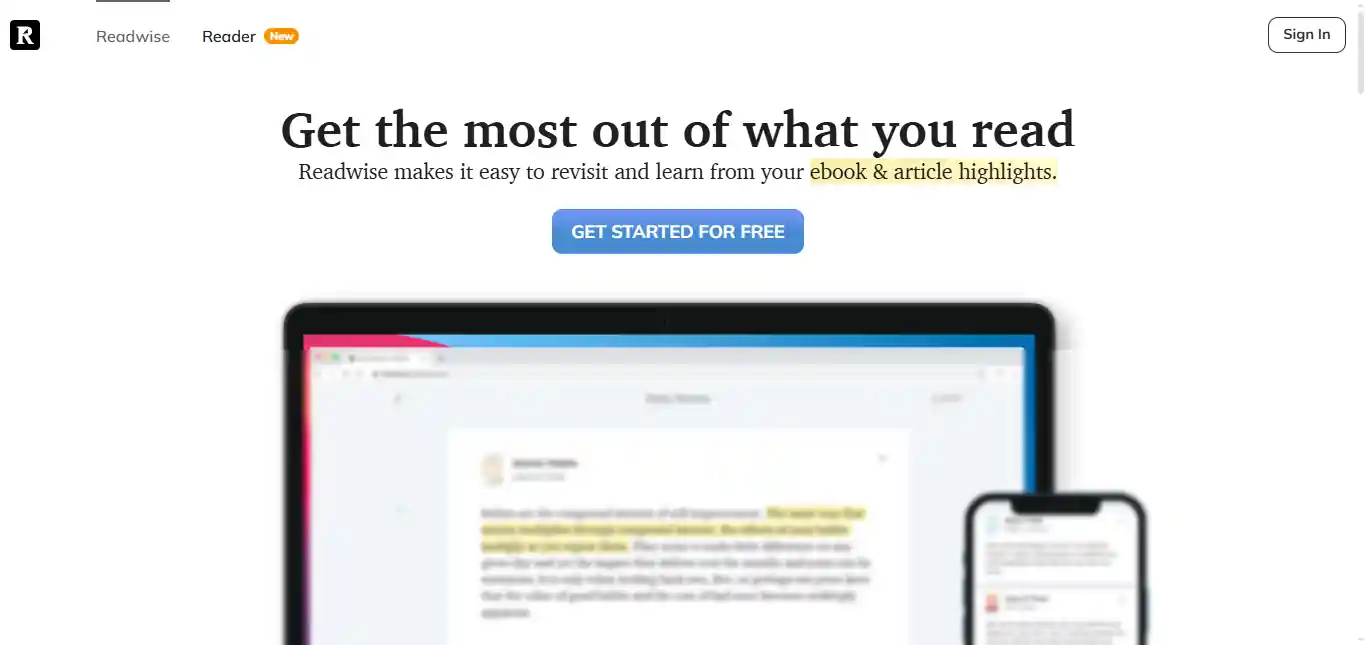
Readwise has established itself as the ultimate tool for long-term knowledge retention and serves as a central hub for all your reading highlights across every platform you use. The service was built on a simple but powerful premise: you’re already highlighting and saving valuable information, but you never actually revisit it. Readwise solves this problem by automatically gathering highlights from over 30 different sources and using scientifically-backed methods to help you retain what you’ve read.
Readwise’s greatest strength is its ability to pull highlights from virtually every reading platform you use. It supports Kindle (both books and articles), Apple Books, Kobo, Google Play Books, Pocket, Instapaper, Medium, Twitter/X bookmarks, PDFs, physical books (via manual entry or OCR), and even podcasts that provide transcripts. Once you connect these sources, Readwise continuously monitors them and automatically imports new highlights, requiring no manual intervention.
Synchronization occurs in the background, typically within a few hours of creating a new highlight. For Kindle users, this means every book you highlight on your device automatically appears in Readwise. For web readers using services like Pocket or Instapaper, your saved articles and their highlights sync seamlessly. This eliminates the frustrating problem of having your research scattered across multiple apps and platforms.
Pricing: Subscription required after a free trial (approx. $5.99–$9.99/month).
Availability: Chrome.
TubeOnAI
Pros:
- Excellent for converting summaries into new content drafts (social media, blogs);
- Handles articles, videos, and audio (podcasts) in one place
Cons:
- Advanced content-generation features require a premium plan.
- The free version has daily usage limits.
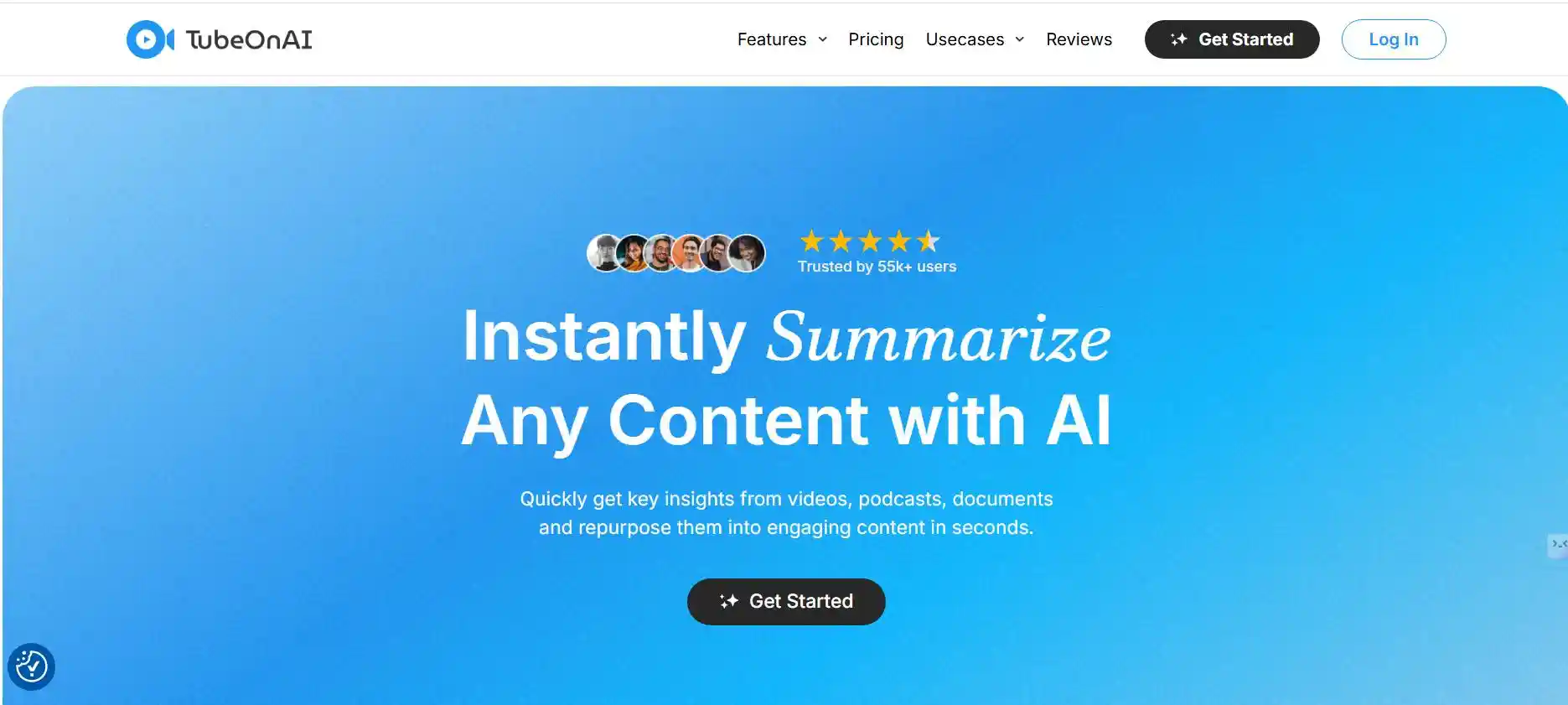
Unlike traditional highlighting or summarization tools that focus on personal knowledge retention, TubeOnAI is explicitly designed for content repurposing and multimedia information processing. It recognizes that modern professionals often need to consume content not just to learn, but also to create derivative works such as social posts, blog articles, newsletters, competitor analyses, and market research reports.
The platform emerged from a simple observation: content creators waste enormous amounts of time watching full videos, reading lengthy articles, and listening to hour-long podcasts just to extract a few key points for their own content. TubeOnAI compresses this process from hours to minutes by providing accurate summaries, then takes one critical step further to help you turn those summaries into ready-to-publish content for your specific needs.
Pricing: Free plan with limits; Paid subscriptions available.
Availability: Available
Diigo
Pros:
- Full suite of features, including highlighting, sticky notes, screen capture, and visual bookmarking.
- Excellent for organizing extensive collections of web resources.
Cons:
- The interface is older and less streamlined than modern apps.
- The primary focus is on collection and tagging, not fast AI summarization.
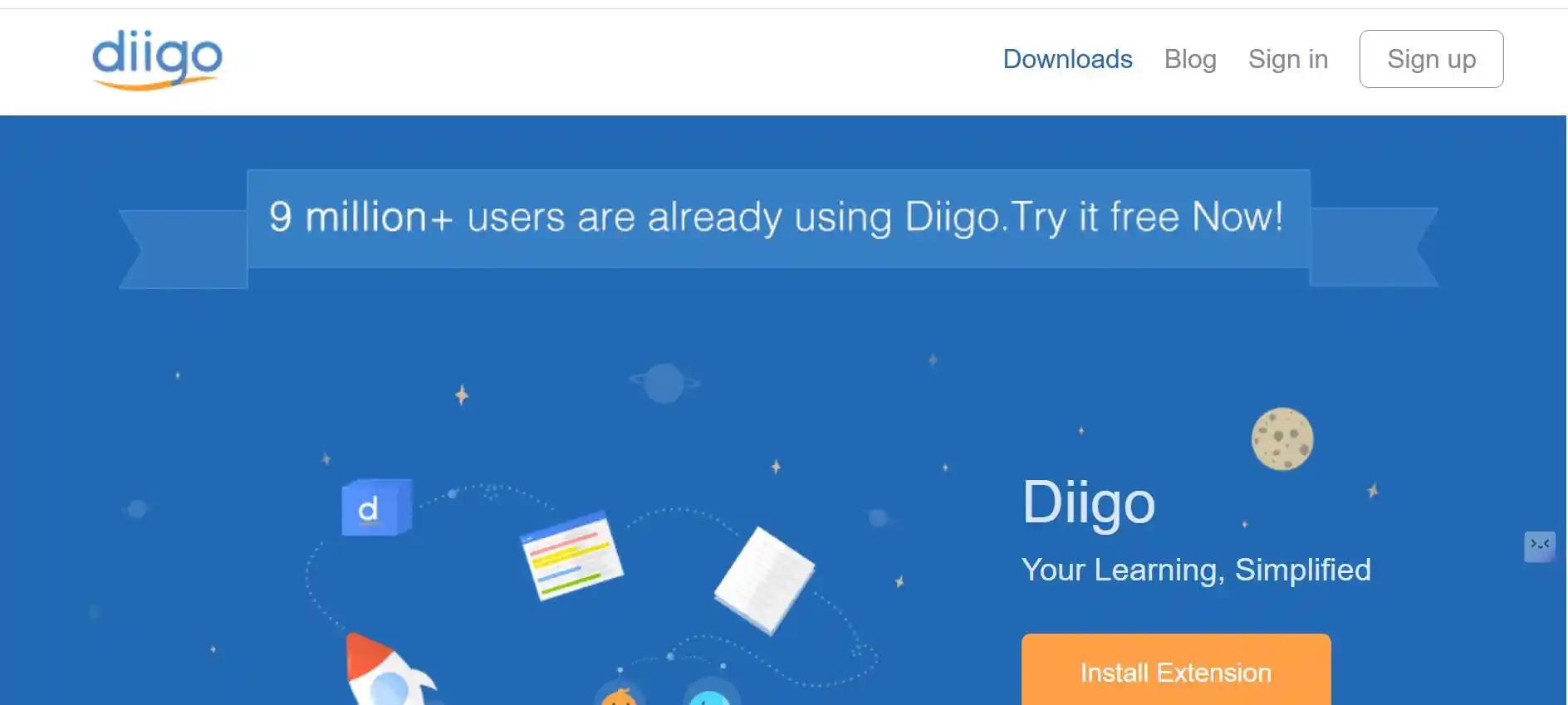
Diigo is a comprehensive social bookmarking and annotation tool. It offers multiple ways to capture information: highlighting, adding sticky notes directly onto web pages, and saving visual bookmarks. Its strength lies in collecting and tagging a large, diverse digital research library, often archiving the original webpage content.
While many competitors have come and gone, Diigo has survived and evolved by continuously adding features and maintaining its position as one of the most comprehensive tools for online research and information management.
Unlike newer tools that focus on simplicity or a single use case, Diigo takes a maximalist approach. It’s a Swiss Army knife for digital research, combining bookmarking, multi-layer annotation, page archiving, social collaboration, and knowledge organization in one platform. This comprehensiveness is both Diigo’s greatest strength and, at times, its weakness, as it can do almost everything, but that means there’s more to learn and configure.
Pricing: Free Basic plan; Premium plans for unlimited storage and features (Standard starts at approx. $40/year).
Availability: Chrome.
Weava
Pros:
- Clean, intuitive interface for highlighting;
- Excellent color-coded organization of sources into collections.
- Suitable for group research and collaboration.
Cons:
- Less integrated with advanced AI summarization or chat features.
- The most useful export and team sharing features require payment.
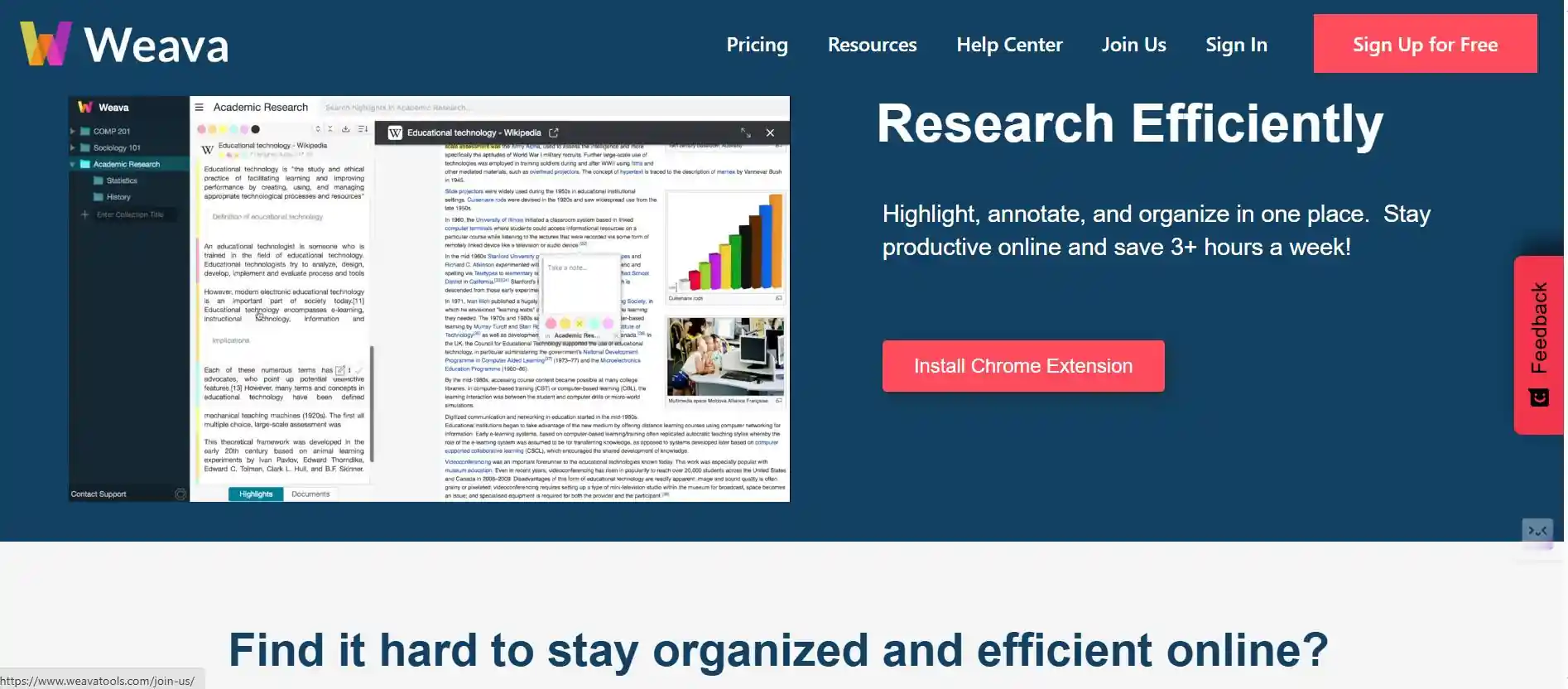
Weava is a simple, collaborative highlighter designed primarily for research organizations. It allows you to quickly mark and categorize highlights from different sources into themed, color-coded folders and collections. It focuses on organizing your captured quotes and notes for easy export and reference.
Weava focuses intensely on doing a few things exceptionally well: making highlighting fast and frictionless, organizing highlights by source and project with visual clarity, facilitating collaboration among research partners, and exporting organized research into properly formatted citations and reference documents. This focused approach means Weava lacks some advanced features found in more comprehensive tools. Still, it means the core experience is polished, intuitive, and explicitly optimized for academic research workflows.
Pricing: Free plan with basic features; Premium subscriptions (approx. $3.99/month) for unlimited storage and sharing.
Availability: Chrome.
Scribe
Pros:
- Instantly turns screen recordings into step-by-step guides.
- Excellent for creating training materials or documentation.
- Summarizes processes quickly.
Cons:
- Not designed for summarizing academic papers or long articles;
- It summarizes actions, not prose.
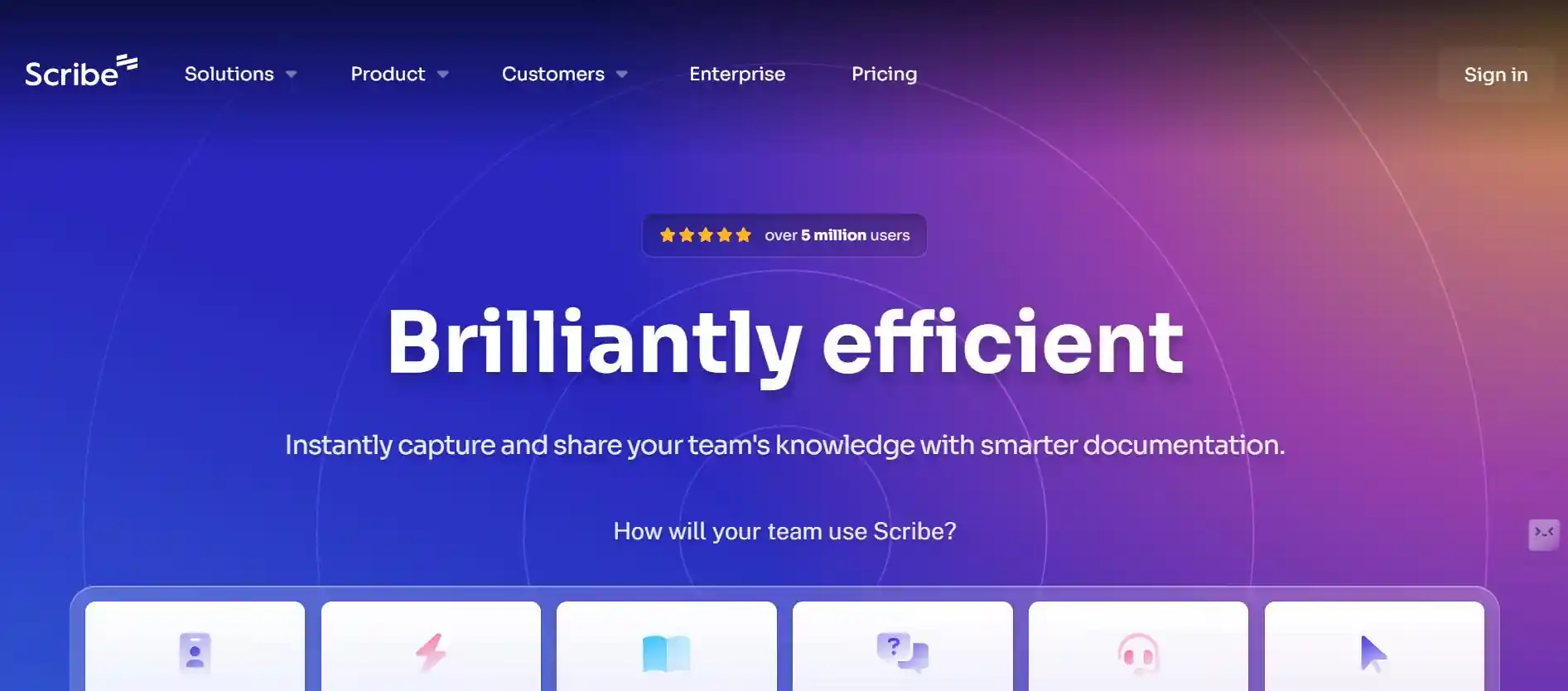
Scribe is designed for documentation and workflow summarization, not general reading. It automatically records your on-screen actions and transforms them into polished step-by-step guides with numbered instructions and screenshots. Simply activate Scribe, perform any task on your computer, and it generates a complete tutorial instantly.
The AI writes descriptions for each step (like “Click the ‘Submit’ button”), which you can edit. Visual annotations such as arrows, boxes, and text overlays highlight important elements. Guides can be exported as PDFs, embedded in knowledge bases, or shared via direct links.
Team workspaces create shared documentation repositories. While irrelevant for traditional research, Scribe is invaluable for technical documentation, training materials, customer support resources, and standard operating procedures.
Pricing: Free Basic plan; Pro team starts from $12/month per seat and Pro personal for $23/month per seat and you can contact them for Enterprise tiers for advanced features.
Availability: Chrome and Microsoft edge.
Web Highlights
Pros:
- Very fast and privacy-focused.
- Simple, clean interface for capturing quotes.
- Excellent export features for Notion and Obsidian.
Cons:
- Lacks advanced features like AI summarization or conversion into flashcards.
- Less integrated with external reading sources (like Kindle).
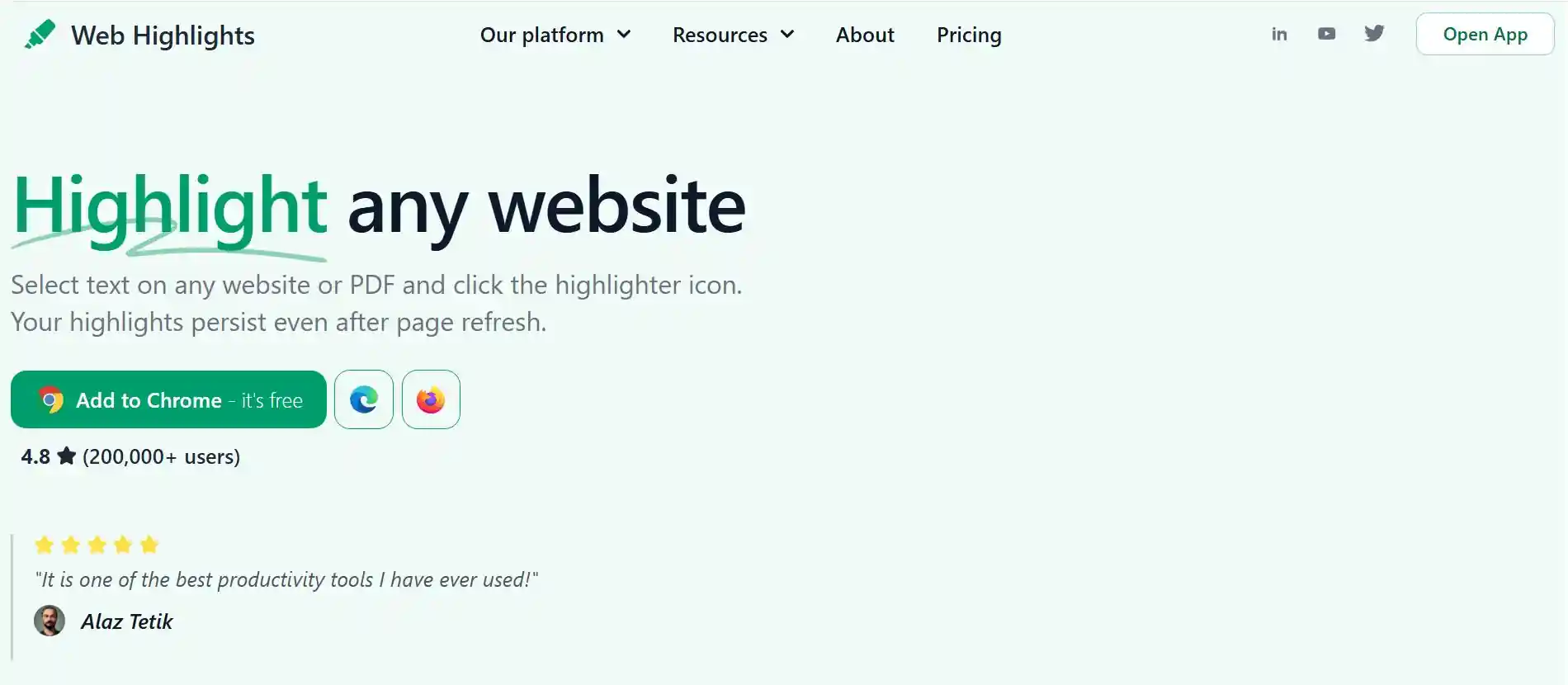
Web Highlights is a minimalist highlighting extension focused on simplicity and privacy. Select text on any webpage or PDF, choose a highlight color, and it’s saved instantly to your dashboard. The sidebar interface shows all highlights from the current page without obscuring content.
Tags and personal notes add context to each highlight. The central dashboard organizes all highlights by source and date with powerful search functionality. The standout feature is seamless export to Notion, Obsidian, and other PKM tools with proper formatting preserved.
Privacy-first design stores data locally or offers optional cloud sync without selling or analyzing your information. Keyboard shortcuts enable mouse-free highlighting. While lacking advanced AI features, Web Highlights excels at its core purpose: capturing and exporting text highlights with zero friction.
Pricing: Free; Premium plans for cloud sync and advanced features (approx. $4.49/month and $4.99/month).
Availability: Chrome.
Liner Copilot
Pros:
- AI Copilot works on articles, PDFs, and YouTube.
- Gives accurate, instant answers based on the content.
- Integrates multiple AI models for better results.
Cons:
- Full access to advanced AI models and unlimited file uploads requires a paid plan;
- The free tier is limited.
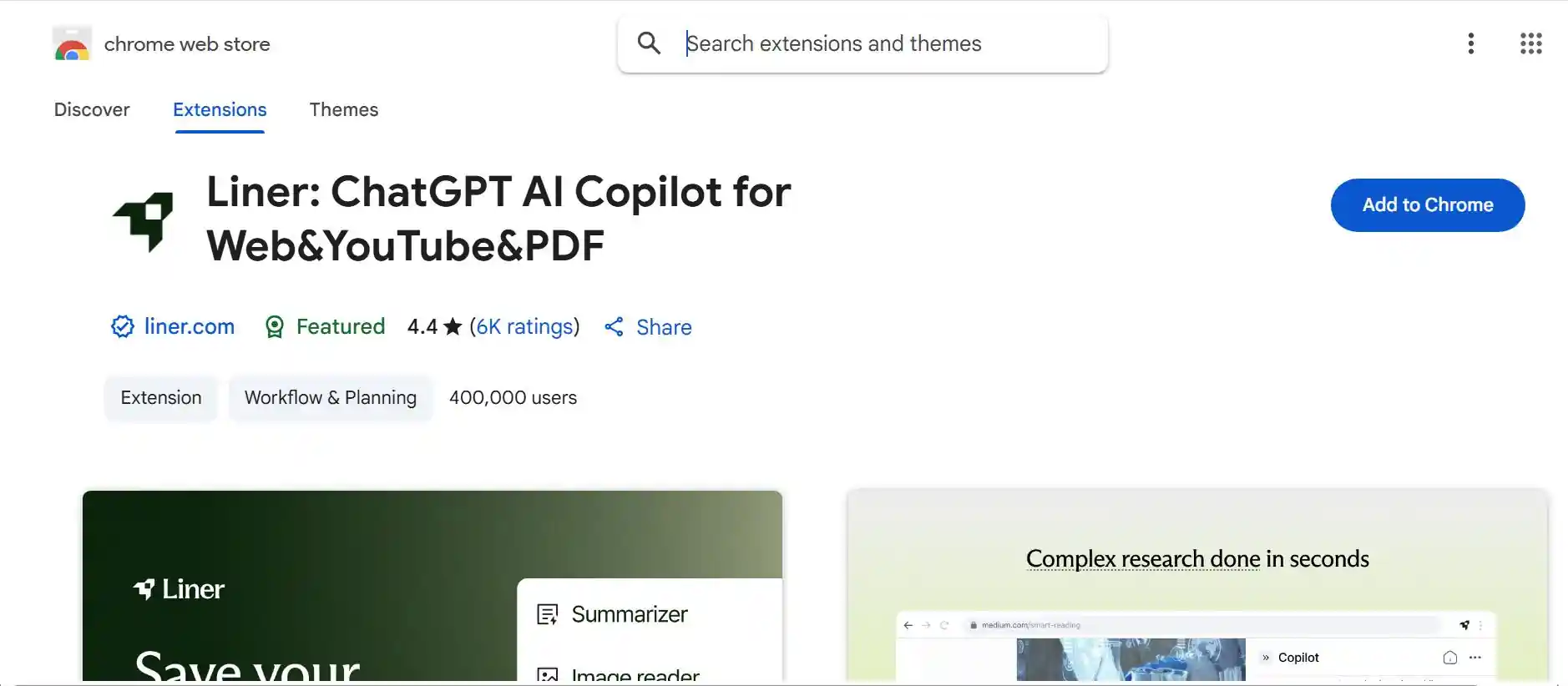
Liner Copilot represents next-generation reading tools by deeply integrating AI assistance into your browsing experience. Highlight text and immediately ask the AI to explain, elaborate, or find related information.
The AI generates instant summaries of articles, research papers, or YouTube videos. Ask questions about content you’re reading and receive answers pulled directly from the text, augmented with web search when needed. Choose between different AI models based on your needs (speed versus depth).
The workspace organizes highlights and AI conversations by topic. Mobile apps provide full functionality across devices. Collaboration features allow sharing AI-enhanced summaries with team members. AI responses include citations referencing specific source sections. While more complex than simple highlighters, Liner Copilot transforms passive reading into interactive knowledge extraction.
Pricing: Free Basic plan; Pro plans start around $14.99/month.
Availability: Chrome.
Conclusion
When selecting an alternative to Glasp, your choice should align with your primary goal:
If knowledge retention and multi-source syncing are most important, Readwise is the gold standard. If you need to create new content from your research, TubeOnAI offers the best repurposing features. If you require advanced AI questioning and web research speed, Liner Copilot provides the sharpest toolset.
The ideal extension transforms passive reading into an organized, actionable asset.
Frequently Asked Questions
Which tool is best for students who use Notion or Obsidian?
Readwise is generally considered the best choice because it offers automated, seamless export (syncing) of all your highlights and notes into your Notion or Obsidian workspace.
Can any of these tools summarize YouTube videos?
Yes. TubeOnAI and Liner Copilot both specialize in summarizing YouTube videos by analyzing transcripts, letting you get the key points without watching the entire video.
Do I lose my highlights if I stop paying for the premium versions?
For most services like Readwise or Liner Copilot, while you may lose access to advanced features or unlimited storage, your saved highlights and notes are usually retained in a basic form or can be exported before cancellation. Always check the specific tool’s data policy.
How does Readwise actually help me remember things?
Readwise uses a technique called Spaced Repetition. It sends you daily emails containing a small selection of your old highlights, showing them to you right before you would naturally forget them, which strengthens your long-term memory.
Which tool is best for researchers or academic writers?
Weava and Diigo are the most research-oriented options. Weava’s color-coded folders and Diigo’s tagging and sticky notes make them ideal for collecting, organizing, and referencing academic materials during thesis or paper preparation.
What’s the best free alternative to Glasp?
If you want something free and easy, Web Highlights offers strong highlighting and export features without a subscription. It’s privacy-friendly and perfect for simple, personal use.
Can I collaborate with others using these tools?
Yes. Weava supports team collaboration, letting you share research folders with others, while Scribe is excellent for creating and sharing step-by-step visual guides across teams or organizations.
Are these tools safe and private?
Most tools, including Web Highlights and Weava, focus on privacy by storing data locally or allowing full export control. However, tools that use cloud syncing (like Readwise) require account permissions – always review their privacy settings before connecting accounts.