Can AI Watch a Video and Summarize It?
Which AI models actually look at a video's frames, which only read the transcript or audio, and what that means for getting a good video summary.

Updated
Short answer: yes, but only some AI actually “watches”. Google’s Gemini can take a video file or a YouTube link and analyze both the picture (by sampling frames) and the sound. Most other tools, including ChatGPT and Claude on their standard file uploads and most video summarizers, work from what is said in the video: they read the transcript or transcribe the audio, then summarize the text.
For talking-heavy videos such as lectures, podcasts, interviews and explainers, the words carry almost all the information, so a transcript-based summary works well. For videos where the important part is visual (a silent tutorial, a product demo, sports, slides that are never read aloud), you need a model that looks at the frames.

What Each AI Tool Actually Processes
Checked on each provider’s official pages in October 2026:
| Tool | Looks at the picture? | Uses the audio/speech? | How you give it a video |
|---|---|---|---|
| Gemini app | Yes, for uploaded videos | Yes (Google’s Gemini docs say video audio is processed too) | Upload a video (up to 5 minutes in total on the free tier, up to 1 hour with Google AI Pro or Ultra; up to 2 GB per file), or ask about a YouTube video |
| Gemini API / Google AI Studio | Yes, samples 1 frame per second by default | Yes | Upload a file or pass a public YouTube URL; up to about 1–3 hours of video per request depending on resolution |
| ChatGPT | Not for video files: OpenAI’s upload help lists documents, images and audio, not video | Yes, for audio files (paid plans) | Upload the audio track, paste a transcript, or attach screenshots as images |
| Claude | Images only; video isn’t listed as a supported upload | No; audio isn’t listed as a supported upload | Paste the transcript, or upload screenshots or a PDF of the slides |
| Gemini Notebook (formerly NotebookLM) | No | Imports the caption transcript of public YouTube videos; accepts audio files | Add a public YouTube link with captions, or an audio file |
| TubeOnAI | Built around the spoken content | Yes, including YouTube videos with no transcript | Paste a YouTube, podcast or other video link, or upload media |
So if you are looking for an AI that can genuinely watch a video, Gemini is the mainstream option today. If you want a summary of what was said, almost any of these tools will do, and dedicated video summarizers save you the step of finding or making a transcript.
How AI Video Summarization Works
Most AI summarizers don’t sit and watch a video like a person does. Here is what happens, step by step.
Step 1: The AI Listens to the Video (Speech to Text)
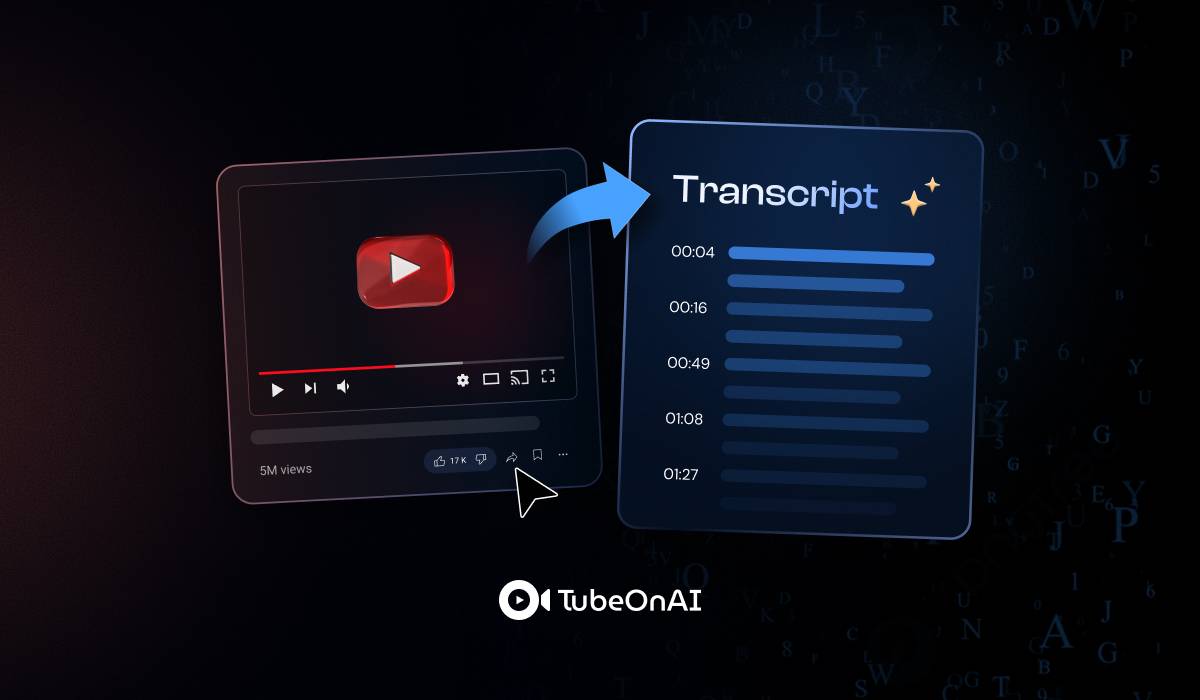
The AI first turns the audio into text. If the video already has captions or a transcript, many tools simply use that. If it doesn’t, speech recognition converts the spoken words into written text, which takes a little longer.
Step 2: Some Models Also Look at the Video (Computer Vision)
Multimodal models such as Gemini also analyze the picture. Gemini’s documentation says it samples video at 1 frame per second by default and processes the audio track alongside it, so it can read text on slides, describe scenes and answer questions about what appears on screen. Transcript-based tools skip this step entirely, so anything that is shown but never said is invisible to them.
Step 3: The AI Works Out the Meaning
A large language model then reads the transcript (and, for multimodal models, the visual information) to find the main topics, key points, names and how the ideas connect.
Step 4: The AI Writes the Summary
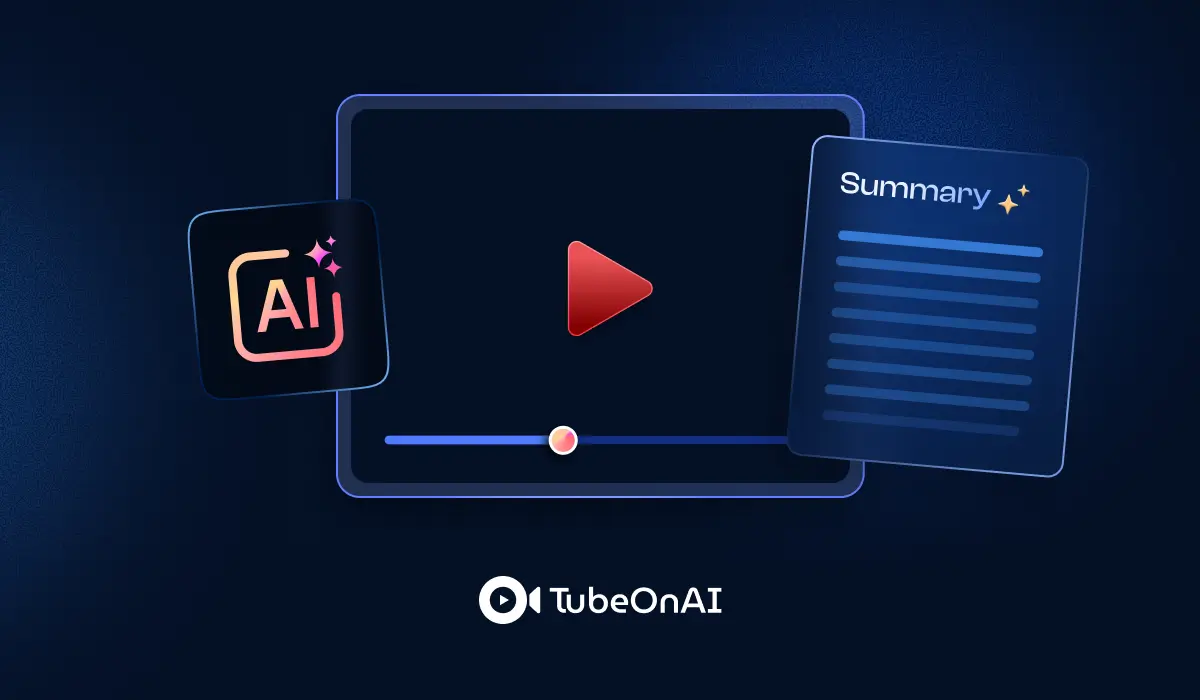
Finally, it produces a summary: usually an overview, key points and sometimes timestamps. You can then ask follow-up questions or have the summary turned into notes, posts or other formats.
Types of Content AI Can Summarize
The same approach works for more than video:
Online videos: YouTube videos, lectures, webinars and interviews. Which sites are supported varies by tool.
Video files: many tools accept uploaded files in common formats such as MP4 and MOV. Check each tool’s list; ChatGPT and Claude, for example, don’t accept video files directly.
Audio files and podcasts: a podcast episode in MP3, an interview in WAV or a voice memo can be transcribed and summarized.
PDF documents: you can upload a PDF like a long research paper, a business report or an e-book and get a summary of the key points.
Files in cloud storage (like Google Drive): some summarizers, TubeOnAI among them, can summarize Google Drive files directly, so you don’t have to download them first.
AI vs Human Video Summarization: Accuracy & Speed
Speed: AI is the clear winner. It can summarize an hour-long video in minutes; a person needs to watch the whole hour.
Accuracy: AI does well on informational videos such as lectures, tutorials and talks, where the key points are stated clearly. It can still miss or misstate details, especially names, numbers and anything that is only shown on screen, so check the parts you will rely on.
Humans are better at sarcasm, emotion, storytelling and cultural references. For creative or emotional content, a human summary is usually more faithful.
Cost: AI summarizers are cheap or free for occasional use. Doing it yourself costs nothing but time.
Scale: AI can summarize far more videos than a person ever could.
AI Tools to Summarize YouTube Videos
If your videos are mostly people talking, a dedicated summarizer is usually quicker than a general chatbot. Some options:
TubeOnAI
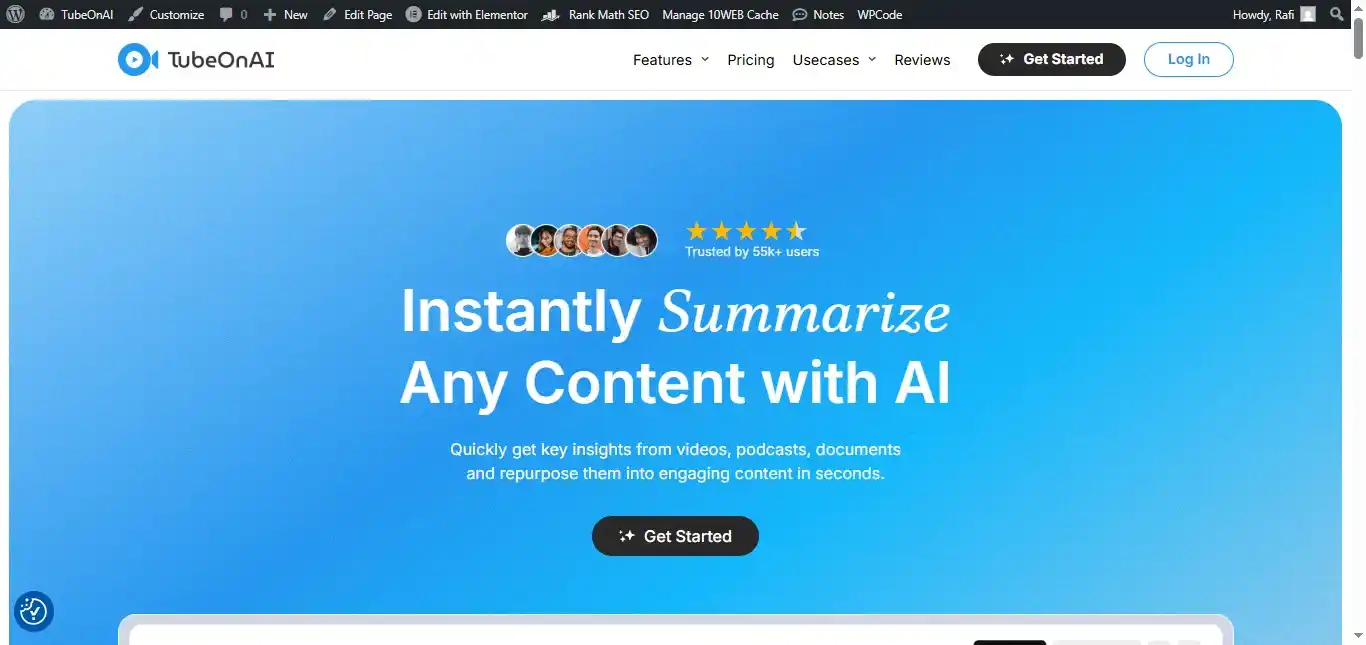
TubeOnAI summarizes YouTube videos, including videos without a transcript, along with videos from other sites such as Dailymotion, Bilibili and Twitch (availability varies by site). It also summarizes podcasts, PDFs, web articles and Google Drive files, and can translate summaries into 30+ languages.
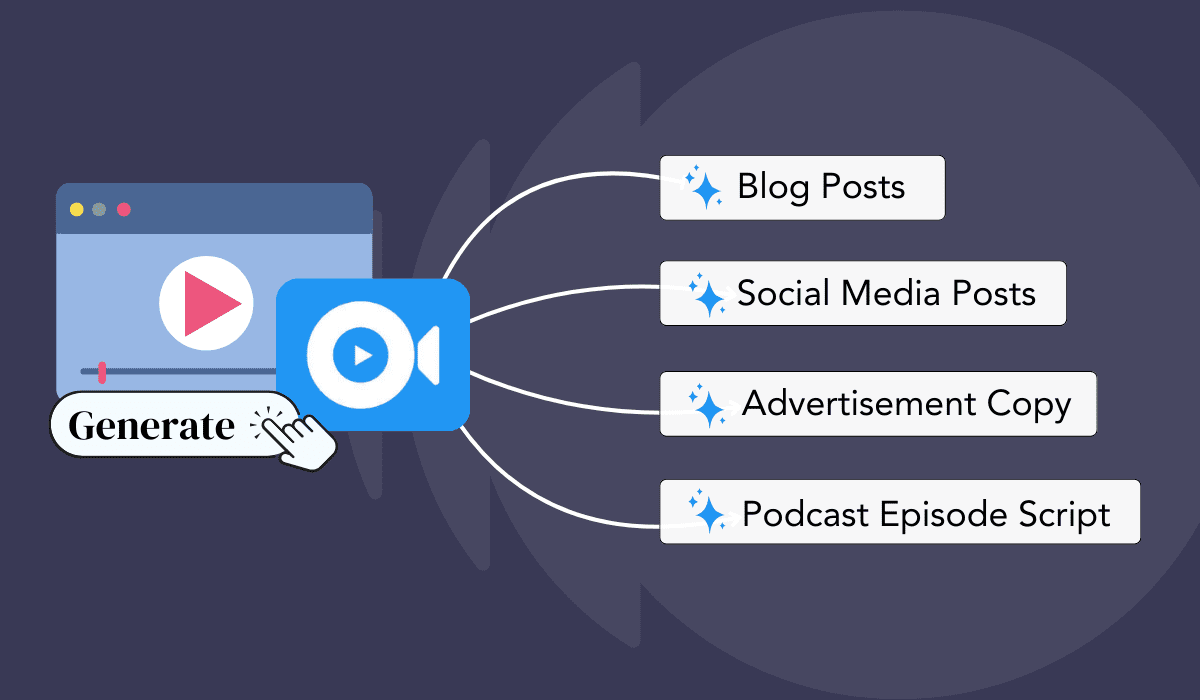
You can turn the summaries into blog posts, X threads, newsletters or LinkedIn posts with its repurpose content feature, and ask follow-up questions about any summary. It suits students and busy professionals who want to get through a lot of video and reuse what they learn.
NoteGPT
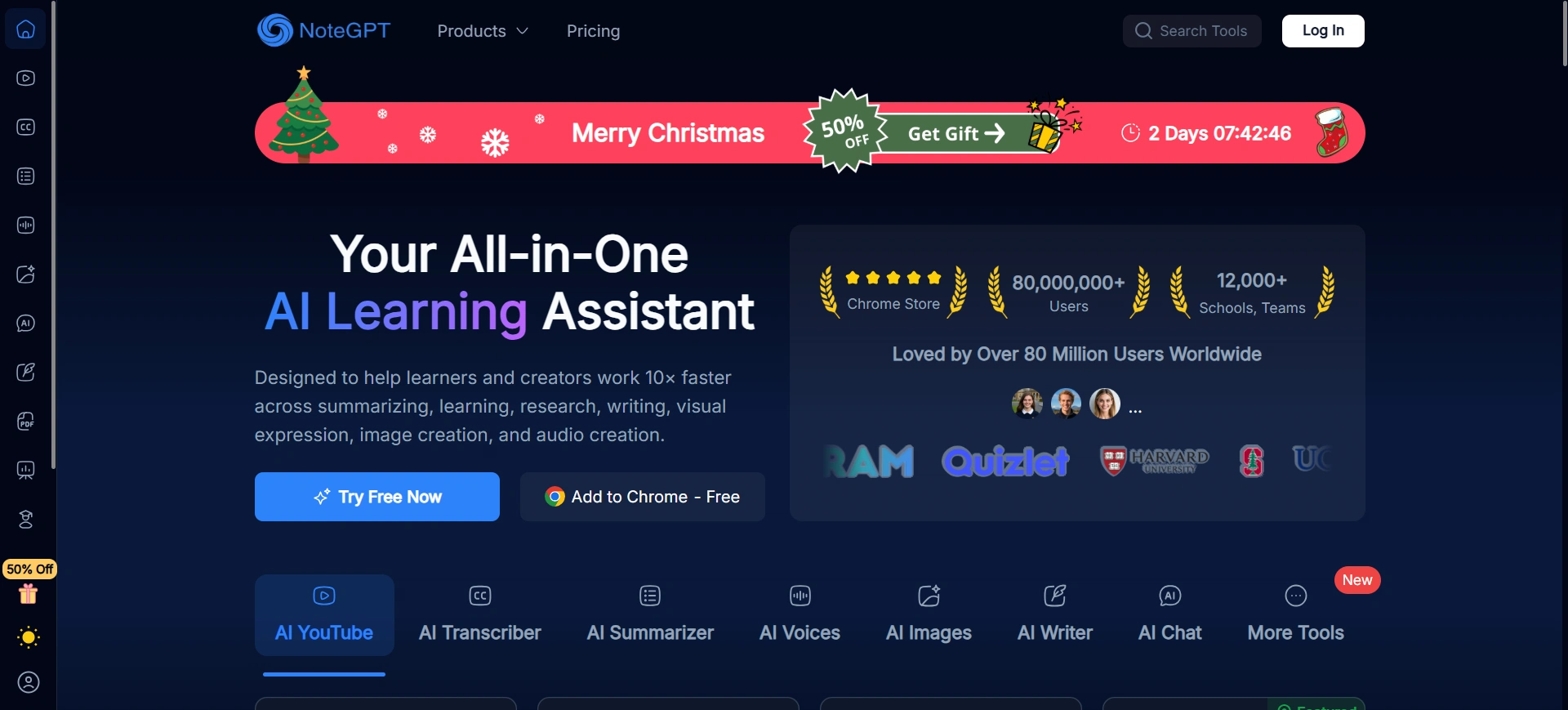
NoteGPT is another AI tool that goes beyond YouTube: it can summarize recorded online classes, presentation slides and other content. Its video summarizer accepts YouTube links and also works with Vimeo, Udemy and Coursera, and NoteGPT says it can pull key points from videos up to 150 minutes long even when they have no subtitles.
It produces a summary, a transcript and key points, and you can save and organize your summaries for later.
Eightify
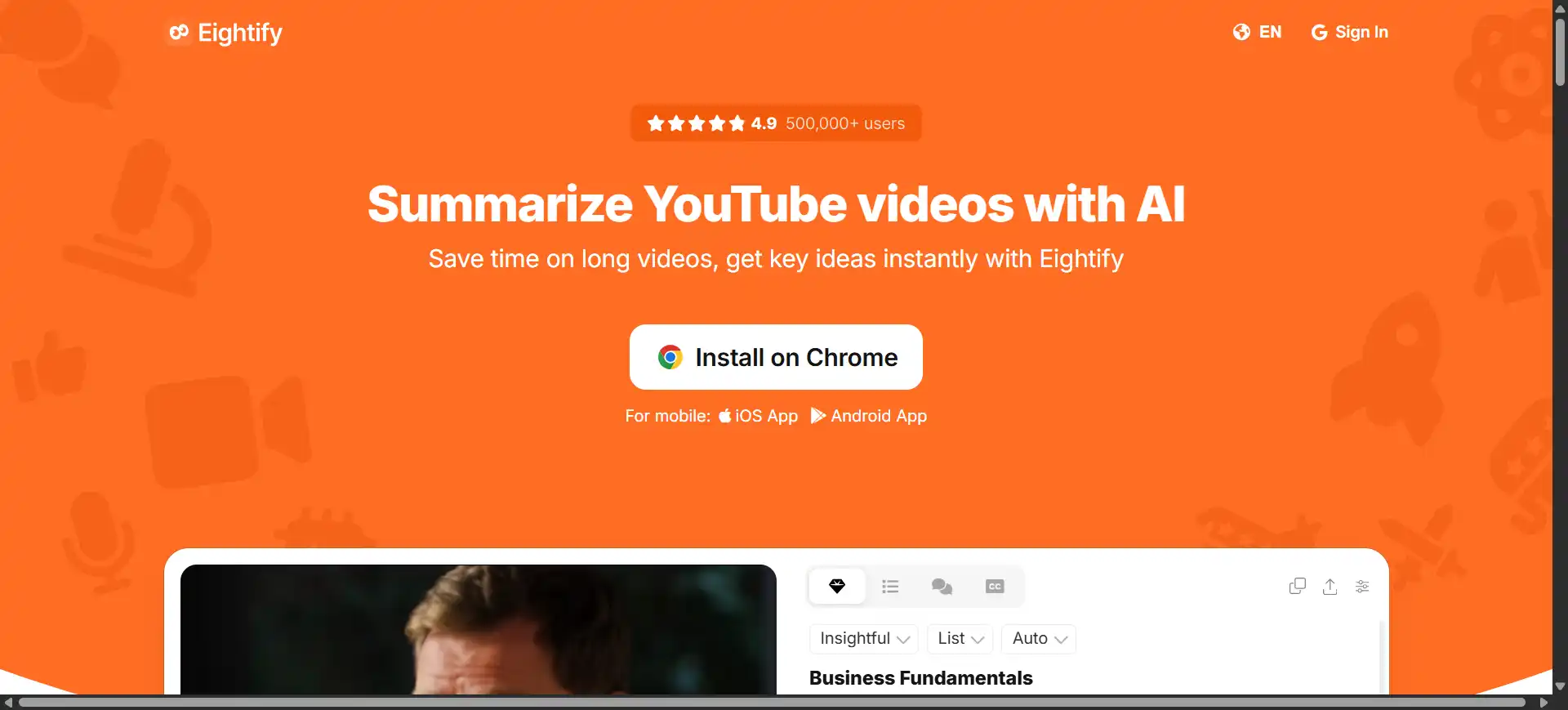
Eightify is a simple tool that works only with YouTube videos. The summary appears beside the video on YouTube, with timestamped key points you can click to jump through the video. You can customize the focus, format and length of the key insights.
Eightify also provides transcripts, an overview of the top comments, and summaries and translations in 40+ languages. It runs as a Chrome extension and as iOS and Android apps.
Glasp
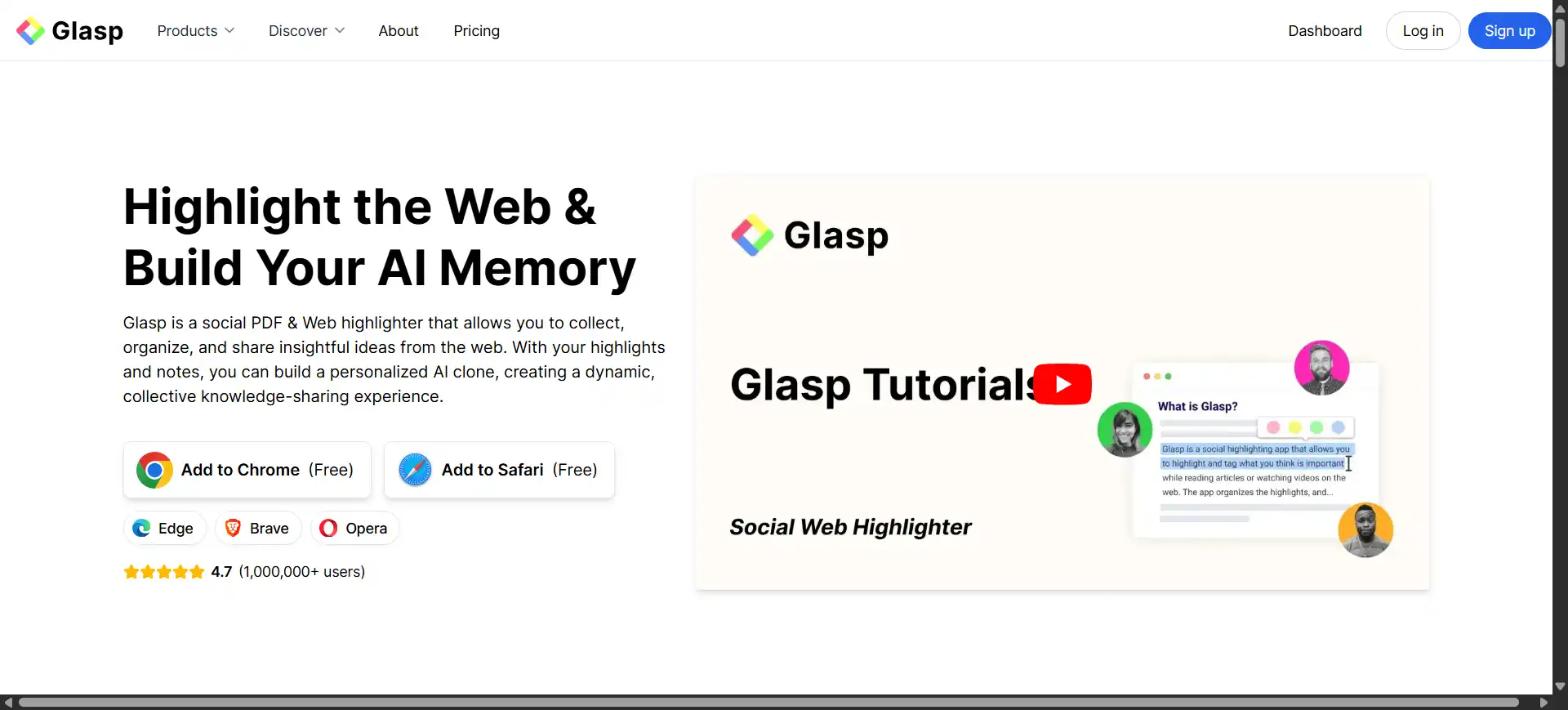
Glasp is a popular Chrome extension that works in your browser and offers YouTube summaries using models such as ChatGPT, Claude and Gemini. It also shows full transcripts and lets you highlight important parts.
Glasp suits students, researchers and professionals who want to keep and organize what they learn, because it lets you write notes, highlight web pages and PDFs, and save everything in one place.
Key Benefits of AI Video Summarization
- Saves time: get the main points of a long video in minutes and decide whether it’s worth watching in full.
- Improves productivity: focus on the parts that matter and work faster and learn more in less time.
- Easier to understand: a short, plain-language summary makes complex topics more approachable.
- Better notes: many tools let you save highlights and organize key points for study or research.
- Multi-language support: many tools translate summaries, so you can follow videos in languages you don’t speak.
- Content repurposing: turn summaries into blogs, scripts, posts or reports, creating new content from videos.
Limitations and Challenges of AI Video Analysis
AI is advancing quickly, but it still struggles with:
Visual-only information: transcript-based tools can’t see diagrams, code on screen, product demos or anything shown but not said. Use a multimodal model like Gemini, or check those parts yourself.
Poor audio or video quality: muffled sound, background music or a blurry picture lead to transcription and recognition errors.
Heavy accents or fast speech: these can introduce errors into the transcript, which then carry into the summary.
Humor and sarcasm: AI is getting better at nuance, but it can still take a joke literally.
Access restrictions: tools generally can’t open private videos, and the Gemini API only accepts public YouTube videos (not private or unlisted ones).
Conclusion
Some AI can watch a video in the literal sense: Gemini analyzes the frames and the audio. Most AI tools, including ChatGPT and Claude, work from the words instead, and dedicated summarizers can create that text even when the video contains no transcript.
For most lectures, podcasts and talks, a transcript-based summary is all you need. Tools like TubeOnAI help you handle too much online content by pulling out the important parts so you can focus on what matters. When the visuals carry the meaning, reach for a model that can see them.
FAQs
1. Can ChatGPT watch videos?
Not as a video file upload, according to OpenAI’s help center, which lists documents, spreadsheets, presentations, images and audio as supported uploads (audio on paid plans). To summarize a video in ChatGPT, upload its audio track, paste the transcript or attach screenshots.
2. Can AI watch YouTube videos?
Gemini can answer questions about YouTube videos in the Gemini app, and the Gemini API accepts public YouTube links and analyzes both picture and sound. YouTube summarizers such as TubeOnAI, Eightify, NoteGPT and Glasp summarize what is said in the video.
3. How accurate are AI video summaries compared to human-made ones?
For informational videos like lectures or meetings, AI summaries usually capture the main points well, but they can misstate names, numbers or details shown only on screen. A human is still better at subtle humor, emotion and storytelling.
4. What types of videos can AI summarize best?
Structured, speech-heavy videos: educational videos, business presentations, news reports, how-to tutorials with narration, interviews and documentaries.
5. Does TubeOnAI watch the video?
TubeOnAI summarizes what is said in a video, and it can do that for YouTube videos that have no transcript. It doesn’t list on-screen (visual) analysis among its features, so for videos where the key information is only shown, not spoken, check those parts yourself or use a multimodal model.