What Is Content Repurposing and How Do You Plan It?
What content repurposing means, how it differs from cross-posting, how to choose what to repurpose, and a seven-step workflow you can run with or without AI.

Updated
Content repurposing is the practice of taking a piece of content you’ve already made (a blog post, video, podcast episode, webinar or report) and adapting it into new formats for other channels and audiences. A one-hour webinar can become a blog post, a set of short clips, a newsletter and a LinkedIn carousel, each rewritten to suit the place it’s published.
The key word is adapting. Repurposing isn’t posting the same thing everywhere. It’s re-shaping one core idea so it works as an article for readers, a clip for viewers, and an episode for listeners.
This page covers the fundamentals: what repurposing is, how it differs from cross-posting and reposting, how to pick what to repurpose, and how to turn it into a repeatable workflow. If you already know the basics and want format ideas, jump to our list of 30 creative ways to repurpose content.
Repurposing vs. Cross-Posting vs. Reposting
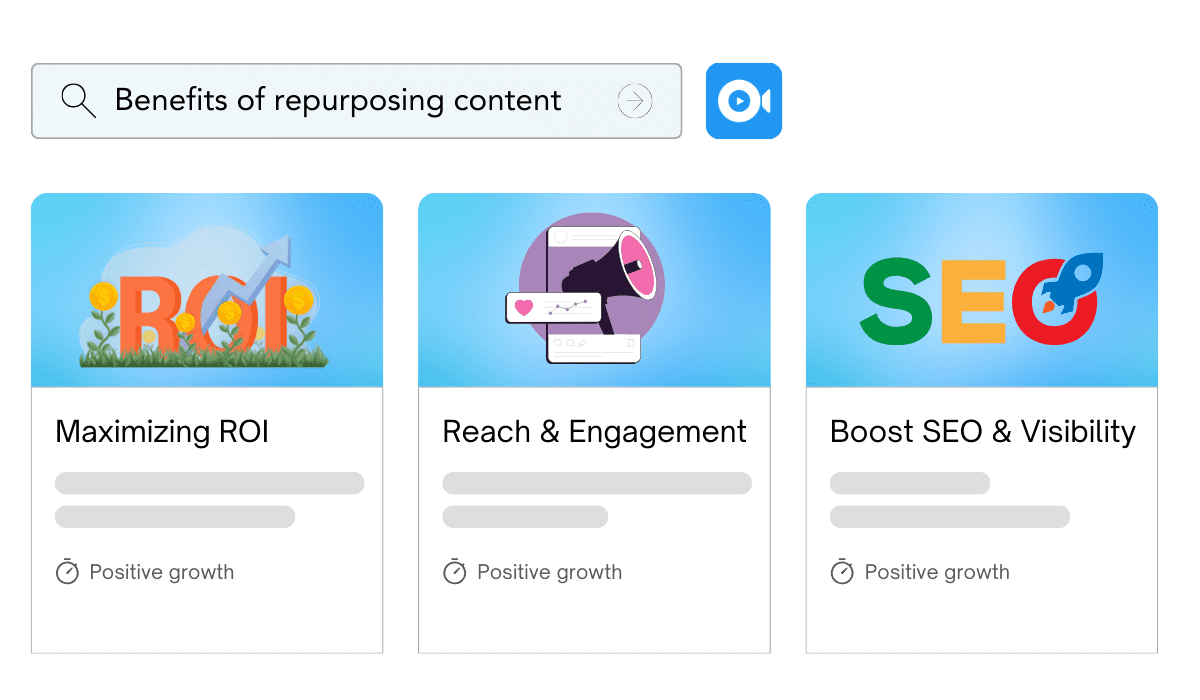
These three terms get mixed up, but they describe different things:
| What changes | Where it goes | Typical use | |
|---|---|---|---|
| Repurposing | The format, length and angle | A different channel or audience | Turning a webinar into a blog post, clips and a newsletter |
| Cross-posting | Nothing (or very little) | Several platforms at once | Sharing the same announcement on LinkedIn, X and Facebook |
| Reposting | Nothing | The same platform, again later | Re-sharing an evergreen post for followers who missed it |
Cross-posting and reposting are distribution tactics. Repurposing is a production tactic: you’re making something new from something that already exists. Most content teams use all three, but only repurposing reaches people who would never have engaged with the original format.
Repurposing your own content is straightforward. If you want to build on someone else’s article or video, the rules are different; see our guide on how to reuse other creators’ content legally.
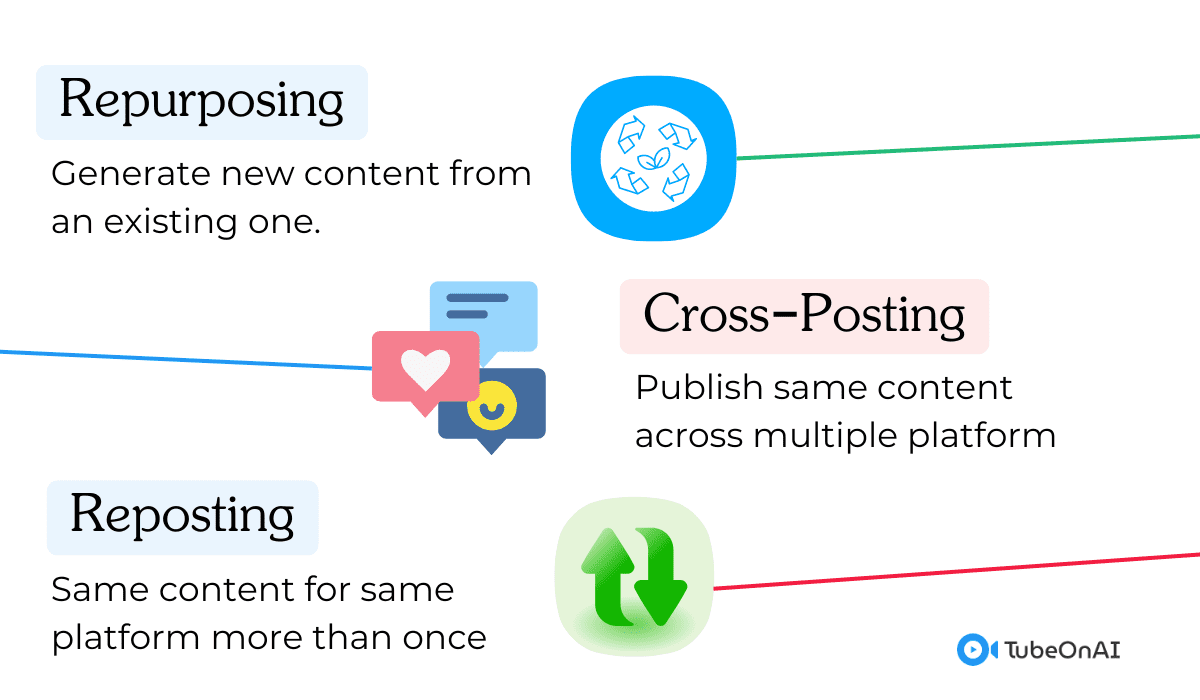
Why Repurpose Content?
Repurposing gets more out of work you’ve already done, whether that’s an article, a podcast or a video you’ve already published. The main benefits:
- Better return on effort. The research, interviews and thinking behind a strong piece are the expensive part. Repurposing reuses that investment instead of starting from a blank page every time.
- Wider reach. People consume content differently. Some read long articles, others watch short clips or listen while commuting. The same idea in several formats reaches more of them. A transcript or written version also makes audio and video content accessible to deaf and hard-of-hearing people.
- Search visibility. A written version of a video or podcast can be found through search in a way the original often can’t. Each format can target related search terms and link back to the main piece.
- Consistency across channels. When every channel draws on the same core material, your message stays consistent, which makes your brand easier to recognize.
- A sustainable schedule. Publishing often is much easier when one substantial piece feeds a week or more of smaller ones.
How to Choose What to Repurpose
Not everything deserves a second life. Start with content that has already proved itself, then filter:
- Proven performance. Check your analytics for the posts, videos or episodes with the most traffic, watch time, saves or replies. If it resonated once, the idea is likely to work in another format.
- Long-term relevance. Favor evergreen content, pieces that stay useful for months or years, over news that dates quickly. Evergreen pieces only need small updates to stay current.
- Audience preference. If your audience engages most with video, repurpose your best articles into video, not the other way round.
- Search opportunity. If a piece ranks well or gets impressions for related queries, a new format (or a refreshed version) can capture more of that demand.
- Gaps in your channels. Look for topics you’ve covered in one place but not others, such as a popular blog topic you’ve never made a video about.
- Natural fit for other formats. Content with clear steps, strong quotes, data or a story splits easily into smaller pieces. A rambling or very visual piece may not.
How to Build a Content Repurposing Workflow
A repurposing strategy works best as a routine rather than an occasional idea. This seven-step workflow works for a solo creator or a team.
1. Start with One Pillar Piece
Pick one substantial piece per cycle (a long article, video, podcast episode, webinar or report) that the rest of your content will be built from. The deeper the original, the more you can draw from it.
2. Extract the Raw Material
Before you write anything new, pull out what the piece contains:
- a transcript (for video and audio)
- the main argument in one or two sentences
- the key points or steps
- quotable lines, statistics and examples
- questions the content answers
This “content inventory” is what every derivative piece draws from, so it’s worth doing carefully.
3. Map Formats to Channels
Decide which formats you’ll make and where each one goes. A simple map for one podcast episode might look like this:
| Derivative | Channel | Adapt for |
|---|---|---|
| Blog post or show notes | Website | Search: clear headings, the full argument, links |
| 3–5 short clips | YouTube Shorts, Reels, TikTok | A strong first few seconds, captions, vertical video |
| Thread or carousel | X, LinkedIn | One idea per post, a clear takeaway |
| Newsletter section | A personal intro and a link to the full piece | |
| Quote graphics | Instagram, LinkedIn | One line, readable at a glance |
Only choose channels you actually maintain. Three well-adapted pieces beat ten rushed ones.
4. Adapt Each Piece for Its Platform
This is where repurposing differs from cross-posting. Change the length, structure, tone and opening for each format. A LinkedIn post needs a different hook from a YouTube Short; a blog post needs headings and context a podcast doesn’t. Add something new where you can, such as an updated statistic, a fresh example or an answer to a question people asked about the original.
5. Check Accuracy Before Publishing
Repurposing old content can spread outdated information. Check figures, prices, product names and links, and make sure the core message stays the same in every format. If you used AI to draft, read every piece before it goes out.
6. Schedule and Spread It Out
Release derivatives over days or weeks rather than all at once, and link them back to the original pillar piece so people can go deeper. A shared calendar or spreadsheet listing every derivative and its publish date keeps the cycle manageable.
7. Measure, Then Refresh
Track how each format performs on its channel, not just overall. Over time you’ll learn which formats are worth making for which kinds of content, and which pieces deserve a full refresh. Feed those results into what you pick as your next pillar piece.
Using AI in Your Repurposing Workflow
AI is most useful in the slow, mechanical parts of the workflow:
- Extracting the raw material (step 2). Transcribing, summarizing and pulling key points or quotes from long videos, podcasts and documents.
- First drafts (step 4). Turning those notes into a draft blog post, thread, newsletter or script that you then edit.
- Adapting for audiences. Rewriting for a different reading level, shortening, or translating into other languages.
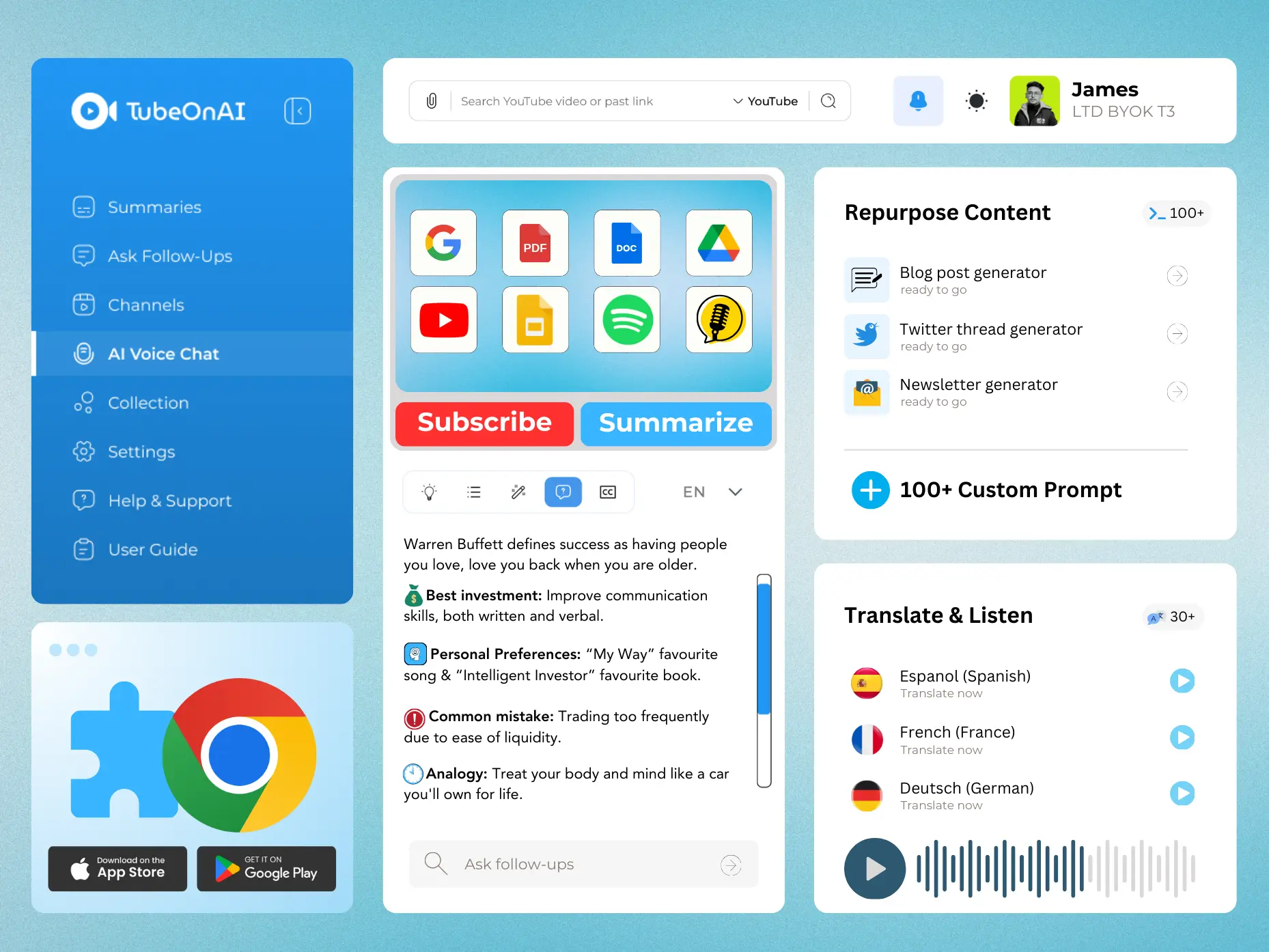
TubeOnAI, for example, summarizes YouTube videos, podcasts, web articles and PDFs (including videos without a transcript), then repurposes them with 150+ prompt templates, including blog post, X thread, email newsletter and LinkedIn generators, plus custom prompts. You can also group sources into collections and repurpose them in bulk.
AI drafts still need a human pass. Check facts, add your own examples and opinions, and make sure each piece sounds like you. Readers notice generic copy, and it’s your name on it.
For a side-by-side look at software for each step (transcription, video clipping, design and writing), see our comparison of the best content repurposing tools. A few common choices by job:
| Job | Example tools |
|---|---|
| Summarize and draft text formats from video, audio or documents | TubeOnAI, ChatGPT |
| Transcription | Rev, Descript |
| Edit video and audio by editing the transcript | Descript |
| Turn text into video | Lumen5, invideo |
| Design graphics, carousels and infographics | Canva |
Does Repurposed Content Hurt SEO?
Not when you adapt it. A blog post, a video and a carousel built from the same idea are different pieces of content, not duplicates.
Republishing the same article word for word somewhere else is different. Google says some duplicate content is normal and isn’t a violation of its spam policies, but when several pages carry the same text it usually picks one version to show, and it may not pick the one you want. If you republish a full article on another site, publish on your own site first and, where the platform allows it, add a canonical link pointing to the original.
Common Content Repurposing Mistakes
- Copying instead of adapting. Pasting the same text into every channel ignores how each one works. Change the format, length and hook.
- Ignoring your audience. Choose formats your audience actually uses, based on your analytics, not trends.
- Repurposing outdated material. Update figures, examples and links first. Old information damages trust.
- Diluting the message. Each piece should carry the same core point, even when the angle changes.
- Flooding every channel at once. Spread derivatives out and give each one room to perform.
- Not measuring. Without tracking each format, you can’t tell what’s worth repeating.
- Repurposing weak content. Start with what performed or got good feedback, not with pieces that didn’t work the first time.
Frequently Asked Questions
What does it mean to repurpose content?
It means reusing an existing piece of content by turning it into a different format or adapting it for a different channel or audience, for example, turning a video into a blog post or a report into an infographic.
What is a content repurposing strategy?
A content repurposing strategy is a repeatable plan for which content you repurpose, into which formats, for which channels and on what schedule. The usual model is one pillar piece that feeds several smaller pieces.
What is AI content repurposing?
AI content repurposing means using AI tools to speed up the process: transcribing and summarizing the original, pulling out key points, and drafting new formats such as blog posts, threads or newsletters, which you then review and edit.
Is repurposing the same as reposting?
No. Reposting shares the same content again unchanged. Repurposing turns it into something new for a different format or audience.