AI Tools
Manage Projects, Tasks and Notes on Your iPad
iPad can be used for many reasons, productivity is one of them. Let's dive deeper.
Unlock a treasure trove of AI resources, gain invaluable insights, and master expert tips and tricks.
AI Tools
iPad can be used for many reasons, productivity is one of them. Let's dive deeper.
Productivity
A short list of current tech sources (newsletters, news sites, podcasts, YouTube channels and communities) and a routine that keeps you informed without taking over your day.
How it works
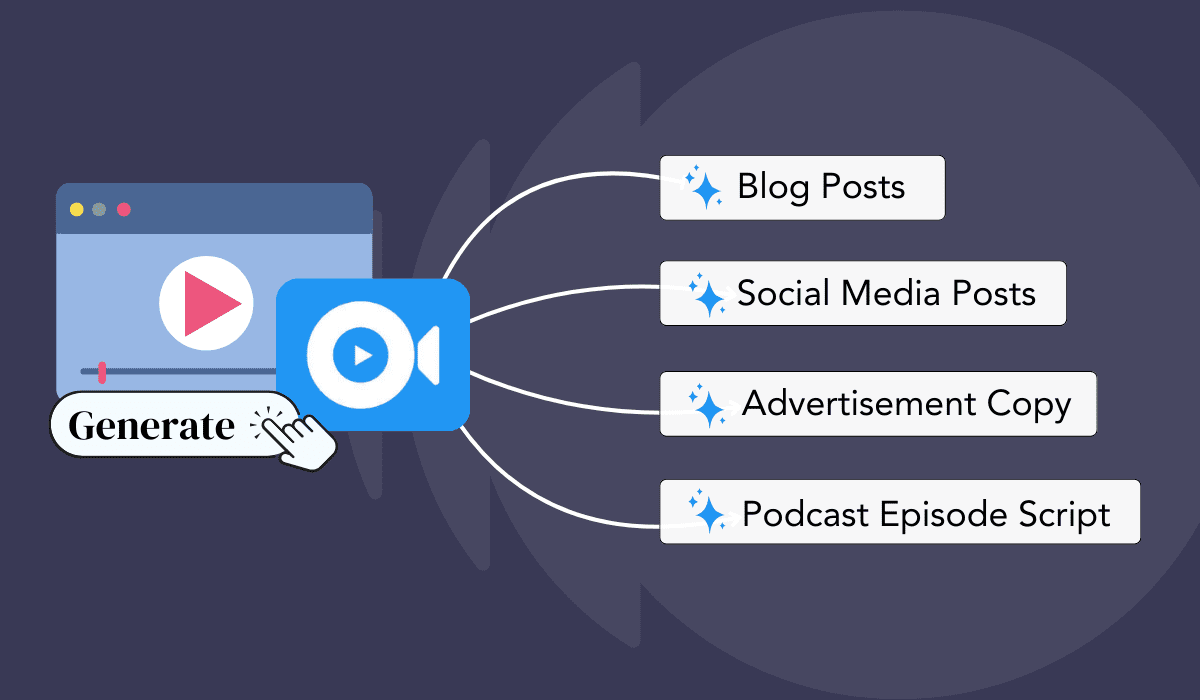
A practical workflow for turning one long video into vertical clips, written posts, a blog post and a newsletter with AI, plus where each tool fits.
Comparison
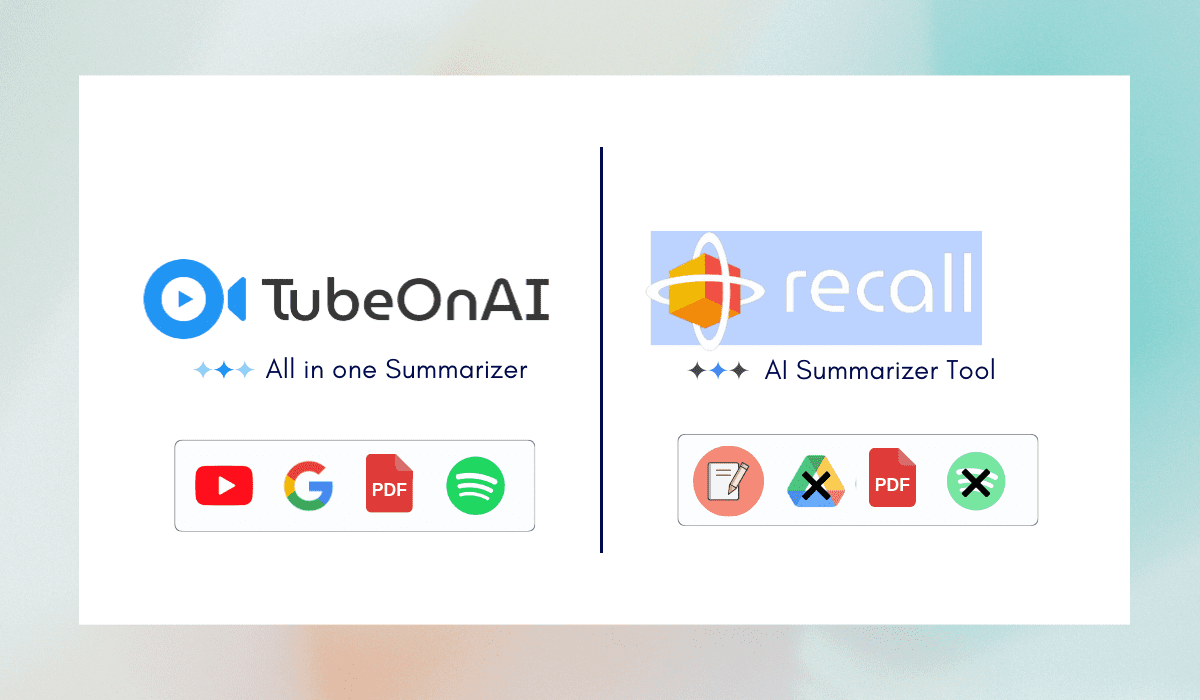
Recall helps you remember what you read and watch; TubeOnAI helps you follow channels and turn content into posts. Here is how to choose.
AI Tools
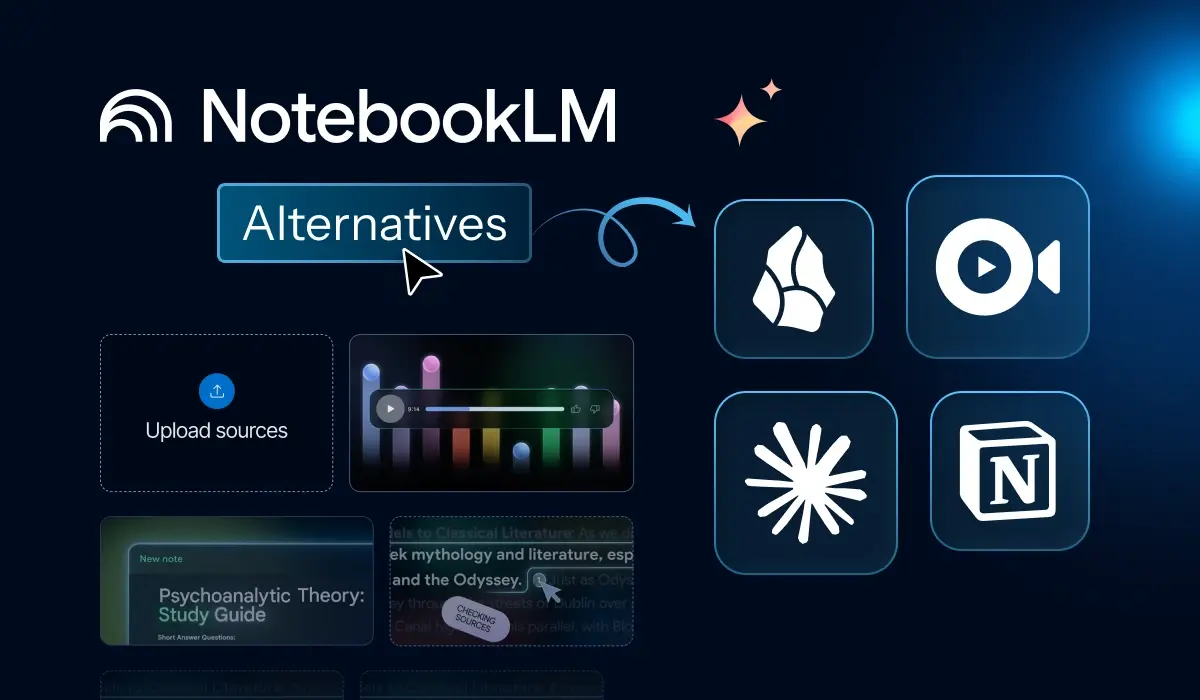
NotebookLM is great, but these alternatives cover what it doesn't: Microsoft 365, local files, academic citations and more.
AI Tools
Sidebars improve workflow but these seven Sider competitors offer unique tools for power browser surfers.
AI Tools
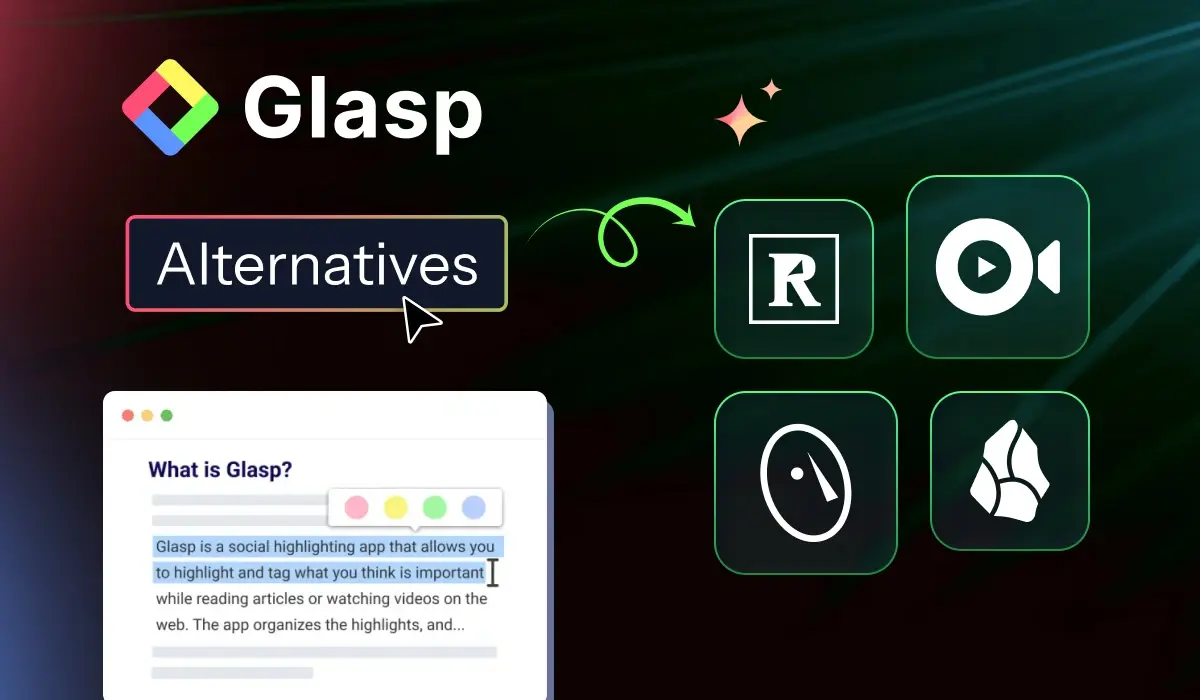
Glasp highlights are public by default. These alternatives offer private highlighting, Kindle sync, research tools and AI summaries.
Productivity
Free YouTube channels for Python, statistics, SQL, machine learning and data careers, with notes on which ones still post new videos.
Productivity
Microsoft users can review discussions easily by asking this assistant to recap long team calls.
Productivity
Business YouTube channels for founders and small business owners, grouped by need and checked in October 2026 for what they cover now.