
Recall has popularized AI-powered knowledge management, but it’s not the only option, and depending on your needs, it may not be the best one.
Several alternatives now offer superior features, including enhanced privacy controls, offline functionality, improved cross-platform support, and more advanced AI integration. Some provide specialized workflows for researchers, while others excel at visual note-taking or seamless browser integration.
Whether you’re concerned about data privacy, need more powerful search capabilities, or want better customization options, these Recall alternatives deliver comparable or enhanced functionality.
This guide explores the top options to help you find the perfect tool for capturing, organizing, and retrieving your digital knowledge.
Best Alternatives to Recall
TubeOnAI
Pros:
- AI-powered summaries and repurposing.
- Multi-modal (video, audio, text), automatic email digests.
- Chrome extension support.
Cons:
- Daily limits on free use.
- Lacks deep archival or long-term memory management.
Pricing: Free plan available; premium plans start from around $9/month.
Availability: Web-based, Chrome extension.
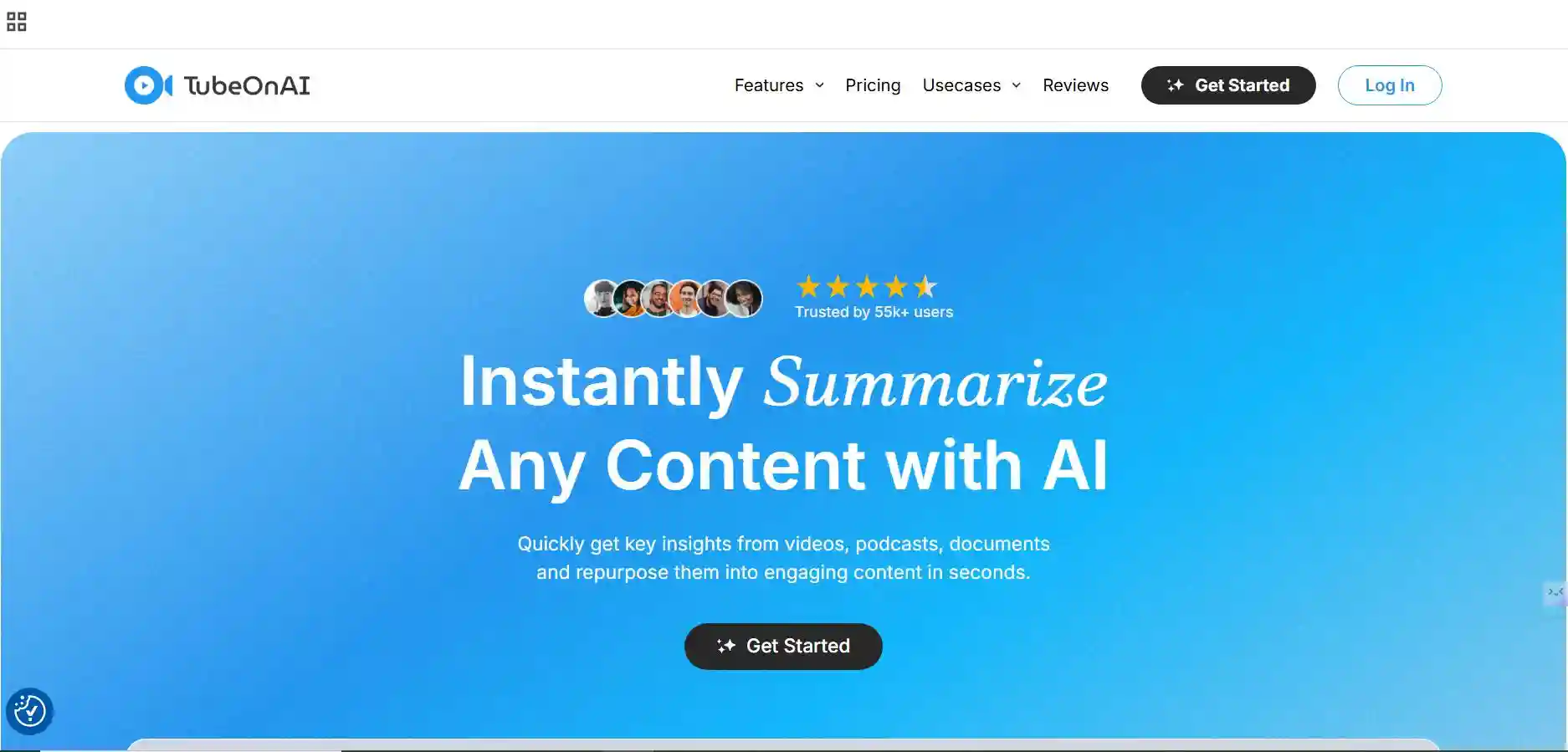
TubeOnAI extension is a powerful tool for anyone working with various types of content like YouTube videos, podcasts, PDFs, Google Drive files, and audio-video files. Unlike simple note-takers like Recall, TubeOnAI actively analyzes a wide range of sources, including YouTube videos, podcasts, and articles.
It creates detailed summaries that genuinely understand the information’s context. The key feature is its ability to turn these summaries into new content drafts, such as blog outlines, newsletters, or social media posts immediately. Professionals also benefit from automated email digests that send concise insights from their favorite sources. Although the free plan has daily limits, its strong ability to analyze multiple media types and quickly generate new ideas makes it a highly valuable tool.
Obsidian
Pros:
- Offline-first, fully private.
- customizable with plugins.
- strong community support.
Cons:
- Steeper learning curve.
- lacks built-in AI features without plugins.
Pricing: Free for personal use; commercial license at $50/year.
Availability: Windows, macOS, Linux, iOS, Android.
For users seeking total control and privacy over their notes, Obsidian remains one of the most trusted local-first knowledge management systems.
Unlike Recall’s automated data collection, Obsidian’s strength lies in manual curation and interlinking of ideas, giving you a deeper sense of ownership over your digital knowledge. It turns your notes into a connected web using backlinks and graph views, helping you visualize relationships between concepts.
Through community plugins, you can enhance Obsidian with AI-assisted summarization, daily note generation, and recall-like retrieval. For academics, journalists, and thinkers who prefer an offline, secure environment, Obsidian offers unmatched flexibility and longevity as a personal knowledge vault.
NotebookLM
Pros:
- Source-grounded reasoning.
- Multi-document analysis, high reliability.
- Google ecosystem integration.
Cons:
- Limited to Google Drive inputs.
- still in gradual rollout.
Pricing: Free (currently in beta).
Availability: Web-based.
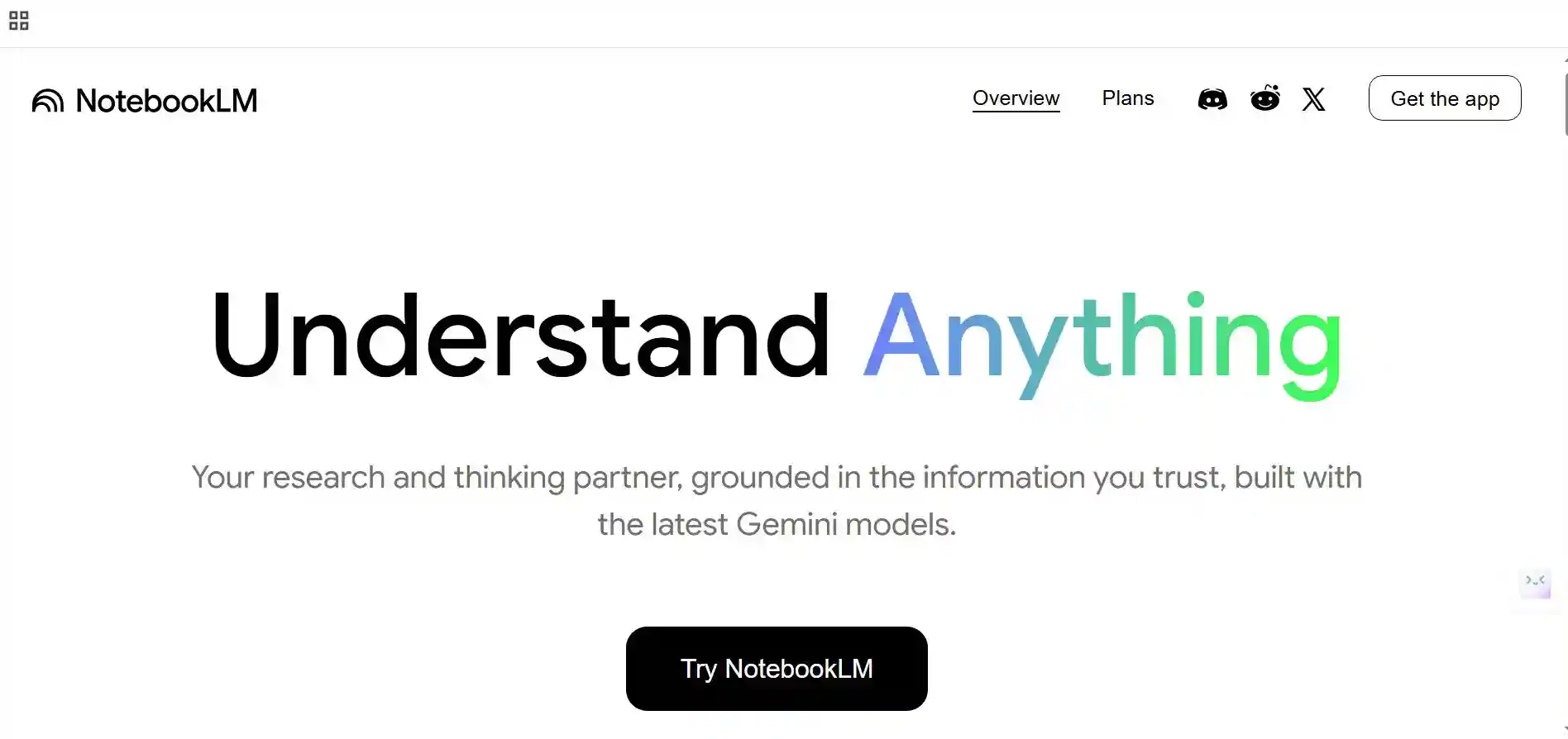
Developed by Google, NotebookLM is a highly promising AI research companion that summarizes, analyzes, and discusses your personal documents. Instead of recording everything on your screen like Recall, it lets you upload your notes, PDFs, and transcripts, then engage in contextual conversations with them.
You can ask questions such as “What are the key findings in this report?” or “Summarize the main argument of this document.” What sets NotebookLM apart is its source-grounded reasoning—every AI response is traceable to your uploaded materials, reducing hallucinations. It’s especially powerful for students, researchers, and writers who want to process complex information quickly and accurately within a trustworthy AI environment.
Mem AI
Pros:
- Context-aware memory retrieval.
- strong automation.
- AI chat for notes, calendar, and Slack integration.
Cons:
- Cloud-based only.
- Occasional syncing delays.
Pricing: Free plan; Pro from $10/month.
Availability: Web, desktop, and mobile.
Mem AI takes a personal, conversational approach to memory and organization. It’s a self-organizing workspace that captures your thoughts, meetings, and tasks automatically while learning from your workflow. Unlike Recall, which records passively, Mem AI builds contextual connections between ideas you’ve written, emails you’ve sent, and notes you’ve created.
Its strength lies in the way it retrieves information—you can simply ask, “What did I discuss about this topic last week?” and Mem AI will generate an intelligent summary from your notes. It also integrates with tools like Google Calendar and Slack, allowing you to bridge memory and productivity in one place. For users who value a smart, context-aware memory assistant, Mem AI is among the most advanced solutions available.
Notion
Pros:
- Collaborative workspace, integrated AI assistant.
- Flexible database system, strong ecosystem.
Cons:
- Requires manual setup.
- AI features are paid.
Pricing: Free basic plan; Notion AI add-on $10/month per user.
Availability: Web, desktop, iOS, Android.
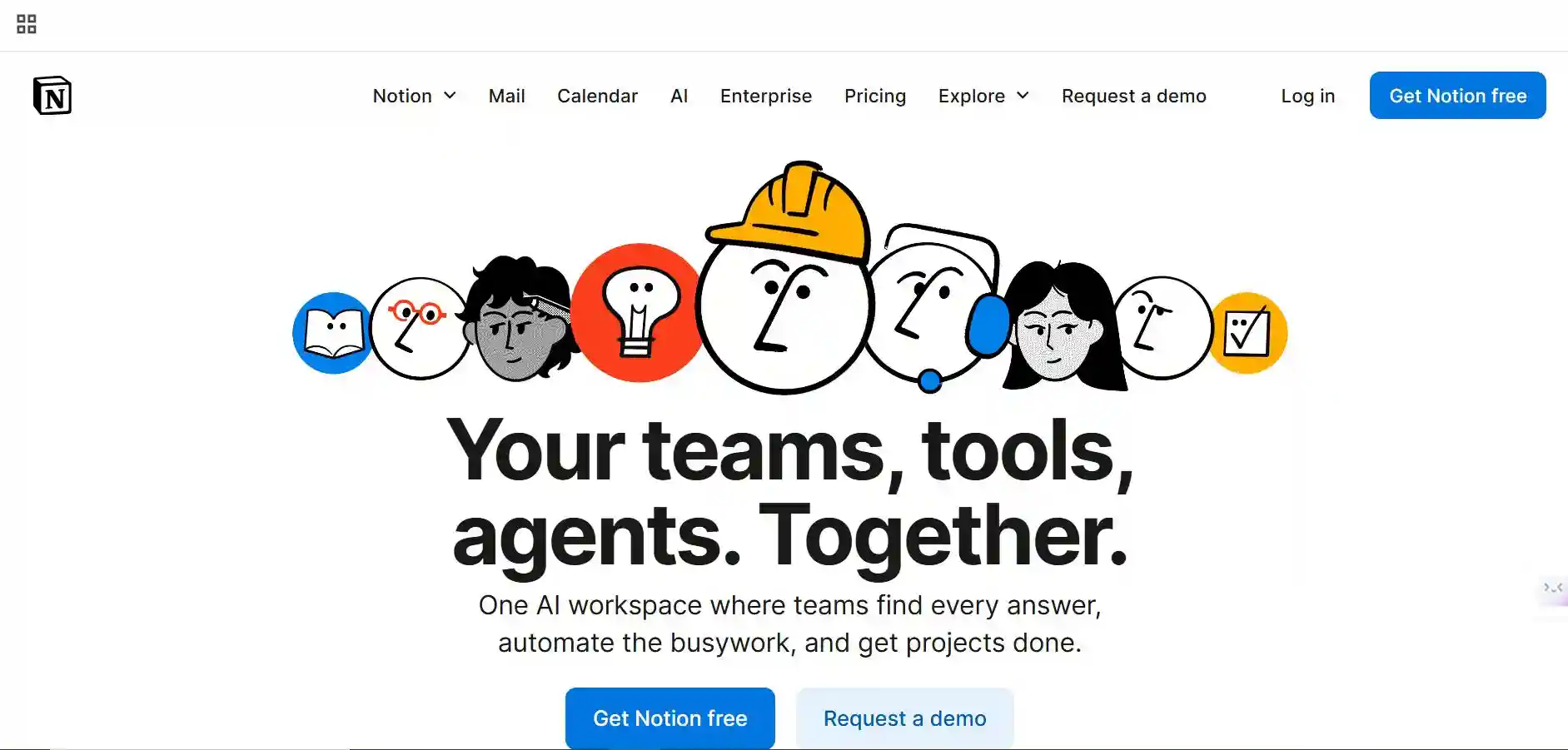
Notion remains a powerhouse for digital note-taking and team collaboration. With the introduction of Notion AI, the platform has evolved from a static workspace into a dynamic information hub capable of summarizing, brainstorming, and retrieving past content. Unlike Recall, which automatically logs user activity, Notion focuses on structured documentation and retrieval.
You can turn meeting notes, research ideas, and web highlights into interconnected databases and let Notion AI extract summaries, action items, or insights. It’s especially effective for collaborative knowledge management, where teams can access shared workspaces with live AI assistance. For professionals balancing creativity, project management, and information synthesis, Notion remains an adaptable, human-centered alternative to Recall.

Scholarcy
Pros:
- Tailored for research papers, auto flashcard generation,
- Reference extraction, and citation integration.
Cons:
- Limited customization.
- Requires clear PDF formatting.
Pricing: Free plan; Premium from $9.99/month.https://tubeonai.com/ai-tools-for-legal-research/
Availability: Web, Chrome extension.
If your focus is academic research or literature review, Scholarcy is a highly specialized Recall alternative. It’s designed to analyze and summarize academic papers, PDFs, and reports, identifying key arguments, findings, and references. Scholarcy’s standout feature is its automatic flashcard creation, helping students and researchers retain essential information for exams or reviews. Unlike Recall’s broad data recording, Scholarcy excels in targeted summarization and comprehension of scholarly texts. It can even generate references and export notes into citation tools or personal knowledge apps. With a browser extension and API integration, Scholarcy makes academic reading more efficient and memory-friendly.
RemNote
Pros:
- Spaced repetition system, note-to-flashcard integration.
- Backlinks are ideal for learning retention.
Cons:
- Limited collaboration features.
- the interface can feel technical.
Pricing: Free basic tier; Pro from $8/month.
Availability: Web, Windows, macOS, iOS, Android.
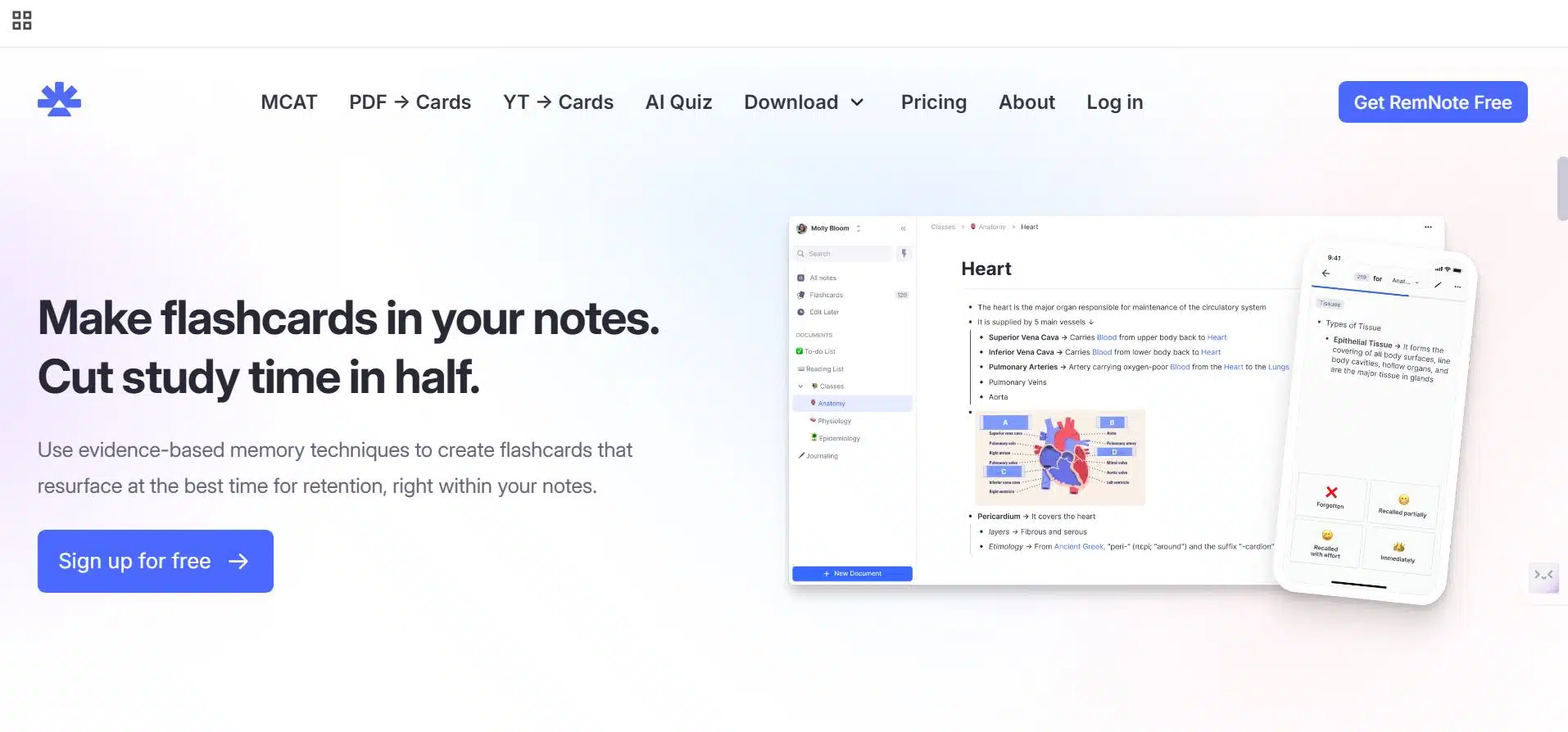
RemNote combines note-taking, spaced repetition, and knowledge linking into a single platform. It’s built for learners who want to retain and recall information long-term, making it a powerful academic complement to Recall’s general-purpose memory. Every note can be turned into a flashcard, allowing you to study concepts in a scientifically optimized sequence. It also supports backlinks and hierarchical organization, giving it a knowledge graph-like structure similar to Obsidian. For students, researchers, and educators, RemNote’s blend of note-taking and active recall makes it one of the best long-term memory systems available today.
Conclusion
Choosing the right Recall alternative depends on how you want to capture and retrieve information. For AI-driven summarization and multimedia processing, TubeOnAI leads the pack. If structured note interconnection and privacy are your priorities, Obsidian or RemNote are unmatched. For academic depth, Scholarcy shines. Meanwhile, Notion, Mem AI, and NotebookLM bring creativity, memory, and productivity together in one intelligent workspace. Each of these tools extends Recall’s core promise and it is making digital memory more thoughtful, more personal, and more actionable.
Frequently Asked Questions (FAQs)
Which Recall alternative is best for research and academic work?
Scholarcy and NotebookLM are the top picks for academic use. Scholarcy excels in summarizing scholarly papers, while NotebookLM provides source-grounded conversations that help understand and analyze complex research.
Can any of these tools summarize videos and meetings?
Yes. TubeOnAI summarizes YouTube videos and podcasts.
Which one is best for long-term memory and recall-based learning?
RemNote and Mem AI are designed for long-term knowledge retention. RemNote’s spaced-repetition and flashcard system make it ideal for students and educators.
Do these tools store my data locally like Recall promises?
Obsidian stores all your notes locally by default, ensuring full privacy. Other tools like Mem AI and Notion rely on cloud storage but maintain strict privacy policies.
Can I integrate these tools with my existing productivity setup?
Yes. Most of these tools integrate with platforms like Notion, Google Workspace, Slack, and Calendar apps, letting you streamline your entire workflow from idea capture to execution.
Which one has the strongest AI summarization capabilities?
NotebookLM and TubeOnAI currently lead in summarization power. They both process long documents or media files with high accuracy and context awareness.
