Which AI Legal Research Tool Fits the Task in Front of You?
Case law search, judge analytics, video evidence, contracts and long judgments each need a different AI tool. Here is which one fits which job.

Updated
There is no single best AI tool for legal research. The right choice depends on the job. For finding and citing case law, the AI built into the big research databases (CoCounsel on Westlaw, Lexis+ with Protégé, and Vincent by vLex) is the safest starting point, because answers link back to primary law. For judge and court analytics, Lex Machina is the specialist. For reviewing body-camera footage, depositions and other audio or video evidence, eDiscovery platforms such as Everlaw and defense-focused tools such as JusticeText do the heavy lifting. Contract review, tax questions, translation and summarizing long judgments each have their own tools, covered below.
Whatever you use, AI output is a research lead, not an answer. Check every citation against the primary source before relying on it. This article describes what the tools do; it is not legal advice.
Quick Comparison
| Tool | Best for | Typical users |
|---|---|---|
| CoCounsel (Thomson Reuters) | Case law research grounded in Westlaw, document review, drafting | Law firms and legal departments on Westlaw |
| Lexis+ with Protégé | Research, drafting and citation checking on LexisNexis content | Law firms and legal departments on Lexis |
| Vincent by vLex | Multi-jurisdiction and comparative law research | Firms working across states or countries |
| Lex Machina | Judge, court, party and law firm analytics; appellate analytics | Litigators |
| Everlaw | eDiscovery, deposition prep, audio and video evidence | Litigation and investigations teams |
| JusticeText | Transcribing and searching body-camera and other video evidence | Criminal defense attorneys and public defenders |
| Harvey | Drafting, document analysis and contract work at scale | Large firms and in-house teams |
| Diligen | Contract review and contract summaries | Firms, legal service providers, corporations |
| Blue J | Tax research | Tax professionals |
| MachineTranslation.com | Translating foreign-language documents | Anyone handling multilingual files |
| ChatGPT | General drafting and plain-language explanations (not citation research) | Anyone, with careful checking |
| TubeOnAI | Summarizing long PDFs, hearing videos and legal podcasts | Students, researchers, practitioners on a budget |
Case Law and Statute Research
These three tools sit on top of large legal databases, so their AI answers can point you to the underlying cases, statutes and secondary sources. That is the main reason they are a better fit for precedent research than a general chatbot.
1. CoCounsel (Thomson Reuters)
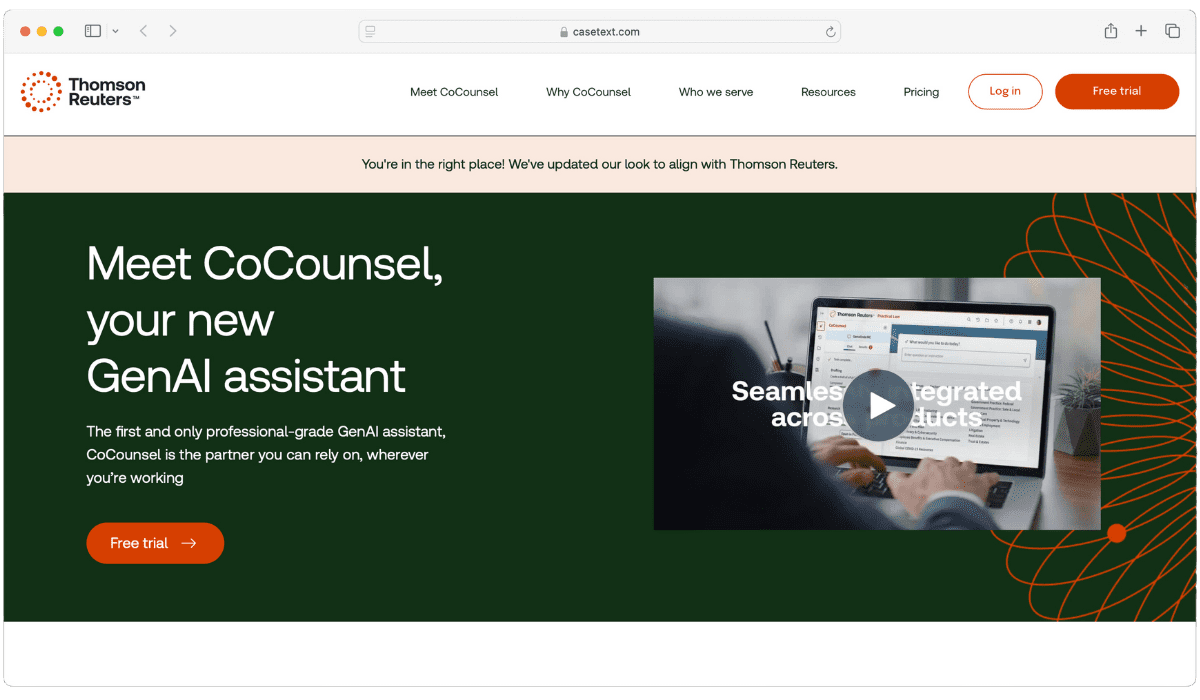
CoCounsel was built by Casetext, which Thomson Reuters acquired in 2023. It is now sold as CoCounsel Legal, which Thomson Reuters describes as combining research, analysis and drafting grounded in Westlaw and Practical Law content.
Its Deep Research feature builds a multi-step research plan and returns a report with Westlaw and Practical Law citations, showing its reasoning as it goes. Guided workflows cover tasks such as drafting discovery requests and responses and reviewing deposition transcripts.
You can also upload a brief, contract or long transcript and ask questions about it, which makes it useful when you need to work through a long judgment or record quickly.
2. Lexis+ with Protégé
Lexis+ with Protégé (formerly Lexis+ AI) is the LexisNexis research platform with its Protégé AI assistant built in. It answers research questions using LexisNexis primary law, secondary sources and Practical Guidance, and it can draft motions, briefs, contracts and client communications.
For anyone worried about bad citations, the relevant feature is Shepard’s: Lexis says its Shepard’s Verify tool checks citations in AI responses, documents and drafts and flags unsupported statements. It also offers a secure document Vault for uploading and analyzing large document sets.
3. Vincent by vLex
Vincent is vLex’s AI assistant (vLex is now part of Clio). It draws on vLex’s global legal database, which vLex says covers more than one billion documents from over 100 countries, and every answer includes citations linking to primary sources.
That global coverage is why it stands out for comparative law. Vincent has dedicated workflows to compare jurisdictions and run 50-state surveys, which is useful when a question turns on how different states or countries handle the same issue.
Judge and Court Analytics
4. Lex Machina
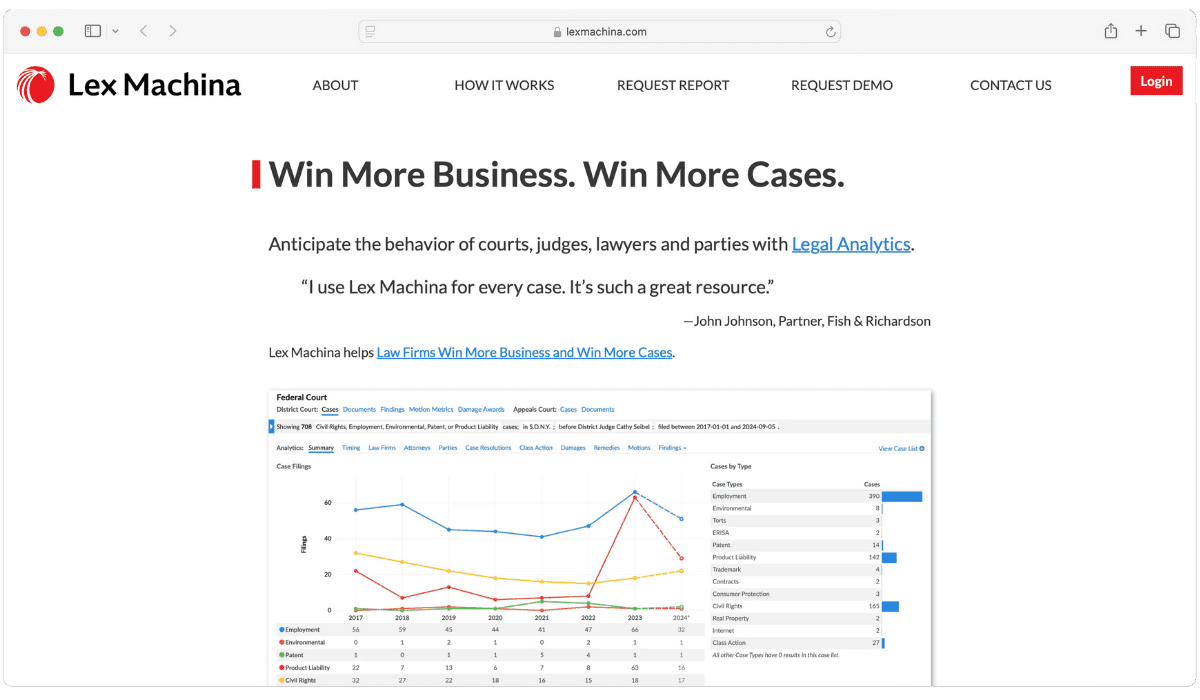
Lex Machina, a LexisNexis product, focuses on legal analytics rather than finding the law itself. It shows how judges, courts, parties, law firms and expert witnesses have acted in past cases, including findings, damages awarded, case resolutions and how long cases take to reach key milestones.
Coverage includes all 94 federal district courts, the 13 federal courts of appeal, PTAB and a growing set of state courts. Its Appeals Analytics covers civil cases filed in federal appellate courts since 2012, including reversal rates, which is useful for appellate work. Lex Machina is now also available with the Protégé assistant, so you can query the data with a prompt.
Analytics describe what happened before; they do not predict what will happen in your case. Treat them as one input alongside traditional legal analysis.
Video Evidence and eDiscovery
Searches like “lawyer video investigation tools” usually come from people dealing with hours of body-camera footage, interrogation recordings, jail calls or recorded depositions. Two kinds of tools help here.
5. Everlaw
Everlaw is a cloud-based eDiscovery platform for litigation and investigations. It is built for large document sets: lawyers use it to find the relevant documents among thousands, collaborate with their team and prepare for depositions and trial.
Its AI features include Deep Dive, which searches across millions of documents and can organize facts into formats such as a draft timeline or a table of key people, and Storybuilder, which keeps case theory, evidence, deposition prep and drafts in one place. Everlaw also handles audio and video files, with automatic transcription that syncs to playback and the ability to redact sections of audio and video.
6. JusticeText
JusticeText is built for criminal defense attorneys and public defenders reviewing police footage, jail calls and other recorded evidence. It turns footage into searchable, time-stamped transcripts in 100+ languages, so you can search for a phrase and jump to that moment in the video.
Its AI assistant helps build case timelines, spot inconsistencies and flag key moments, and you can redact, clip and sync videos to prepare exhibits for trial.
Contract Review and Drafting
7. Harvey
Harvey AI is an AI platform for legal and professional services firms. Its products include Knowledge (research on legal, regulatory and tax questions), Vault (securely storing and bulk-analyzing legal documents), Contract Intelligence (insights for negotiations and faster contract reviews) and agents that carry out multi-step legal work.
It is aimed at law firms and in-house teams that want one platform for drafting, document review and research, and it connects to other tools through a connector library. Like any drafting tool, its output still needs a lawyer’s review.
8. Diligen
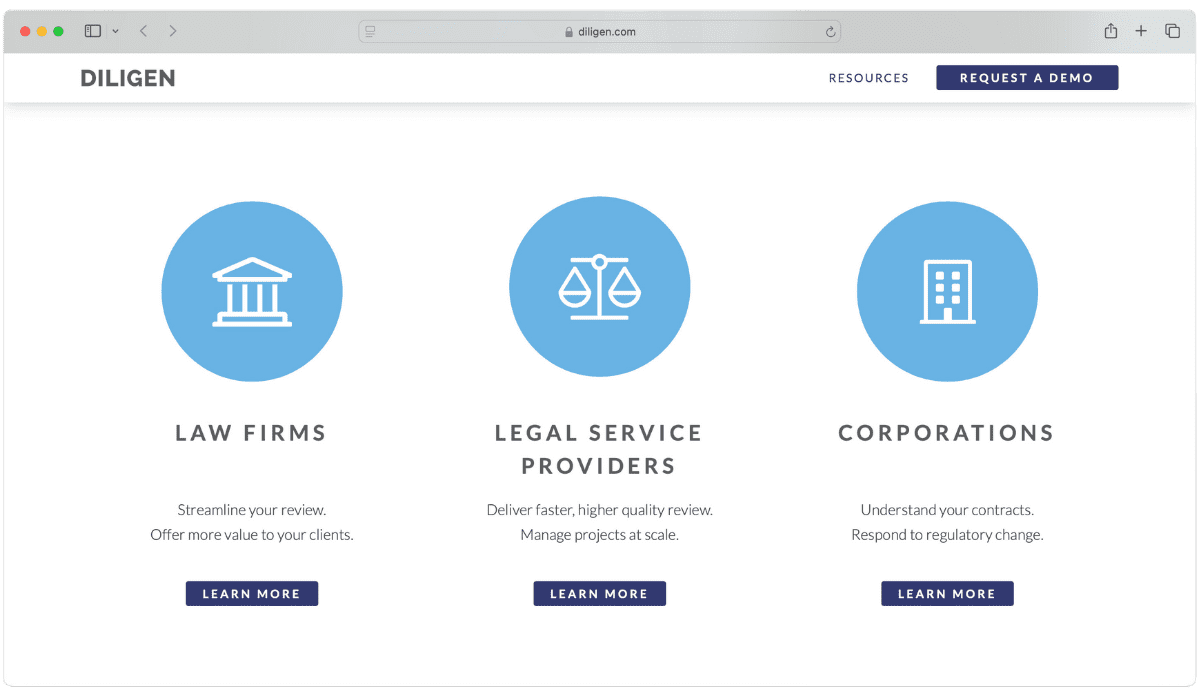
For those dealing with contract reviews, Diligen is a more focused option. It uses machine learning to identify key provisions in contracts, generate contract summaries and help a team manage the review.
Diligen markets itself to law firms, legal service providers and corporations. It is a good fit when the job is reviewing a stack of agreements rather than researching case law.
Specialist Research: Tax and Translation
9. Blue J
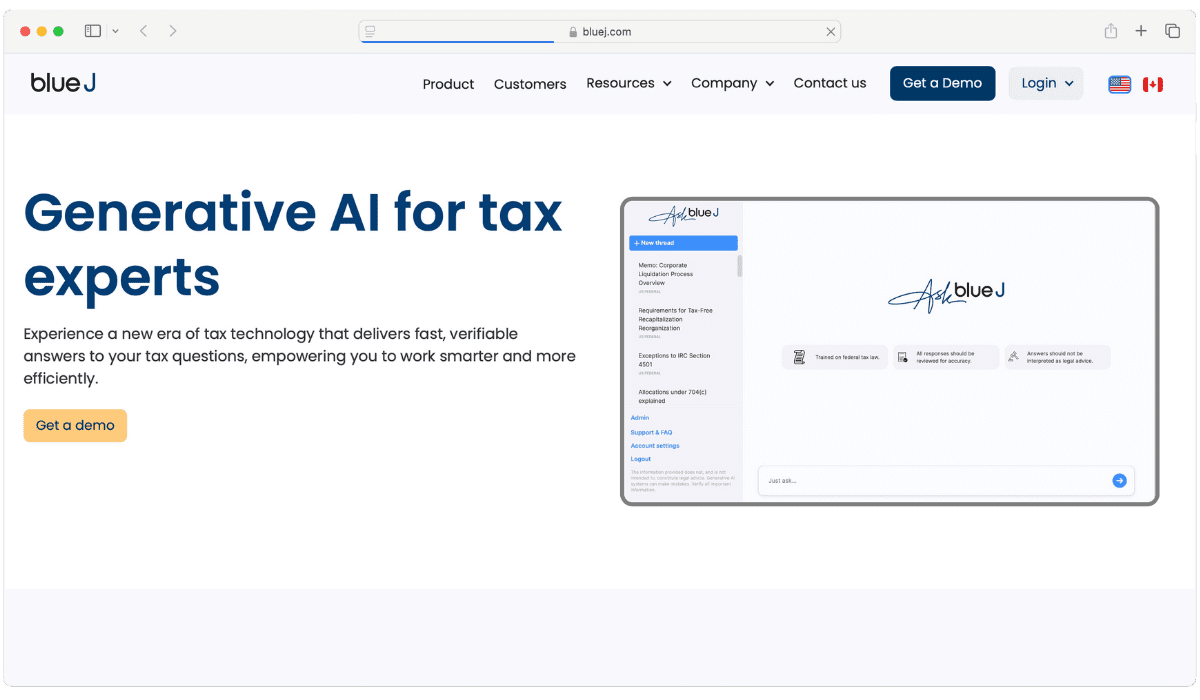
Blue J is now an AI tax research platform. You ask a tax question in plain language and it answers with sources you can check, drawing on primary authoritative content, Tax Notes and IBFD. Blue J offers a 7-day free trial.
If your research is mostly tax, it is worth a look. For general case law research, the platforms above are a better fit.
10. MachineTranslation.com
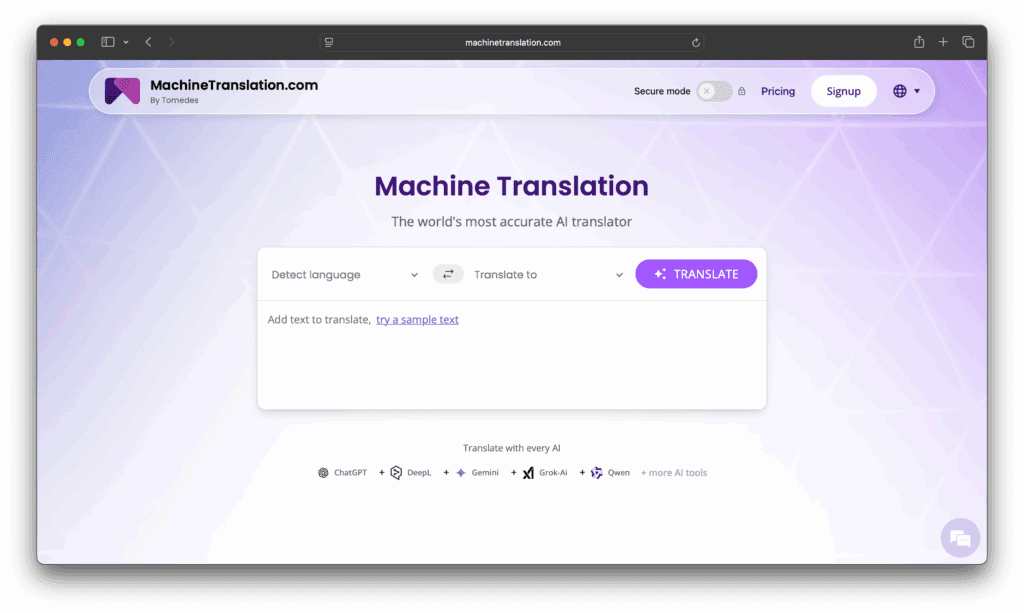
If you work with foreign-language contracts, filings or discovery documents, MachineTranslation.com by Tomedes compares translations from many AI models side by side and suggests the version most of them agree on. It supports files such as PDF and DOCX, and its AI Translation Agent lets you give instructions on tone and terminology.
For work that needs certified accuracy, it offers human review by professional translators. Before uploading confidential documents, read its security and data-handling terms (the site says it is GDPR compliant and uses encryption).
General-Purpose AI Helpers
These tools are not legal research databases. They are useful for drafting, explaining and summarizing, but they do not replace a source of law.
11. ChatGPT
ChatGPT, developed by OpenAI, is not built for legal research, but it can help with first drafts, simplifying complex terms and summarizing a long text you give it.
Do not use it to find cases. In Mata v. Avianca, a US federal court sanctioned lawyers who filed a brief citing cases that ChatGPT had invented. If you use a general chatbot, verify every case and quote in a proper legal database before it goes anywhere near a filing.
12. TubeOnAI
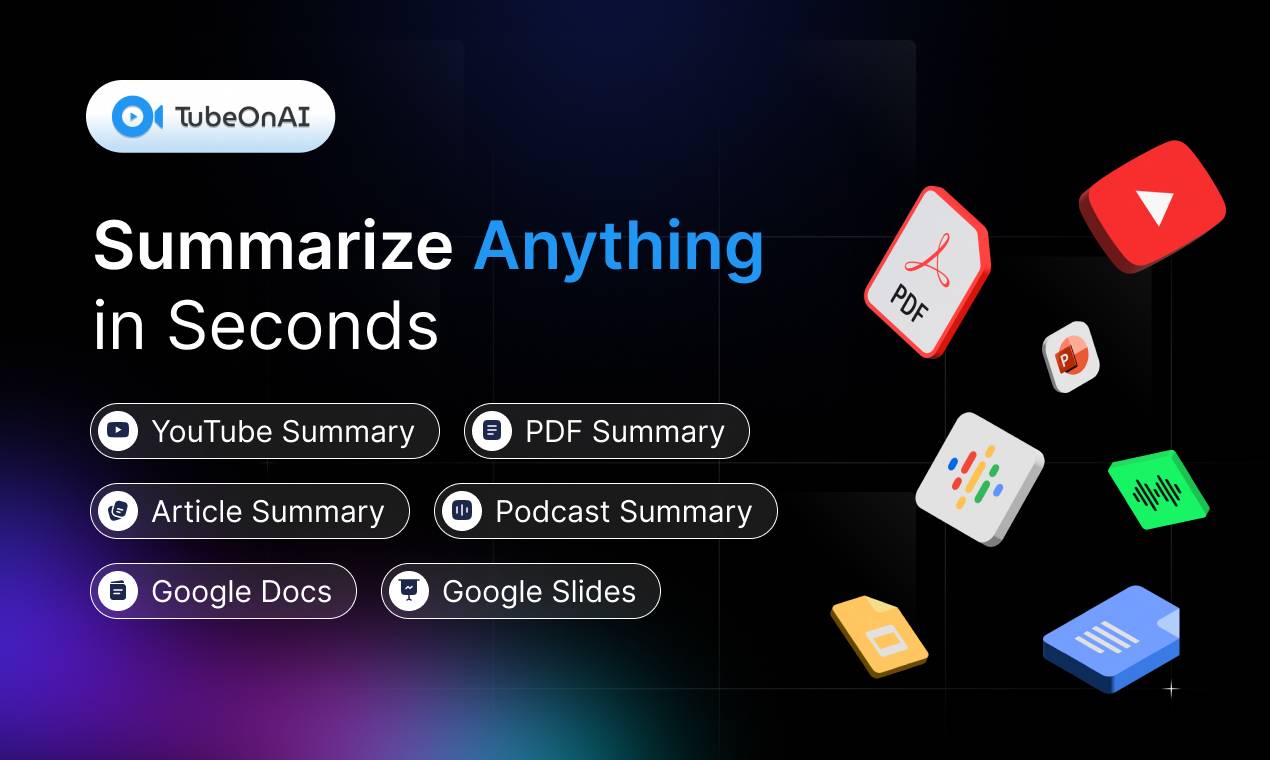
TubeOnAI is an AI summarizer, not a legal database. Where it helps is in the reading and listening load around research: you can upload a long PDF such as a court judgment or report, or paste a link to a public video (for example a recorded hearing or lecture) or a podcast, and get a summary of the key points.
You can then ask follow-up questions about the document or summary, translate it into 30+ languages, or listen to the summary as audio. There is a free Starter plan, and paid plans start at $9/month (as of October 2026; see pricing).
Learn more about how you can chat with any document using TubeOnAI, or try the free AI PDF summarizer on a long judgment. As with any AI summary, check anything important against the original text.
How to Pick the Right Legal AI Tool
Start with the type of work you do most:
- Finding and citing precedent: CoCounsel, Lexis+ with Protégé or Vincent, depending on which database your firm already uses.
- Judge and court behaviour, or appellate outcomes: Lex Machina.
- Large document productions or audio and video evidence: Everlaw, or JusticeText for criminal defense.
- Contracts: Harvey for a broad platform, Diligen for focused contract review.
- Tax: Blue J.
- Reading and summarizing long material: TubeOnAI or a general assistant, with checking.
Then think about ease of use, how the tool fits your existing systems and your budget. Most of the specialist platforms sell through demos and firm-wide plans, so ask for a trial on a real (non-confidential) research question before committing.
If you are looking for ROSS Intelligence, which appeared on many older lists: ROSS shut down its operations in January 2021 during litigation with Thomson Reuters, so it is no longer an option.
Check AI Output Before You Rely on It
Even AI built on legal databases makes mistakes. A 2024 Stanford study of legal AI research tools from LexisNexis and Thomson Reuters found that they still gave incorrect or unsupported answers on roughly 1 in 6 or more benchmark queries, although they did better than a general-purpose model.
A few general habits help:
- Open and read every cited case, statute or regulation before using it.
- Check that a case is still good law with a citator.
- Before uploading client documents to any tool, check its data, retention and confidentiality terms and your own professional obligations.
- Start with one tool for a task you do often, learn where it goes wrong, then expand.
FAQ
How can law students benefit from using AI for legal research?
- Learning aid: Summaries and follow-up questions can help you get through long cases and readings faster. Tools like TubeOnAI let you ask follow-up questions about a document or summary.
- Preparation for practice: Many firms now use AI research platforms, so knowing how they work and where they fail is a useful skill.
- Better analysis: AI tools find and summarize information, but you still have to analyze and apply it, which is the skill exams and practice test.
Is there free AI software available for legal research?
Most AI legal research platforms are paid, but there are free or low-cost options:
- Google Scholar: not an AI tool, but it lets you search US federal and state court opinions for free and filter by court.
- TubeOnAI’s free Starter plan: summarizes PDFs, articles, videos and podcasts, useful for reading, not for finding law.
- Free trials: several paid tools, including Blue J and Lexis+ with Protégé, offer trials.
Free tools have narrower coverage and fewer safeguards. For research you will rely on, use a full legal database.
Can AI summarize long court judgments?
Yes. CoCounsel and Lexis+ with Protégé let you upload documents and ask questions about them, and general summarizers such as TubeOnAI or ChatGPT can summarize a judgment you upload. Summaries can miss nuance or get details wrong, so read the key passages yourself.
What should lawyers consider when choosing AI software for legal research?
- Sources: Does it answer from a legal database with citations you can check?
- Accuracy: Look for citation checking and test it on questions you already know the answer to.
- Confidentiality: Check how uploaded documents are stored, used and deleted.
- Integration: Consider how well it fits your existing tools and document management.
- Cost: Weigh the pricing against the work it actually saves.
- Training and support: Make sure the provider offers onboarding and help when you need it.