
Content repurposing means turning one piece of content, such as a video, podcast, or blog post, into multiple formats without starting from scratch. Instead of writing a new article every week, you convert an existing YouTube video into a blog post, a podcast transcript into social captions, or a webinar into short-form clips. This saves creators and marketing teams hours of production time while extending the reach of content they’ve already made.
The right tool depends on your starting format and your target output. AI-powered tools like TubeOnAI turn video and audio into text-based content, including blog posts, scripts, and social captions, in a few clicks. Design tools like Canva turn text or transcripts into visuals and infographics.
Video generators like Lumen5 and InVideo turn blog posts into video content. And transcription-first tools like Descript and Rev turn spoken content into editable written formats.
Below, we compare 9 of the best content repurposing tools for 2026, including what each is best at, pricing, and a side-by-side comparison table to help you pick the right one for your workflow.
8 Best Tools For Repurposing Your Content
Here’s our list of 8 best repurposing tools to help you turn one piece of content into many:
- TubeOnAI – Repurpose any content into text-based formats
- Lumen5 – Easy video creation from text content
- Descript – AI Video Editor
- Canva – Versatile design platform for creating visuals
- InVideo – User-friendly video maker with AI
- ChatGPT – Generate different content formats from text
- AI Video Marketing Automator – Automate video creation and marketing workflows.
- Rev – Professional transcription and captioning services for videos
TubeOnAI – Best AI Content Repurposing App
TubeOnAI converts YouTube videos, podcasts, and other video content into blog posts, social media captions, and podcast scripts using AI. Upload a video or paste a link, and TubeOnAI extracts the key points and generates ready-to-publish text content in minutes instead of hours of manual transcription and rewriting.
Its standout feature is turning long-form videos into short, platform-specific content. A 40-minute YouTube video becomes a blog post, five LinkedIn posts, and a dozen social captions from a single upload. This makes it especially useful for solo creators and small teams who don’t have a full content production pipeline.
- Best For: YouTubers, podcasters, marketers, and solo creators repurposing video into text formats.
- What It Does Best: Turns one video into multiple text-based assets (blog, script, captions) in a single workflow.
- Pricing: Free plan available; paid plans for higher video volume and export limits.
How to Use It for Content Repurposing:
- Choose your video content and summarize it with TubeOnAI.
- After summarization, use its AI Content feature to create blog posts, articles, video scripts, or social media updates in one click.
- Explore various pre-made AI prompt templates to find endless repurposing opportunities for your content.
Lumen5 – Repurpose Texts into Videos
Lumen5 turns written content into video by matching your text to a library of stock footage, images, and music, then auto-generating text overlays and scene transitions. Paste in a blog post or article, and Lumen5 builds a rough-cut video you can then customize by swapping clips, adjusting pacing, and editing the script directly in its timeline editor.

It works best for teams that already publish blog content regularly and want a low-effort way to also show up on YouTube, Facebook, or LinkedIn video feeds without filming anything new.
- Best For: Bloggers and content marketers repurposing written content into video without filming.
- What It Does Best: Auto-matches blog text to stock visuals and music to produce a shareable video.
- Pricing: Free plan with watermark; paid plans remove watermark and unlock premium media.
How to Use It for Content Repurposing:
- Take a blog post and input the text into Lumen5’s editor.
- Select a video template that suits your message.
- Customize the visuals and add background music.
- Finally, export the video for social media or YouTube.
Descript – Repurpose video & audio sources into script
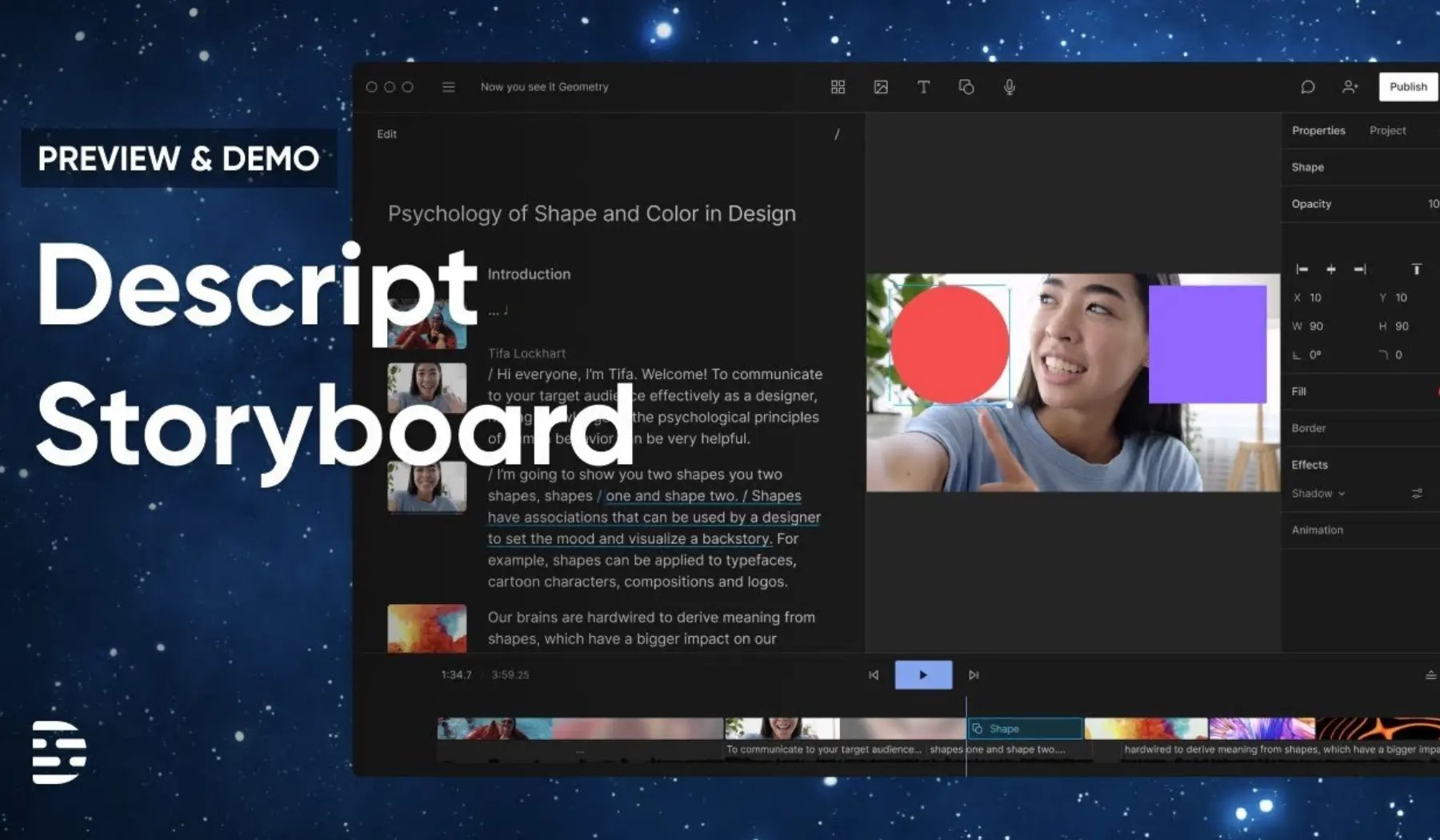
Descript transcribes podcasts and videos into fully editable text, then lets you edit the audio/video itself by deleting or rearranging that text. Delete a sentence in the transcript, and it cuts the corresponding clip automatically.
That transcript doubles as raw material for blog posts, show notes, newsletters, and social captions, so the editing step and the repurposing step happen in the same pass instead of two separate tools.
- Best For: Podcasters and video editors who want to edit and repurpose in one tool.
- What It Does Best: Text-based audio/video editing combined with transcript-to-content repurposing.
- Pricing: Free tier with limited transcription hours; paid tiers scale by hours and team seats.
How to Use It for Content Repurposing:
- Upload your podcast or video, and Descript will automatically transcribe it.
- Edit your video or audio by making text-based changes, saving you time.
- Use the transcription for blog posts, newsletters, or social media updates.
Canva – Best Content Repurposing tool for Creators
Canva is a drag-and-drop design tool best known for social graphics, but it also works well for repurposing written or transcribed content into visual formats. Pull key stats or quotes from a blog post or podcast transcript, drop them into one of Canva’s infographic or carousel templates, and you have shareable visual content without hiring a designer.
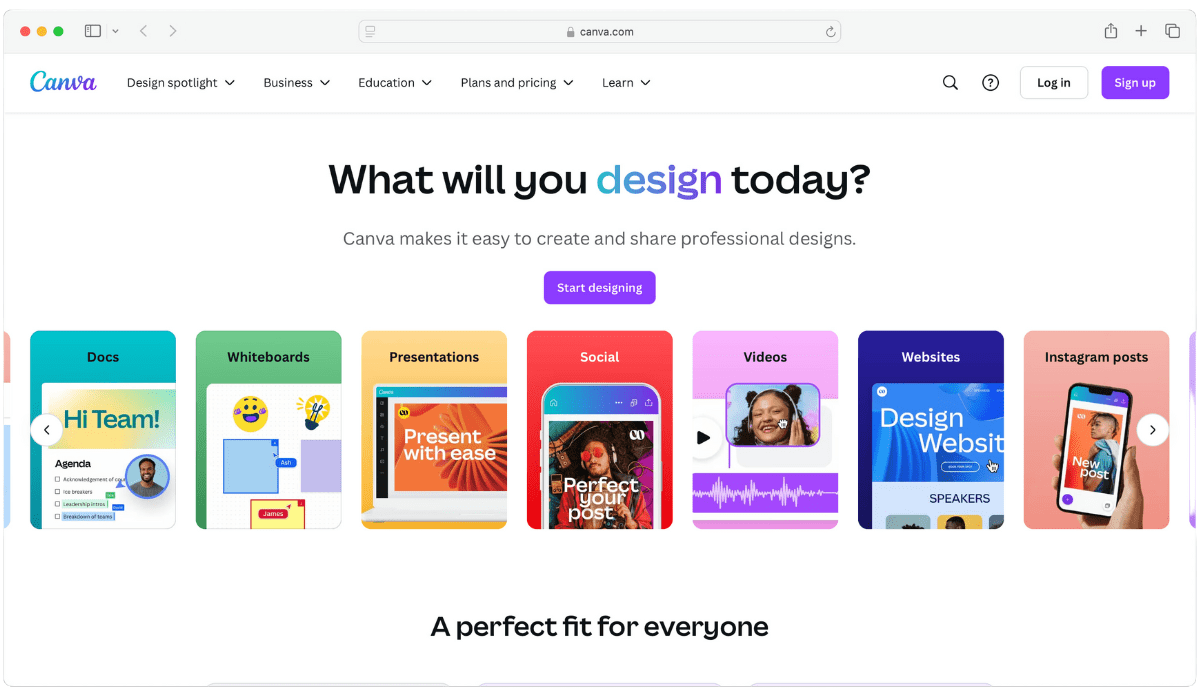
It’s the weakest fit here for repurposing long-form content directly (there’s no auto-import from video/audio), but it’s the strongest option once you already have the key points extracted and just need them to look good.
- Best For: Social media marketers turning key takeaways into visual posts, carousels, and infographics.
- What It Does Best: Templated visual design for text-derived content, including infographics, carousels, and presentations.
- Pricing: Generous free plan; Canva Pro adds premium templates, brand kits, and background remover.
How to Use It for Content Repurposing:
- Extract key points from the blog post or podcast you want. Then use Canva’s infographic templates to create visually appealing designs.
- Turn quotes, statistics, or key takeaways from your content into social media graphics.
- Use Canva’s presentation templates to turn a blog post or report into a slideshow.
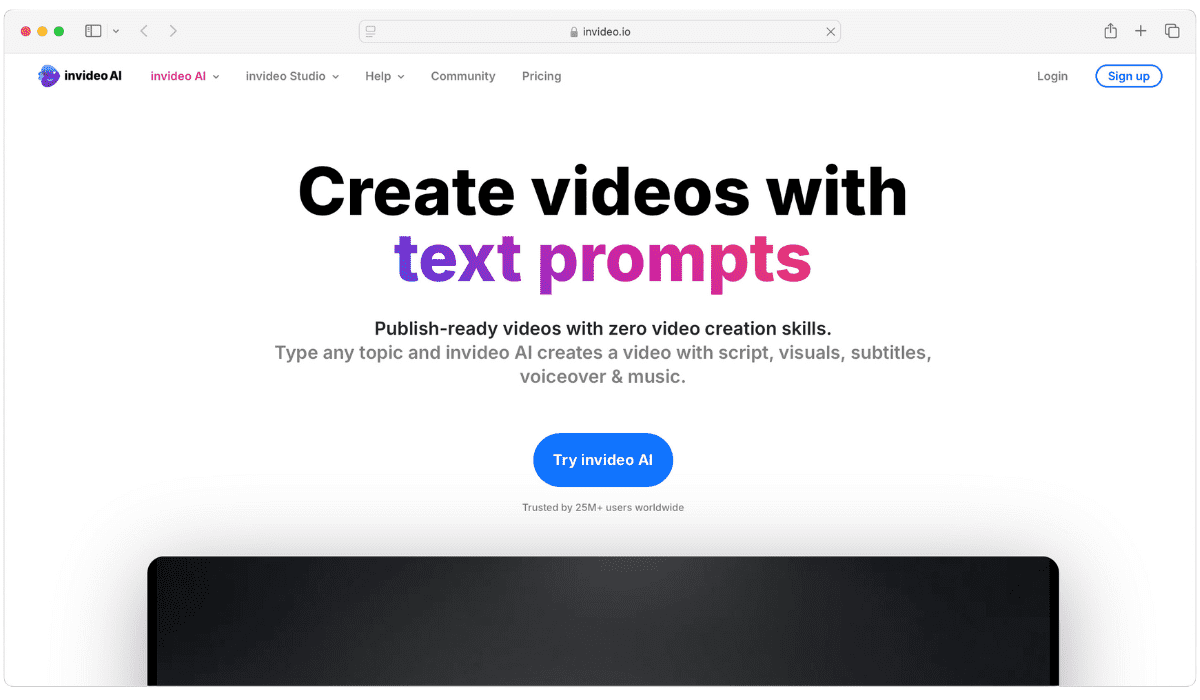
InVideo – Best Text to Video converter
InVideo covers similar ground to Lumen5 (text-to-video conversion), but with a larger template library and more manual editing control, including a script-to-video AI mode where you describe what you want and InVideo assembles a first draft. It suits creators who want more creative control over pacing, branding, and scene selection than Lumen5’s more automated approach offers.
- Best For: Marketers who want more editing control than fully-automated text-to-video tools provide.
- What It Does Best: Script/text-to-video with a large template and stock footage library.
- Pricing: Free plan with watermark and limited exports; paid plans unlock full library and HD export.
How to Use It for Content Repurposing:
- Input text from your blog post or social media content into InVideo’s editor.
- Customize the video with templates, animations, and stock footage.
- Export the video for sharing on your website, YouTube, or social media.
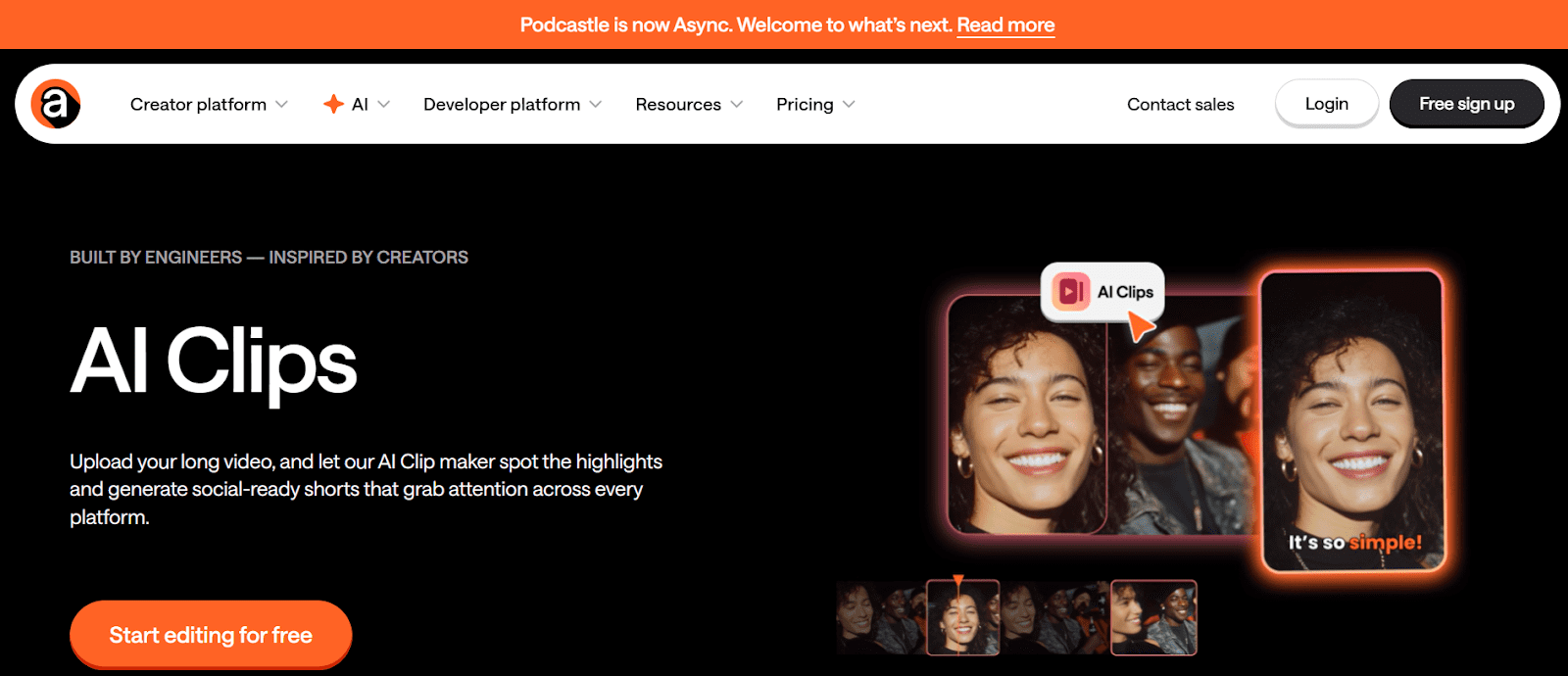
Async – Turn long videos into short clips with AI Clips
Async AI Clips feature scans long-form video, such as podcasts, webinars, and interviews, and automatically pulls out the most engaging moments as short, vertical, social-ready clips for TikTok, Reels, and YouTube Shorts. It also bundles recording, transcription, subtitles, AI voice generation, and basic video editing, so a single long recording can become a dozen short clips without switching tools.
Pricing: Free trial available; paid plans scale by recording hours and export volume.
Best For: Podcasters and video teams who need short-form clips from long recordings at volume.
What It Does Best: Automatically detects and extracts the best short-clip moments from long-form video.
How to Use It for Content Repurposing:
- Upload a podcast, webinar, or long-form video to the platform.
- Use AI Clips to automatically generate short highlight videos optimized for social media.
- Customize the clips with captions, aspect ratios, and branding before exporting for platforms like TikTok, Instagram, or YouTube Shorts.
ChatGPT – Best Content Repurposing LLM
ChatGPT isn’t a dedicated repurposing tool, but its flexibility makes it useful for text-to-text repurposing. Feed it a blog post or transcript with a specific prompt, and it can restructure that content into a newsletter, a Twitter/X thread, an eBook chapter, or a different-length blog post.
Unlike the dedicated tools above, it has no built-in video/audio processing, templates, or export formatting, so you’re working with raw text output that needs manual formatting afterward.
- Best For: Writers who need flexible text-to-text repurposing and are comfortable prompt-engineering the output.
- What It Does Best: General-purpose text transformation across formats via custom prompts.
- Pricing: Free tier available; ChatGPT Plus ($20/mo) for faster responses and higher usage limits.
How to Use It for Content Repurposing:
- Input your blog, article, or podcast transcript into ChatGPT and specify the format you want.
- Use it to generate summaries, social media posts, or newsletters based on your existing content.
- Create new blog posts or articles from older content by giving ChatGPT-specific prompts.
Pro Tip: Learn details about how to repurpose blogs for social media.
AI Video Marketing Automator – Free Content Automation Tool
AI Video Marketing Automator, built by Semrush, takes a blog post, article, or prompt and generates a marketing-ready video in minutes, with an option to auto-post to social platforms directly from the tool. Its advantage over standalone video tools is the Semrush ecosystem tie-in.
If you’re already using Semrush for SEO or content research, this keeps video repurposing in the same dashboard instead of exporting to a separate app.
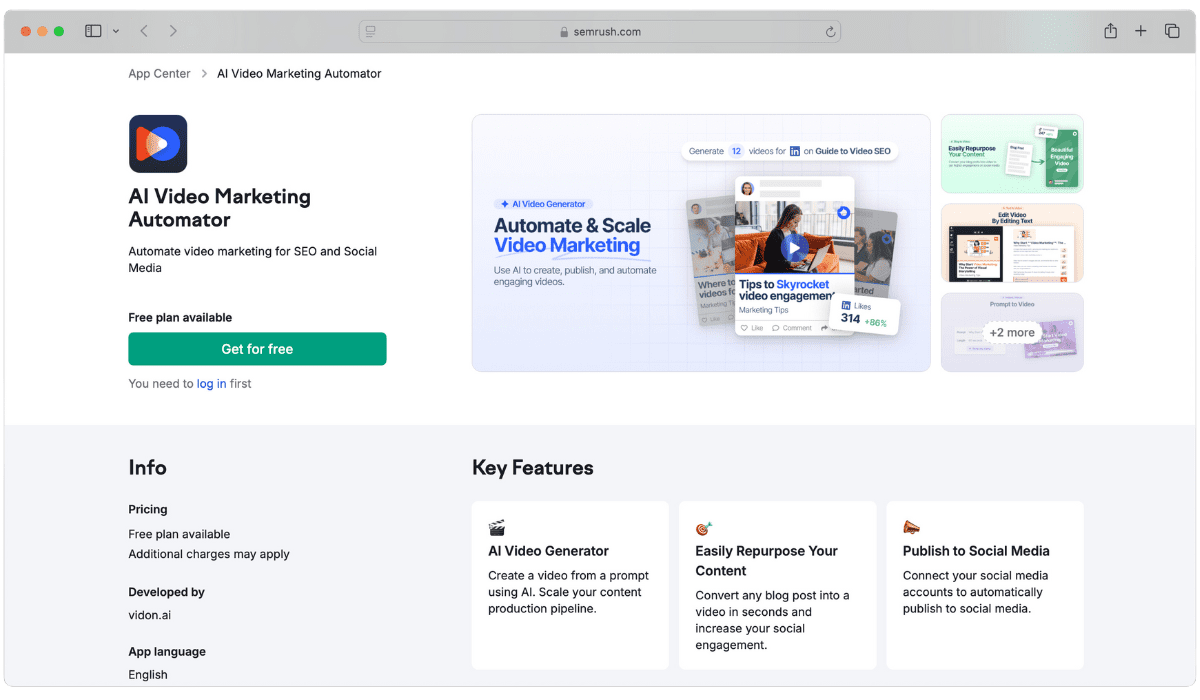
- Best For: Marketers already using Semrush who want video repurposing without leaving the platform.
- What It Does Best: Text/blog-to-video generation with direct social publishing, integrated into Semrush.
- Pricing: Included with qualifying Semrush subscription plans; not available as a standalone purchase.
How to Use It for Content Repurposing:
- Feed the tool with a blog post or long-form content.
- Customize the visuals and animations to suit your brand’s aesthetic.
- Publish the video directly to social media or your website.
Rev – Repurpose Transcript to Content
Rev offers both AI transcription (fast, cheaper, good for internal use) and human transcription (slower, priced per minute, higher accuracy for publishing-grade content), so you choose based on how much accuracy you need.
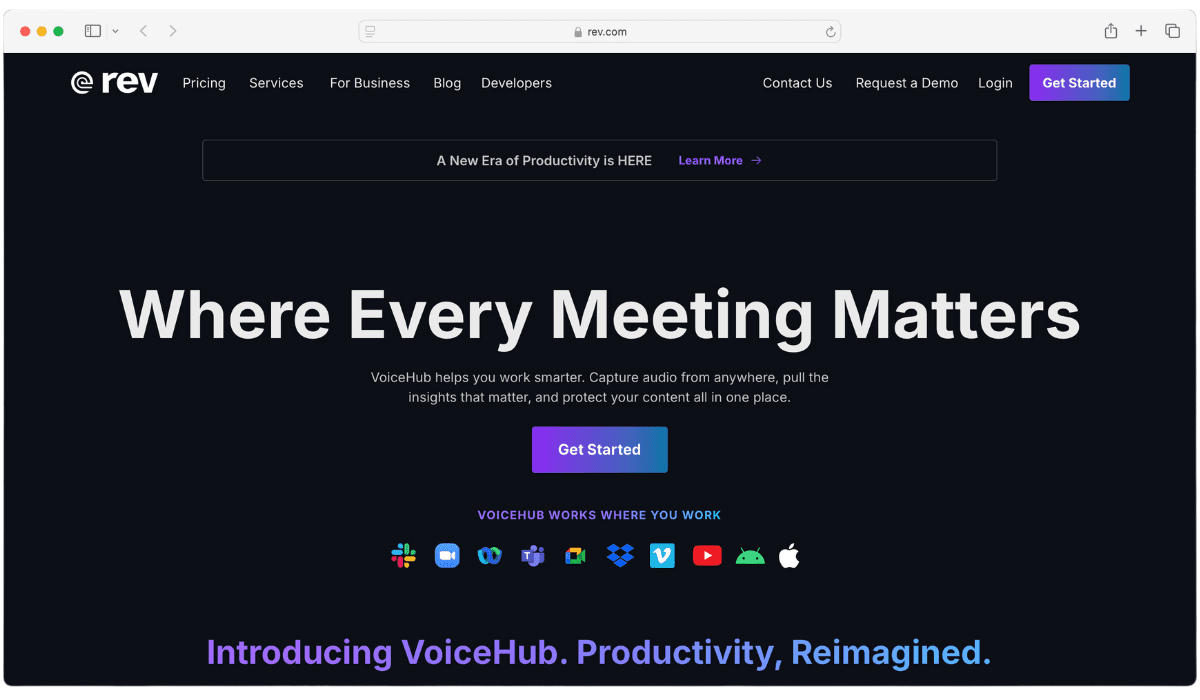
That transcript becomes the raw material for blog posts, show notes, articles, or captions, making Rev a good fit specifically when transcript accuracy matters more than speed, like legal, medical, or research content.
- Best For: Anyone repurposing audio/video where transcript accuracy matters more than turnaround speed.
- What It Does Best: Offers both fast AI transcription and higher-accuracy human transcription options.
- Pricing: Pay-per-minute for human transcription; subscription plans available for AI transcription at volume.
How to Use It for Content Repurposing:
- Upload your podcast, video, or interview to Rev.
- Once transcribed, use the text to create blog posts, summaries, or social media captions.
- Leverage the transcriptions for newsletters, reports, or other written formats.
Resources You’ll Love:
Content Repurposing Workflow
Repurposing content can be a breeze with the right tools. To start things up, knowing the content repurposing workflow, i.e., which tool to use for each type of content, is better.
Some tools are better suited for creating videos from text, while others are good at turning text into podcasts. Knowing which tool to use for each content type can save a lot of time and effort.
Here’s a guide to get you going.
- Text to Video: If you have a blog post and want to turn it into a video, try using Lumen5, or InVideo. These tools take your text and automatically create engaging videos with images and music.
- Audio to Text: For those who create podcasts or audio content, TubeOnAI & Descript is a fantastic tool. It can transcribe your audio into text. Plus, it lets you edit your audio like a text document.
- Visual Content: When you need to make infographics or social media graphics, Canva is a great choice. It helps you design eye-catching visuals from your existing content into a stunning infographic.
Content Repurposing Tools Compared: Features, Pricing & Use Cases
Not sure which content repurposing tool fits your workflow? Use the table below to compare all 9 tools by use case, input and output format, pricing, and free plan availability at a glance.
| Tool | Best For | Input → Output | Pricing | Free Plan? |
| TubeOnAI | YouTubers, podcasters, marketers | Video/Podcast → Blog, Script, Captions | Free + Paid tiers | Yes |
| Lumen5 | Bloggers, content marketers | Text → Video | Free (watermark) + Paid | Yes |
| Descript | Podcasters, video editors | Audio/Video → Text + Edited Media | Free tier + Paid | Yes |
| Canva | Social media marketers | Text/Transcript → Visuals | Free + Pro | Yes |
| InVideo | Marketers wanting editing control | Text/Script → Video | Free (watermark) + Paid | Yes |
| Async | Podcasters, video teams (short clips) | Long Video → Short Clips | Free trial + Paid | Trial only |
| ChatGPT | Writers, flexible text repurposing | Text → Text (any format) | Free + Plus ($20/mo) | Yes |
| AI Video Marketing Automator | Existing Semrush users | Blog/Text → Video | Bundled with Semrush plans | No |
| Rev | Accuracy-critical transcription | Audio/Video → Text | Pay-per-minute or subscription | No |
Once you’ve narrowed down two or three options from the table, the sections below help you make the final call based on your specific starting format and goals.
How to Choose the Right Tool?
With 9 tools covering different repurposing formats, the best pick depends on what content you’re starting with and what you want to produce. Match your situation below to the right tool.
The right tool depends on your starting content format and how much editing control you want:
- Starting from video or podcast? Use TubeOnAI or Descript to get text output (blog, script, captions) or Async if you specifically want short vertical clips.
- Starting from a blog post or article? Use Lumen5 or InVideo to turn it into video, or Canva to turn it into social graphics.
- Need maximum accuracy for legal, medical, or research transcripts? Rev’s human transcription option beats AI-only tools on accuracy.
- Already paying for Semrush? AI Video Marketing Automator avoids adding another subscription.
- Need flexible one-off text rewrites (not a repeatable workflow)? ChatGPT with a good prompt is faster to set up than a dedicated tool.
Picking the right tool for your format is only half the job. Avoiding the common mistakes below is what actually determines whether repurposed content performs.
Common Content Repurposing Mistakes to Avoid
Choosing a good tool doesn’t guarantee good results. These are the most common mistakes that reduce the reach and performance of repurposed content.
- Repurposing without changing the format’s structure: A blog post pasted directly as a LinkedIn caption reads poorly; each platform needs its own structure (hooks, line breaks, length).
- Repurposing everything, not just top performers: Repurpose your best-performing content first; low-performing source content rarely repurposes into high-performing derivatives.
- Skipping platform-specific formatting: Vertical video for TikTok/Reels vs. horizontal for YouTube; square images for Instagram feed vs. vertical for Stories.
- Not tracking which repurposed formats actually perform: If repurposed clips get better engagement than repurposed blog posts, double down on clips instead of splitting effort evenly.
Avoid these mistakes and pair them with the right tool from the comparison table above, and repurposed content performs closer to original content instead of feeling like an afterthought.
Frequently Asked Questions
What is the best tool to repurpose content?
It depends on your starting format. TubeOnAI is best for turning video or podcast content into blogs, scripts, and captions. Lumen5 and InVideo are best for turning blog posts into video. Descript and Rev are best for turning audio/video into accurate written transcripts. See the comparison table above for a full breakdown by use case.
How do you repurpose content with AI?
Upload your source content (video, audio, or text) to an AI tool matched to your desired output. For example, upload a video to TubeOnAI to get a blog post, script, or social captions. The AI extracts key points automatically, then you review and edit before publishing.
How do you repurpose other people’s content legally?
Get permission first, or work only with content that’s licensed for reuse (Creative Commons, licensed stock, or your own paid content). Once permitted, you can summarize, quote with attribution, or expand on the original in a new format like a blog post, video, or infographic. Publishing someone else’s content as your own without permission or attribution risks copyright issues.
Is repurposing content good for SEO?
Yes. Repurposing extends the reach of content you’ve already created without the full cost of producing something new, and publishing the same core ideas across multiple formats (blog, video, social) increases the chances of ranking or getting discovered on each platform. It works best when each repurposed format is adapted to that platform’s structure, not just copy-pasted.
How much do content repurposing tools cost? (NEW)
Most tools on this list offer a free plan or trial (TubeOnAI, Lumen5, Descript, Canva, InVideo, ChatGPT), typically with limits on export volume or a watermark. Paid plans generally range from $10-30/month for individual creators. Rev and AI Video Marketing Automator don’t offer free ongoing use: Rev charges per transcription minute, and AI Video Marketing Automator requires a Semrush subscription.
Can I repurpose one video into multiple content formats at once? (NEW)
Yes. This is the core use case for tools like TubeOnAI, which can generate a blog post, social captions, and a podcast script from a single video upload in one pass, instead of manually repurposing into each format separately.
