
LinkedIn has evolved beyond a basic digital resume into a serious platform for content creation, thought leadership, and personal branding. However, many professionals hit a wall due to content fatigue when trying to post consistently. The cycle is familiar: staring at an empty compose box, running dry on fresh angles, or spending hours on manual outreach that delivers little in return.
The right AI tools for LinkedIn take over the repetitive work by conducting research, generating written drafts, designing visual and video assets, and keeping your AI-powered LinkedIn content strategy grounded in performance data. The right AI-powered apps help you move past generic posting and start building genuine professional connections at scale.
Below are the best AI tools for LinkedIn content creation and growth in 2026, reviewed with current pricing, verified features, and honest assessments of each platform’s strengths and blind spots.
Top LinkedIn AI Tools for Content Repurposing & Scheduling
Here are the tools I’ve personally tested, ranked by actual usefulness rather than marketing hype. These AI tools for LinkedIn have shaped my content strategy over the months with their content repurposing & generation capability.
AuthoredUp: LinkedIn post writing, scheduling, and analytics
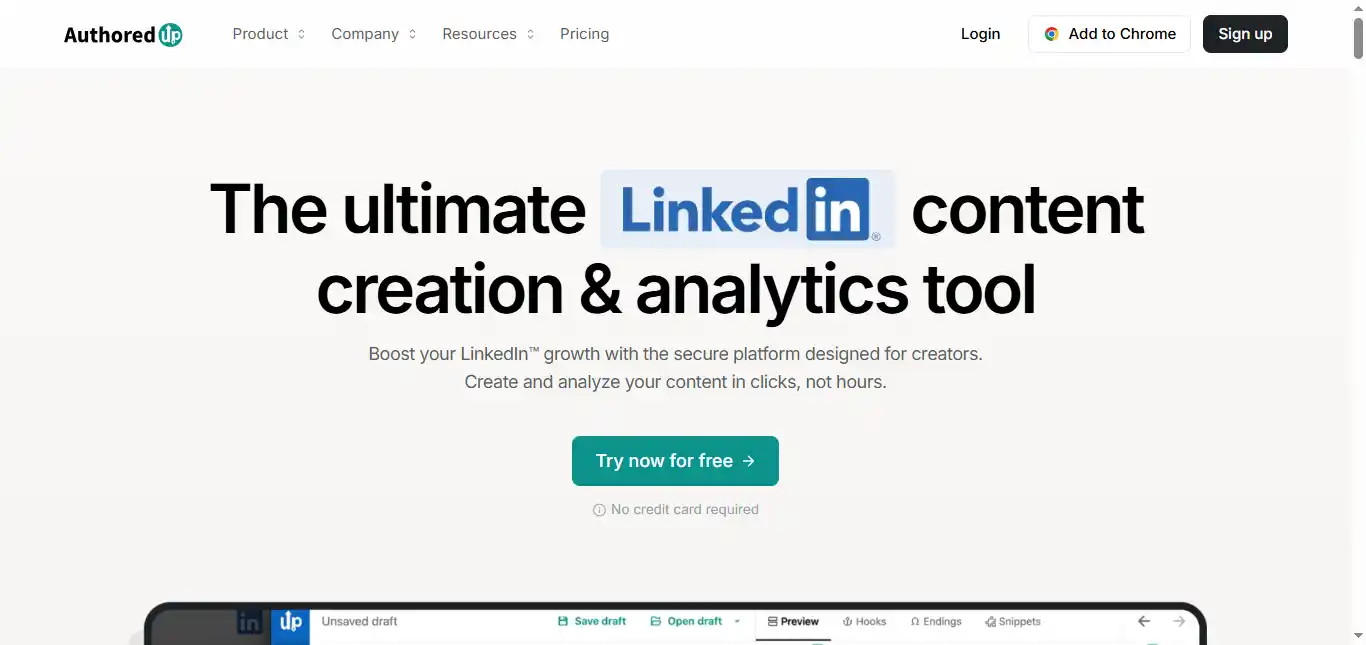
AuthoredUp is designed specifically for creators who prioritize the craft of writing on LinkedIn. Unlike many all-in-one platforms, it concentrates on the aesthetics, structure, and readability of your posts. It works as a Chrome extension and a web app that provides a rich text editor directly within LinkedIn, allowing you to apply formatting such as bolding, italics, and custom bullet points that LinkedIn’s native composer does not support.
Pros:
- The rich text editor enables professional formatting including bolding, italics, and structured bullet points that make your posts visually distinct in a crowded feed.
- It includes a built-in library of over 200 proven hooks and post endings (available in English, German, and Dutch) to help you push past writer’s block and hold reader attention.
- A readability scoring system grades your draft in real time, helping you keep posts clear and accessible to a broad professional audience.
Cons:
- While AuthoredUp does support scheduling through LinkedIn’s native scheduling feature, it does not include an independent, platform-owned scheduler—so your scheduling options depend on LinkedIn’s own capabilities and limitations.
- It does not offer full AI-powered content generation from scratch. You are responsible for writing the core of your content, though it provides hooks and frameworks as starting points.
AuthoredUp is essentially an enhancement layer for your LinkedIn workflow. Its Post Preview feature shows you exactly where the “See more” cutoff will appear on both mobile and desktop, letting you optimize your opening hook with precision.
It also offers in-depth content analytics on your past posts, revealing which structures and topics have historically driven the most engagement. The platform includes a word cloud visualization that highlights recurring themes in your content, giving you a clearer picture of how your audience perceives your brand voice. For teams, the Business plan allows draft collaboration, post assignments, and shared analytics across multiple LinkedIn profiles.
Price: Individual plan at $19.95/month. Business plan at $14.95/month per profile (minimum 3 profiles). Annual billing saves approximately 17%.
Availability: Chrome Extension and Web App.
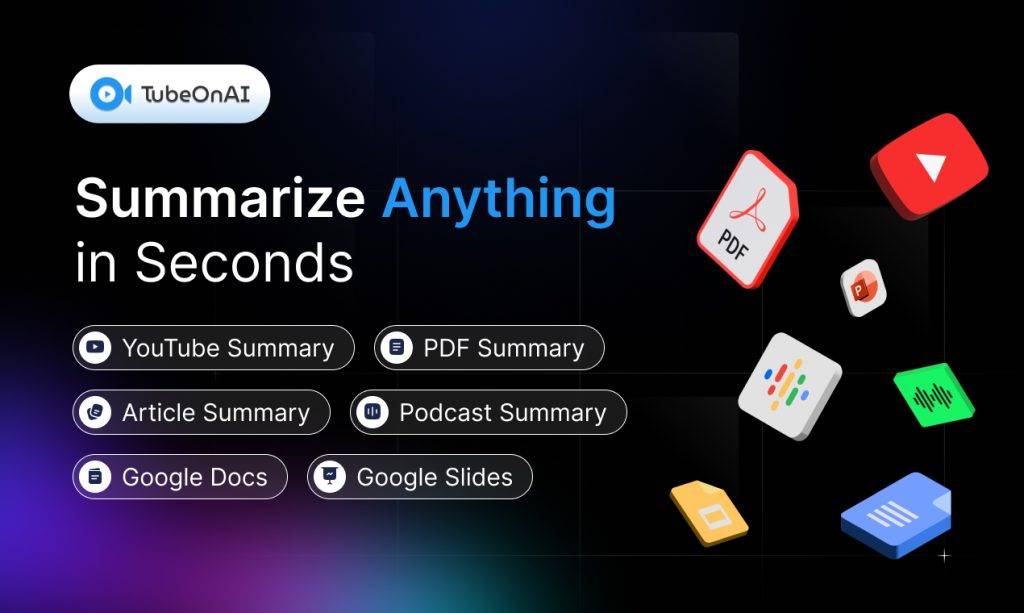
TubeOnAI– Repurpose 25+ Sources into LinkedIn Posts
What I Actually Use It For:
- Turning my weekly podcast episodes into LinkedIn posts & articles
- Converting client webinars into multiple LinkedIn posts
- Quick-draft posts directly from within the app by connecting to the account & scheadule it.
After complaining about spending entire Sundays repurposing content, I discovered TubeOnAI through a colleague’s recommendation. Fast forward a few months, and here I am, working with the same team that saved my weekends!
Anyway, the first week of trying TubeOnAI was rough – the output was stiff and robotic. But after customizing their templates (they have over 130, I use 3 consistently), I found my groove.
What sets it apart is flexibility – it works with YouTube videos, podcasts, articles, PDFs, Google Drive files without existing transcripts. You can access everything through web, mobile, or Chrome extension, making it practical for daily use. Plus, there’s no wading through ads or clickbait to get to what matters.
TubeOnAI also has interactive features. You can ask questions about the content in real time using AI voice interaction. Plus, its content management system keeps everything organized
Why it stands out:
- Cuts my repurposing time by about 50%
- Handles multiple content types well
- Chrome extension is flexible.
- Points out key info from the source material
- Supports multiple languages
Pro Tip: Create your own custom templates based on your best-performing posts. I increased engagement by 30% after building five templates around my viral posts.
RedactAI: AI LinkedIn post generator that matches writing style
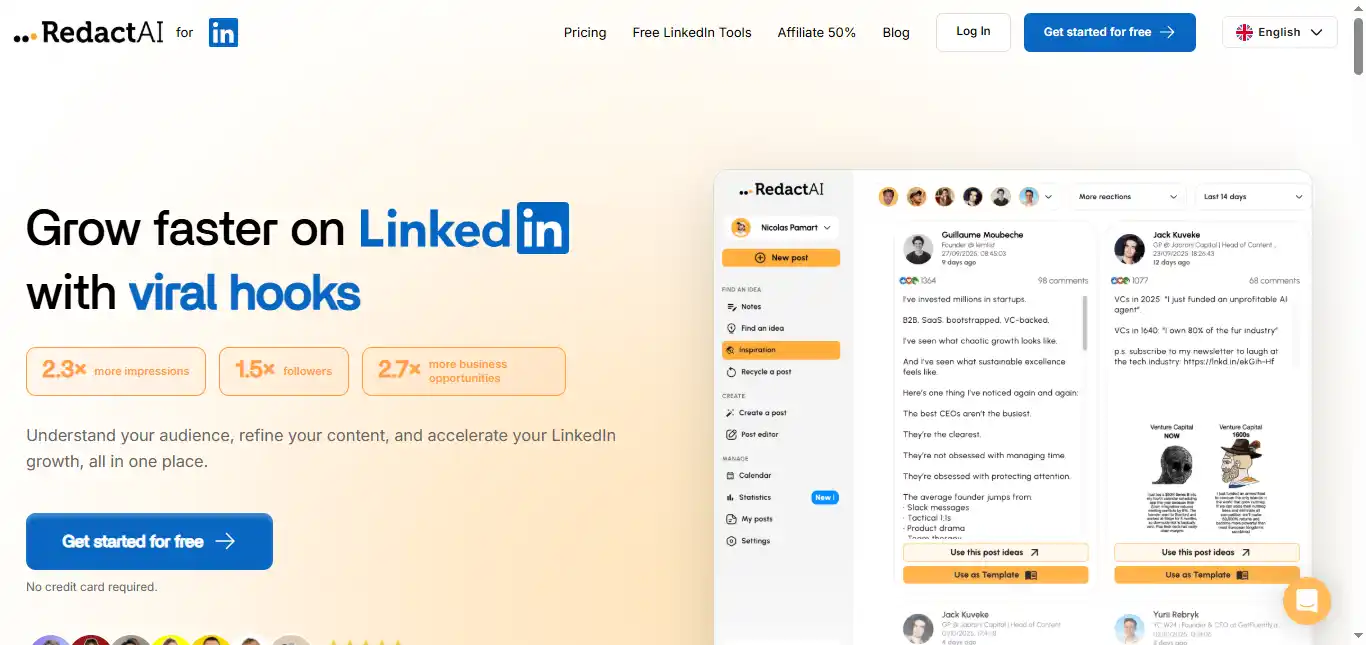
RedactAI specializes in content repurposing. It takes long-form external content—YouTube videos, podcasts, or blog posts—and transforms it into high-performing LinkedIn posts tailored to the platform’s format.
Pros:
- It converts external media like YouTube videos and blog articles into concise, engaging LinkedIn posts with minimal manual effort.
- The platform’s algorithm analyzes your previous content to ensure repurposed posts maintain your specific professional voice and tone.
Cons:
- It is highly specialized in repurposing and may offer fewer blank-page ideation tools compared to a general-purpose assistant like MagicPost or Supergrow.
RedactAI is ideal for creators who produce content across multiple formats and want to extract additional value from each piece. Paste a link, and the AI identifies the most insightful points, reformatting them specifically for the LinkedIn feed. It supports multilingual generation and provides an unlimited ideas generator based on your industry and past posting history.
Price: Starts around $11.90/month.
Availability: Web-based.
MagicPost: AI LinkedIn post generator, scheduling, and inspiration
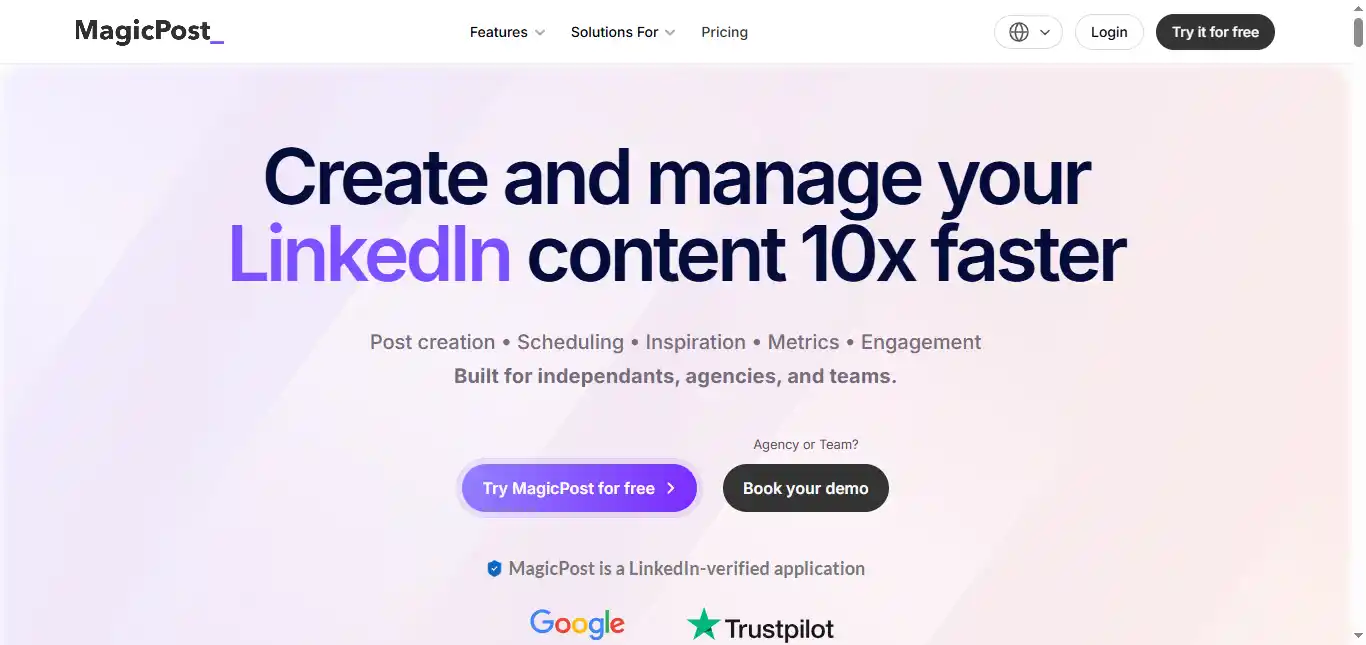
MagicPost is a streamlined tool built for professionals who want to input a topic or simple prompt and receive a polished, LinkedIn-ready post in seconds. It performs well at maintaining a professional yet conversational tone, which is often difficult to achieve with general-purpose AI models.
Pros:
- The “Magic Chat” feature lets you refine AI-generated drafts through a conversational interface until the tone and message match your intent.
- It includes a built-in hook generator engineered for LinkedIn’s scroll-stopping dynamics, targeting those critical first two lines before the “See more” fold.
Cons:
- The free tier is restrictive, offering only a handful of generations before requiring a paid subscription.
- It offers fewer integrations with external CRM or research databases compared to enterprise-level platforms like Taplio or Hootsuite.
MagicPost prioritizes speed and output quality. You can choose from various post frameworks—such as actionable, storytelling, or thought leadership – and the AI adjusts structure accordingly. It also features a metrics tool that analyzes the profiles of successful creators in your niche, providing data on what content types and topics are currently gaining traction. For users who want a dedicated AI writing partner without the complexity of a full marketing suite, MagicPost is one of the most direct options available.
Price: Starts at $27/month for the Starter plan.
Availability: Web-based.
Best AI Tools for Linkedin Automation & Outreach
LinkedIn is a goldmine for potential leads from businesses around the world. Of course, to collect leads and run effective campaigns, you have to stay sharp and act quickly to reach their inboxes before others, supported by proper analysis and proposals. These listed AI tools will help you do just that.
Hootsuite: Social scheduling, inbox, analytics, social listening
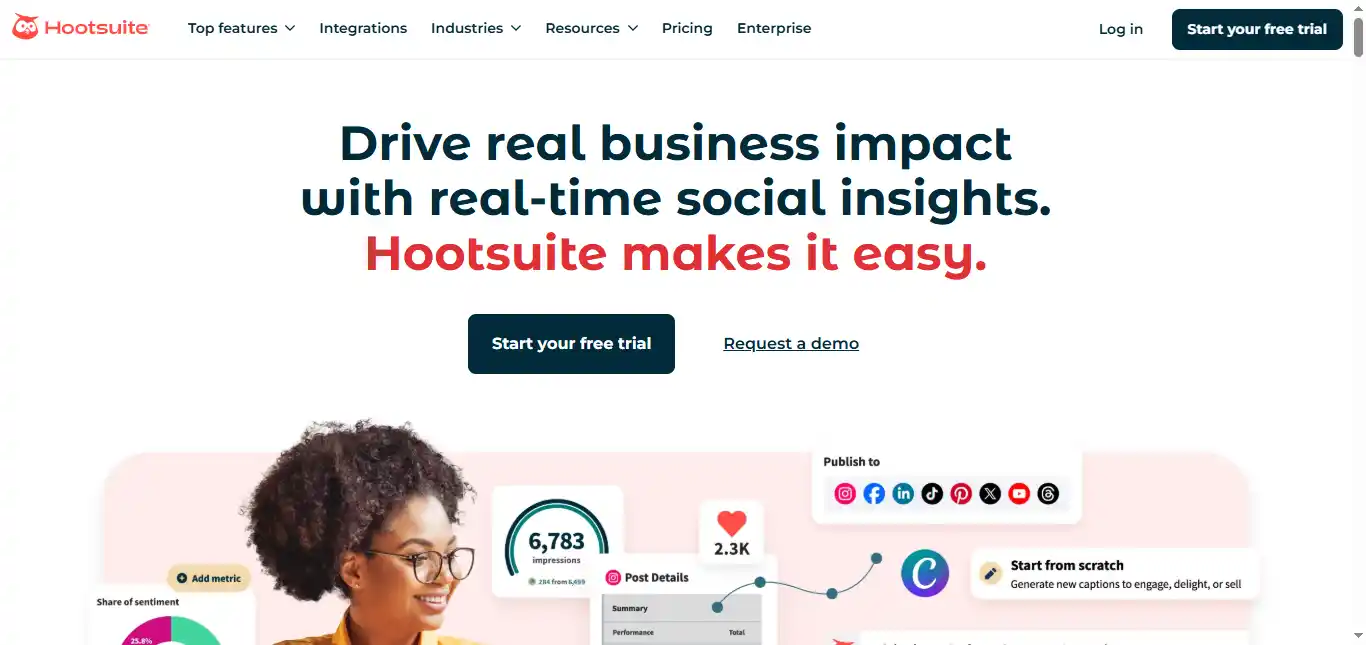
Hootsuite is a veteran in the social media management space that has undergone a significant AI upgrade with its OwlyWriter AI. It serves enterprise-level operations where managing multiple accounts, brand reputations, and team workflows is the priority.
Pros:
- OwlyWriter AI can instantly repurpose blog posts or web articles into a series of concise LinkedIn updates, saving significant content recycling time.
- Its social listening tools let you monitor industry keywords, competitor mentions, and brand sentiment, providing strategic data for content planning.
- The Employee Advocacy feature allows teams to distribute pre-approved content to their personal LinkedIn profiles, which is a strong differentiator for B2B organizations.
Cons:
- Following significant price increases, the Standard plan now starts at $99/month (billed annually) or $149/month billed monthly. There is no longer a free plan, which makes it far less accessible for individual creators.
- Many useful features—custom analytics, bulk scheduling, advanced inbox support—are locked behind the Advanced ($249/month) or Enterprise tiers, meaning the actual cost of fully functional use is much higher than the entry price suggests.
Hootsuite offers a centralized dashboard for scheduling, engagement, and reporting. Its AI writing assistant generates captions and hashtag suggestions.
The content calendar supports unlimited scheduled posts, and a unified social inbox consolidates public and private messages from Facebook, Instagram, LinkedIn, and X. For large organizations, the Enterprise plan includes custom team permissions, multi-level approval workflows, and dedicated account management.
Price: Standard at $99/month (annual) or $149/month (monthly). Advanced at $249/month (annual). Enterprise with custom pricing. 30-day free trial available.
Availability: Web, iOS, Android.
Expandi: LinkedIn outreach automation, sequences, lead generation
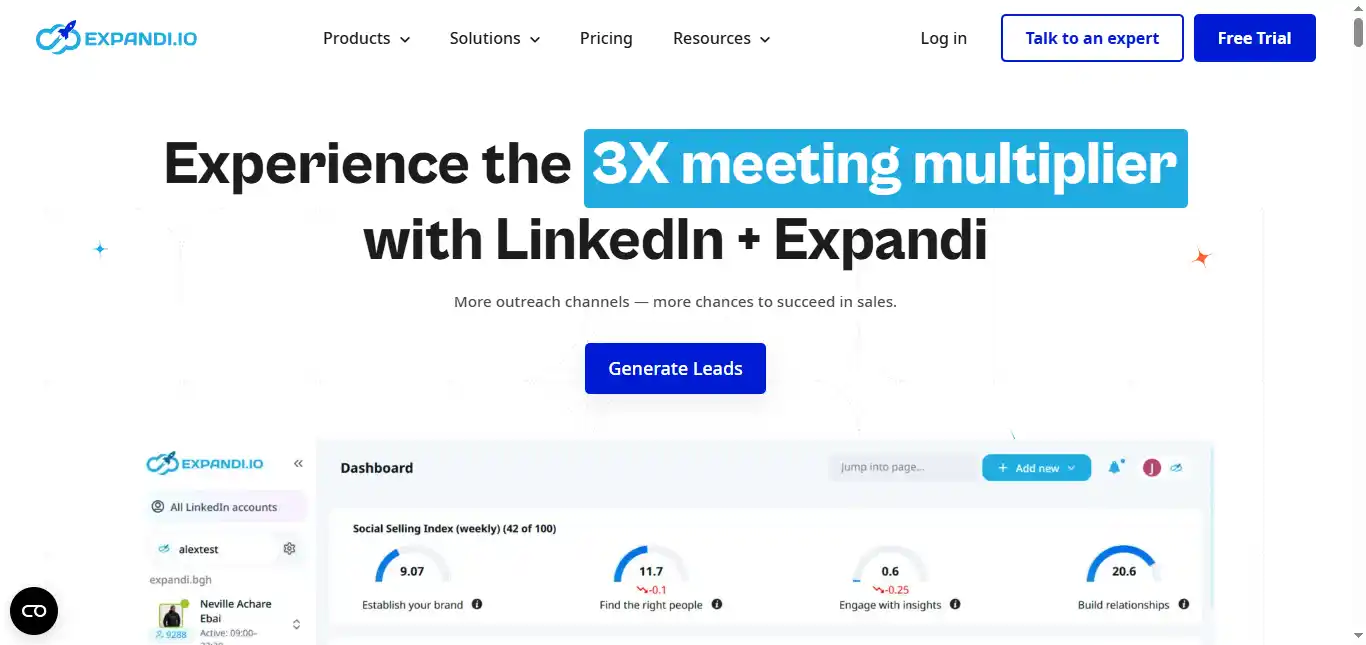
Expandi is not a content creation tool—it is a dedicated LinkedIn outreach and automation platform. It is built for sales teams, recruiters, and agencies who need to scale their networking while maintaining behavior patterns that minimize the risk of account restrictions.
Pros:
- It includes sophisticated safety controls such as human-like activity patterns, dedicated IP addresses per account, and auto warm-up that gradually increases outreach volume to simulate organic growth.
- The Smart Sequences feature lets you build complex, behavior-based outreach flows. Different actions trigger depending on whether a prospect accepts a connection, views your profile, or ignores the request.
- Omnichannel sequencing combines LinkedIn touches with email follow-ups in a single campaign workflow.
Cons:
- It does not include a native AI content generator for public feed posts. Its focus is entirely on private messaging, connection requests, and outbound automation.
- Pricing is per LinkedIn account, not per user. If you manage multiple profiles, costs add up quickly.
Expandi allows you to run multichannel campaigns (LinkedIn + Email) from one dashboard. Its AI Analyzer helps generate campaign drafts and improve messaging angles.
The platform supports over 10 campaign types, including a Mobile Connector that can bypass standard LinkedIn connection limits. Integration with Hyperise enables hyper-personalized connection requests using dynamic images and GIFs. For sales professionals, it automates prospecting and first-touch outreach so you can focus on conversations that convert.
Price: Business plan at $99/month per LinkedIn account, or $79/month ($950/year) with annual billing. Agency plan for 10+ accounts available on request with volume discounts. 7-day free trial included.
Availability: Cloud-based (no installation required).
HeyReach: Multi-sender LinkedIn outreach automation for agencies
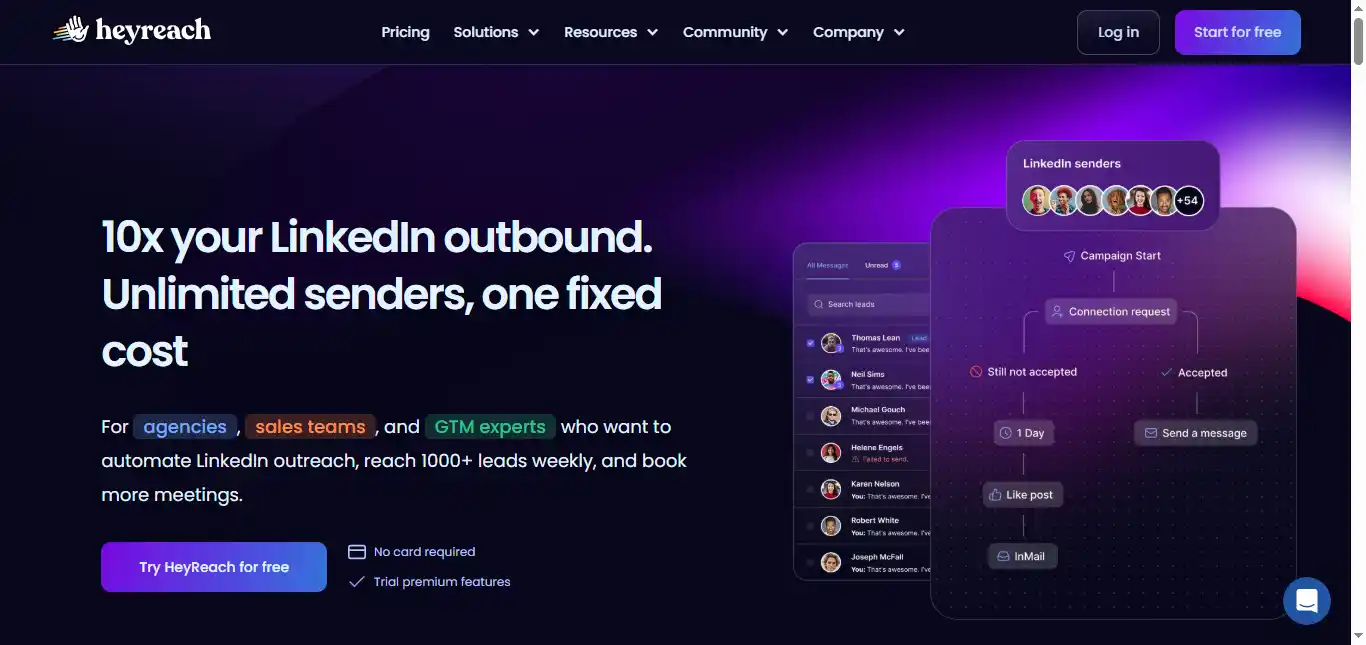
HeyReach is purpose-built for lead generation agencies and large sales teams that need to manage multiple LinkedIn accounts at scale. Its core strength is sender rotation, which distributes outreach actions across multiple profiles to maximize volume while keeping each individual account within safe activity thresholds.
Pros:
- Sender rotation allows agencies to scale outreach by distributing messages across multiple LinkedIn profiles within a single campaign, reaching 1,000+ leads per week.
- A unified inbox centralizes all messages from every connected account, ensuring no lead response gets lost across profiles.
- Pricing is per LinkedIn sender, not per user—you can invite unlimited team members, virtual assistants, or clients at no extra cost.
Cons:
- The pricing is oriented toward agencies and teams. At $79/month per sender for the entry plan and $799/month+ for agency-level access, it is not practical for individual users with a single account.
- It lacks advanced AI functionalities beyond outreach automation. Content creation for the LinkedIn feed is not part of its scope.
HeyReach aggregates search results from multiple connected accounts to bypass typical LinkedIn search limits. It offers real-time pipeline visualizations and A/B testing for messaging sequences.
Native integrations with Clay, HubSpot, Pipedrive, Zapier, and Make allow it to slot into existing go-to-market workflows. The platform also supports webhooks and API access for custom automation, plus whitelabel options for agencies.
Price: Growth plan starts at $79/month per sender. Agency plan at $799/month for up to 50 senders. Unlimited plan at $1,999/month. Annual billing discounts available.
Availability: Web-based.
lemlist: Cold email and LinkedIn outreach automation
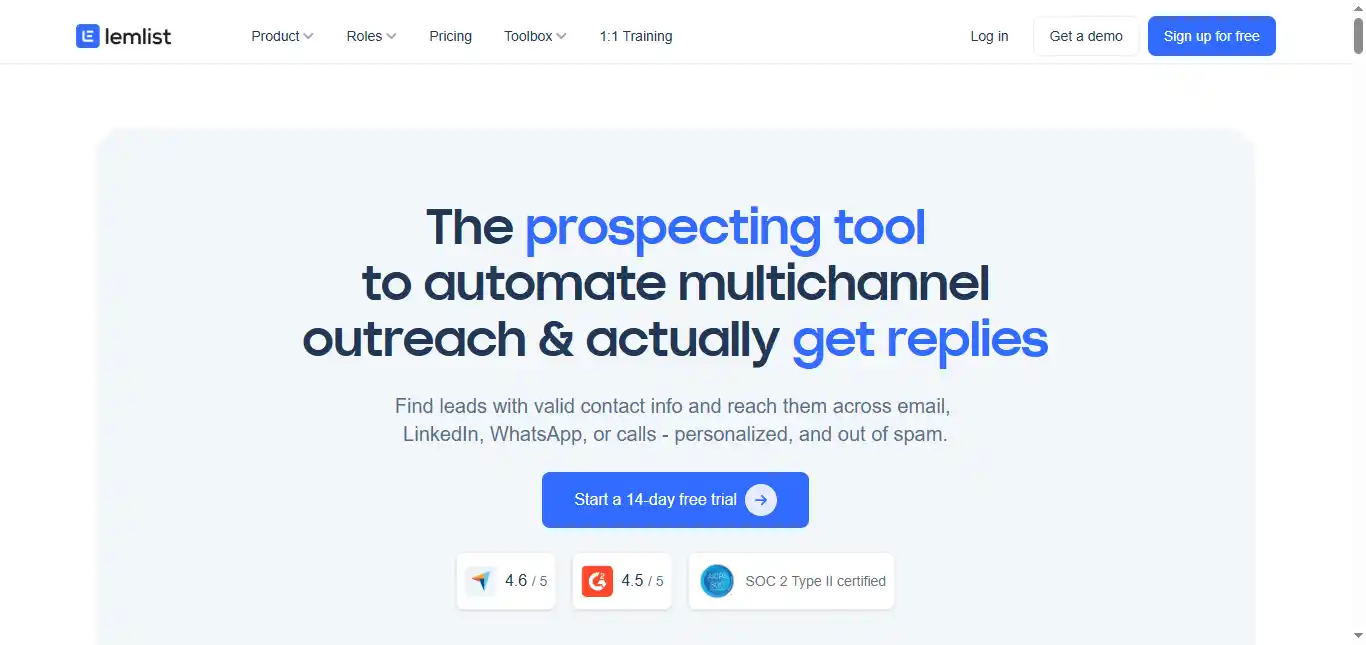
lemlist is a multichannel prospecting platform that positions LinkedIn as a central component of the B2B sales funnel. It is designed for users who want to combine cold email with automated LinkedIn touchpoints such as profile visits, connection requests, and direct messages within a single sequence.
Pros:
- The built-in Lemwarm feature protects email deliverability by automatically warming up your sending accounts, ensuring outreach lands in inboxes rather than spam folders.
- It supports deep personalization through dynamic images, personalized videos, custom landing pages, and variables that adapt automatically for every prospect.
- Access to a 600M+ lead database with filters for company size, industry, location, and job title streamlines prospecting.
Cons:
- The complexity of setting up multichannel conditional sequences requires technical comfort. The learning curve is steeper than most single-channel tools.
- LinkedIn automation is only available on the Multichannel Expert plan ($99/month per user, or $79/month billed annually). The Email Pro plan ($69/month) does not include LinkedIn features.
- Lead finder credits expire monthly with no rollover, which can be wasteful for teams with variable prospecting volume.
lemlist’s Chrome extension lets you capture leads directly from LinkedIn and import them into a multichannel campaign. Its AI creates personalized sequences that adapt based on recipient behavior – for example, if a prospect opens your email but does not reply, the sequence can trigger a LinkedIn direct message as the next step. The platform also supports WhatsApp messaging as an add-on ($20/month per seat) for teams that want an additional outreach channel.
Price: Email Pro at $69/month per user. Multichannel Expert at $99/month per user (or $79/month billed annually). Enterprise with custom pricing. 14-day free trial, no credit card required.
Availability: Web-based and Chrome Extension.
AI Engagement and Comment Tools
Content creation is only half the LinkedIn growth equation. In 2026, LinkedIn’s algorithm heavily rewards meaningful, contextual commenting—research suggests that comments carry up to 15 times more algorithmic weight than passive likes. Thoughtful engagement on other people’s posts puts your name and expertise in front of their entire audience, warming up prospects before you ever send a connection request.
The following AI tools for LinkedIn engagement help you maintain a visible, active presence without spending hours manually scrolling and typing replies every day.
Taplio: LinkedIn content writing, scheduling, engagement automation
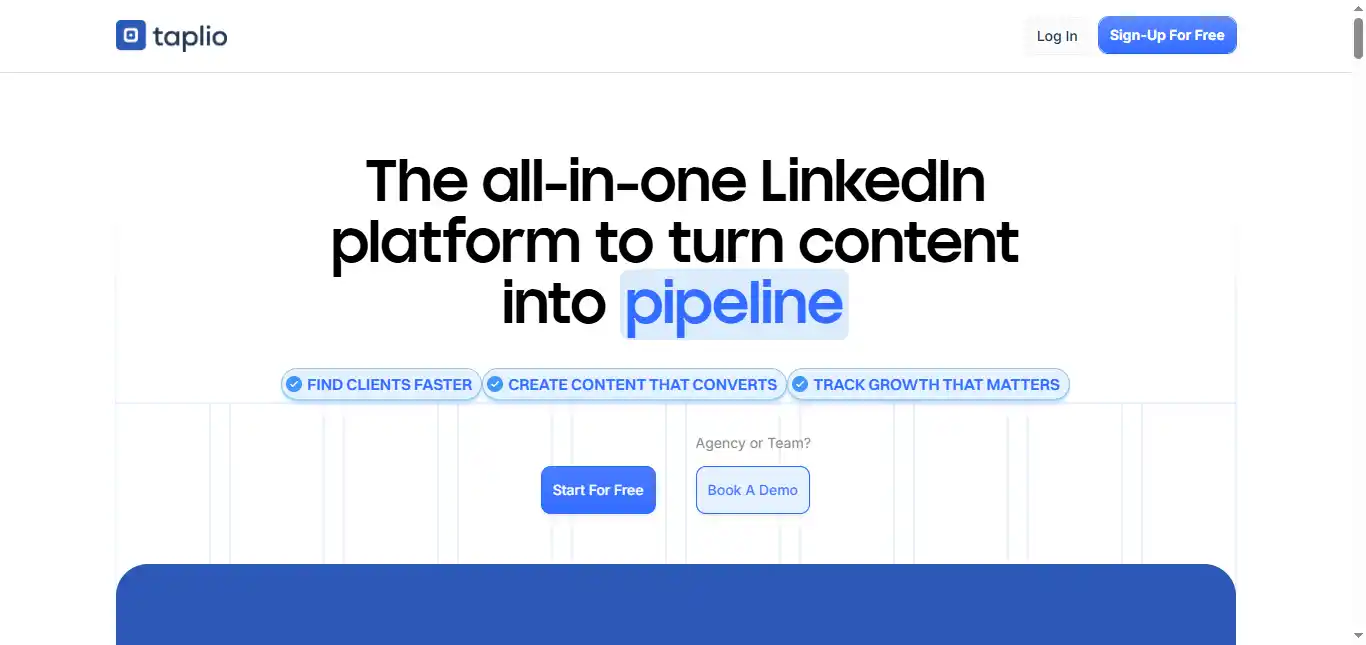
Taplio is widely recognized as a dedicated LinkedIn growth engine. It covers AI-assisted content creation, scheduling, carousel generation, and lead generation under one roof. Its Viral Library contains millions of high-performing posts you can study for research and inspiration.
It is built for high-growth creators. Its AI engine can generate a month’s worth of content in minutes based on your defined content pillars. The Carousel Maker turns text posts into visual slide decks optimized for LinkedIn’s layout.
Pros:
- The Viral Post Library gives you access to over 5 million high-performing posts, letting you analyze and adapt successful frameworks for your own niche.
- It includes a lead database of over 3 million contacts, enabling you to transition directly from content creation to targeted outreach.
- The AI engine, trained on hundreds of millions of LinkedIn posts, produces drafts that require less editing than most general-purpose tools.
Cons:
- The Starter plan at $39/month includes zero AI features. You need the Standard plan at $65/month minimum to access AI content generation, which makes it a significant investment.
- Taplio operates on a credit system. Monthly credits can run out for heavy users, and unused credits do not roll over. This forces rationing rather than free experimentation.
- LinkedIn has temporarily blocked Taplio in the past due to its automation methods, which raises account safety considerations that users should monitor.
It also automates engagement by letting you schedule first comments and interact with your target audience’s posts directly from the Taplio dashboard. The Chrome extension surfaces real-time analytics and insights as you browse LinkedIn.
Price: Starter at $39/month (no AI). Standard at $65/month. Pro at $199/month. 7-day free trial available.
Availability: Web-based and Chrome Extension.
Engage AI: AI-Powered LinkedIn Comment Generator and Prospect Monitoring
Engage AI is a lightweight engagement assistant built for sales professionals, founders, and marketers who want to show up consistently in their network’s conversations without dedicating hours to manual commenting each day. It works as a Chrome extension that sits directly inside LinkedIn, analyzing posts in real time and generating contextual comment suggestions that align with your preferred communication style.
What sets Engage AI apart from generic AI writing tools is its prospect monitoring system. You define a list of target accounts or individuals, and Engage AI aggregates their posting activity onto a single dashboard. When a prospect publishes something new, you are among the first to engage—a significant advantage given LinkedIn’s emphasis on engagement velocity within the first hour of a post going live.
The platform lets you choose from multiple tones—supportive, witty, inquisitive, or contrarian—ensuring your comments match how you actually communicate rather than defaulting to robotic corporate language. It also works as a broader LinkedIn content creation tool, offering AI-assisted post writing, article generation, and even personalized endorsement recommendations to round out your profile.
Pros:
- The prospect monitoring feature centralizes all target accounts’ posts on one page, so you never miss a timely engagement opportunity with key decision-makers.
- Tone customization with multiple style presets ensures AI-generated comments feel authentic to your personal brand rather than generic.
- A generous free tier powered by GPT-4o mini provides unlimited comment generation with three custom tones—enough for most individual users to test the workflow before committing financially.
Cons:
- Some users report that LinkedIn has flagged accounts using the extension, so cautious usage within reasonable daily engagement limits is essential.
- The AI occasionally produces comments that feel surface-level on highly technical or niche industry posts, requiring manual refinement before posting.
- Zapier integration and advanced lead management features have a steeper learning curve than the core commenting functionality.
Price: Free plan available with unlimited comments and 10-prospect monitoring. Starter at $12.90/month. Pro at $30/month with unlimited prospect monitoring. 14-day unlimited trial included on signup.
Availability: Chrome Extension and Web App.
PowerIn: Automated LinkedIn and Twitter Comment Engine
PowerIn takes a more hands-off approach to LinkedIn engagement than Engage AI. Rather than suggesting comments for you to review and post, PowerIn fully automates the process—it monitors LinkedIn (and Twitter) for posts matching your target keywords or from specific creators, then generates and publishes AI-written comments on your behalf based on customizable parameters.
The tool operates on a keyword-driven targeting system. You define the topics, industries, and specific creators relevant to your niche, and PowerIn’s AI identifies matching posts throughout the day. It comments within the poster’s timezone during business hours (typically 9 AM to 6 PM local time), automatically detects the post’s language, and generates responses in the same language—a practical feature for professionals operating across international markets.
PowerIn uses natural language processing to analyze each post’s content before generating a comment, aiming for relevance rather than generic phrases. You can customize tone, control whether the AI uses hashtags or emojis, and set daily comment limits to keep activity within safe thresholds.
Pros:
- True automation means zero daily time investment once configured—the AI handles targeting, writing, and posting comments entirely on its own.
- Keyword and creator targeting allows precise control over which conversations you appear in, keeping engagement strategically focused on your niche.
- Supports both LinkedIn and Twitter from a single dashboard, making it efficient for professionals active across both platforms.
Cons:
- Fully automated commenting carries higher account risk compared to human-in-the-loop tools. LinkedIn’s 2026 detection algorithms are increasingly sophisticated at identifying automated engagement patterns, so conservative daily limits are strongly recommended.
- Multiple user reviews report occasional AI quality issues, including comments generated in the wrong language despite automatic detection and responses that miss the nuance of complex posts.
- The tool lacks any content creation features for your own LinkedIn feed—it is purely an engagement automation platform.
Price: Standard plan at $39/month. Corporate at $59/month. Custom agency pricing for unlimited accounts. 5-day free trial with 500 free prospects included, no credit card required.
Availability: Chrome Extension and Web App.
LinkedIn Carousel Generator Tools
LinkedIn carousels—multi-slide document posts uploaded as PDFs—consistently outperform other content formats on the platform. Data from 2026 shows carousel posts averaging a 6.6% engagement rate, significantly higher than single-image posts at 4.85% or text-only posts at roughly 4%. The format works because each swipe is a micro-commitment from the reader, increasing dwell time and signaling to the algorithm that the content is worth distributing to a wider audience.
PostNitro: AI-Powered Carousel Generator for LinkedIn, Instagram, and TikTok
PostNitro is a purpose-built carousel creation platform used by over 58,000 creators and marketers. Its entire workflow is designed around one goal: turning ideas into publish-ready, multi-slide carousel posts as quickly as possible. You can input a topic, paste a blog URL, share a YouTube link, or even import a Twitter thread, and PostNitro’s AI transforms the content into a structured carousel with hooks, body copy, and calls to action already formatted across slides.
The AI handles both content writing and slide design simultaneously. It understands how to structure carousel narratives—opening with a scroll-stopping hook on slide one, building value through the middle slides, and closing with a clear CTA. You choose from over 100 customizable templates, apply your brand kit (colors, fonts, logo), and export as a LinkedIn-optimized PDF or individual images for other platforms.
PostNitro also includes direct publishing to LinkedIn, Instagram, and TikTok, plus scheduling capabilities so you can plan carousel content alongside your regular posts. For teams, collaboration features allow multiple users to review and approve designs before they go live.
Pros:
- The fastest idea-to-finished-carousel workflow among dedicated tools—enter a topic or paste a URL, and a fully designed carousel is ready for review within minutes.
- AI-generated images can be inserted directly into carousel slides, which is especially useful for text-heavy educational content that benefits from visual variety.
- Multi-platform export means a single carousel can be resized and formatted for LinkedIn, Instagram, TikTok, and Twitter without recreating the design from scratch.
Cons:
- Customization options, while solid, lack drag-and-drop functionality and a comprehensive design asset library—users wanting pixel-level creative control may find tools like Canva more flexible.
- The free plan limits you to 5 downloads per month with a watermark, which is enough to test but not to run a consistent publishing schedule.
- PostNitro is purely a carousel and content creation tool—it does not include analytics, engagement features, or audience growth functionality, so it must be paired with a scheduling or analytics platform.
Price: Free plan with 5 downloads/month. Creator plan at approximately $20/month with unlimited downloads. Team plan at $40/month with advanced AI models, brand kits, and up to 100 AI-generated images monthly.
Availability: Web-based with direct publishing to LinkedIn, Instagram, and TikTok.
Supergrow: LinkedIn personal branding, writing, scheduling, carousel generator
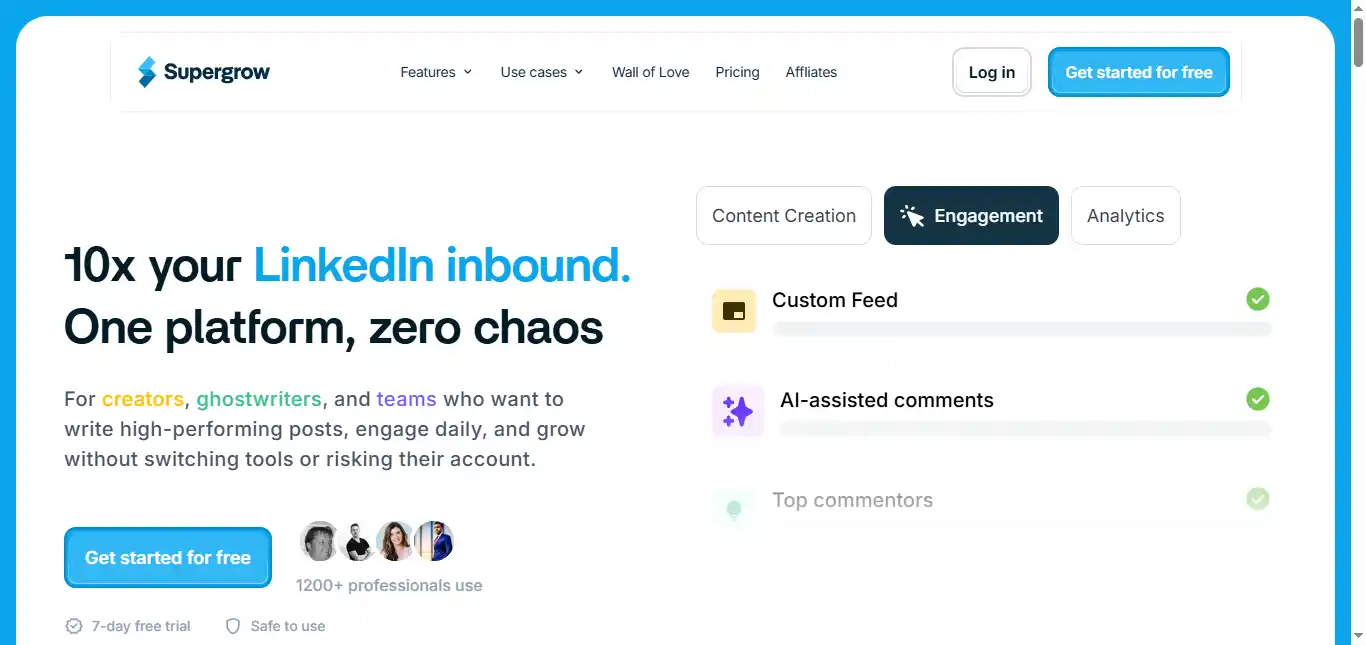
Supergrow is a dedicated tool for personal branding on LinkedIn. It is built for founders, consultants, and professionals who want a consistent, high-quality presence without hiring a ghostwriter.
Pros:
- The Personal AI feature analyzes your previous posts and learns your writing style, ensuring that generated content sounds like you rather than a generic AI output.
- It includes an integrated Carousel Maker optimized for LinkedIn’s layout, along with content repurposing that converts YouTube videos, blog posts, and PDFs into LinkedIn posts.
- A Voice-to-Post feature lets you speak your ideas and transform them into publish-ready content through AI voice transcription.
Cons:
- It lacks the outbound outreach features found in tools like Expandi or HeyReach. If lead generation through direct messaging is your primary goal, you will need a supplementary tool.
Supergrow helps you manage engagement by creating custom lists of target profiles so you can interact with their content from one centralized location. Its AI engine creates personalized weekly post ideas based on your niche and content pillars.
The scheduling system includes a First-Comment Scheduler that lets you queue follow-up comments containing CTAs, hashtags, or supplementary value immediately after publishing. It also provides a swipe file and viral inspiration feed to keep content ideas flowing.
Price: Starter at $19/month. Pro at $39/month. 7-day free trial with a 20% annual discount available.
Availability: Web-based.
LinkedIn Profile Optimization Tools
Your LinkedIn profile is the landing page that every piece of content, every comment, and every outreach message ultimately drives people toward. If your headline is generic, your summary is thin, or your skills section is missing relevant keywords, even the best content strategy will leak conversions.
Notably, Taplio (already reviewed above) offers a free LinkedIn Profile Review tool that audits your headline, summary, and overall profile structure with AI-generated feedback. It is a useful starting point if you are already in the Taplio ecosystem. For more comprehensive, dedicated profile optimization, the following tools go deeper.
Jobscan: AI LinkedIn Profile Optimizer and Keyword Analyzer
Jobscan is widely considered the gold standard for LinkedIn profile optimization, particularly for job seekers and professionals who want to appear in recruiter search results. The platform works by analyzing your profile against specific job descriptions, identifying the exact keywords and skills that recruiters are actively searching for, and showing you precisely where those terms need to appear in your headline, summary, and experience sections.
You paste your LinkedIn profile URL, add at least three target job descriptions, and Jobscan generates a detailed compatibility score (0–100) along with section-by-section recommendations. Its AI highlights missing keywords, suggests stronger headline formulations, and rewrites summary sections to incorporate high-impact terms while maintaining a natural, professional tone.
What separates Jobscan from generic AI writers is its recruiter-side intelligence. The tool understands how LinkedIn Recruiter’s search filters actually work—which fields carry the most weight, how keyword density affects ranking, and which skills are currently trending in your industry. This makes its recommendations specific and actionable rather than vague.
Pros:
- The keyword matching engine compares your profile against real job descriptions, ensuring your optimization targets what recruiters are actually searching for rather than guessing.
- One-click headline and summary generation produces optimized copy instantly, and you can iterate until the output matches your voice.
- Tracks your optimization progress over time, making it easy to see how profile changes correlate with increased recruiter outreach and profile views.
Cons:
- Primarily designed for active job seekers. If your goal is thought leadership or social selling rather than landing a new role, the job-description-based optimization model is less directly applicable.
- Full functionality requires a paid subscription—the free tier provides a basic score but limits the depth of keyword analysis and rewriting capabilities.
Price: Free basic scan available. Paid plans start at approximately $49.95/month for full optimization features, keyword tracking, and unlimited scans.
Availability: Web-based.
Careerflow: Free LinkedIn Profile Optimizer Chrome Extension
Careerflow takes a different approach by working as a free Chrome extension that guides you through profile optimization in real time, directly inside LinkedIn’s interface. Rather than analyzing your profile externally and handing you a report, Careerflow provides an interactive, section-by-section walkthrough—editing your headline, reviewing your about section, auditing your experience descriptions—with instant AI feedback as you make changes.
The tool scores your profile on a 0–100 scale and updates that score live as you implement its suggestions. It covers every major profile section: headline, summary, work experience, skills, education, and even your profile URL and background image. For each section, it explains what recruiters look for, why the section matters for search visibility, and how to improve it with specific language and keyword recommendations.
Careerflow also includes an AI headline generator and summary writer that produce optimized copy tailored to your industry and career goals. Users have reported significant improvements—one review noted a jump from a profile score of 64 to 95 after following the tool’s recommendations, with a noticeable increase in recruiter outreach within weeks.
Pros:
- Completely free with no paywalls on core optimization features, making it the most accessible entry point for LinkedIn profile improvement.
- The in-browser, real-time editing experience eliminates the friction of switching between an external tool and LinkedIn—you optimize as you go.
- Supports multilingual profiles, analyzing structural elements and identifying gaps regardless of the language your profile is written in.
Cons:
- As a Chrome extension, it is browser-dependent—there is no mobile app or standalone web dashboard for optimization.
- Recommendations lean toward job-seeker optimization (recruiter visibility, keyword matching) rather than personal branding for content creators or entrepreneurs.
- Does not include content scheduling, analytics, or engagement features—it is focused exclusively on static profile improvement.
Price: Free.
Availability: Chrome Extension.
Free Tool Stack for LinkedIn Beginners
Not everyone needs a paid subscription to start growing on LinkedIn. Before committing to specialized platforms, you can build a surprisingly effective workflow using free tools that cover writing, design, editing, and visual content. Here is a practical zero-cost stack that handles the core tasks of LinkedIn content creation.
Claude (by Anthropic): AI Writing and Strategy Assistant
Claude is one of the most capable free AI assistants available for LinkedIn content work. Its strength lies in handling complex, nuanced writing tasks—drafting long-form thought leadership posts, refining tone and voice, restructuring rough ideas into compelling narratives, and brainstorming content calendars based on your niche and audience. Claude excels at summarizing dense material (research reports, articles, meeting notes) into concise, LinkedIn-ready takeaways, and it maintains context well across long conversations, making it ideal for iterative drafting sessions where you refine a post through multiple rounds of feedback. The free plan provides generous daily usage for most individual creators.
Kimi (by Moonshot AI): AI Research and Long-Context Writing
Kimi stands out from other free AI tools with its exceptionally large context window, allowing you to feed it entire articles, reports, or even books and ask it to extract LinkedIn post ideas, key arguments, or quotable insights. This makes Kimi particularly useful for content repurposing workflows—paste a long-form blog post or research paper, and Kimi can identify the most compelling points and reformat them into multiple LinkedIn-ready drafts. It also handles multilingual content generation well, which is valuable for professionals targeting international audiences. Use Kimi as your research and extraction layer, then polish the output with Claude or your own editing.
Canva (Free Plan): Visual Design for Posts and Carousels
Canva’s free tier gives you access to thousands of LinkedIn-optimized templates for single-image posts, carousel slides, infographics, and profile banners. The drag-and-drop editor requires no design skills—pick a template, swap in your text and brand colors, and export. For carousels, you can build multi-slide PDFs manually using Canva’s presentation templates sized for LinkedIn’s preferred dimensions. The free plan includes a solid library of stock photos, icons, and graphic elements, plus basic AI features for image generation and text suggestions. It is the most practical free option for anyone who wants their LinkedIn posts to look polished without hiring a designer.
Grammarly (Free Plan): Grammar, Clarity, and Tone Checking
Grammarly’s free tier catches grammar, spelling, and punctuation errors that can undermine credibility on a professional platform. Beyond basic proofreading, it flags unclear sentences, awkward phrasing, and overly complex language—all useful for keeping LinkedIn posts concise and scannable. The browser extension works directly inside LinkedIn’s compose box, so you get real-time feedback as you write. For a platform where first impressions matter and posts are read quickly on mobile screens, running every draft through Grammarly before publishing is a small habit that prevents avoidable mistakes.
Gemini (by Google): AI Image Generation for Visual Posts
Gemini’s free tier includes AI image generation capabilities, which fills a gap that most free writing tools do not cover. You can describe a concept—a visual metaphor for a business idea, an abstract illustration for a thought leadership post, or a custom graphic for a carousel slide—and Gemini generates an original image you can use in your LinkedIn content. This eliminates the need for stock photos that other creators are also using, helping your posts stand out visually in a crowded feed. Pair Gemini-generated images with Canva for final layout and text overlay, and you have a complete visual content workflow at zero cost.
Recommended workflow
Use Kimi to research and extract ideas from long-form content → draft and refine posts with Claude → run every draft through Grammarly → generate custom visuals with Gemini → design final layouts and carousels in Canva → publish directly to LinkedIn.
This five-tool free stack covers writing, research, editing, image creation, and design. It requires more manual effort than paid all-in-one platforms, but it is a solid foundation for building consistent LinkedIn habits before investing in specialized software.
FAQs
Can using AI automation tools like Expandi or HeyReach get my LinkedIn account restricted?
Any third-party automation carries some level of risk. Modern tools like Expandi mitigate this through dedicated IP addresses, auto warm-up protocols, randomized delays, and human-like activity patterns. HeyReach rotates sending across multiple accounts to keep each profile within safe thresholds.
The key is to stay within recommended daily activity limits – typically under 100 connection requests and 100 messages per day—and avoid sudden spikes in volume that could flag your account.
How do AI tools help with the “See more” cutoff on LinkedIn posts?
Tools like AuthoredUp and MagicPost provide a live Post Preview that shows exactly where your text will be truncated on different devices – desktop, tablet, and mobile.
This lets you craft your opening hook to land entirely above the fold, making it compelling enough that readers tap “See more” to continue. AuthoredUp also includes readability scoring to ensure the visible portion is clear and accessible.
Is it possible to generate LinkedIn carousels using AI without design skills?
Yes. Taplio and Supergrow both include Carousel Makers that handle the layout, color scheme, and slide formatting automatically. You provide the text or topic, and the tool generates a downloadable PDF formatted for LinkedIn’s carousel feature.
Ocoya also supports visual content creation through its Canva and VistaCreate integrations for users who want more design control.
How does AI content repurposing work for YouTube videos and blog posts?
Tools like RedactAI and Supergrow use natural language processing to analyze your long-form content. They identify the key insights and arguments, then reformat them into the concise, scannable style that performs well on LinkedIn – short paragraphs, strong opening hooks, and clear takeaways. The AI also adjusts tone to match your established voice based on your posting history.
Do I need a separate AI tool for LinkedIn outreach if I already use a CRM?
Not always, but specialized tools add significant capability. Platforms like lemlist and Expandi offer native integrations that sync LinkedIn activity directly with CRMs such as HubSpot, Salesforce, and Pipedrive.
This keeps your sales data current without manual entry. HeyReach also integrates with Clay and HubSpot for teams that want to automate the handoff between LinkedIn prospecting and CRM pipeline management.
What is the most affordable option for a solo creator just starting out on LinkedIn?
RedactAI at approximately $11.90/month offers the lowest entry price for AI-assisted content creation. Ocoya’s Bronze plan at $15/month provides a broader feature set including scheduling and design tools.
Supergrow at $19/month delivers the strongest balance of AI writing, repurposing, scheduling, and engagement features for individual creators. All three offer free trials, so you can test the workflow before committing.
