
Business analysts today must look beyond spreadsheets to handle the growing complexity of modern data. The right tools are critical for translating raw requirements into structured workflows and SQL-driven insights.
Specialized platforms for automation and advanced visualization strip away administrative friction and turn fragmented data into a clear, persuasive narrative. These tools don’t just save time; they deliver the analytical depth needed to surface hidden trends and flag risks early. The result is a shift from manual data entry toward high-impact strategic delivery.
Top Business Analysis Tools for 2026
Here are the best AI-powered tools helping business analysts work more efficiently and stay productive in 2026.
Notion AI: AI workspace for docs, notes, projects.
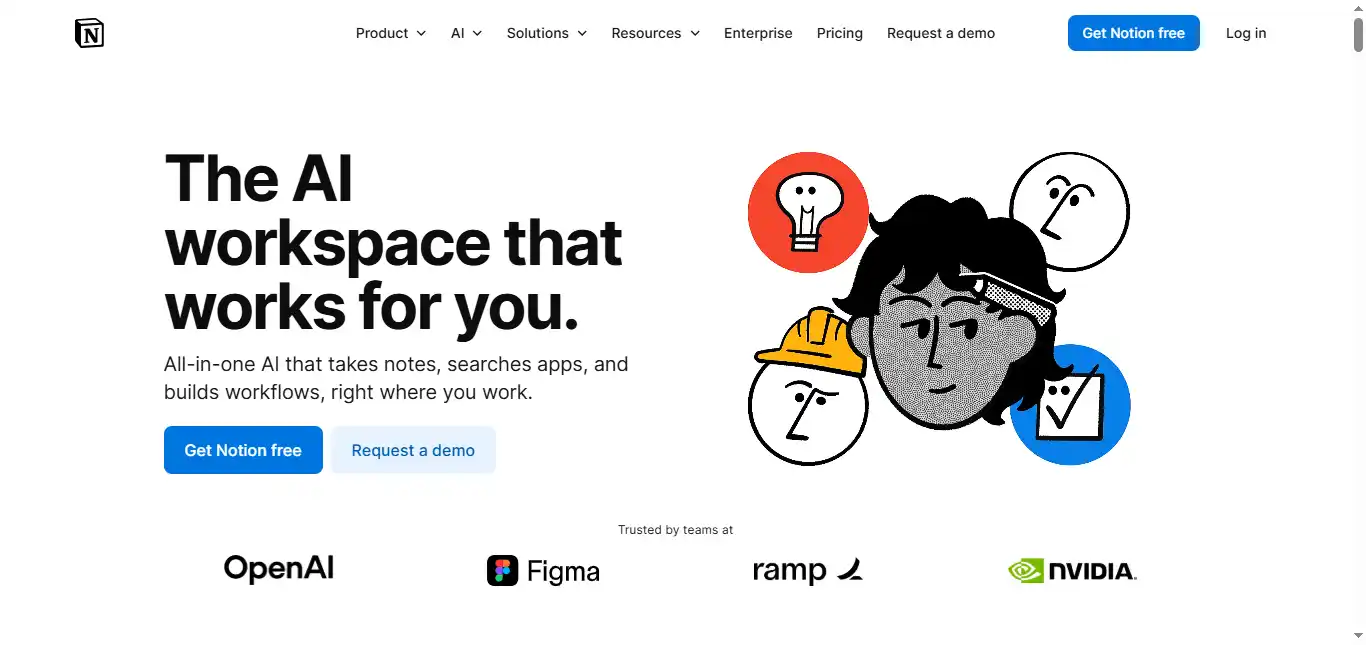
Notion serves as a unified workspace where research, project notes, and databases coexist. Its built-in AI handles workflow documentation with precision – summarizing lengthy meeting transcripts, drafting requirement documents, and extracting action items from scattered brainstorming sessions. For business analysts, it closes the gap between raw data and well-organized documentation.
Since September 2025, Notion 3.0 has introduced autonomous AI Agents that execute multi-step workflows, moving the platform from passive assistance to active task completion.
PROS
- The platform is highly customizable, letting analysts centralize research, project notes, and databases in one unified, searchable workspace.
- Its integrated AI capabilities accelerate documentation by summarizing long transcripts and extracting action items automatically.
CONS
- New users often face a steep learning curve when attempting to master advanced database features and relational linking.
- Performance can degrade noticeably when managing very large databases or deeply nested page hierarchies.
Price: Free plan available with limited AI trial (20 AI responses per workspace). Full AI access requires Business plan at $20/user/month (billed annually). Enterprise pricing is custom.
Availability: Web, Desktop, iOS, Android.
Miro AI: AI whiteboard for brainstorming and diagrams.
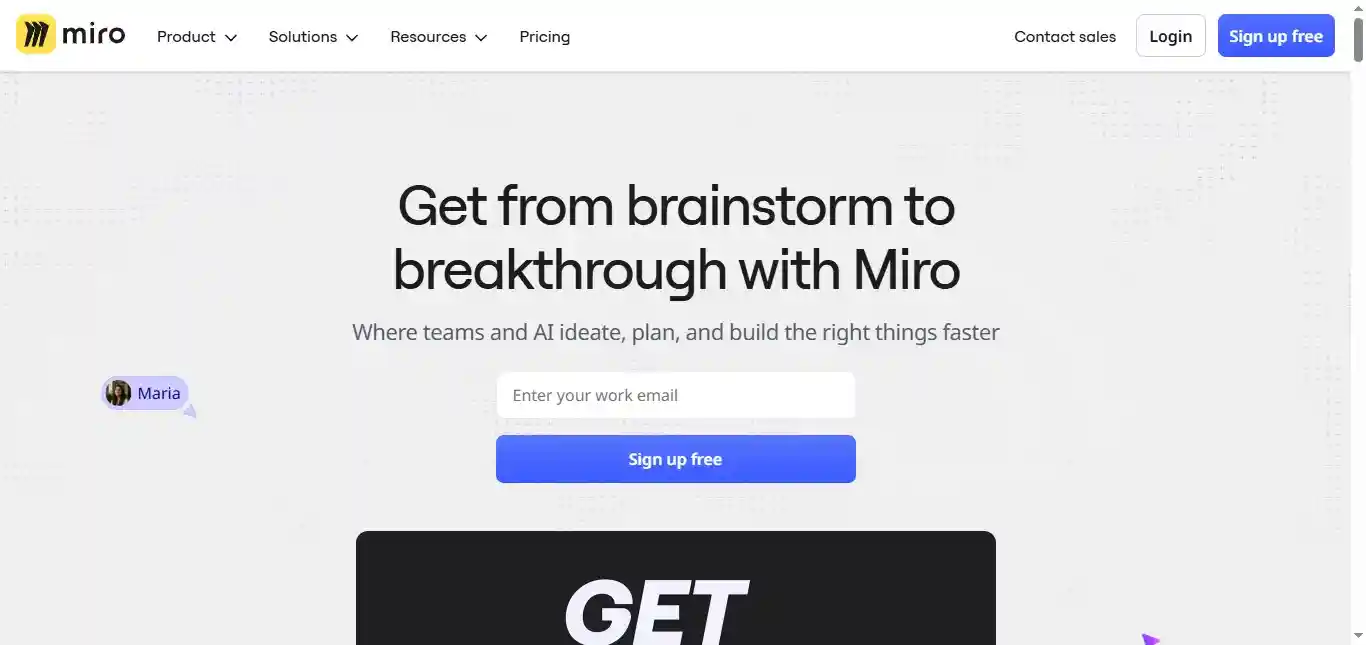
Miro is the leading platform for visual mapping and diagramming. Its AI features can transform a cluster of sticky notes into a structured flowchart, generate mind maps from a single prompt, and cluster qualitative data based on sentiment or keyword similarity. It is a go-to tool for business analysts during the discovery phase, particularly when visualizing complex business processes across distributed teams.
PROS
- It speeds up the discovery phase by automatically converting unorganized sticky notes into structured process maps and flowcharts.
- The infinite canvas and real-time collaboration tools let distributed teams run interactive workshops as if they were in the same room.
CONS
- Users working on very large or detailed boards may experience noticeable lag or browser performance issues.
- The tool depends on a stable internet connection and does not offer a full offline mode, limiting its usefulness in low-connectivity settings.
Price: Free plan (3 editable boards, 10 AI credits/month per team); Starter at $8/user/month; Business at $16/user/month (billed annually). Enterprise pricing is custom. AI credits vary by tier.
Availability: Web, Desktop, Tablet.
Looker (Google Cloud): BI dashboards, data modeling, embedded analytics.
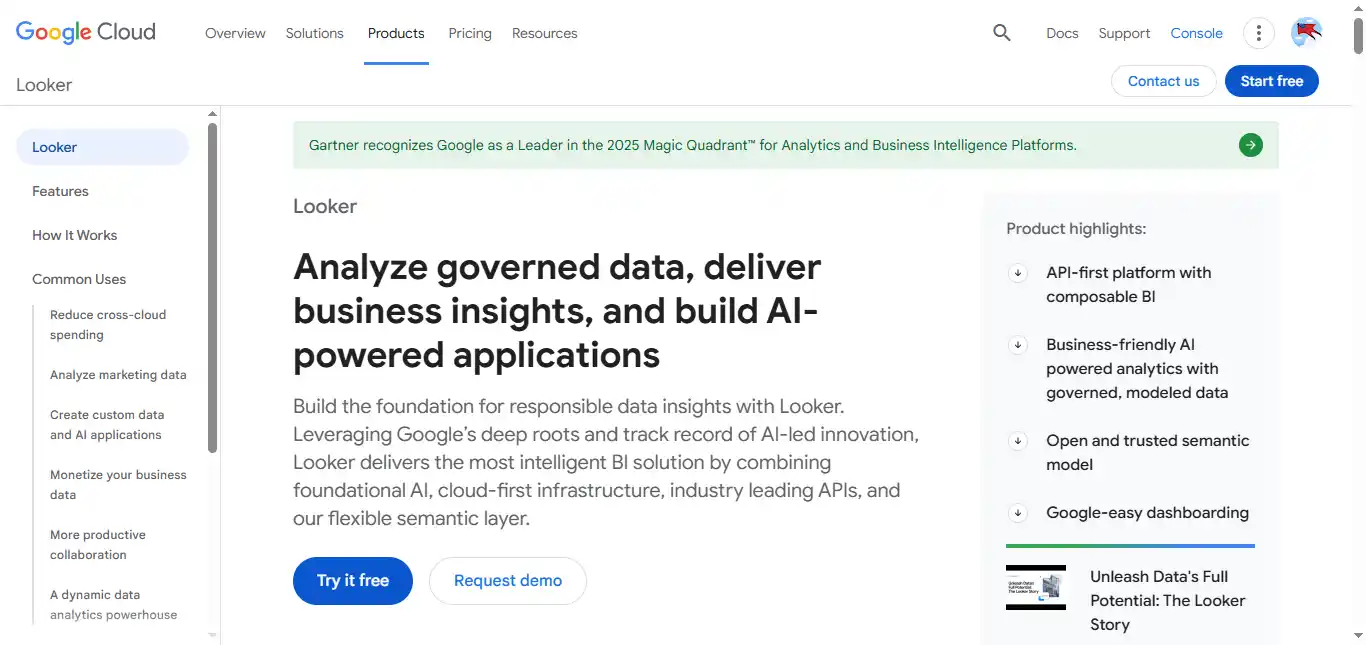
Looker is a data analysis and business intelligence platform built around LookML, a SQL-based modeling language that lets analysts create a governed, consistent data layer across an organization. Its AI integrations enable non-technical users to ask natural language questions and receive instant visualizations and reports. Looker works best for teams already embedded in the Google Cloud ecosystem, where it integrates natively with BigQuery, Cloud Storage, and other GCP services.
PROS
- It provides a SQL-based modeling layer that enforces data consistency across the organization’s entire reporting infrastructure.
- The platform offers real-time data intelligence and integrates natively with the broader Google Cloud ecosystem for scalable analysis.
CONS
- Setting up initial data models requires solid LookML knowledge, which poses a high technical barrier for non-developers.
- The pricing structure targets large enterprises and can be cost-prohibitive for small businesses or independent analysts.
Price: Custom enterprise pricing (Looker Studio, the self-service visualization layer, is free).
Availability: Web-based.
IBM watsonx BI: AI agent for business insights and analytics.
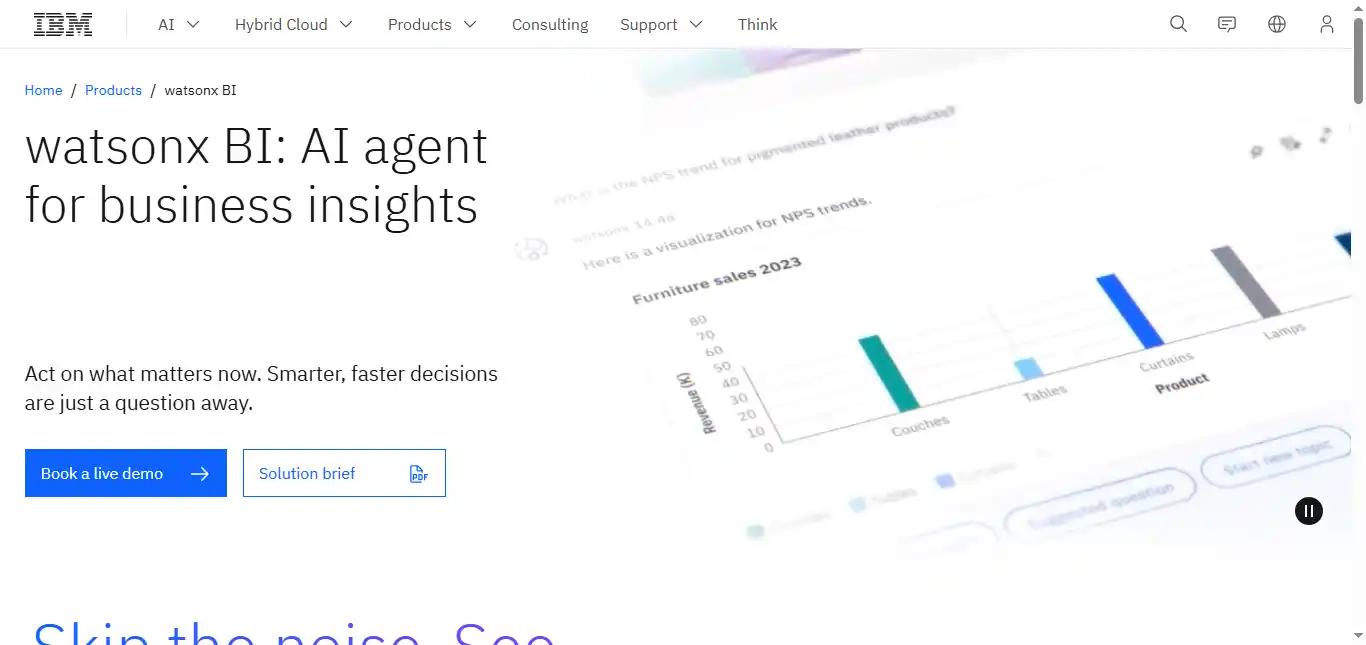
IBM has evolved its analytics suite into watsonx BI, an AI-powered insights agent that became generally available on IBM Cloud in November 2025. It lets business analysts interact with complex data systems using natural language, surfacing hidden cost drivers and patterns without requiring manual query writing.
The platform is built on a governed semantic layer with a centralized metrics catalog, supporting enterprise-grade data integrity and transparent AI reasoning that shows the logic behind every insight.
PROS
- It allows business users to query complex data systems using natural language, making high-level insights accessible without deep technical expertise.
- The platform provides enterprise-grade data governance and clear, step-by-step reasoning behind every insight, strengthening stakeholder trust and audit readiness.
CONS
- Some users find the interface and functionality difficult to navigate without formal training or guided onboarding.
- Complex enterprise reports and massive datasets can occasionally strain system performance and slow response times.
Price: Custom enterprise pricing (consumption-based model through IBM Cloud).
Availability: Cloud (IBM Cloud) / On-premises via IBM Cognos Analytics integration.
Polymer Search: Analytics API for in-app data exploration.
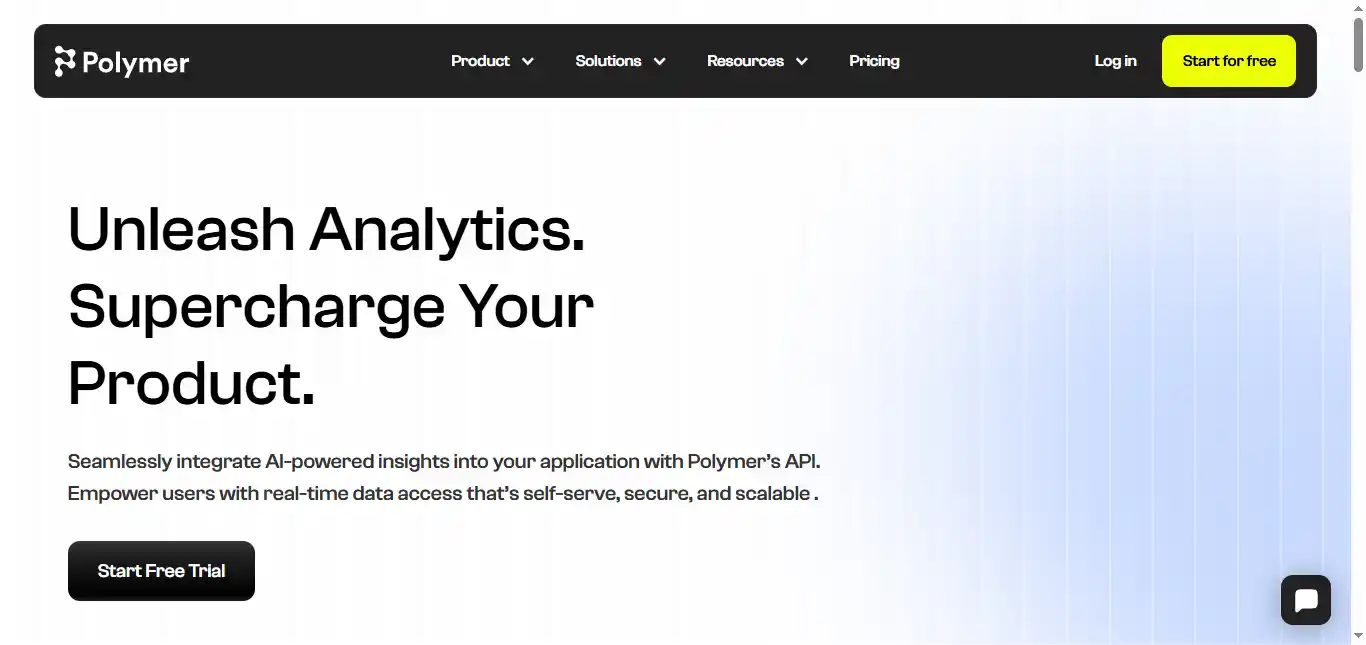
Polymer is an embedded analytics platform that uses AI to convert spreadsheet data into searchable, interactive databases. It identifies patterns within CSV or Excel files and auto-generates dashboard layouts.
Note that Polymer has repositioned itself as an API-first embedded analytics solution, making it most suitable for teams looking to integrate data intelligence directly into their own applications or client-facing products rather than as a standalone personal BI tool.
PROS
- Its API-first architecture allows teams to embed AI-powered analytics into their own products with minimal development effort.
- The AI automatically identifies patterns in uploaded data and suggests visually effective dashboard layouts.
CONS
- It offers limited advanced data modeling compared to full-scale BI platforms like Power BI or Looker.
- The platform is geared toward embedded use cases, making it less practical for analysts who simply need a quick standalone dashboard.
Price: API access starts at $500/month, with custom plans available based on data volume and user needs. A 7-day free trial is available.
Availability: Web (API-based).
Whimsical AI: AI diagrams for flowcharts and mind maps.

Whimsical combines whiteboarding with AI-assisted diagramming. When you’re stuck on a process map, the AI can suggest the next logical steps or expand a mind map with relevant business concepts. It is a faster, lighter alternative for analysts who prioritize speed in their visual mapping and want to move quickly from an idea to a structured artifact.
PROS
- The AI-assisted diagramming feature helps analysts push past the initial blank-page stall by predicting next steps in a process flow.
- Its fast, clean interface is optimized for rapid wireframing and ideation — noticeably quicker than heavier tools.
CONS
- It lacks some of the deep customization and advanced administrative features found in larger competitors like Miro.
- The tool is primarily web-based and does not offer a robust offline mode for analysts working without a connection.
Price: Free plan available (3 collaborative boards, 100 AI actions); Pro at $12/editor/month; Business at $18/editor/month; Enterprise at $20/editor/month (billed annually).
Availability: Web-based.
Medallia AI: AI analytics for customer and employee feedback.
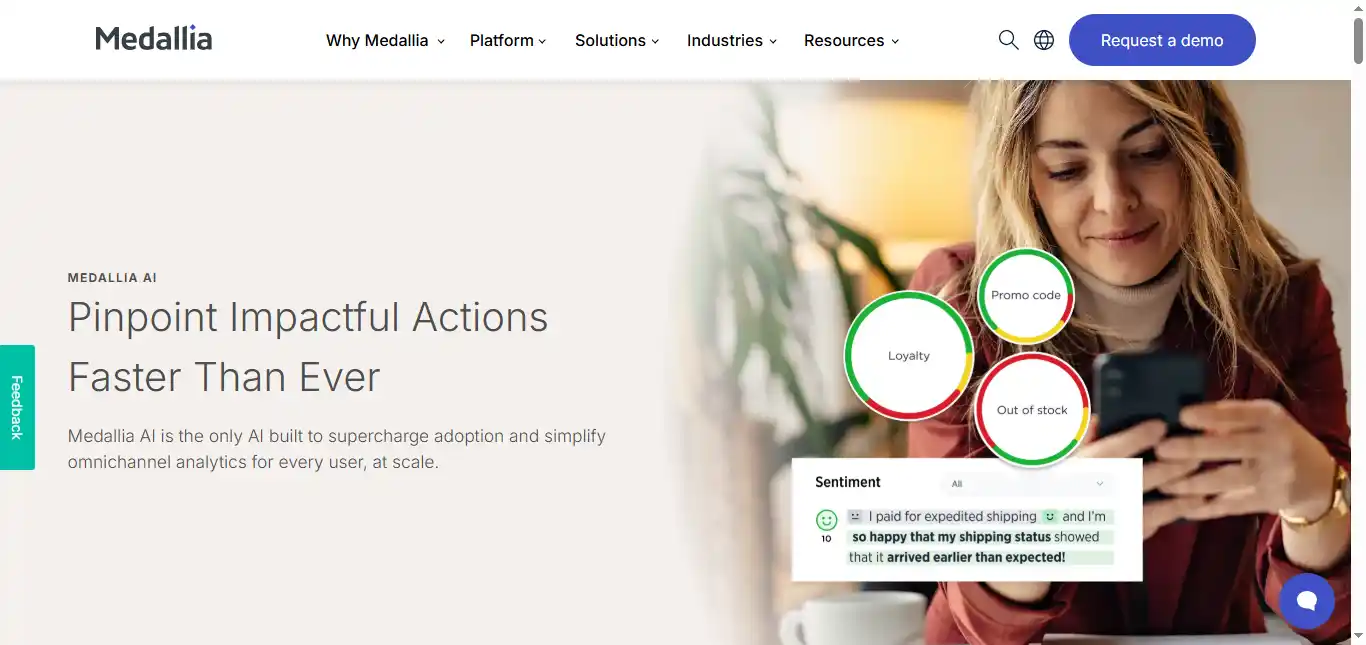
Medallia specializes in Experience Management, using AI to analyze customer and employee feedback at scale. For business analysts focused on market research and sentiment analysis, it provides automated summaries of thousands of customer interactions, helping pinpoint friction in the customer journey and flag emerging trends before they become visible in traditional metrics.
PROS
- It offers deep sentiment analysis that can detect emerging trends and emotional triggers across thousands of customer feedback entries.
- The platform provides real-time data collection and automated alerts that help analysts respond quickly to shifts in customer behavior.
CONS
- The implementation process is often lengthy and typically requires paid consultancy services to configure correctly.
- Some users report that the text analytics can occasionally lack nuance for highly specialized or technical industries.
Price: Custom enterprise pricing.
Availability: Web/Enterprise Cloud.
Consensus: AI search for peer-reviewed research papers.
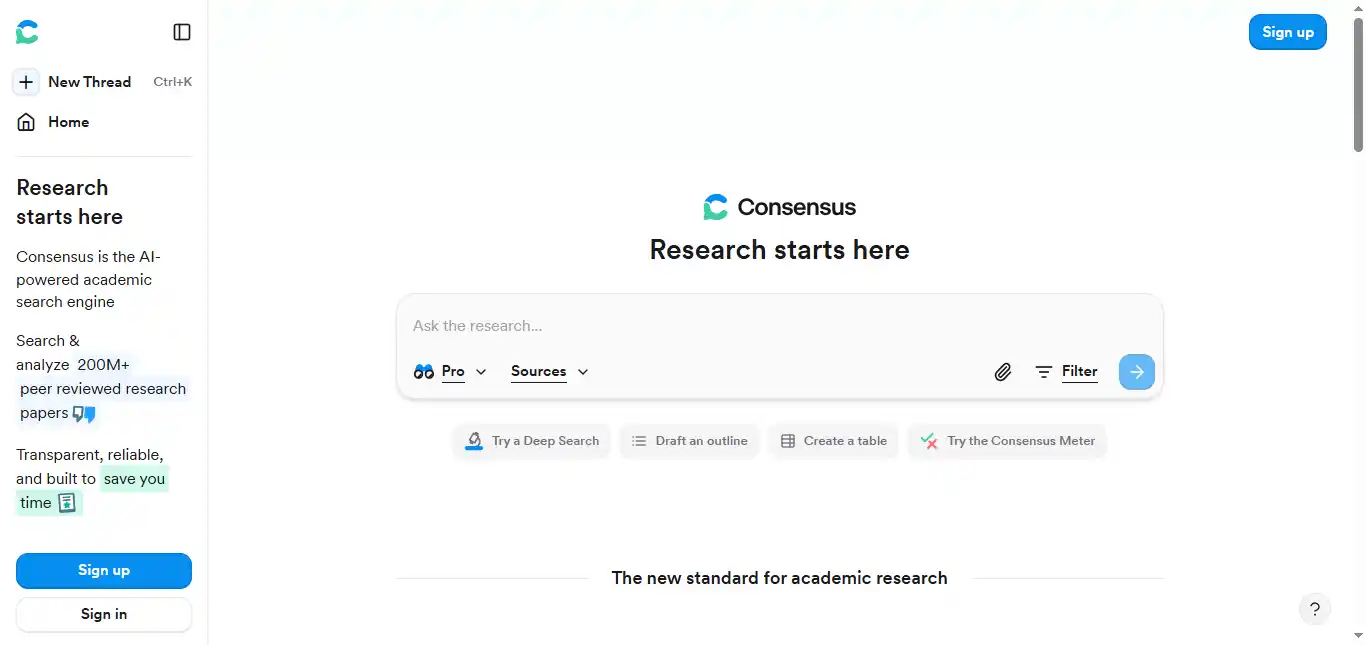
Consensus is an AI-powered research engine that retrieves answers from peer-reviewed scientific journals. For business analysts conducting market research or feasibility studies that demand evidence-backed data, Consensus provides cited summaries drawn from actual studies, reducing reliance on unverified sources.
Its Consensus Meter feature shows the degree of scientific agreement on yes/no research questions, giving analysts a rapid snapshot of where the evidence stands. The database now indexes over 200 million academic papers.
PROS
- It delivers fast analysis of peer-reviewed research, grounding business decisions in scientifically verified data.
- The tool removes the need for manual paper screening by providing clear, cited summaries of scientific agreement on specific topics.
CONS
- The search scope is restricted to academic and scientific journals, so it may not cover niche commercial or proprietary market data.
- It is a retrieval-and-synthesis tool for finding existing facts, not a generative AI for creating new strategies or creative content.
Price: Free version available (limited to 10 Pro Analyses and 10 Study Snapshots/month); Premium at $8.99/month (or ~$108/year).
Availability: Web.
BlazeSQL: AI data analyst for SQL and dashboards.
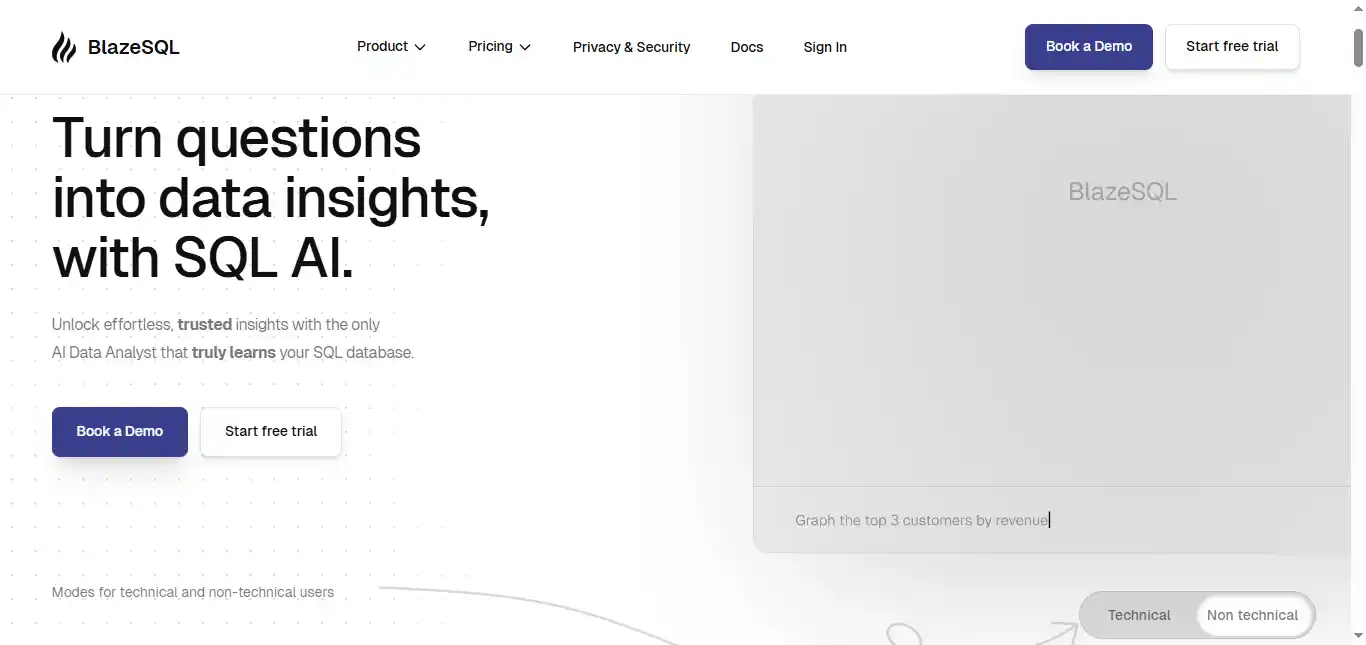
BlazeSQL is an AI-powered BI tool built around a chatbot that queries SQL databases. It allows business analysts to ask plain English questions (e.g., “What was the revenue growth per region last quarter?”) and automatically generates and executes the SQL code needed to pull that data.
The AI learns from your database schema and previous interactions, improving accuracy over time. It significantly lowers the barrier for analysts who aren’t fluent in SQL while still giving technical users a way to validate generated queries.
PROS
- It functions as an on-demand AI data analyst, letting users retrieve complex insights using natural language and view the underlying SQL for verification.
- The architecture prioritizes data security — the desktop version processes queries locally, and the AI accesses only metadata (table and column names), not raw data.
CONS
- Initial configuration and connection to multiple external databases can be time-consuming, particularly for non-technical users.
- Because the desktop version processes data locally for security, it can be resource-intensive and may slow down older machines.
Price: Free trial available (no permanently free tier); Pro starts at $39/month; Advanced at $99/month; Team plans from $149/month.
Availability: Desktop (Windows/Mac), Web.
SelectorsHub TestCase Studio: Test recorder for auto test cases.
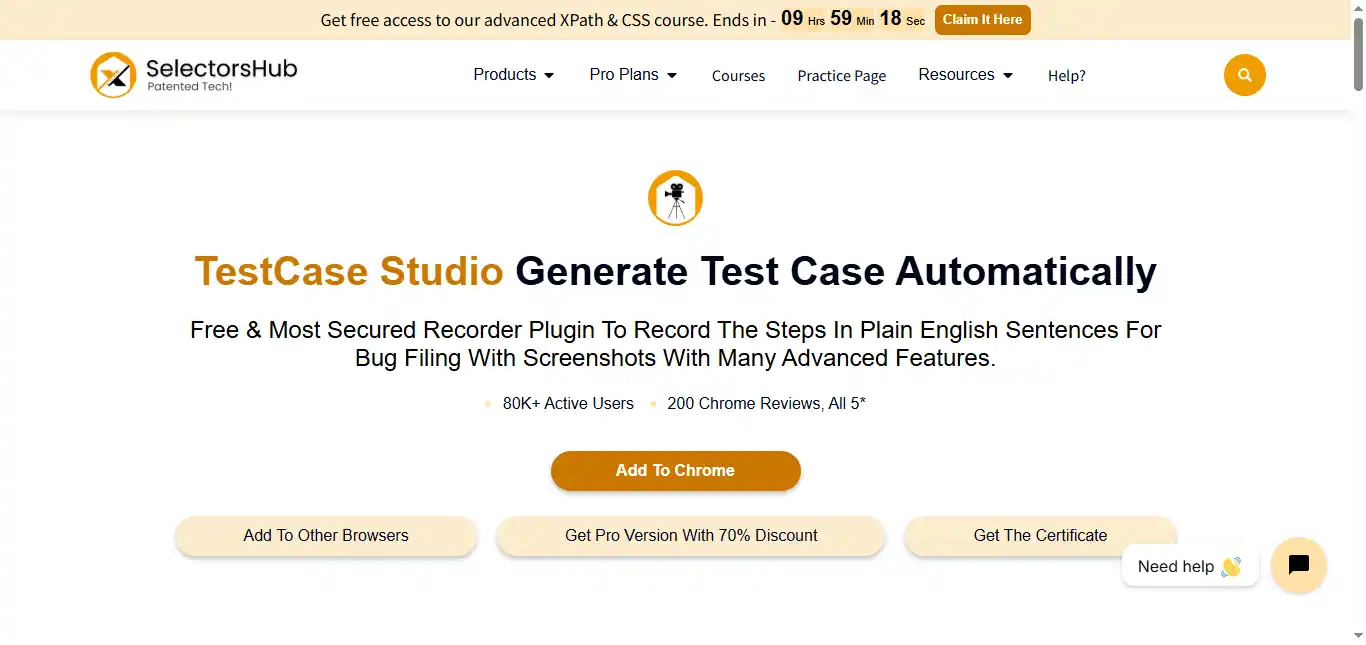
While primarily designed for testers, TestCase Studio is a practical tool for business analysts involved in User Acceptance Testing (UAT). It records user steps on a website and converts them into plain English sentences with screenshots. This automates the creation of “current state” documentation, bug reports, and process walkthroughs.
The Pro version adds features like custom test case templates, multi-test-case recording, and direct upload to tools like Jira and TestRail.
PROS
- It automatically captures every user action and screenshot during testing, creating instant documentation without manual effort.
- The tool runs entirely offline and stores no user data in the cloud, making it suitable for analysts working with sensitive internal systems.
CONS
- Its functionality is limited to web-based interactions — it cannot record actions taken in native desktop applications.
- The interface is tailored for testing workflows and may feel cluttered for analysts who only need straightforward screen recording.
Price: Free version available; Pro version with advanced features available via subscription (7-day free trial).
Availability: Browser Extension (Chrome, Edge, Opera, Firefox).
Domo: Data platform for BI and AI chat.
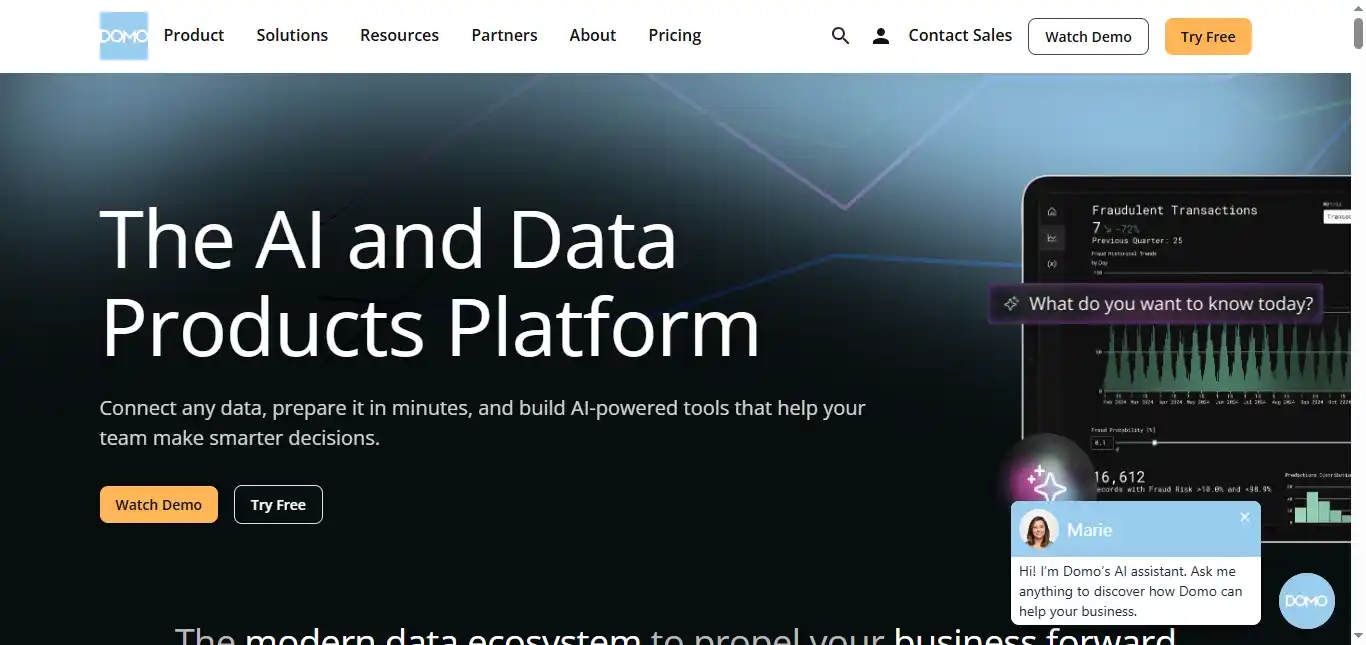
Domo is a cloud-based platform that unifies data integration, transformation, visualization, and automation under one roof. Its AI assistant, Beast Mode, helps business analysts write complex calculations and formulas using natural language. With over 1,000 pre-built data connectors, Domo pulls from almost any CRM, ERP, or marketing platform and consolidates everything into executive-ready dashboards.
Since October 2025, Domo has split its AI features into two tiers: Domo AI (free, includes Beast Mode Assistant and SQL Assistant) and Domo AI Pro (consumption-based pricing for advanced AI agents and automation).
PROS
- It offers over 1,000 pre-built data connectors, allowing analysts to consolidate data from nearly any business platform into a single view.
- The Beast Mode AI assistant simplifies the creation of complex formulas and calculated fields using plain English commands.
CONS
- The total cost of ownership is substantially higher than other BI platforms — most organizations spend between $50,000 and $250,000 annually, and costs scale with data consumption.
- The platform’s breadth of features creates a steep learning curve that often requires formal training for teams to use it effectively.
Price: Free 30-day trial; paid plans use consumption-based (credit) pricing — custom quotes required.
Availability: Web/Mobile.
How to Choose the Right Tool for Your Workflow
With 11 tools on this list, the right choice depends on where your workflow has the most friction. If your bottleneck is documentation and project organization, start with Notion. If you spend too much time explaining processes visually, Miro or Whimsical will cut that time significantly.
Analysts who regularly write or validate SQL queries will see immediate returns from BlazeSQL, while those embedded in enterprise data environments should evaluate Looker, Domo, or IBM watsonx BI based on their existing tech stack and budget. For research-heavy roles, Consensus fills a gap that general-purpose search engines cannot.
Most importantly, these tools work best in combination. Pairing a visual mapping tool with a BI platform and a documentation layer creates an end-to-end workflow where insights move smoothly from discovery to presentation.
Conclusion
The role of a business analyst is no longer confined to document management — it now demands data-driven strategic thinking. Tools like Looker and BlazeSQL equip you to handle data at scale, while Miro and Whimsical help you communicate complex ideas visually. Consensus ensures your research is grounded in verified evidence, and platforms like Notion and Domo tie everything together with structured workflows and unified dashboards.
By integrating these AI-powered tools into your daily workflow, you move past repetitive manual tasks and focus on what delivers real impact: strategic value for the business.
Frequently Asked Questions
What are the most important tools for a business analyst to learn first?
Start with Excel and SQL fundamentals (BlazeSQL can help bridge the gap while you learn), then add a visualization tool like Looker or Tableau. Once you’re comfortable with those, expand into workflow and documentation tools like Notion or visual collaboration platforms like Miro.
Are there any free AI tools suitable for small business analysts?
Yes. Notion’s free tier, Miro’s free plan (3 editable boards plus 10 AI credits/month), Whimsical’s free plan (100 AI actions), and Consensus’s free version (10 Pro Analyses/month) all offer meaningful AI capabilities without requiring payment.
How can TubeOnAI specifically help a business analyst?
TubeOnAI is useful for business analysts who need to quickly digest long stakeholder interviews, recorded workshops, or industry podcasts. It can transcribe and summarize these multimedia sources, letting you extract key requirements and action items from a two-hour meeting in a few minutes.
Do I need to know how to code to use these AI tools?
No. Most of these tools — including BlazeSQL, Domo, and IBM watsonx BI — are built with natural language interfaces, meaning you interact using plain English rather than writing code. However, a basic understanding of how databases and queries work will help you validate AI-generated outputs.
How does AI help with business process mapping?
AI tools like Whimsical and Miro can take a text description of a process and automatically generate a flowchart or mind map. This removes the tedious step of manually placing and connecting every element, and lets you iterate on the structure faster.
Can AI tools fully replace SQL knowledge?
Not entirely. While tools like BlazeSQL generate SQL code from natural language, a foundational understanding of database structure and query logic is still important. It allows you to verify that the AI’s output is accurate, spot edge cases, and ensure the data being pulled is logically consistent with your business requirements.
