AI PDF to Notes Converter

Quickly converts your long PDFs into clear, organized short notes that highlight the key ideas and main concepts within minutes.

Loading...

How PDF to Notes Converter works?

PDF-to-Notes converter extracts text from the PDF, breaks it into meaningful sections, and analyzes the content. Then it summarizes or restructures those sections into clear bullet points. Finally, it outputs clean notes optimized for quick reading or study.

Summarizing Large Powerpoint files

How to Convert Your PDFs into Notes

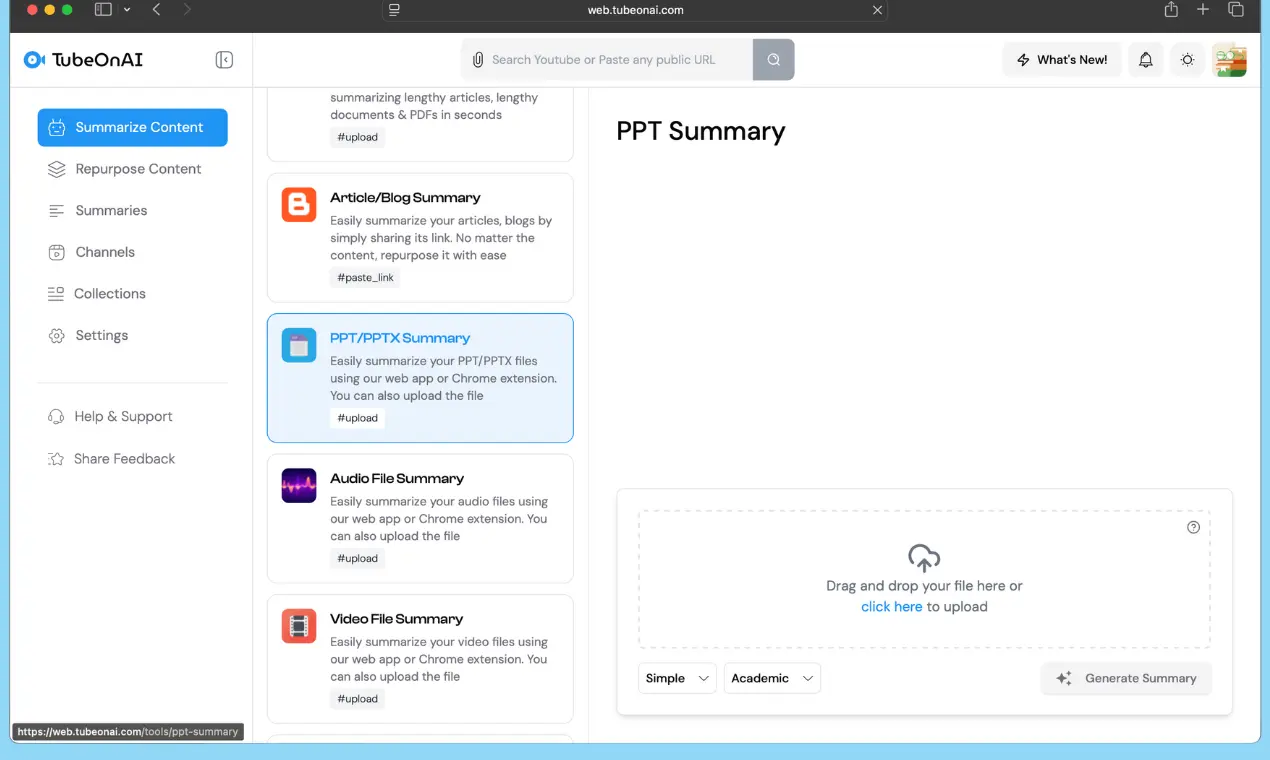
Uploading ppt files in tubeonai

Upload Your PDF

Choose the PDF notes converter feature and upload a PDF, DOCX, or text document up to 100 MB.

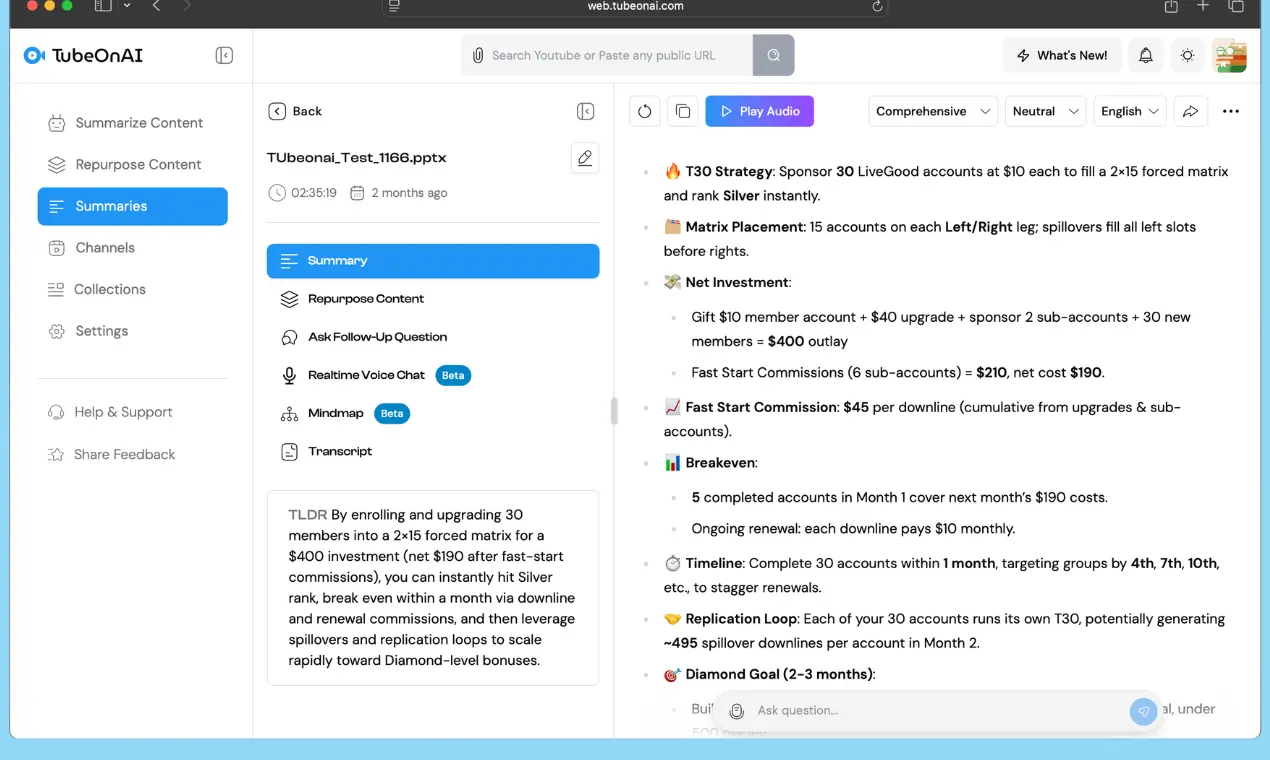
Summarized PPT Files with AI

Get Instant Key Notes

TubeOnAI scans your document and quickly extracts the essential points. Within seconds, you’ll receive an organized set of notes highlighting the main ideas and details.

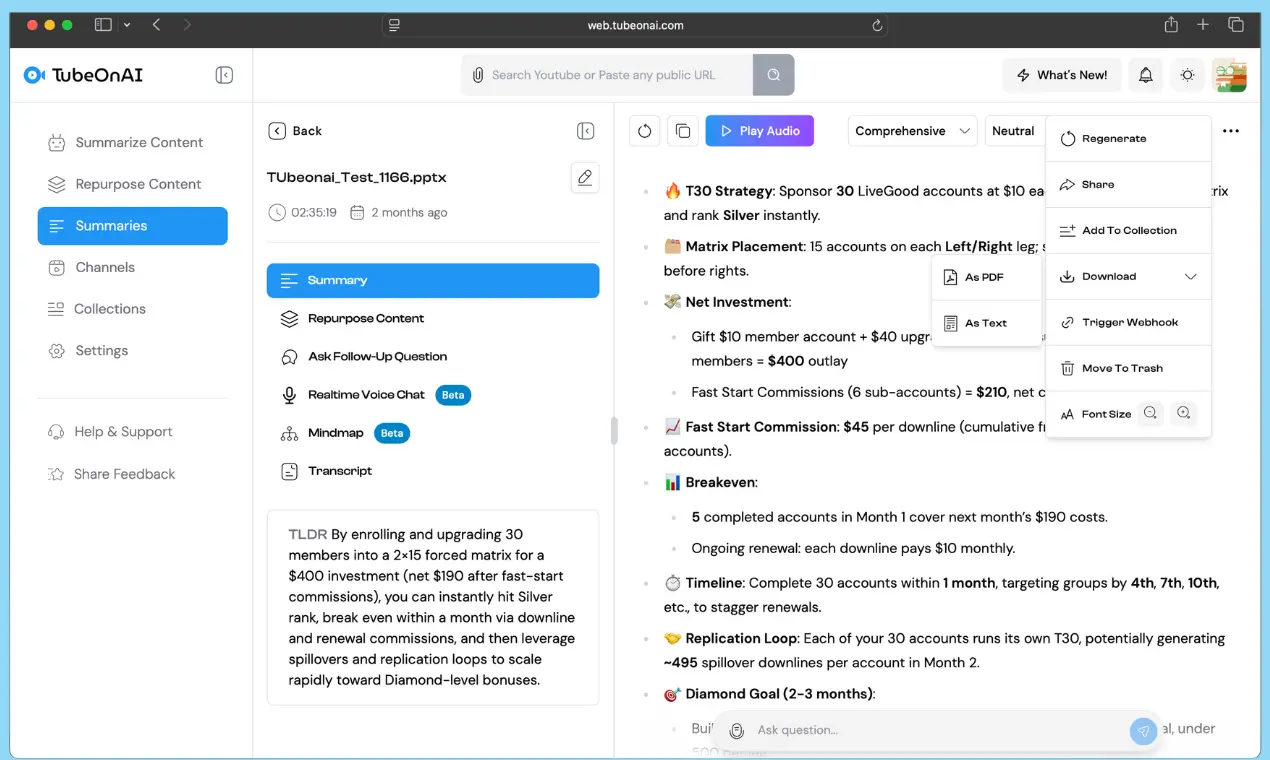
Downloading PPT Files

Download Your PDF notes

Review the generated pdf notes, then copy or download them as needed. If you want to make any change, simply regenerate or refine the output to match your exact preference.

Translate PDF Notes into 40+ Languages

Easily translate your generated PDF notes into more than 40 languages; perfect for multilingual learning, teaching, or exam preparation.

Translating PPT Files Key notes

Keep Notes Organized by Course or Topic

Use the Collections feature to neatly categorize your pdf notes by subject, chapter, or project, ensuring you can locate any document in seconds.

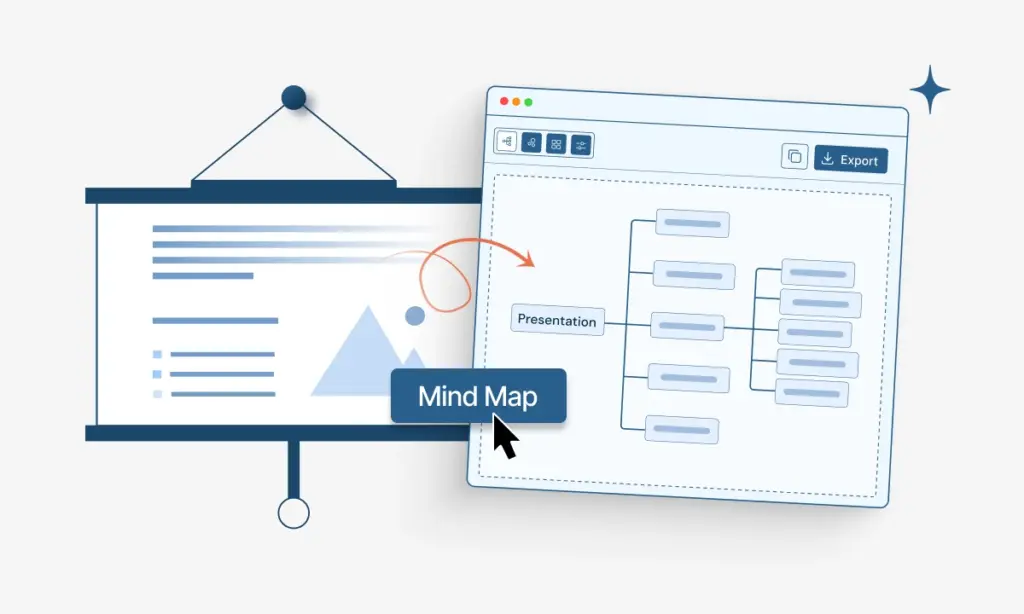
Generated Mindmap from Powerpoint slides

Ask Follow-Ups & Deep Dive into your notes

If you need more clarity, ask follow-up questions and get a deeper understanding of the ideas highlighted in your notes. Even you can generate visuals based on your pdf contexts.

Generated Mindmap from Powerpoint slides

Convert PDF Docs in to Notes with AI

Turn any PDF into clean, structured notes in seconds—summarize, extract, and download instantly. Try it free today.

DOC Summarizer vs. AI PDF Notes Taker

Manual PDF Notes Taker

  • Time-consuming and mentally draining for long PDFs
  • Quality varies based on focus, mood, and energy
  • Hard to stay consistent across large documents
  • Easy to miss important insights or skip sections
  • Prone to human error and personal bias
  • AI PDF Note Taking

  • Summarizes long PDFs in seconds with consistent accuracy
  • Finds key insights and patterns humans often overlook
  • Lets you choose note style: bullets, summaries, flashcards
  • Perfect for fast research, studying, and repurposing
  • Delivers high-quality notes with zero fatigue
  • Who Can Benefit From PDF to Notes Converter

    Academics

    Convert academic papers into structured notes to speed up literature review and analysis.

    Product Managers

    Convert requirement docs, research PDFs, and market reports into concise, shareable notes.

    Content Creators

    Turn ebooks, articles, and reports into ready-to-use content summaries.

    FAQS PDF to Short Notes Taker

    It’s an AI-powered tool that transforms PDFs and documents into clean, well-organized study notes.

    Yes! Choose from multiple formats: brief notes, detailed outlines, key insights, or write your own prompt for personalized results.

    Absolutely. PDF notes generator extracts core arguments, definitions, examples, and insights to create structured notes you can review anytime.

    Yes, you can regenerate or adjust your PDF notes as many times as you want before saving or downloading.

    You will receive an overview of approximately 100 to 300 words for your PDF, depending on the document’s size. But short notes don’t carry the whole info about a lengthy pdf, so in order to deep dive, you have to take help of our Ask follow ups feature.

    Leaving Already?

    • 00D
    • 00H
    • 00M
    • 00S