Summarize Lengthy PDFs & Generate Mind Maps
Extract key insights from any PDF instantly. TubeOnAI’s summaries help you save time, retain important points from complex texts and streamline your mind mapping process.
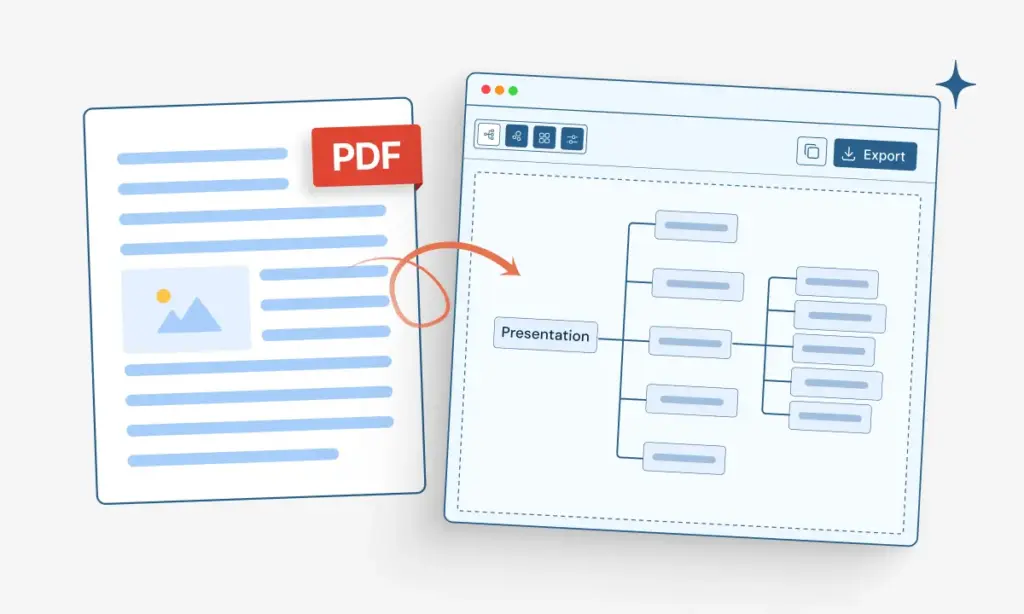
Turn complex PDF files into simple mind maps with AI for free. Powered by TubeOnAI. Easily understand complex ideas at a glance and remember them longer.
Extract key insights from any PDF instantly. TubeOnAI’s summaries help you save time, retain important points from complex texts and streamline your mind mapping process.
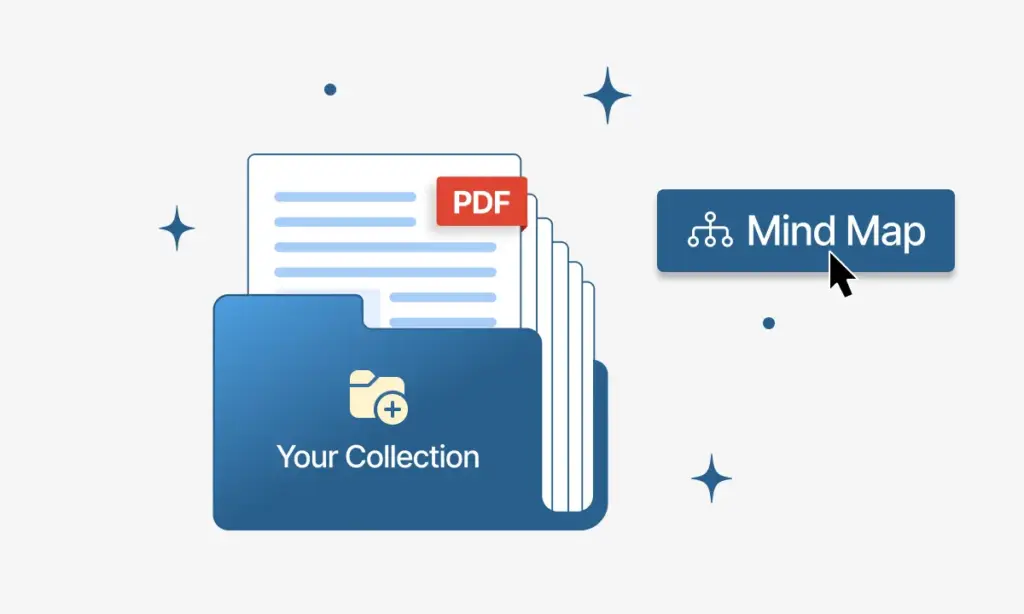
Organise your important PDFs into topic-based folders from the collection feature and research in a very organized way.
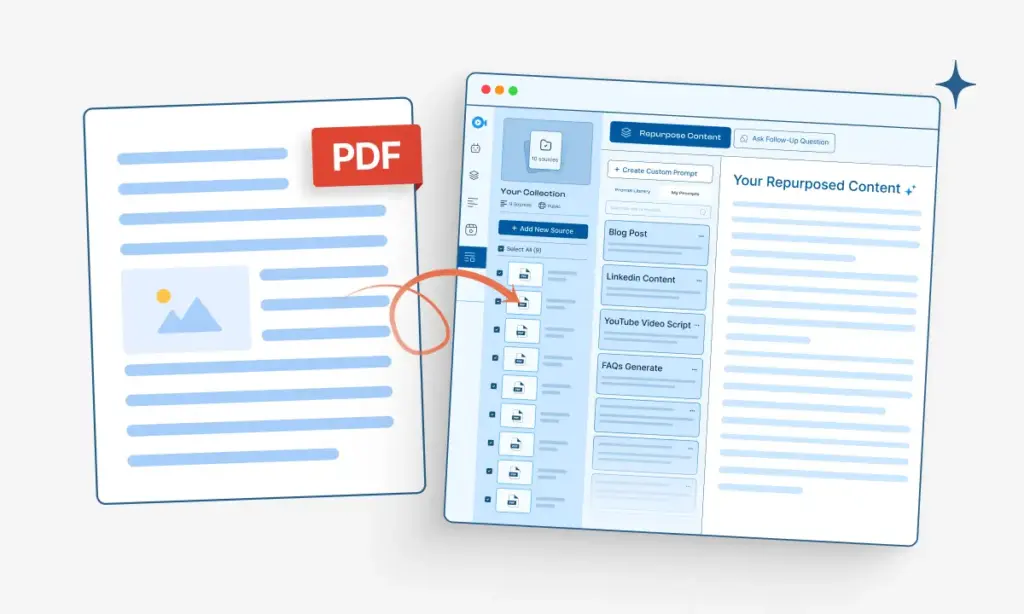
Convert pdf files into blog post, academic notes, social media posts & more with Repurpose Content feature
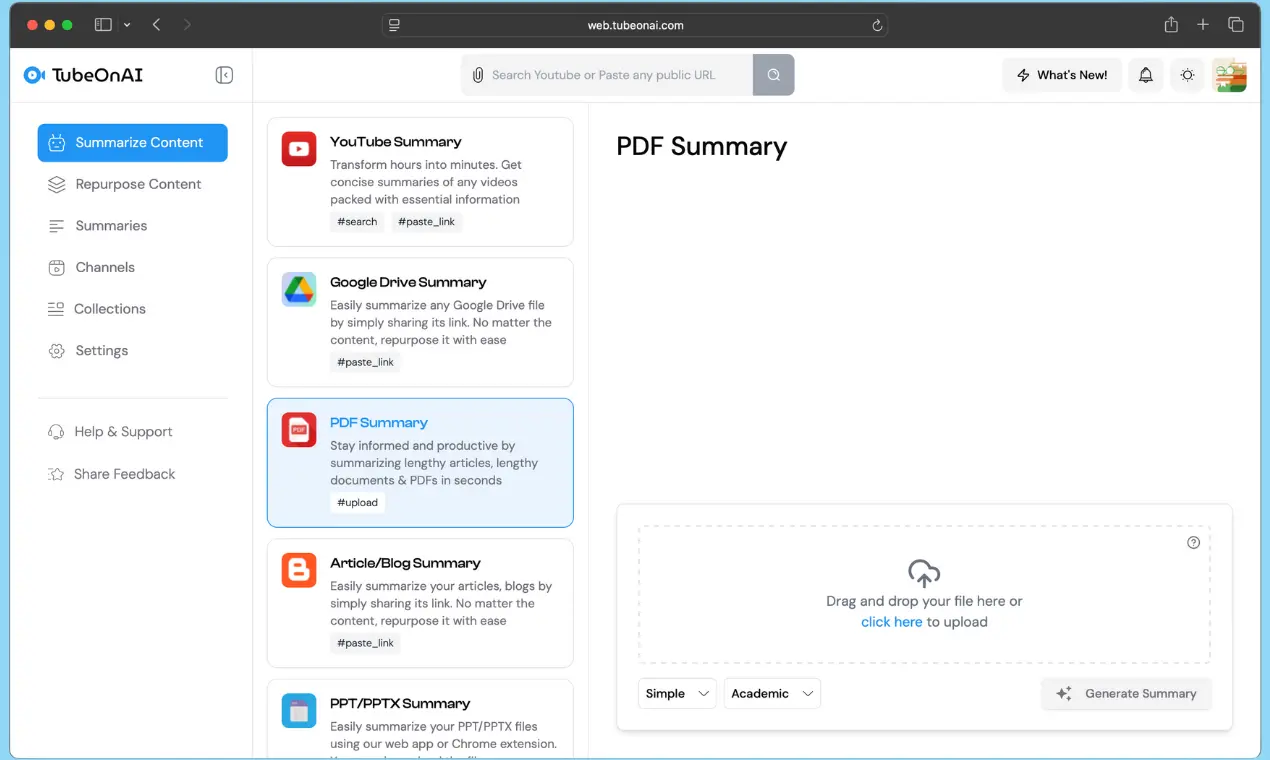
After sign in to TubeOnAI, you need to summarize your PDF first. After that, upload the PDF file instantly, not larger than 50 mb.
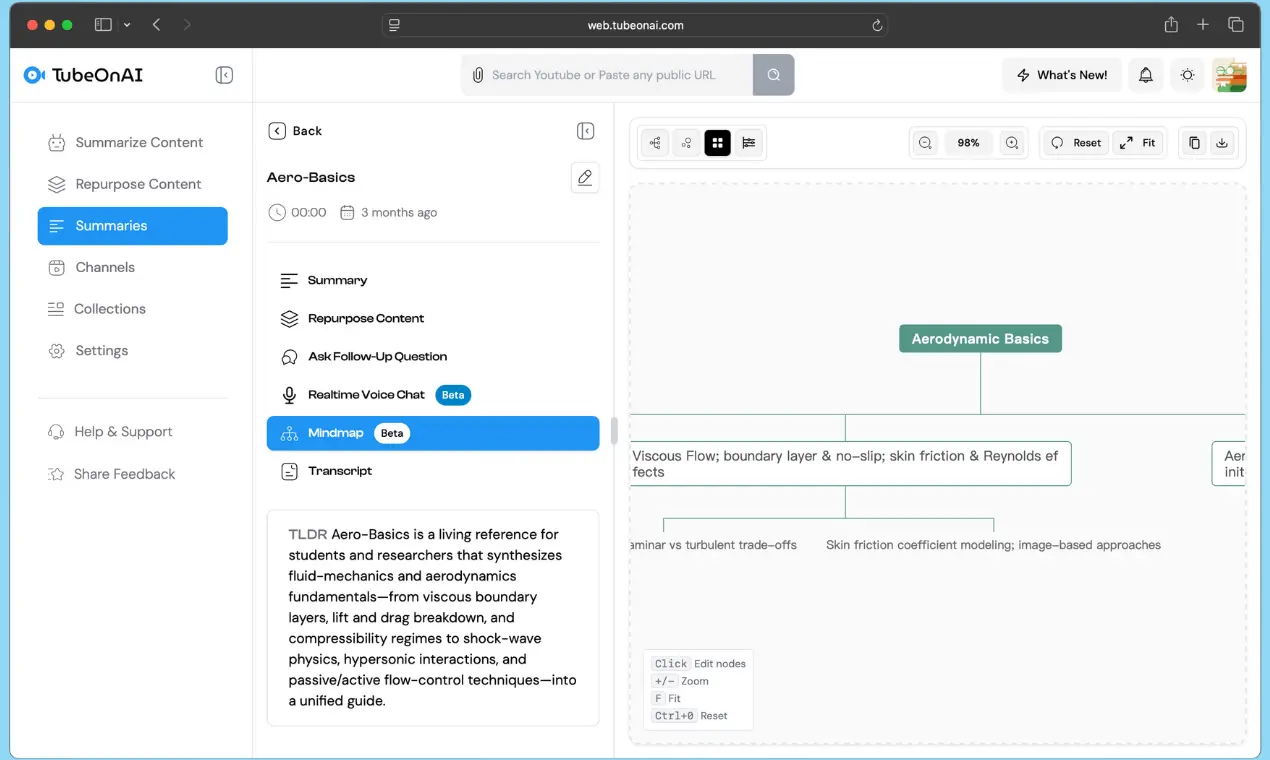
Then select the mind map feature to transform your content into a clear, structured diagram.
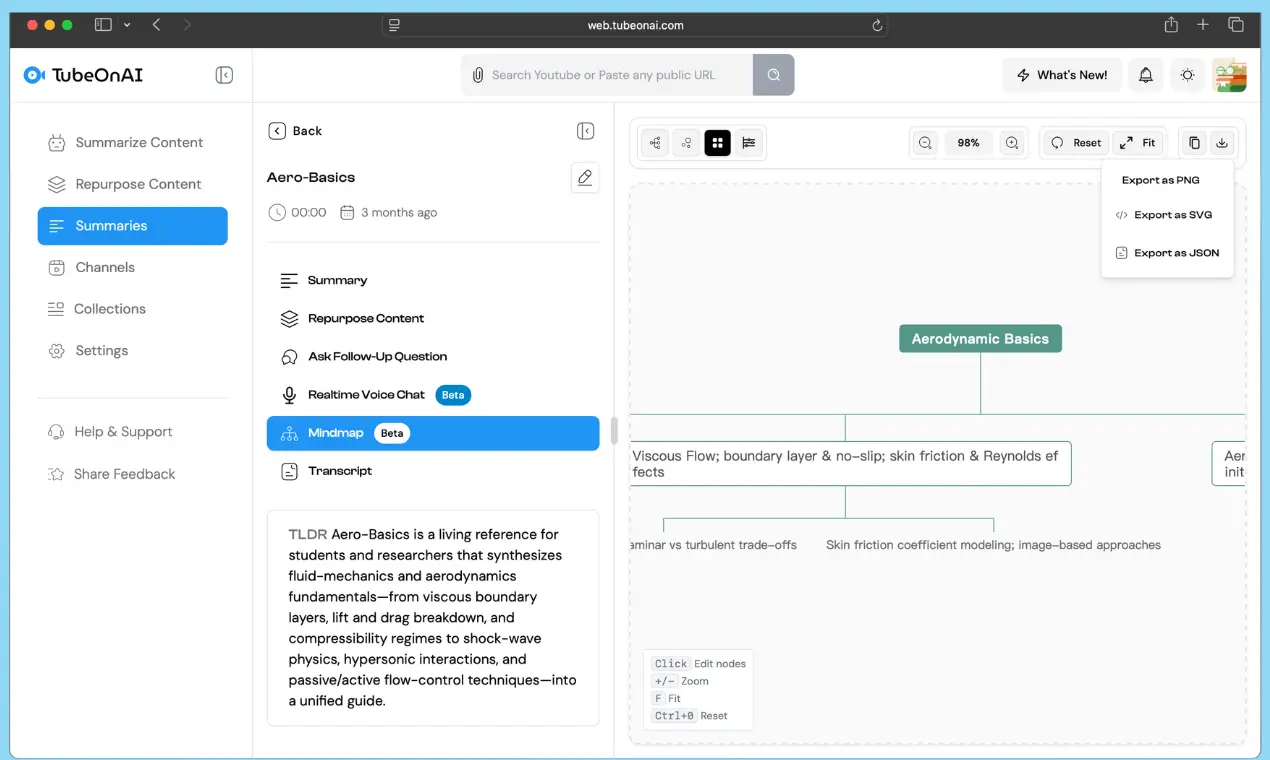
You can export the mindmap as PNG, SVG or JSON format easily for further use.
Convert PDF lecture notes or study guides into visual maps for faster studying and better understanding.
Visually break down complex research papers and dense textbooks. Use mind maps to create powerful study guides that connect theories and evidence for better exam preparation and deeper understanding.
Transform curriculum documents or articles into engaging mind maps for classroom discussion. Simplify complex subjects and provide students with visual aids that improve comprehension and retention.
Quickly grasp the structure of long reports, legal documents, or business plans. Use mind maps to brainstorm new strategies, present complex information to your team, and make smarter decisions, faster.