
AI Word document summarizer that reads your full .docx end to end, then lets you ask follow-up questions to verify anything the summary claims.
Available on
Most Word summarizers hand you a bulleted summary and disappear. You end up either trusting it blindly or rereading the whole file to check. TubeOnAI gives you the summary, then stays open so you can interrogate the source. Ask which section covered the budget, what the methodology steps actually were, whether page 47 mentioned the SLA. Answers come from your uploaded file, not from a guess.

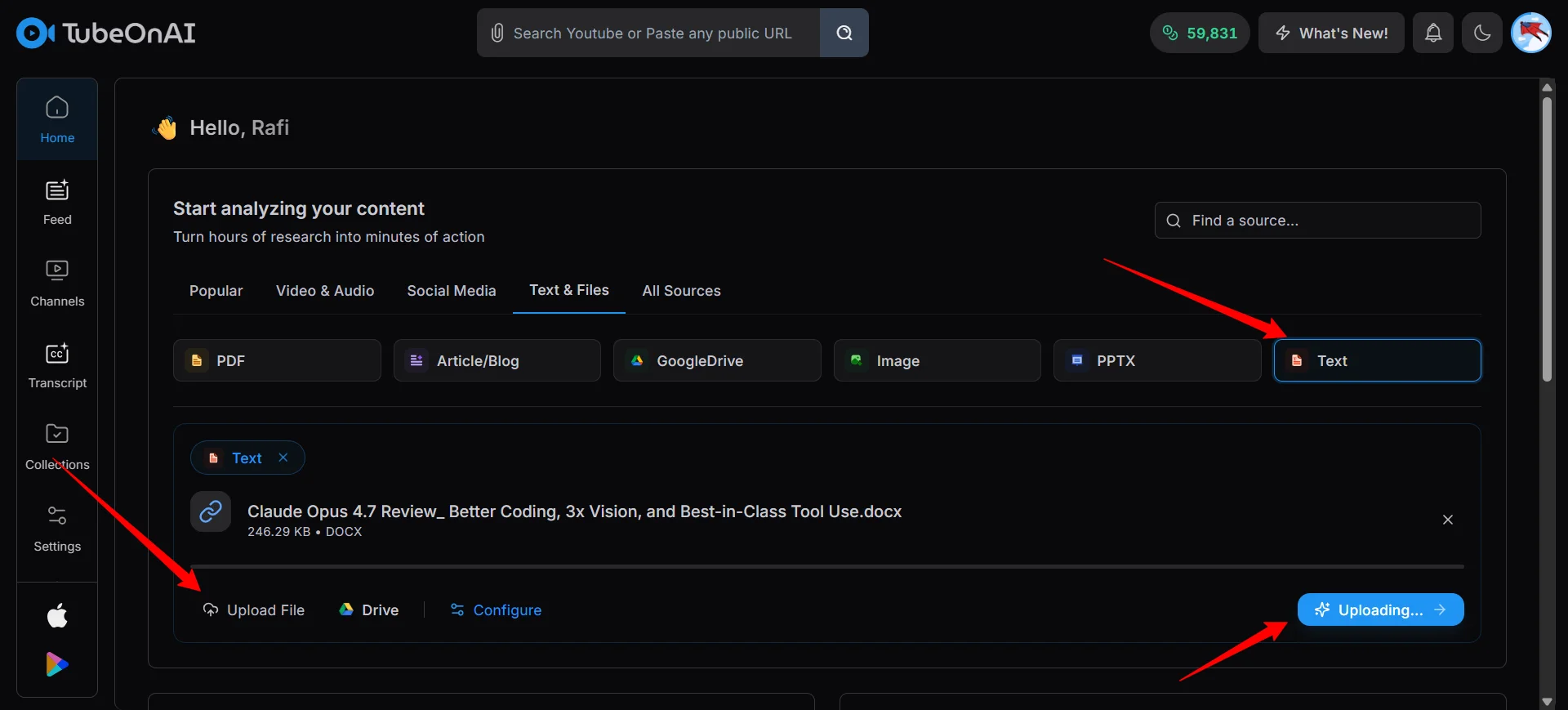
Drag the file in or paste a Drive link if the doc lives in the cloud. Works on both .doc and .docx. Keep tables and embedded images in place; TubeOnAI reads around the formatting.
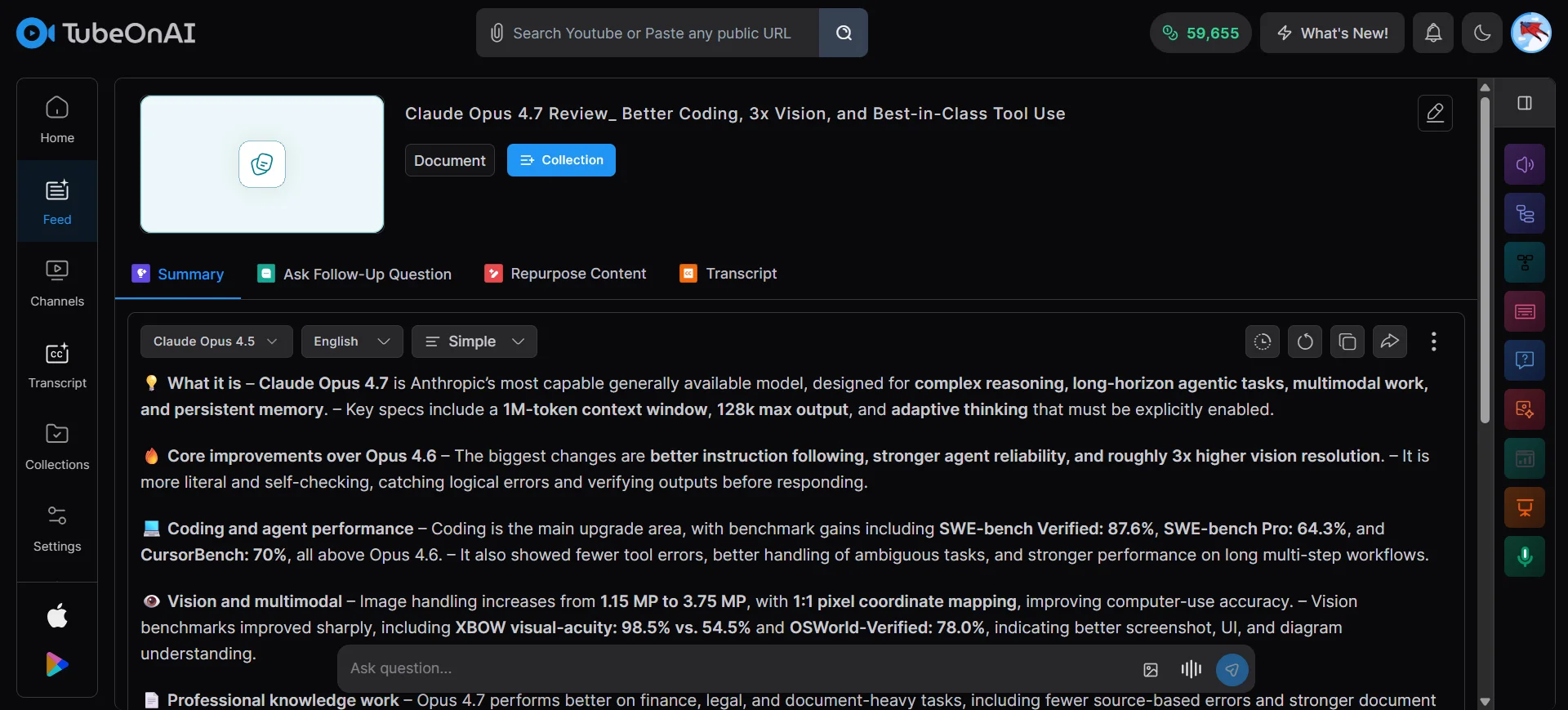
TubeOnAI scans the full file and returns key points, action items, and any numbers or quotes worth flagging, structured by the sections of the original document.
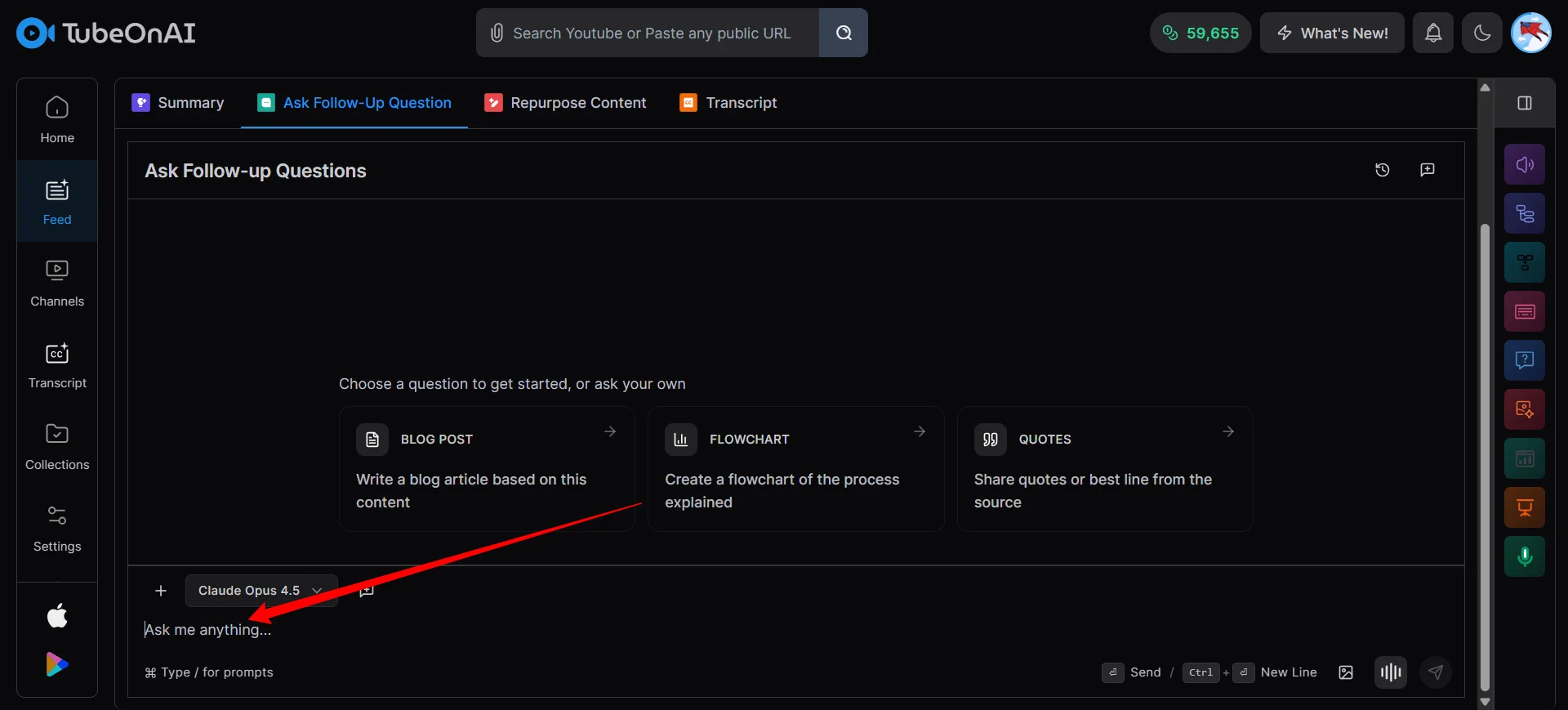
Chat with the doc to verify anything the summary claims. Translate the output into one of 40+ languages. Or push it straight into a LinkedIn post, recap email, or blog draft with the repurpose feature.
When the summary skips a detail, ask the file directly. “Quote every deadline in this contract.” “What assumptions did the author make about Q3 spending?” “Did page 52 reference the vendor SLA?” TubeOnAI answers from the document you uploaded, not from its general memory. That difference matters on contracts, research papers, and anything high-stakes.

Most summaries are a dead end. You still have to rewrite the output into an email, a LinkedIn post, or a board-deck bullet list. TubeOnAI converts the summary directly while keeping the facts intact. Research paper to LinkedIn thread in one click. Meeting notes to a recap email in another.
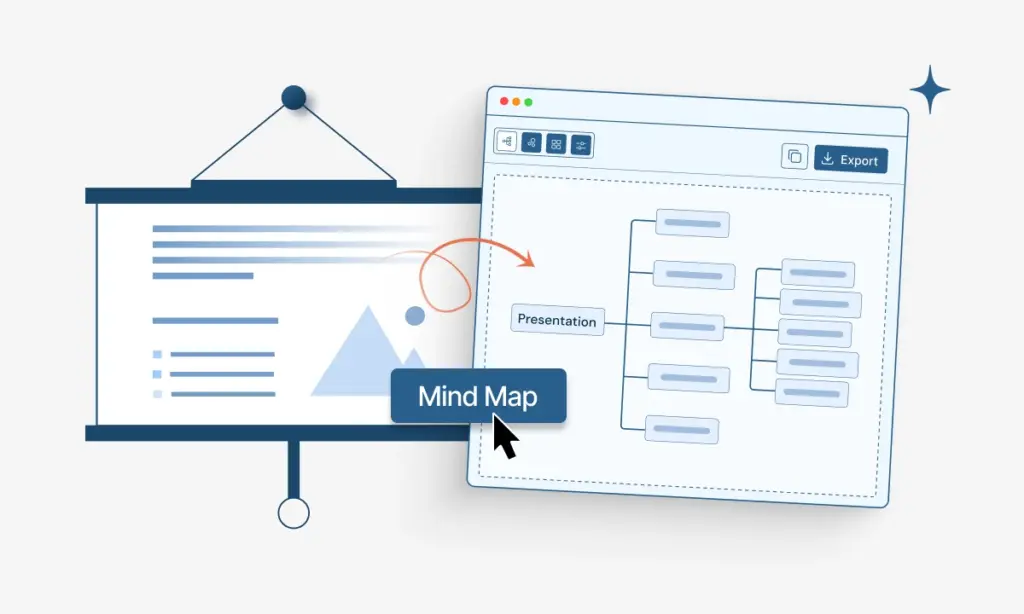
Running a 60-page contract through Google Translate costs hours and mangles legal terminology. Summarize first, then translate the short output into one of 40+ languages. Less text in, cleaner output, usable by a distributed team without anyone rereading the original.
Free to try. No card. Chat, translate, and repurpose are included from the first summary.
Reading 40-page appellate opinions before every class is not sustainable. Summarize for the holding, chat with the file to pull exact quotes for citations, translate if the case sits in a foreign jurisdiction.
MSAs and vendor contracts arrive as 40 to 80-page .docx files. You need every payment term, renewal date, and liability clause without reading cover to cover.
Journal articles, interview transcripts, and grant reports still arrive as .docx. Summarize to scan fast, chat to verify methodology, repurpose to social or to your literature review.
Loaded a 35-page appellate opinion into this AI Word document summarizer the night before moot court. Got the holding, the dissent, and the quotes I needed. Skipped the all-nighter. — Karim H., 2L, Law School

Therapist and Author
Procurement sends me 60-page MSAs. This docx summarizer pulls every payment clause, auto-renewal, and liability cap in under two minutes. I still read the fine print, but now I know where to look. — Sandra V., Operations Director
Creators
Grading 80 student essays a semester used to eat my weekends. Running each .docx through this Word file summarizer gives me the thesis in three sentences, so I can focus feedback on the argument. — Hiroshi T., University Lecturer
Student
Our lab archives years of interview transcripts as Word files. Being able to summarize Word documents and then chat with each for verification quotes is the workflow I’ve wanted for a decade. — Elena M., Research Scientist
Professor
I write 40-page client briefs, export to .docx, and run them through this Word doc summary tool before sending. Attach the two-paragraph version up top. Reply rates roughly doubled. — Noah K., Freelance Strategist
Data Analyst
My agency gets RFPs as 80-page Word files. This Microsoft Word summarizer cut our response prep from three days to four hours. I don’t miss scope details because I can chat the doc to confirm. — Priya A., Agency Account Lead
Forex Trader
PDF Summarizer
YouTube to PDF Notes Converter
Online AI PPT Summarizer
Google Drive Summarizer
AI Audio Summarizer
Upload the .docx or paste a Google Drive link. Wait about 90 seconds. Download, translate, chat, or repurpose the summary.
TubeOnAI processes the full file. Many free summarizers silently truncate long documents and summarize only the first 15 to 20 percent. If you ever want to test any summarizer honestly, upload a long file with a unique phrase on the last page and ask the tool to quote it back. If it can’t, it didn’t read that far.
Most .docx and .doc files. That includes academic papers and theses, business reports, contracts and legal docs, meeting notes and minutes, interview transcripts, book chapters, and research field notes. Two-column academic layouts and long footnotes process cleanly.
High on clean, typed, well-structured documents. Quality drops on scanned pages embedded as images, dense two-column journal layouts with heavy footnoting, and writing that relies heavily on tone, sarcasm, or unstated context. The chat feature is there specifically so you can catch edge cases by spot-checking against the source.
Handwritten content inside a .docx, documents where the text is baked into embedded screenshots rather than typed, and files with unusual custom fonts. For those cases, convert to PDF first or strip the images before uploading.