To address the universal problem of email overload, Artificial Intelligence provides a powerful solution through large language models (LLMs) such as GPT, Gemini, and Claude. These advanced models are trained to analyze lengthy emails, identify the most critical points and most importantly, generate concise human-like summaries.
This technology is rapidly evolving beyond simple text-shortening into true AI Assistants. Now they can understand the intent behind your messages. This technology can also identify action items, suggest relevant replies, and pull key dates for your calendar, reading the entire conversation thread.
AI Summarization in Your Native Mail App
Major email providers are integrating AI directly into their platforms, making these features more accessible than ever.
Gmail (Google Workspace): Google is deeply integrating its Gemini model across Workspace. In Gmail, this manifests as a “Summarize this email” button that appears at the top of long emails or threads. It’s particularly powerful within the Google ecosystem, as it can often understand the context of linked Google Docs or Sheets. The goal is to provide a concise summary without requiring you to read the whole thread.
Outlook (Microsoft 365): Microsoft’s AI assistant, Copilot, powers Outlook’s summarization features. It offers a “Summary by Copilot” feature that provides a high-level overview of long email threads. Copilot’s strength lies in its integration with the broader Microsoft 365 suite, allowing it to draft replies based on information from a Word document or reference data from an Excel file, all within the email context.
Apple Mail: With the recent announcements of Apple Intelligence, Apple is bringing advanced AI features to its native apps. For Apple Mail, this includes “Smart Replies” and on-device summarization. Apple’s focus is on privacy, performing much of the processing directly on your device. It will provide quick summaries of long emails, helping you decide what needs immediate attention without your data necessarily leaving your device.
Generic Summarizer Vs. AI Assistant: Which Works Better?
While often used interchangeably, there is a crucial difference between a generic summarizer and a true AI Assistant, especially in terms of efficiency.
As example, a Generic Summarizer performs one task; it shortens text. You send a lengthy email, and it returns a few bullet points or a brief paragraph. This is useful for quickly grasping the gist of a single message. On the other hand, an AI Assistant is context-aware and multi-functional. It doesn’t just summarize; it interprets. It understands that a sentence like “Can you send me the report by Friday?” is an action item. It recognizes that a thread with 15 replies is about scheduling a meeting and can pull out the final agreed-upon time.
The Verdict on Efficiency:
The AI Assistant is unequivocally more efficient. A generic summary saves you reading time on a single email. An AI Assistant saves you cognitive load across your entire workflow. It reduces the time spent not just reading, but also identifying tasks, drafting replies, and organizing information. By proactively suggesting next steps, you transition from passive reading to active doing much more quickly.
| Feature | Generic Summarizer | AI Assistant |
| Primary Function | Shortens text | Interprets intent, suggests actions |
| Scope | Single email | Entire thread, attachments |
| Output | A condensed paragraph/bullets | Summary, action items, draft replies |
| Integration | Often standalone | Deeply integrated (e.g., Calendar, Docs) |
| Efficiency Gain | Saves reading time | Saves reading, planning, & response time |
5 Best AI Email Summarizer Tools
Here are five of the best tools available, from simple summarizers to full-fledged AI assistants.
Copilot in Outlook
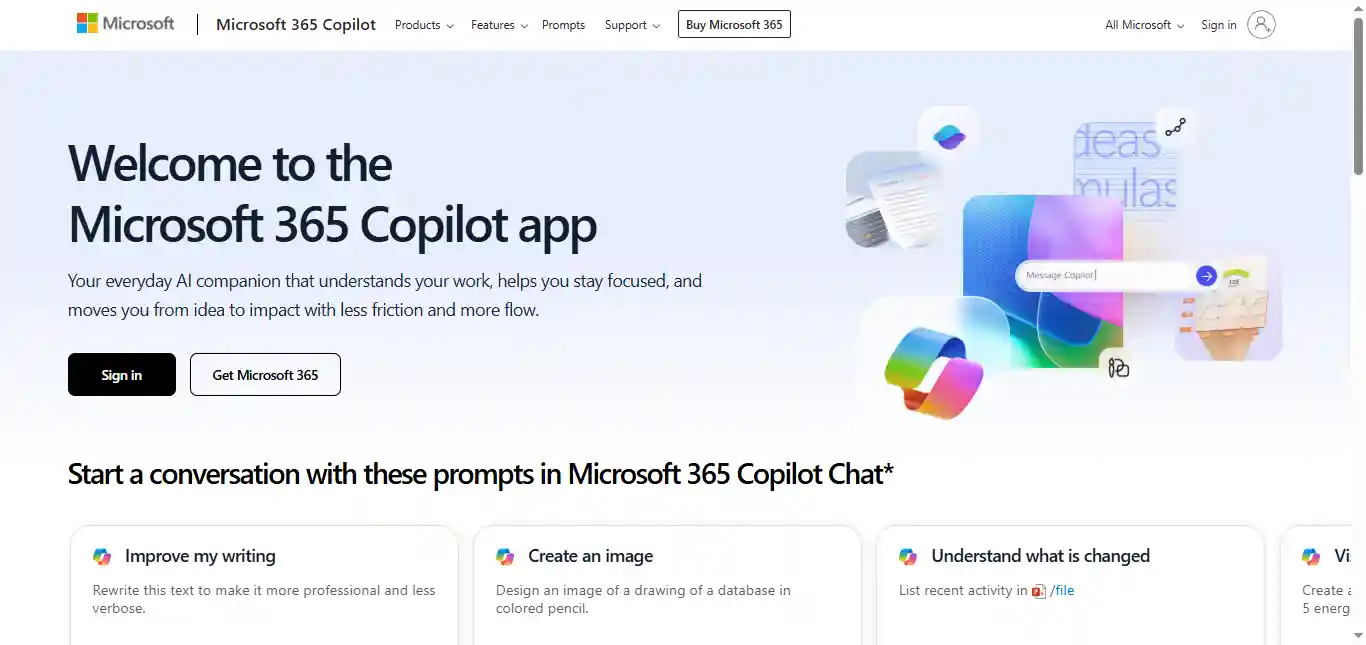
Copilot in Outlook stands as Microsoft’s native AI assistant, deeply woven into the fabric of the 365 ecosystem. It operates directly within the Outlook interface to provide concise summaries of long email threads and assists in drafting sophisticated replies. Its greatest strength is its deep integration with other Microsoft applications, allowing it to pull context from Teams, Word, and Excel to enrich communications. This makes it an ideal choice for professionals and businesses already heavily invested in the Microsoft 365 suite. While powerful, its summarization capabilities are focused on individual threads rather than performing bulk actions.
SaneBox
SaneBox takes a unique approach by acting as an intelligent email filtering service that prioritizes your inbox using AI. Rather than summarizing individual emails on demand, it learns your habits to separate important messages from distractions. Its hallmark feature, the “SaneDigest,” groups all non-urgent emails into a single, convenient summary delivered daily or weekly. This functionality makes it an exceptional tool for bulk summarization, allowing you to process dozens of newsletters and notifications in seconds. It is perfectly suited for users feeling overwhelmed by inbox clutter who want an automated system to surface what truly matters.
Shortwave
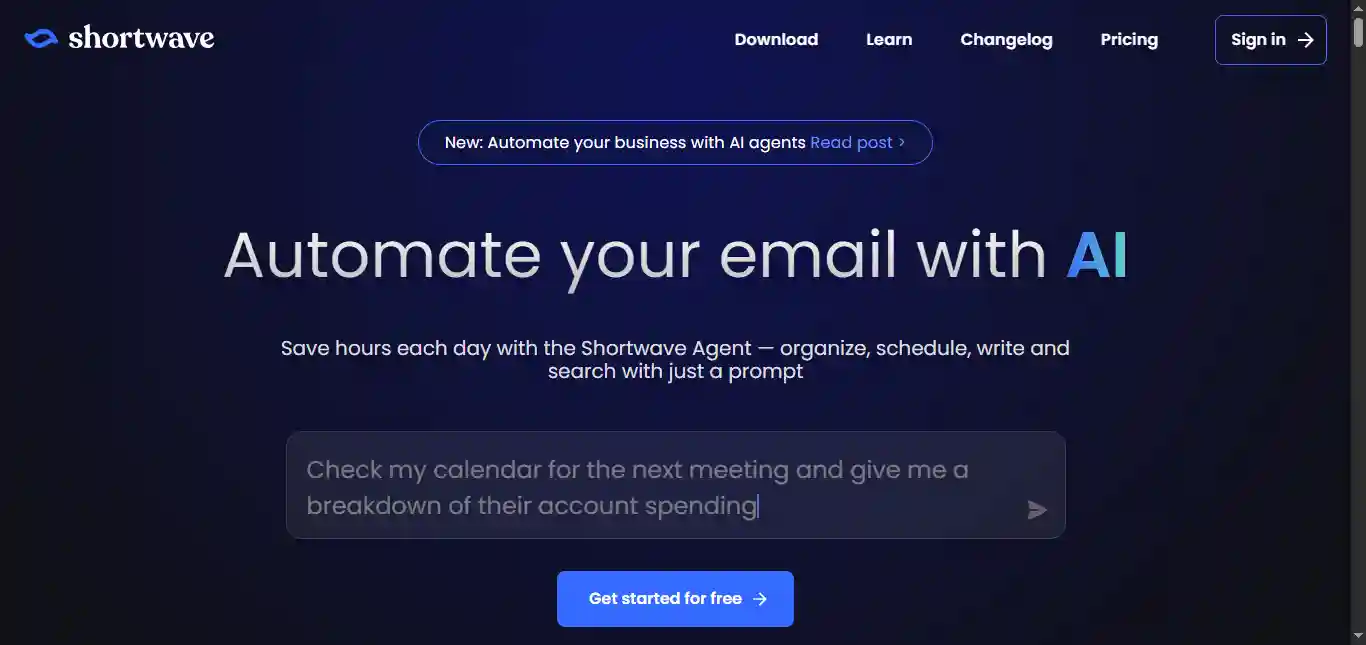
Shortwave reimagines the email experience by functioning as a complete, AI-powered email client. Its core philosophy revolves around organization and efficiency, automatically grouping similar emails like newsletters or notifications into smart “bundles.” This bundling system is a powerful form of bulk summarization and action, as you can understand the gist of multiple messages at once and apply one-click actions, such as archiving or pinning, to the entire group. Its integrated AI assistant, “Sparkle,” further enhances productivity by summarizing threads, translating text, and drafting replies, making it a fantastic choice for Gmail users seeking a more organized and less stressful inbox.
Gemini in Gmail
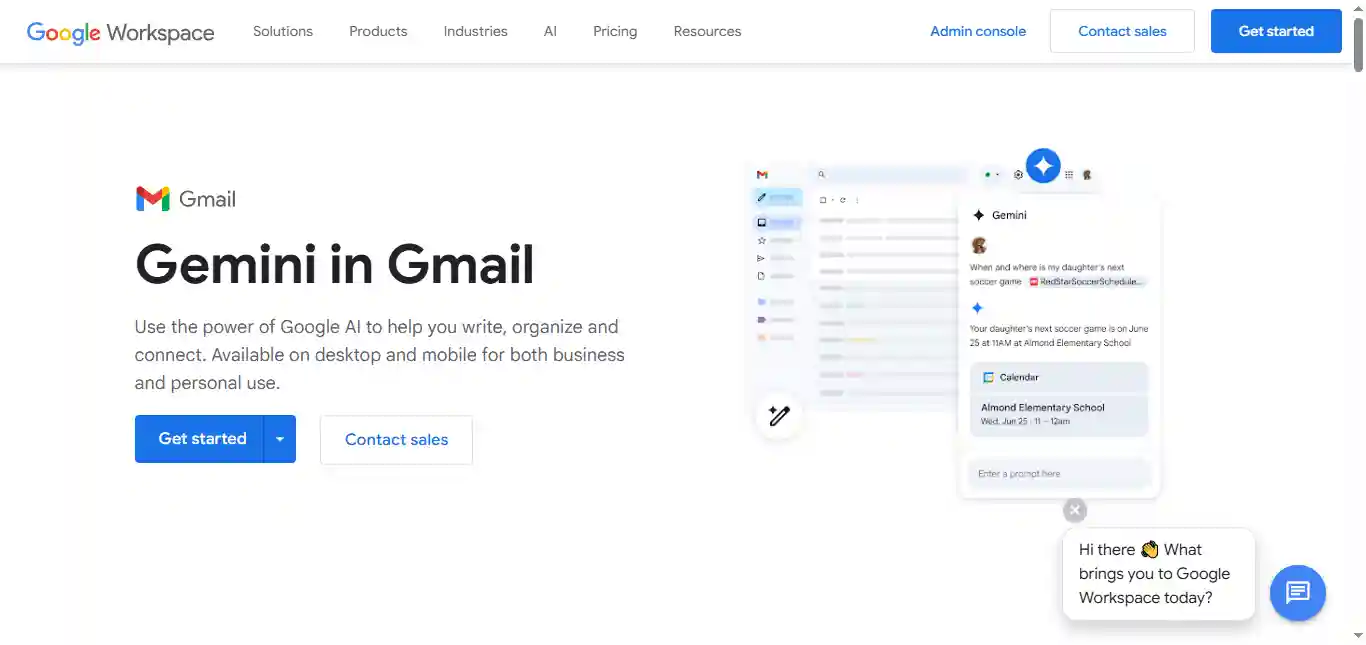
Gemini in Gmail represents Google’s native AI integration, now a prominent feature for Google Workspace users. It provides a clean, one-click “Summarize this email” button at the top of long conversations, enabling you to catch up on complex threads instantly. Its standout feature is its unparalleled contextual understanding of content within the Google ecosystem. Gemini can seamlessly incorporate information from linked Google Docs, Sheets, and Calendar invites into its summaries, offering a holistic overview. This deep integration makes it the go-to tool for individuals and teams who operate primarily within Google Workspace, though its summaries are generated on a per-thread basis.
Mailbutler
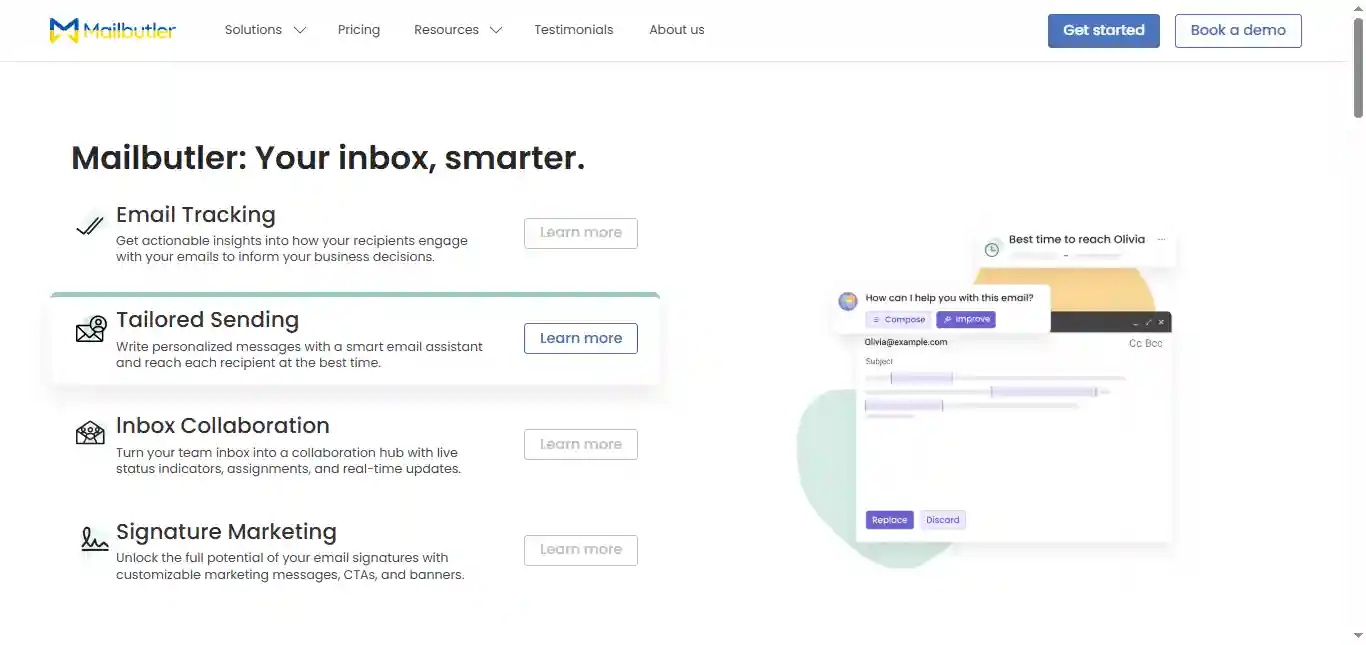
Mailbutler operates as a versatile productivity extension compatible with Gmail, Apple Mail, and Outlook. Its “Smart Assistant” feature goes beyond simple summarization by focusing on turning your inbox into a command center for your tasks. The tool’s key strength is its ability to intelligently scan and summarize emails to identify and extract concrete action items, which can then be seamlessly converted into a to-do list. This positions Mailbutler as the perfect tool for users who want to embed a layer of AI-powered project management directly into their existing email client. It enhances individual emails and threads rather than performing bulk summarization.
The Automation Flow: How Email Summaries are Generated
For super flexibility, automation tools like Zapier and Make can be valuable tools for you. Think of them as a bridge connecting your inbox to powerful AI models and thousands of other apps. This allows you to bypass the limits of pre-built extensions and design a custom email summarization system that works exactly the way you want.
Understanding how these AI tools work under the hood reveals the difference between summarizing a single email and processing them in bulk. The automated flows for each are distinct, though powerful platforms can be adapted to create custom versions of either process.
How a Standard (Single) Summary Works
This is an on-demand process, typically triggered by the user for a specific email or thread. The flow is linear and focused on deep analysis of a single piece of content. Like-
Trigger: The process begins when you click a “Summarize” button (like in Gmail or Outlook) or when a preset condition is met (e.g., the email is longer than 500 words).
Data Extraction: The tool securely copies the text content of the email body, the subject line, and sender information. For advanced assistants, it may also access the content of linked attachments.
API Call to the LLM: This extracted text is packaged and sent to a large language model (like Gemini or GPT-4) with a specific instruction, or prompt, such as “Summarize the following email and identify three key action items.”
Generation and Structuring: The LLM processes the text and generates a structured response, often including a main summary and a list of tasks.
Display to User: The tool receives this structured data and formats it into a clean, easy-to-read box that appears within your email client.
How a Bulk Summary Works
Bulk summarization, as seen in tools like SaneBox or Shortwave, is not a process that can be executed on demand. It’s a background automation workflow focused on organization and high-level review of multiple non-urgent items simultaneously.
Rule-Based Filtering: The process starts with a powerful filtering engine. As emails arrive, the tool uses AI-driven rules to identify low-priority messages and automatically moves them to a separate folder or applies a label.
Grouping and Aggregation: The tool collects all the emails that have been filtered into a specific group over a set period.
Iterative Snippet Extraction: Instead of summarizing the full content of every single email, the tool typically extracts high-level snippets from each one in the group, including the sender, subject, and perhaps a short AI-generated snippet.
Compilation of a Digest: All these individual snippets are then compiled into a single, easy-to-read report, known as a “digest.”
Delivery: This final digest is then delivered to you as a single email or presented as a bundled group within the email client’s interface.
LLM Comparison: ChatGPT vs. Gemini vs. Claude for Email Summaries
The underlying model has a significant impact on the quality of the summary. Here’s a comparison of the top contenders.
| Feature | ChatGPT (GPT-4) | Gemini | Claude 3 |
| Conciseness & Accuracy | Excellent at creating very brief, highly accurate bullet points. Tends to be direct and to the point. | Very accurate, with a slightly more natural, conversational tone in its summaries. | Highly accurate and often provides a more nuanced, detailed summary. Very good at avoiding confusion. |
| Action Item Identification | Very strong. Excels at identifying explicit commands and deadlines. | Excellent, especially at understanding implicit tasks and integrating with Google Calendar/Tasks. | Highly reliable. Its larger context window helps it identify tasks from very long, complex threads. |
| Tone & Sentiment Analysis | Good. Can accurately determine if the tone is urgent, formal, or casual. | Very good. Often captures subtle cues in the language to provide a more holistic sense of the sender’s mood. | Excellent. Known for its strong grasp of nuance and can better identify mixed or complex sentiments. |
| Contextual Understanding (Threads) | Strong, but can sometimes lose track in exceptionally long and branching conversations. | Best-in-class for Google ecosystem integration. Seamlessly understands context from linked Docs, Sheets, etc. | It’s key strength. The large context window allows it to process and synthesize extremely long email threads without losing context. |
| Best Use Case | Quick, no-nonsense summaries and clear action item extraction for professional communication. | Users deeply embedded in the Google ecosystem who need summaries that understand attached files and calendar events. | Summarizing highly technical, legal, or complex multi-part conversations where nuance and detail are critical. |
Frequently Asked Questions (FAQ)
Are AI email summarizers secure and private?
Reputable tools like those from Google, Microsoft, and Apple have robust security and privacy policies. For third-party tools, it’s crucial to read their privacy policy. Look for services that process data anonymously or have clear data-handling protocols.
Can these tools summarize attachments, such as PDFs or Word documents?
This is a rapidly evolving feature. AI Assistants like Gemini (with Google Drive) and Copilot (with OneDrive) are increasingly capable of “reading” and summarizing the content of attachments to provide a comprehensive overview of the entire communication.
Do I need a paid subscription to use these tools?
It varies. Basic summarization is becoming a free, standard feature in major clients like Gmail and Outlook. However, more advanced AI Assistant features and third-party tools like SaneBox or Mailbutler typically require a monthly or annual subscription.
How do I start using these AI features?
For native tools like Gemini in Gmail or Copilot in Outlook, the feature is often automatically enabled if you are on a relevant subscription plan (e.g., Google Workspace or Microsoft 365). It may appear as a button at the top of an email. For third-party tools like Mailbutler or SaneBox, you typically need to visit their website, sign up for an account, and then either install a browser extension or grant the service secure access to your email account.
What should I do if an AI summary is inaccurate or misses a key detail?
You should always treat AI summaries as a first-pass guide, not an infallible replacement for the original email. AI is not perfect and can sometimes miss nuance or misinterpret complex sentences. For any email that is critically important, financially sensitive, or legally binding, it is essential to review the full original text. The goal of these tools is to improve efficiency for the majority of your emails, not to eliminate the need for human oversight.
Do these summarizers work with languages other than English?
Yes, most modern AI models, such as GPT-4, are multilingual. They can summarize emails in various languages, including Spanish, French, German, Japanese, and many more. However, the quality and accuracy of the summary may be highest for English and other widely spoken languages. If multilingual support is a critical feature for you, it’s a good idea to test the specific tool with a sample email in your desired language.