
Turn any Threads video into a clean, accurate transcript using AI so you can repurpose content faster across captions, recaps, blog drafts, newsletters, and workflows.
Threads video transcript generator extracts spoken audio from Threads videos and formats a timestamped transcript. Search quotes, pull hooks, and paste lines into captions. Keep content consistent across posts, reels, newsletters, and landing pages.
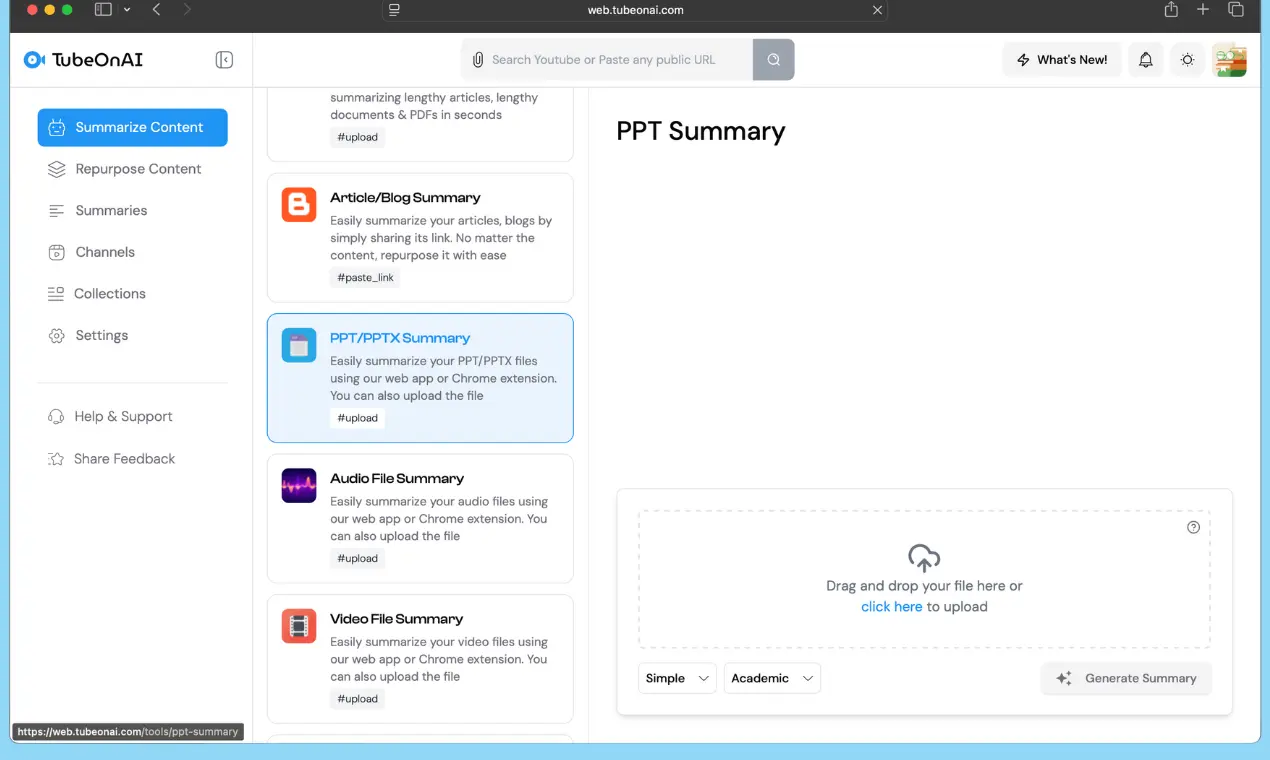
Sign in to TubeOnAI, Paste the Threads video link and hit Generate.
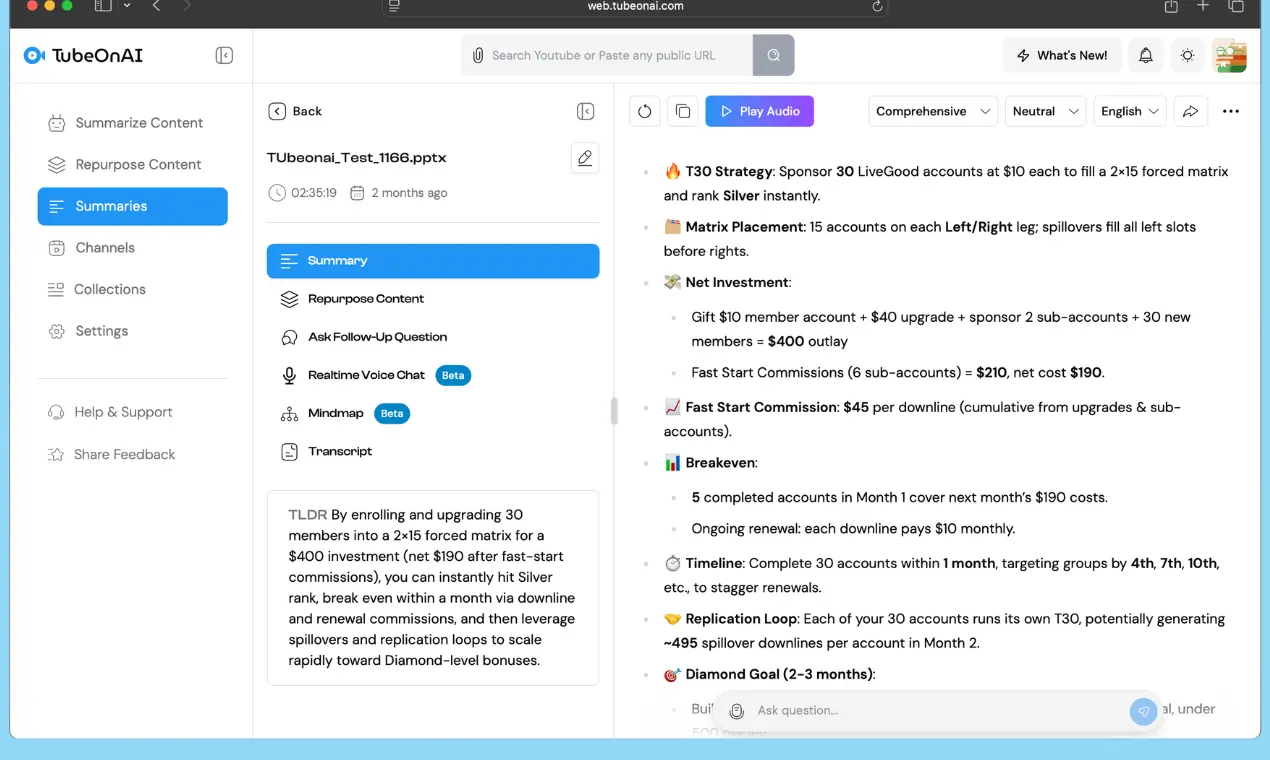
Click on the Transcript Tab. This shows you the full Transcript.
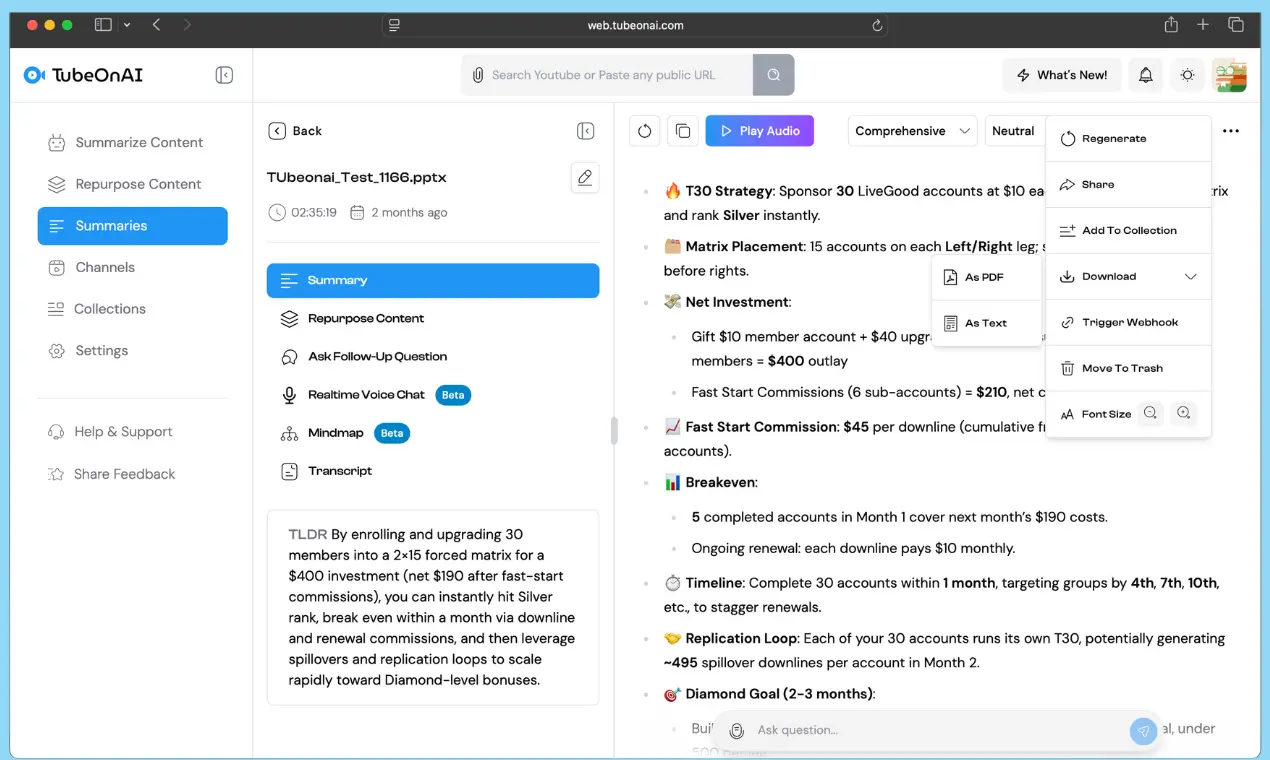
Click on Copy, Download and Edit whenever you need to copy the entire transcript, download the txt file and edit it the way you want.
Paste a Threads video link into TubeOnAI. Get a timestamped transcript and a summary in 40+ languages. Publish localized captions, summaries, and quote posts for each audience.

Convert one Threads video transcript into captions, summaries, blog intros, outlines, and newsletter drafts. Save outputs in Collections for future reuse across campaigns.
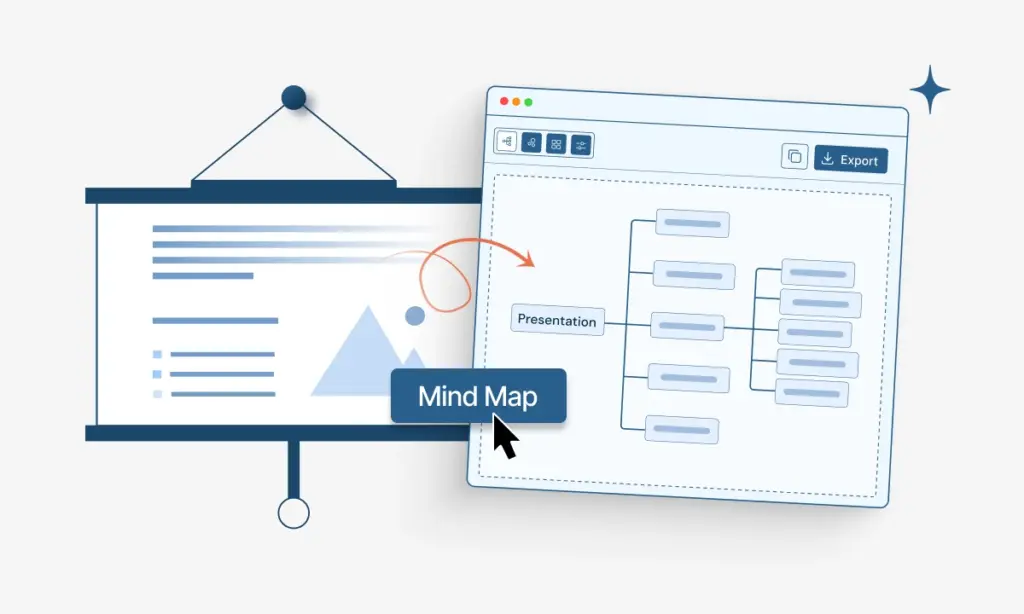
Push transcripts and summaries into Notion, Slack, Airtable, or internal tools via webhooks. Keep review, approval, and publishing steps in one pipeline.
Paste a Threads post link. Get a clean transcript with timestamps from each Threads video, plus quotes and captions you can reuse.
Turn Threads videos into text you can reuse across posts, recaps, and campaigns inside TubeOnAI.
Review messaging fast. Keep brand voice consistent. Use TubeOnAI as your content log for Threads videos.
Speed up edits and approvals. Reduce back and forth. Keep deliverables from Threads videos organized in TubeOnAI.
Export plain text for scripts and posts. Export SRT or VTT for subtitles in CapCut, Premiere Pro, and other editors.
Timestamps map each line to a video moment. You jump to the exact second during editing and subtitle review.
Yes. Ask TubeOnAI to turn the transcript into a summary, quote post, recap, blog intro, or caption set. Keep the structure short, clear, and ready to publish.
Save each transcript inside TubeOnAI Collections. Group by creator, campaign, niche, or client so you can find work fast.
You get a transcript plus timestamps, a short summary, and post-ready lines. You can save everything in Collections and reuse it later for recaps, campaigns, or briefs.
Short Threads videos process fast and work best for quote extraction and recap writing. Longer videos still work, but take longer to process and create longer transcripts. For longer clips, ask TubeOnAI for sections, key timestamps, and a condensed recap.