The ability to quickly and accurately condense lengthy PDF documents is crucial for modern productivity.
However, AI Chrome extensions have evolved beyond basic text reduction, now specializing in high-volume file handling, academic analysis, and conversational interaction. In an era where professionals juggle countless tabs and research materials, Chrome extensions make summarization instant and accessible without switching apps.
Not only that, they let you talk to your documents, build perfect academic notes, and even handle files so large you’d think they’d break your browser.
This discussion provides a straightforward overview of the best tools for PDF summarization, categorized by their primary function for efficient decision-making. This guide focuses only on the best extensions for summarizing PDFs, showing you exactly which tool to grab.
9 Best Chrome Extensions for Summarizing PDF
Here are the top extensions to turn your pdf into comprehensive summaries, along with their browser compatibility
TubeOnAI
Pros
- Seamlessly handles YouTube, web articles, PDFs, Google Drive files, and audio files.
- Uniquely allows users to turn any content into blogs, social media posts, or newsletters; a massive plus for content creators.
- The “ask follow-up” feature lets you query the content for deeper understanding.
* Includes audio playback for summaries, perfect for auditory learners or multitasking.
Cons
- Users cannot execute bulk summaries; content must be processed individually.
- The most advanced content repurposing capabilities are reserved for premium users.
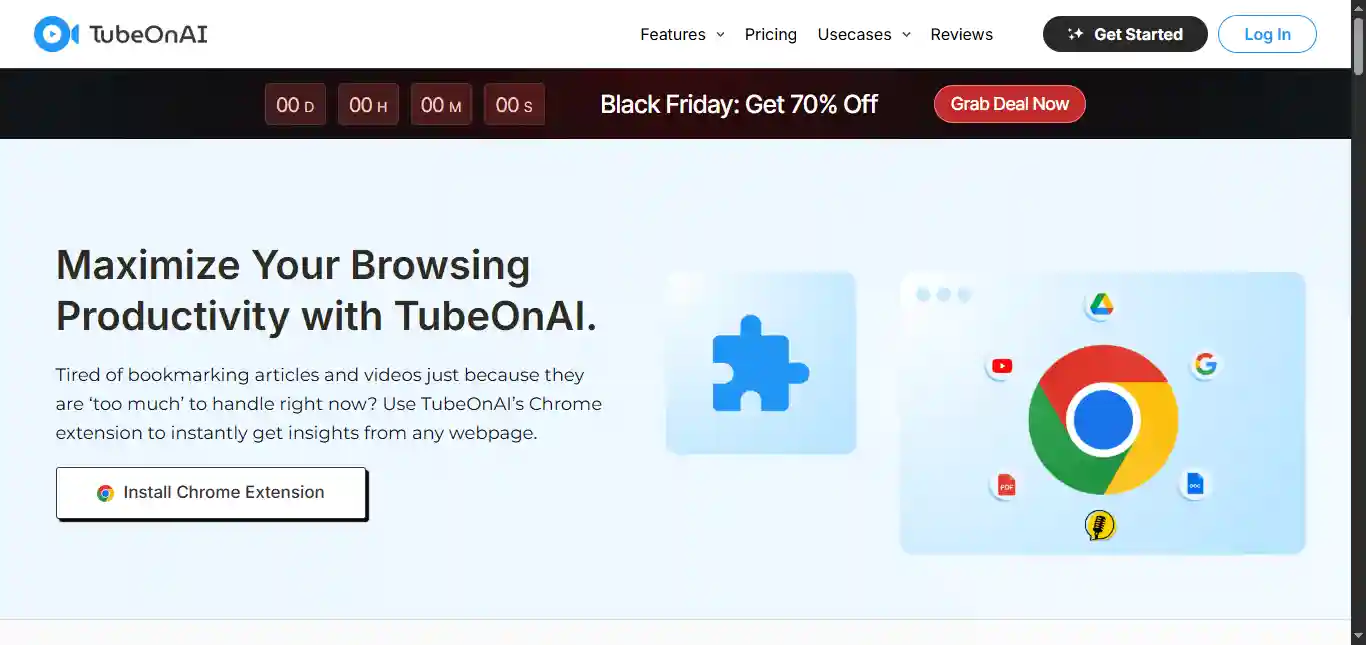
TubeOnAI positions itself as a summarizer tool, reaching far beyond the standard PDF-only summarizer. It is adept at summarizing a wide range of content directly in your browser, including YouTube videos, podcasts, web articles, PDFs, Google Drive files, and even Google Docs. Once activated, the extension is powerful enough to provide a high-quality summary, generate a full transcript, and even translate the summary into over 40 languages. Its deep integration with various file types makes it an incredibly versatile solution for anyone juggling information across different platforms.
TubeOnAI extension is the ideal tool for anyone who needs to consume and reuse content quickly. It reduces your workload by allowing you to summarize a PDF and then immediately convert that summary into a social media post. Plus, you can use the “Ask Follow-up” chat feature to ask questions directly about the document or video, making sure you truly understand the material without having to reread anything. It’s simply built to help you work faster and smarter.
Extension Availability: Chrome
Pricing: Free plan available with limited usage. Paid yearly plans are available at $80 (Essential) and $170 (Pro).
Gist AI
Pros:
- Extremely fast and simple one-click summarization* for all supported formats.
- Works across web articles, YouTube videos, and PDFs.
- “Read more” feature links summary bullet points back to the exact source text or video timestamp.
Cons:
- Lacks the advanced features, such as citation management or customizable output formats (e.g., mind maps), found in academic-focused tools.
- It may be too brief for summarizing highly complex, technical, or academic PDFs.
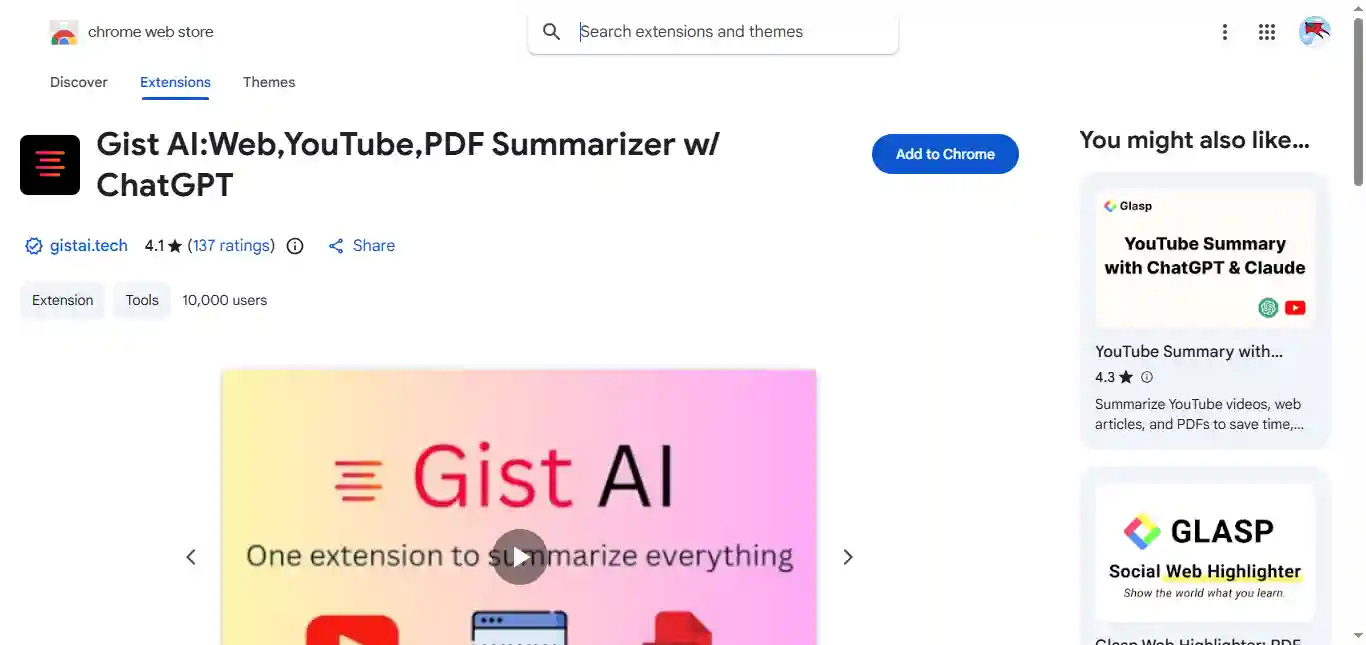
Gist AI is designed with speed and simplicity at its core, offering a near-instant summary of any content with just a single click. It’s built for users who prioritize quick comprehension over deep, analytical features.
The extension uses ChatGPT to summarize PDFs with one click. It handles both online and locally saved PDFs with no page limits, which is genuinely useful. The standout feature is tracing summaries back to their source sections in the document.
Extension Availability: Chrome
Pricing: Free
Researchwize
Pros:
- Unmatched customization with multiple summary modes (e.g., Cause & Effect, Argument & Evidence, Case Law Summary).
- Includes OCR support for summarizing scanned PDFs and image-based documents.
- Provides dedicated Study Tools such as Flashcards, Quizzes, Outlines, and automatic PPTX creation.
- The system prioritizes privacy with a “Local/Private first” approach to data handling.
Cons:
- The wealth of features can present a slightly steeper learning curve for non-academic users.
- Primarily focused on long-form, complex documents, which might make it overkill for news articles.
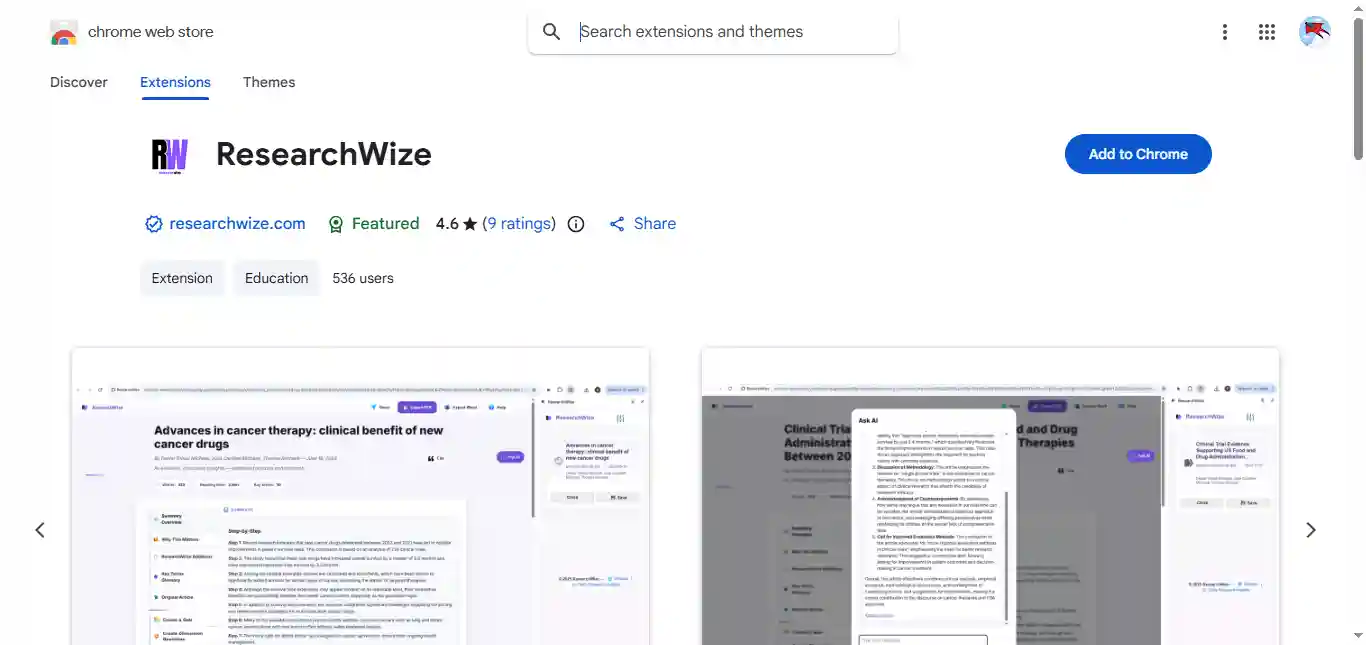
Researchwize is the gold standard for graduate students, academics, and professionals who depend on nuanced understanding of complex source material. Its ability to summarize documents in academic-specific styles like- Problem-Solution or Case Law is highly valuable, ensuring the summary retains the required structural context.
Furthermore, its OCR capability is essential for researchers dealing with older, scanned, or image-heavy PDFs that other summarizers often fail to process. By providing flashcards and quizzes based on the summarized content, it directly aids the learning and retention process, making it an integrated study assistant rather than just a summarizer.
Extension Availability: Chrome
Pricing: Trial available; subscription required for full access to advanced study tools and features.
Textero Ai
Pros:
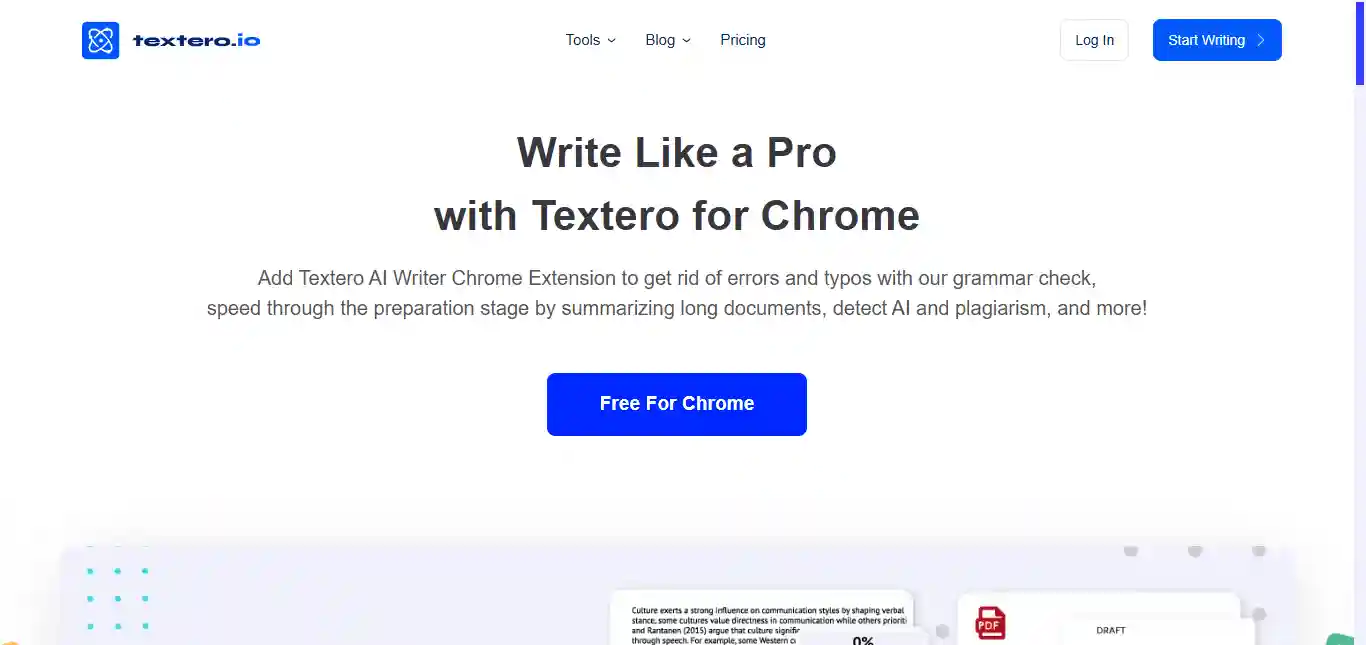
- Deep integration with AI Essay Editor allows users to condense text and then instantly expand it into essay drafts.
- Support for APA/MLA citation styles and bibliography management.
- Features an AI Research Assistant to fetch relevant sources from scholarly databases.
Cons:
- The extension’s primary focus is writing assistance, so the summarizer is part of a larger, more complex ecosystem.
- Some of the most powerful features are on the main website, with the extension offering a preview.
For the academic user, Textero AI is a standout choice because it understands the entire lifecycle of a research paper, not just the reading stage. Its PDF summarizer is robust, able to handle large files and multilingual content, but its real value is what happens next.
The ability to automatically generate citations and then move directly into an editing environment to paraphrase or integrate the summarized points into a draft is a significant time-saver. It’s an all-in-one platform for document analysis, summary, and academic writing, designed to streamline the process of turning research into polished final content.
Extension Availability: Chrome, Edge
Pricing: Free version with daily limits on AI words and questions. Premium plans unlock unlimited features and higher usage limits.
Smallpdf
Pros:
- Part of a comprehensive suite of PDF tools (converter, editor, compressor, etc.).
- Known for a user-friendly and reliable interface for all document tasks.
- Can quickly summarize PDFs within the familiar Smallpdf environment.
Cons:
- The summarization feature is more of an add-on than a core, specialized focus.
- Lacks the conversational AI features like- “Chat with PDF” found in newer, dedicated AI tools.
Smallpdf is one of the most widely recognized utility platforms for any PDF files. While its core features are editing and conversion, it has integrated powerful AI summarization capabilities into its toolset.
If you are already a frequent user of Smallpdf for merging, splitting, or converting documents, then using its integrated summarizer provides a highly convenient, centralized workflow. It offers reliable, quick summaries, maintaining the polished, easy-to-use experience Smallpdf is known for.
However, users looking for highly customized summary modes, complex academic extraction, or the ability to converse with their document will find it less feature-rich than dedicated AI summarizers. It’s the perfect choice for professionals and general users who need a trusted, all-in-one PDF utility with summarization capability.
Extension Availability: Chrome
Pricing: Basic tools are free; premium subscription required for unlimited use, advanced features, and the full suite of tools.
Ask Your PDF
Pros:
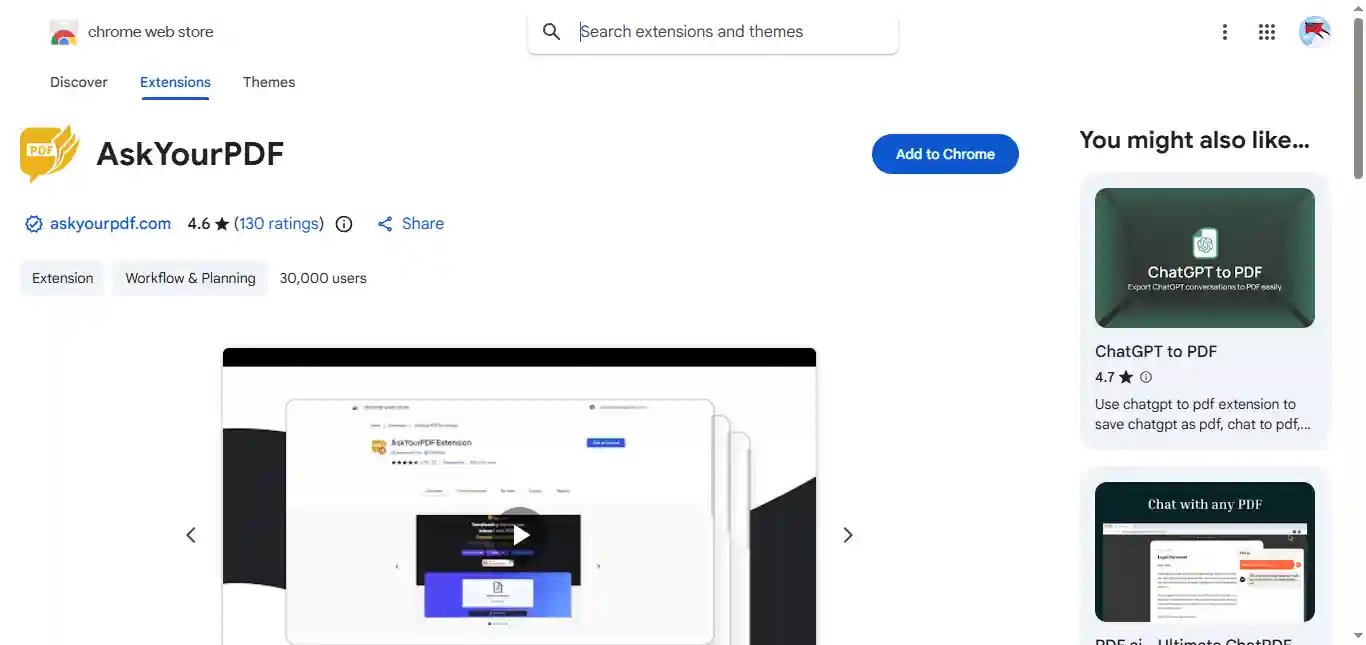
- Best in class for “Chat with PDF” functionality, allowing for natural language queries.
- Direct support for uploading large PDFs and other document types.
- Quickly provides specific answers to questions based on the document’s content, not just a generic summary.
Cons:
- Primarily document-focused, offering less support for video or general web summarization.
- The reliance on conversation may be slower than a one-click bullet point summary.
Ask Your PDF is a pure-play conversational AI tool for documents, moving beyond simple summarization to allow users to interact with their PDFs via a chat interface fully.
This tool completely changes how you consume documents. Instead of reading a summary of a 100-page report, you can simply ask, “What were the three key findings in Section 4?” and get a direct, cited answer. This makes it an invaluable resource for analysts, legal professionals, and students who need to extract pinpointed data from dense, technical, or legal documents.
While it certainly provides a traditional summary, its primary strength is the interactive, question-and-answer session that guarantees you fully grasp the content without having to skim or search manually.
Extension Availability: Chrome
Pricing: Free version with limited uploads and queries. Paid plans unlock higher limits and advanced features.
Scholarcy
Pros:
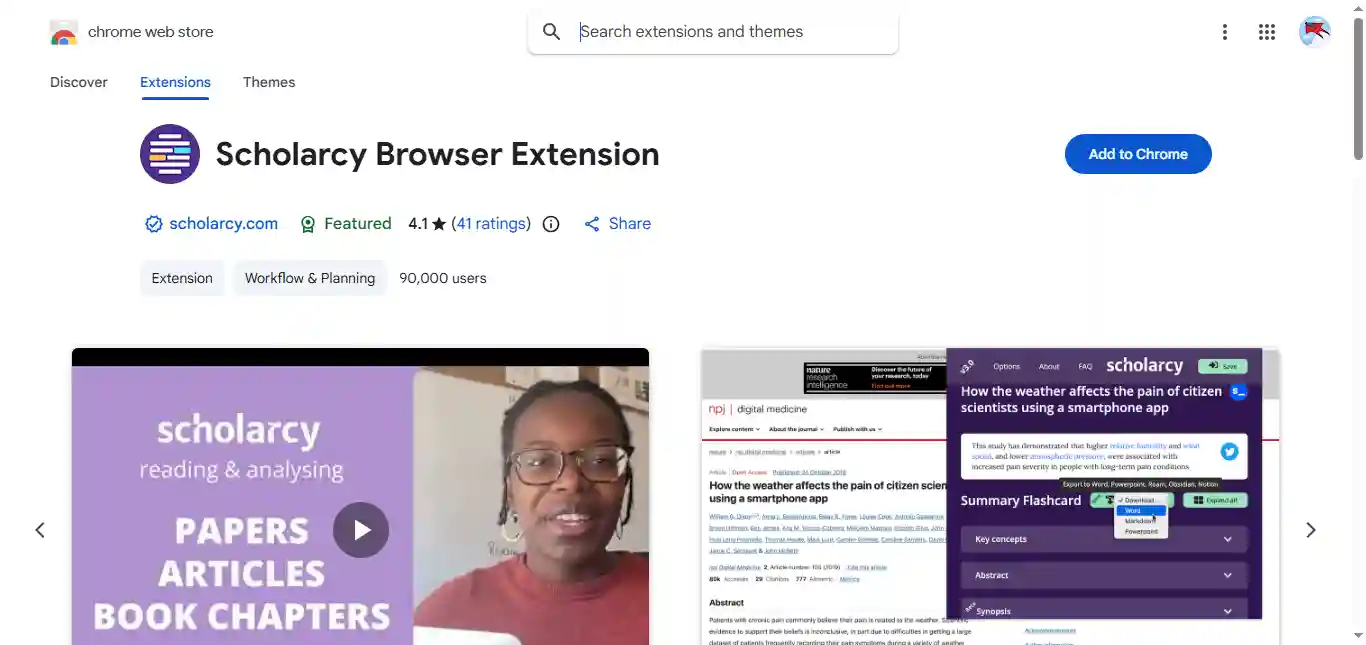
- Automatically extracts key insights, methodology, and references from research papers.
- Generates interactive *Summary Flashcards*, which are excellent for studying and review.
- Facilitates citation management by linking to open-access versions of cited sources.
Cons:
- Not ideal for general web content or non-academic articles.
- Lacks the “Chat with PDF” feature found in some of its competitors.
Scholarcy is a highly specialized research acceleration tool, making it a powerful complement to more general summarizers. It specializes in academic documents and reports.
This tool is essential for anyone doing a literature review. It understands the structure and syntax of academic writing, allowing it to pull out the hypothesis, methods, results, and conclusions with greater accuracy than general-purpose AI tools. The Flashcard feature is a game-changer for active recall and exam preparation. By structuring the summary around key academic components and providing citation support, it saves hours of tedious note-taking, making the research process significantly more efficient and organized. It is truly designed to be a research assistant.
Extension Availability: Chrome.
Pricing: Free trial/Partial free trial. Paid plans are available for full access, starting from approximately $7.99/month.
Pdf.ai
Pros:
- Simple, intuitive interface focused entirely on document interaction.
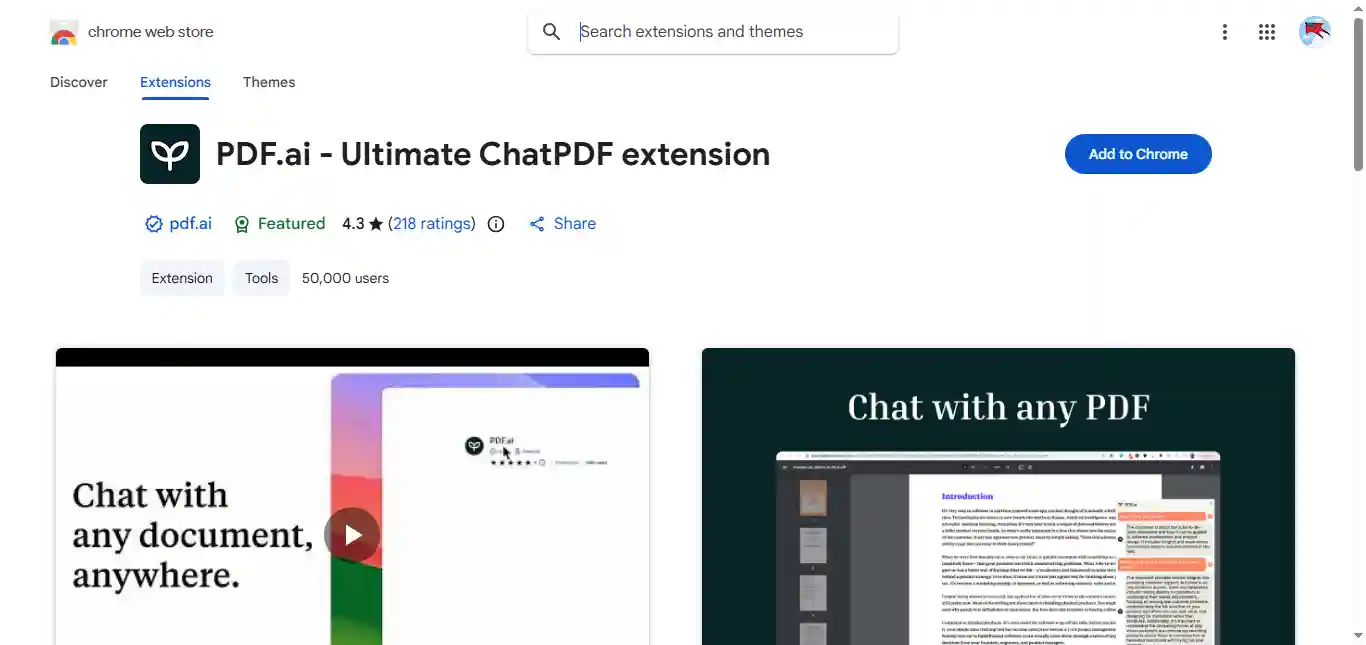
- Allows users to chat with the PDF to ask questions and extract key points.
- Acts as a “Cliff Notes generator,” providing quick, digestible summaries of the document’s essence.
Cons:
- Similar to Ask Your PDF, its utility is restricted almost entirely to document interaction.
- Some users may seek alternatives due to concerns over data storage and privacy (as with any cloud-based tool).
Pdf.ai is another strong contender in the “Chat with PDF” space, offering a clean, simple, and effective way to interact with your documents. It functions primarily as an AI-powered document reader. It streamlines the process of getting information from documents.
Using a chat interface, it moves the user away from manual scrolling and searching. You upload your file, and the AI takes over, ready to answer questions, explain concepts, or summarize the text. Its focus is on analyzing lengthy documents quickly without any effort. It’s an excellent choice for a wide range of users who need to explore and understand documents efficiently.
Extension Availability: Chrome
Pricing: Free plan with limitations on uploads and chat queries. Paid subscriptions available.
Conclusion
AI summariser extensions are no longer just optional add-ons; they’re essential tools for anyone handling large volumes of digital information. The best part is that many of these extensions combine summarisation with extra features like translation, note management, or knowledge storage, making them versatile companions for both casual browsing and professional research. Choosing the right one depends on your workflow, but any of them can help you work smarter and faster in the browser.
FAQs
Which is the best free PDF summariser extension?
TubeOnAI and AskYourPDF are two of the most reliable free options. TubeOnAI offers AI-based summaries directly from Google Drive links, while AskYourPDF lets users chat with their documents using conversational AI.
Can these tools summarise academic research papers?
Yes. ResearchWise and Scholarcy are particularly designed for academic use. They can summarise scholarly PDFs, highlight key findings, and extract references — ideal for students and researchers.
Do these summariser tools work offline?
Most PDF summariser tools, including TubeOnAI, Smallpdf, and Scholarcy, require an internet connection since they rely on AI models hosted in the cloud. However, some browser extensions offer limited offline functions, like file compression or quick preview.
Is my document safe when using these tools?
Yes, most of the tools — including Smallpdf and TubeOnAI — prioritize data privacy. Uploaded files are deleted after processing, and many platforms use encryption to protect user content. Still, it’s wise to avoid uploading confidential or sensitive documents.
Can I use these tools on mobile devices?
Yes. Many of them, such as Smallpdf and TubeOnAI, are mobile-friendly and work well on both Android and iOS browsers. Some even have dedicated mobile apps.
Do these tools provide summaries in different languages?
Yes. TubeOnAI and Scholarcy can summarise and translate PDFs into multiple languages, making them great for multilingual users or researchers handling international publications.
How accurate are AI-based PDF summaries?
Accuracy depends on the complexity of the document and the tool’s AI model. Tools like ResearchWise and Scholarcy are highly accurate for academic and technical texts, while TubeOnAI provides more reader-friendly summaries for general use.