
There’s good reason to pay close attention to the long-term impact of using the best AI tools for social media content creation. Specifically, how they help brands increase their organic reach and conversions.
Consider one mid-stage SaaS startup. Their revamped content plan helped them more than double the number of high-performing posts they created each month. They also saw a 60% lift in total sales. They now generate more qualified interest from their automated posts than any of their older, traditional marketing campaigns ever did.
High-quality AI tools deliver measurable results for content optimization. They’ve become essential because marketing teams must produce more content with smaller budgets and much tighter editorial calendars than ever before.
In this guide, I’ll give you 8 AI tools for creating social media content that can sharpen your digital marketing strategy. We’ll cover how each tool fits into a scalable content workflow.
But first, here’s what these AI tools actually do and where they save you the most time.
Best Tool For Content Repurposing
TubeOnAI: Turn any source into social media content

TubeOnAI is an AI-powered content repurposing platform that extracts key points from videos, podcasts, articles, and PDFs, then converts them into social-ready formats like summaries, threads, and short-form captions.
Social media managers can feed a single long-form video or podcast episode into TubeOnAI and walk away with multiple post-ready text snippets, saving hours of manual transcription and rewriting across platforms.
Two practical features include multi-format input support, which lets you repurpose content from YouTube, Spotify, web articles, and uploaded files from one dashboard, and AI-generated summaries that you can adjust by length and tone to match each platform’s style.
TubeOnAI offers a free tier with limited summaries, while paid plans start at around $10 per month for higher usage limits and additional export formats.
TubeOnAI scores 7/10 for social content repurposing, handling the tedious extraction work well, though you’ll still need to edit outputs for brand voice and platform-specific formatting before publishing.
AI Tools For Social Media Post Design And Graphics
Canva — AI-Powered Design Suite
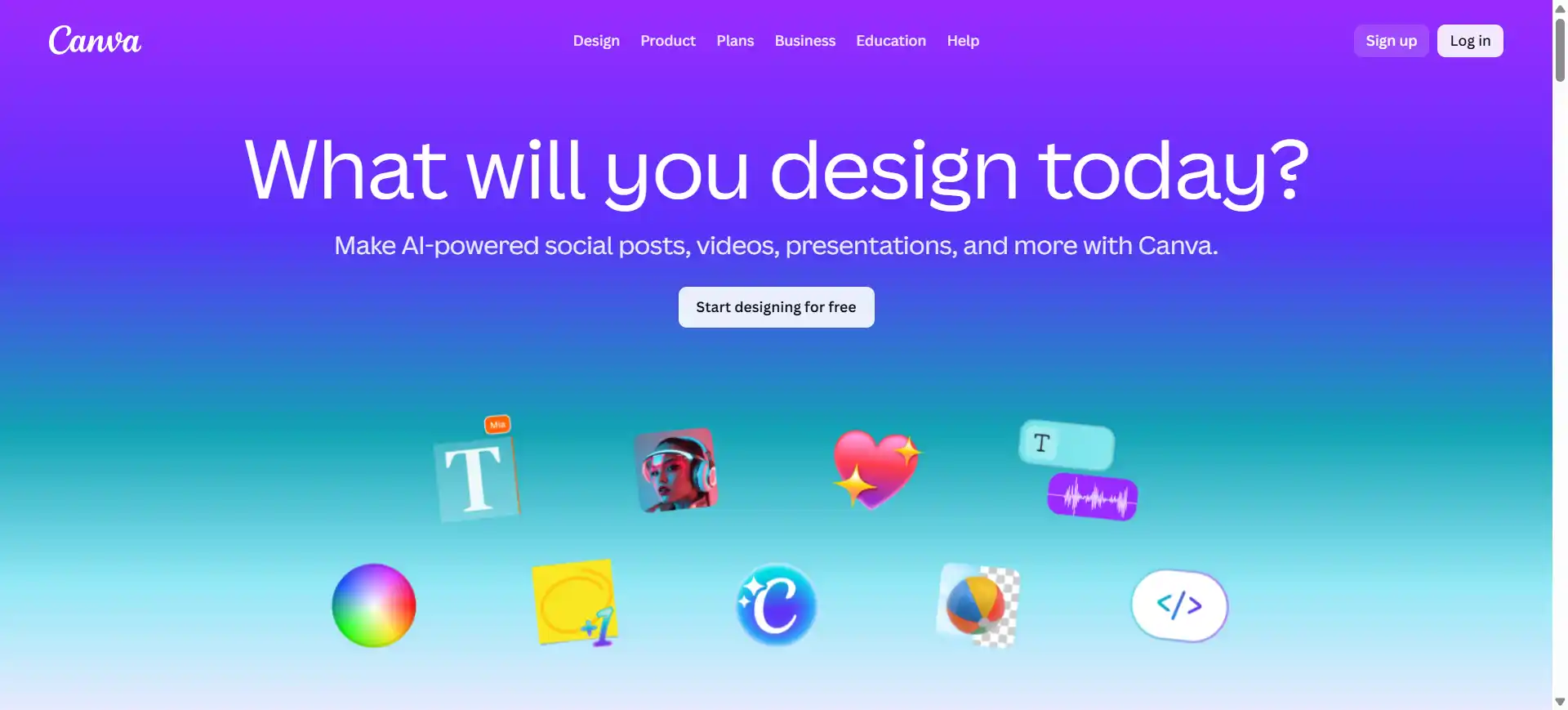
Canva’s Magic Studio is an all-in-one AI design suite that streamlines how you create social media content, offering over 25 AI-powered tools bundled into one intuitive platform.
Social media managers can use Magic Studio to instantly generate brand-consistent posts, remove backgrounds with one click, extend images beyond their frames, and even transform presentations into social graphics across multiple formats automatically.
Two standout features include Magic Design, which creates complete social media templates from a simple text prompt, and Magic Switch, which instantly converts any design into different formats or translates it into multiple languages while maintaining brand consistency.
Canva operates on a freemium model with limited AI features, while the Pro plan costs $15 per month (or $120 per year on annual billing) and includes 500 monthly Magic Write credits, 500 AI image generations, and access to 140+ million premium assets.
Canva Magic Studio scores 8.5/10 for social content creation, balancing strong AI capabilities with accessibility, though the credit system and recent price increases may challenge high-volume users.
PhotoRoom — AI Background Removal and Editing

PhotoRoom is an AI-powered photo editing platform that specializes in removing backgrounds, creating product images, and generating studio-quality visuals instantly from your mobile device or desktop browser.
For social media managers, PhotoRoom solves the time-consuming challenge of creating clean product shots and polished visuals by instantly removing backgrounds, adding AI-generated shadows, creating custom backgrounds, and staging products in realistic environments.
Two standout features include the Batch Mode, which allows you to edit and export hundreds of images simultaneously with consistent settings, and AI Product Staging, which places your products in photorealistic scenes well suited for social commerce posts.
PhotoRoom offers a freemium model with limited exports on the free plan, while the Pro plan costs $12.99 monthly, and the Max plan for advanced features costs $34.99 monthly with higher generation limits.
PhotoRoom scores 8/10 for social media content creation, excelling at product photography and e-commerce visuals, though occasional edge detection issues may require manual refinement for complex subjects.
Best Tools For Social Captions And Post Copy
Hootsuite OwlyWriter – AI Caption and Content Generation
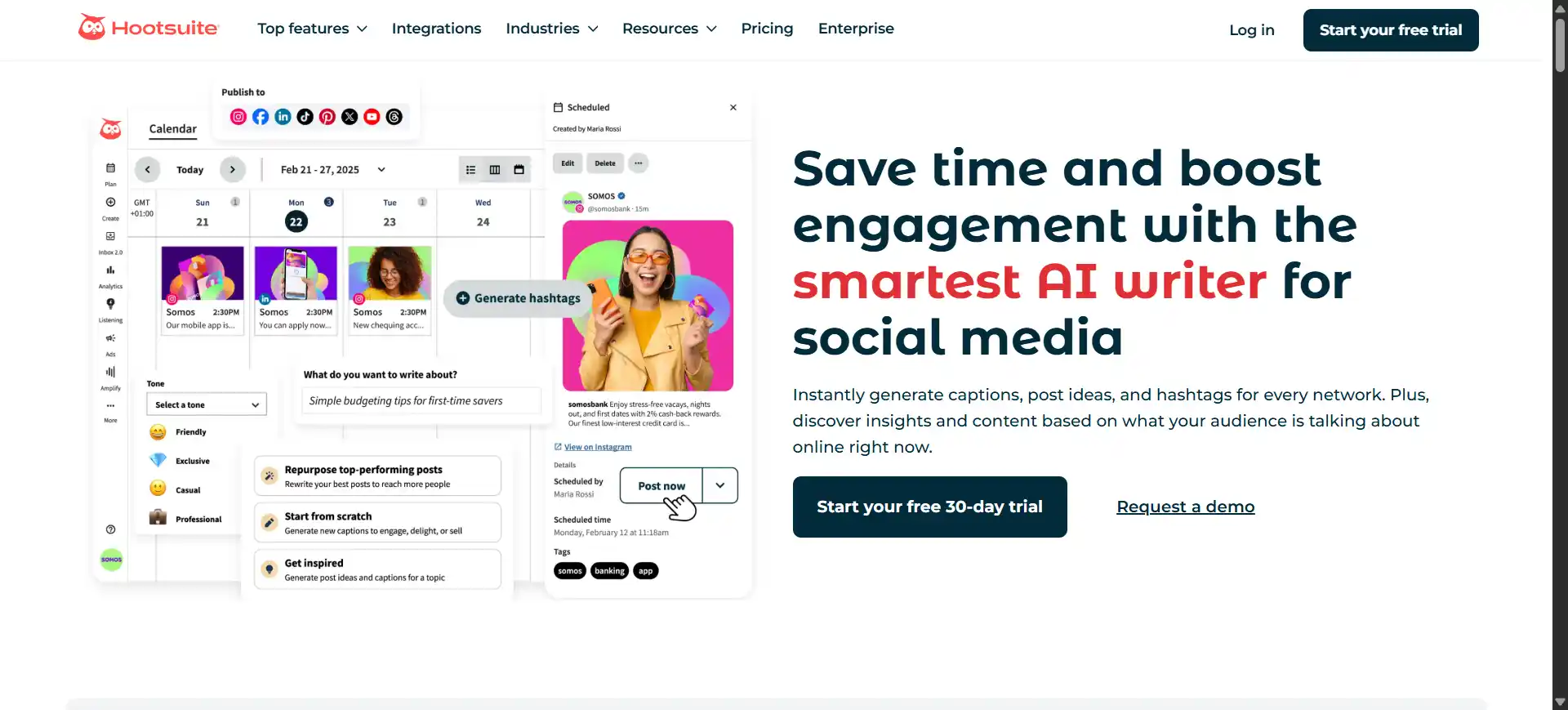
Hootsuite is a comprehensive social media management platform that now integrates AI-powered content creation through its OwlyWriter AI assistant, enabling scheduling, analytics, and content generation from a unified dashboard across multiple networks.
Social media managers benefit from Hootsuite’s ability to schedule unlimited posts across up to 10 social profiles, generate AI-powered captions and hashtags instantly, track trending topics in real time, and respond to all messages from a centralized inbox.
Key features include OwlyWriter AI, which creates brand-aligned captions and content ideas from trending topics, and advanced social listening tools that monitor brand mentions and sentiment across platforms to inform your content strategy.
Hootsuite operates on a paid-only model with the Standard plan at $99 monthly (annual billing) or $149 monthly, the Advanced plan at $249 monthly (annual), and custom Enterprise pricing for larger organizations.
Hootsuite scores 7.5/10 for social content creation, offering robust management features and AI assistance, though the steep pricing and learning curve may push small businesses toward more affordable alternatives.
Copy.ai — AI Content Generation for Social Media Marketing
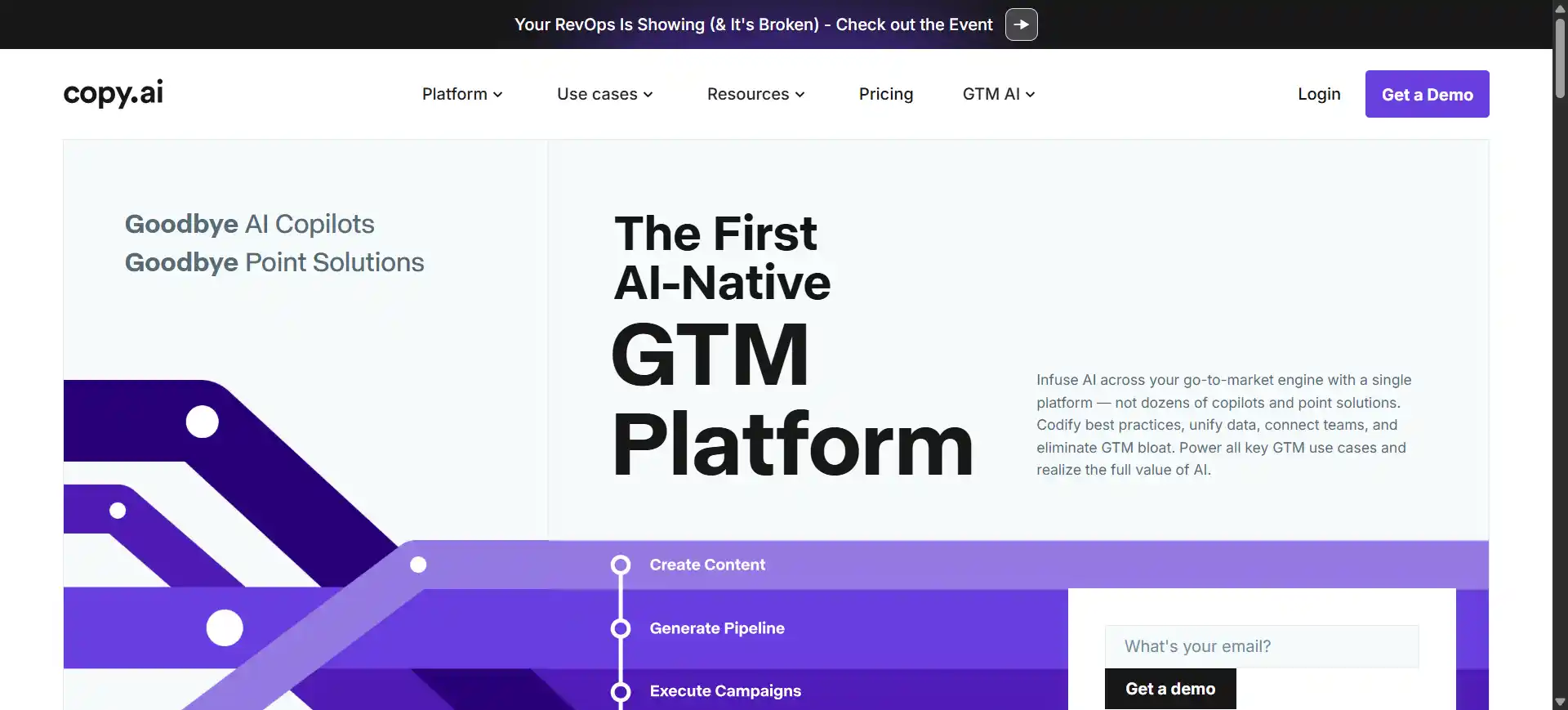
Copy.ai is an AI-powered Go-to-Market platform designed to generate marketing copy, social media captions, blog posts, and sales content at scale using advanced language models like GPT-4 and Claude.
Social media managers can move past blank-page paralysis by generating multiple caption variations, crafting engaging hooks, creating platform-specific content across networks, and maintaining a consistent brand voice through customizable tone settings and templates.
Notable features include unlimited AI content generation on paid plans, allowing high-volume creation without hitting word limits, and the Brand Voice tool, which learns your company’s style to ensure every social post sounds authentically like your brand.
Copy.ai offers a free forever plan with limited chat credits, while the Starter plan costs $49 monthly (or $36 annually) with unlimited words, and the Advanced plan includes workflow automation for teams.
Copy.ai scores 7/10 for social media content, delivering fast copywriting assistance and idea generation, though outputs typically require human editing for accuracy, creativity, and platform-specific optimization to perform well.
Best Tools For Scheduling And Publishing Workflows
Later — Visual Social Media Scheduler With AI
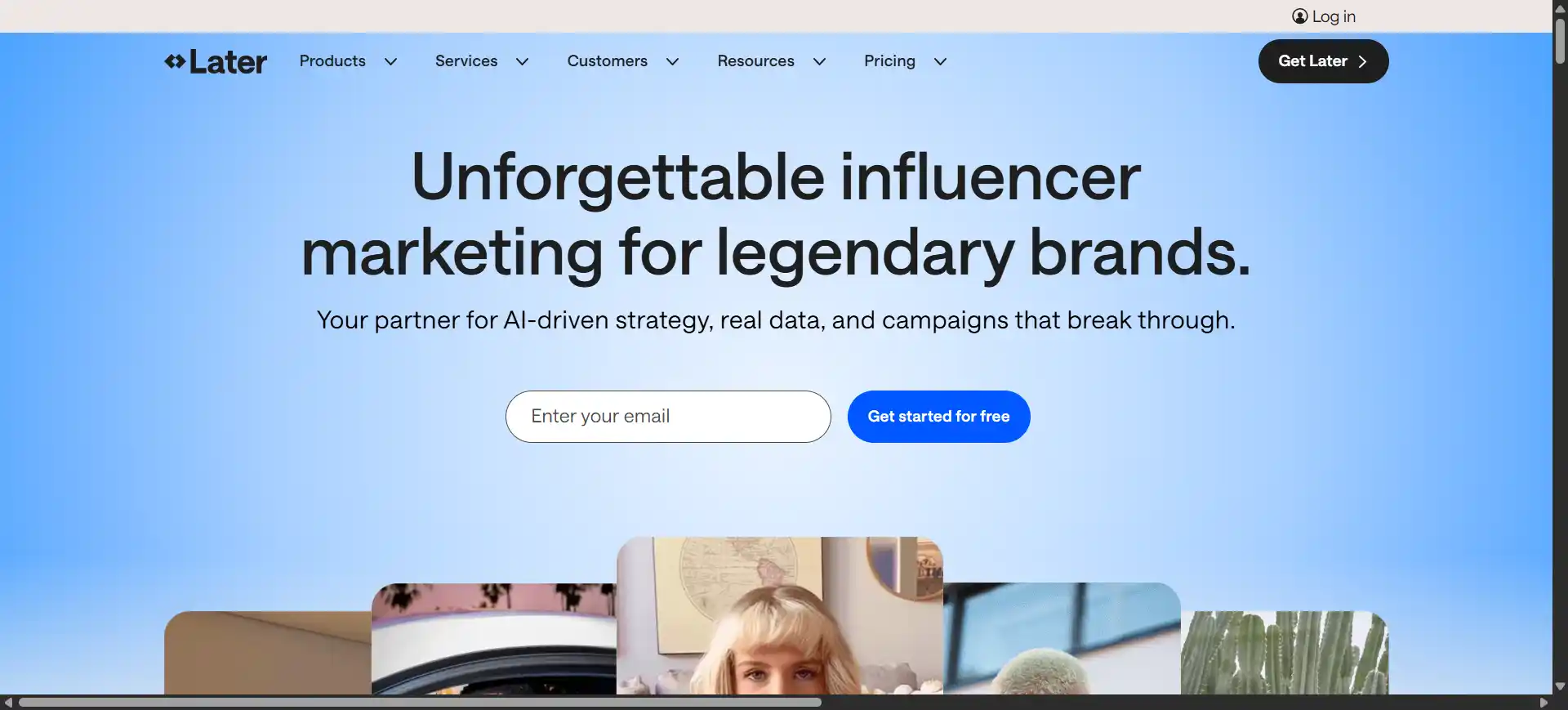
Later is a visual-first social media scheduling platform that now integrates AI-powered caption writing, enabling creators and marketers to plan, schedule, and automate posts across Instagram, Facebook, TikTok, LinkedIn, Pinterest, and Twitter.
Social media managers benefit from Later’s drag-and-drop visual calendar that simplifies batch scheduling, while the AI caption writer generates platform-specific captions with customizable tone options to move past writer’s block and maintain consistent posting schedules.
Two standout features include the Linkin.bio tool, which creates shoppable landing pages to drive traffic from social posts, and the AI-powered hashtag suggestions that recommend relevant tags based on your caption content to improve organic reach.
Later operates on a freemium model with a 14-day trial, with the Starter plan at $25 monthly (or $16.67 annually) including 30 posts per profile and 5 AI credits, though additional social sets and credits require add-on fees.
Later scores 7/10 for social content creation, excelling at visual planning and Instagram-first workflows, but the credit-based AI system and add-on costs can make it pricier than expected as your needs grow.
Buffer – AI-Powered Scheduling and Analytics
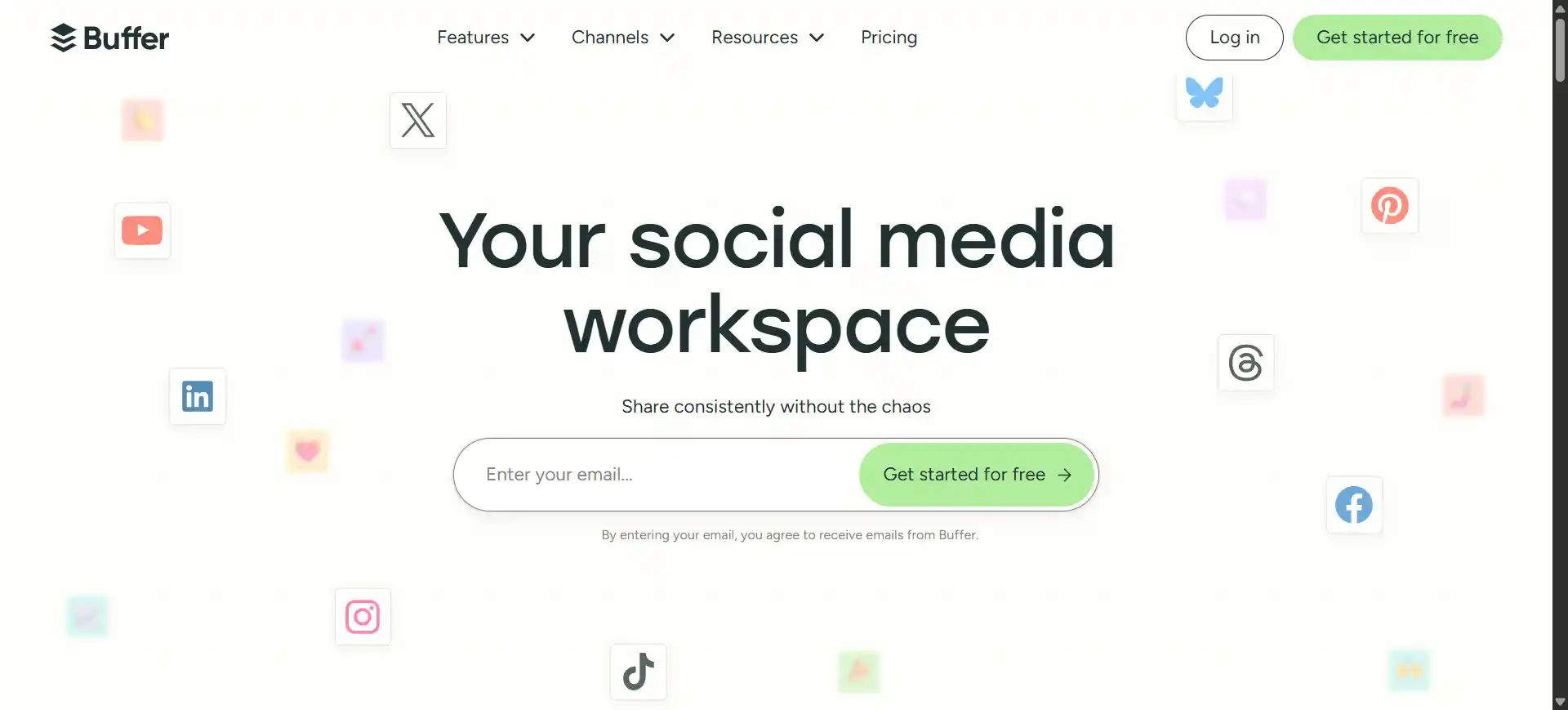
Buffer AI Assistant is a streamlined social media management platform that combines scheduling, analytics, and unlimited AI-powered content generation to help creators maintain consistent posting across Facebook, Instagram, LinkedIn, Twitter, TikTok, YouTube, and Pinterest.
Social media managers can quickly repurpose existing content across platforms, generate multiple caption variations instantly, rewrite posts in different tones without word limits, and identify trending topics to stay relevant — all while managing everything from one dashboard.
Two notable features include unlimited AI content generation on all paid plans, allowing high-volume creation without credit restrictions, and the trend-driven idea generator that scans billions of posts to surface what’s currently popular for timely content inspiration.
Buffer offers a generous free plan with 3 channels and 10 scheduled posts per channel, while the Essentials plan costs $6 monthly per channel (or $5 annually) with unlimited posts and full AI access — making it one of the most affordable options in this list.
Buffer scores 8/10 for social media content creation, delivering strong value with unlimited AI-assisted drafting, intuitive scheduling, and transparent pricing, though more Instagram-specific features could strengthen its visual content planning capabilities.
Best Tools For Video Creation And Editing
Runway — AI-Powered Creative Video Tools
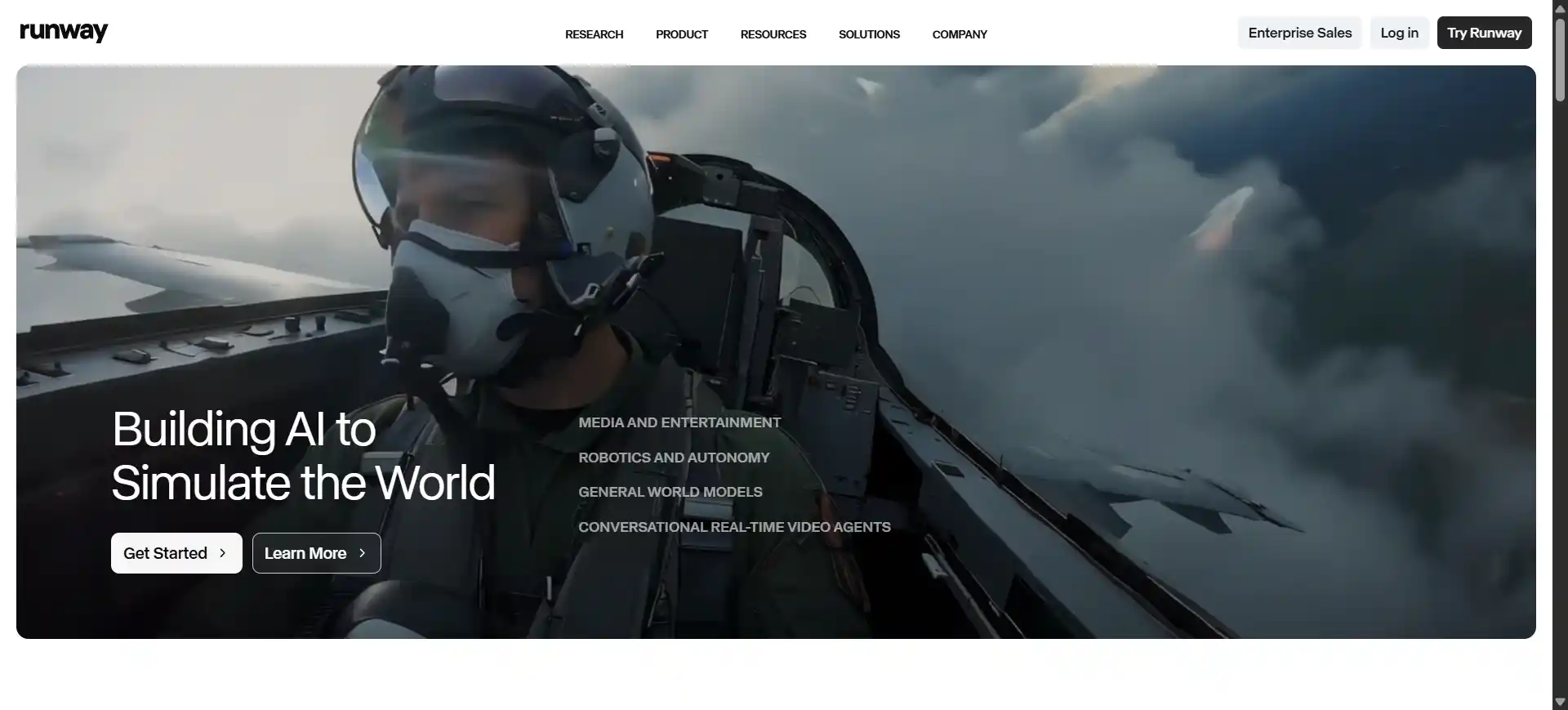
Runway ML is an advanced AI video generation platform featuring Gen-4, Gen-4.5, and the newer Aleph models that transform text prompts, images, or existing footage into cinematic-quality videos, offering tools for text-to-video, image-to-video, motion control, and advanced editing capabilities.
Social media managers can create attention-holding video content from text descriptions, extend clips beyond their original length, remove or add objects to existing videos using AI inpainting, and generate professional-looking motion graphics without traditional video editing skills.
Two standout features include the Multi-Motion Brush for precise control over different elements’ movements within your scene, and Generative Extend which intelligently lengthens video clips by generating additional frames — solving the common short-clip problem for social platforms.
Runway operates on a credit-based freemium model with 125 one-time credits, while the Standard plan costs $12 monthly (625 credits), Pro at $28 monthly (2,250 credits), and Unlimited at $76 monthly for relaxed-rate unlimited video generations. All prices reflect annual billing.
Runway scores 7.5/10 for social content creation, delivering impressive video generation quality and creative flexibility, but the complex credit system, relatively high costs for frequent users, and occasional inconsistent outputs require careful budget management.
Best Tools For AI Media Assets For Social Creatives
Adobe Firefly — Commercial-Safe Generative AI
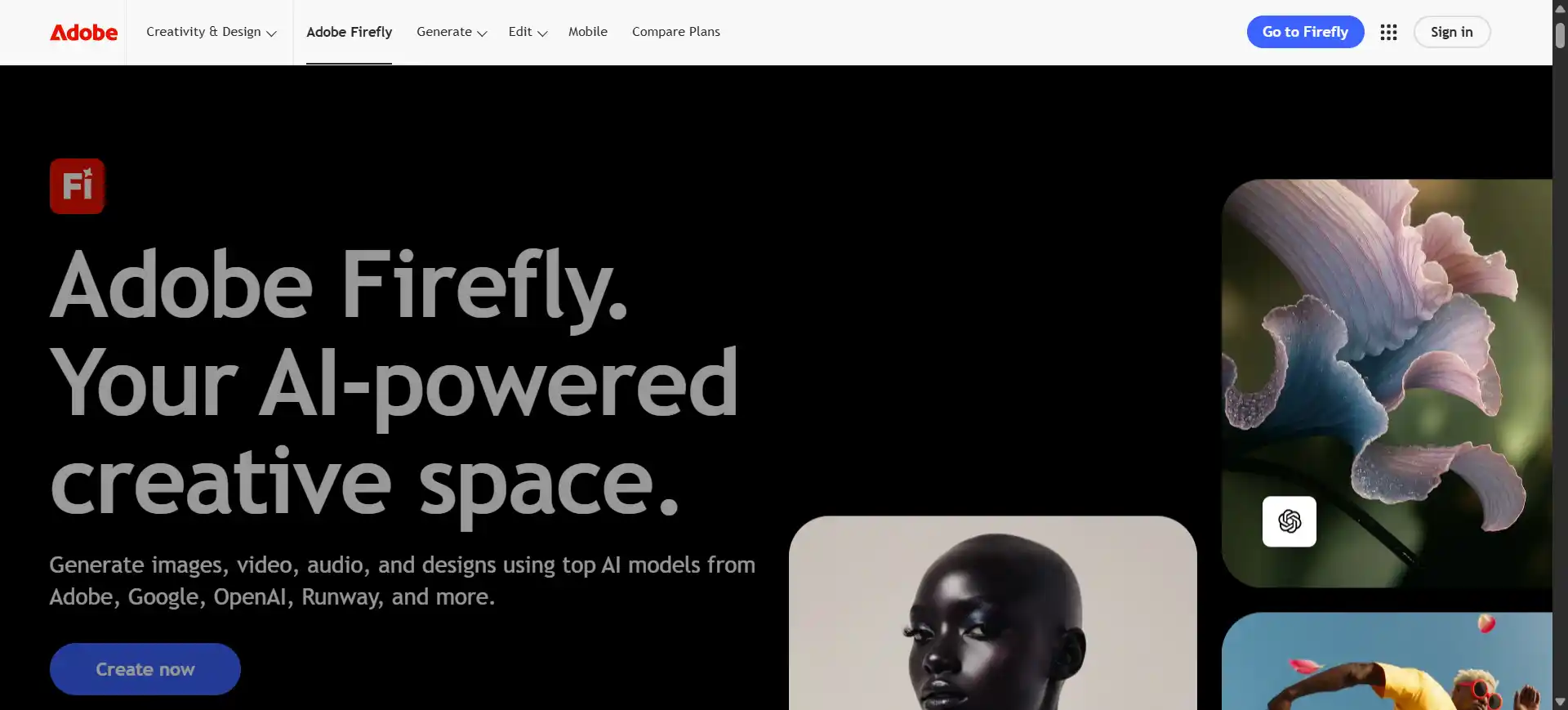
Adobe Firefly is a commercially safe generative AI platform that produces images, vectors, and videos from text prompts while integrating seamlessly with Creative Cloud apps like Photoshop, Illustrator, and Premiere Pro for professional workflows.
Social media managers can rapidly create eye-catching visuals from text descriptions, generate custom graphics without relying on stock photos, produce engaging video clips from images or prompts, and maintain brand consistency across all content — well suited for high-volume posting demands.
Two notable features include the IP-friendly training data that ensures all generated content is commercially safe without legal concerns, and the Text Effects tool that transforms typography into striking visual designs suited for high-impact social media posts. As of early 2025, Firefly subscribers also get unlimited standard image and vector generation, with credits now primarily governing premium video and audio features.
Firefly offers a freemium model with access to standard features, while the Standard plan costs $9.99 monthly with 2,000 generative credits for premium video creation, and the Pro plan at $29.99 monthly offers 7,000 credits for heavier use.
Adobe Firefly scores 8.5/10 for social content creation, offering professional-quality AI image and video generation with legal peace of mind, though the credit system for premium video features and the learning curve for Creative Cloud integration may challenge beginners.
How To Pick Your Desired Tool For Social Media Content Creation?
An actual AI tool for creating social media content must match your actual workflow. Don’t buy based on the flashiest feature demo.
Consider your budget and learning curve. Free tools like Canva or Buffer’s free tier work well for beginners, while established brands might need Hootsuite or a more comprehensive stack. A tool delivers no value if it’s too complicated for your team to actually use daily.
Don’t overlook analytics when choosing your stack. Tools like Sprout Social and Brandwatch use AI to track what content performs best, monitor competitor strategies, and surface audience sentiment — data that directly shapes what you should create next.
Before subscribing, track how long your current content process takes — from ideation to publishing — for one full week. After adopting a new tool, measure the same workflow. If you’re not saving at least 30% of that time, the tool isn’t the right fit.
Test before committing. Most platforms offer free trials — use them. Create real content for your brand and see if the tool actually saves time or just adds extra steps. I’ve seen people buy expensive software then never use it because the interface was confusing.
Check integration with platforms you already use. If you’re on Instagram and TikTok, pick tools that work seamlessly with both. Also read recent reviews — AI tools update constantly, so what worked last year might be outdated now. Pick something that grows with you.
Why You Should Not Use ChatGPT Or Any Other LLM For Social Media Content Creation?
You absolutely should use ChatGPT and other LLMs for social media — but not as your only content creator. The real question you should ask: how do you use them strategically without losing what makes your brand distinct?
The mistake is over-reliance. If you’re copying AI outputs directly, your content blends into everything else on the feed and gets ignored. Research shows AI-generated content often lacks emotional depth and cultural awareness. It misses current memes, trending topics, and the specific references your community connects with.
AI also produces outdated or false information with full confidence. ChatGPT’s training data has a knowledge cutoff, so it might reference old trends or miss recent platform algorithm changes. Brands that post AI-generated tips without checking recency risk sharing outdated advice — which erodes audience trust fast.
Each platform also rewards different content formats and posting patterns. Instagram’s algorithm prioritizes Reels and carousel engagement, TikTok favors watch-time and completion rate, and LinkedIn amplifies long-form posts with early comments. No single LLM accounts for all of these signals, so pair your AI drafts with platform-specific performance data.
Here’s the smart approach: use AI to get past the blank page, generate initial drafts, and speed up research. Then heavily edit with your brand voice, current trends, and real customer stories. AI handles the repetitive work while you focus on strategy and authenticity.
What Are The Most Common Mistakes To Avoid When Using AI For Social Media?
If you’re using AI for creating social media content, do not lose your real voice, always verify facts, and avoid posting AI drafts without editing them first.
Do not over-automate — it makes your brand feel hollow. Research consistently shows that 86% of consumers say authenticity matters when choosing brands to support (per Stackla’s Consumer Content Report, with a follow-up study putting that figure at 90%). When everything sounds formulaic, followers disengage.
AI fabricates information regularly. Depending on the model and the task, error rates can range from under 3% for simple summaries to over 30% for obscure factual questions, according to benchmarks including Vectara’s Hallucination Leaderboard and OpenAI’s own SimpleQA tests. Always verify what AI writes before posting.
Each platform needs different content styles. What works on LinkedIn won’t work on TikTok. AI doesn’t grasp these differences automatically. If you are a smart creator, use AI as a starting point, not a finished product.
Stay ahead of disclosure requirements too. The EU AI Act and updated FTC guidance increasingly expect brands to label AI-generated or AI-assisted content. Build a clear disclosure policy now so your audience trusts your transparency.
Let AI create first drafts and surface ideas, then add your personal touch and current trends. This approach saves time while keeping your content human and engaging.
Will Using AI-Generated Content Make My Brand Feel “Robotic” Or Less Authentic?
No, using AI won’t make your brand robotic if you edit it properly and add your personality. The flat, mechanical feel only happens when you copy-paste without adding your own voice and real experiences.
The problem is lazy usage. I saw a coffee shop post “Elevate your morning ritual with artisanal beverages” — generic AI copy that says nothing. Their competitor wrote “Our new cold brew tastes like childhood summer mornings” with a real photo. Far more effective.
Compare these: Generic AI says “We’re excited to announce our new product!” You should say “We spent 6 months testing this because the first version was terrible — now it’s actually good.” One’s a press release, the other’s a person talking.
Use AI to draft ideas, then rewrite like you’re texting your best customer. Add your humor, real stories, and references your community actually recognizes. That’s how you stay authentic while working faster.
